 DongDong Park
Webcams and the browser: motion games without special hardware
Updated
Motion games always had a catch: you needed special hardware, whether a light gun, a floor mat, a motion controller or a depth camera. From 2014 on, computer-vision research taught programs to find people and their poses in an ordinary color picture. Add computers and phones fast enough to do it and browsers that can open the camera, and for the first time motion games needed no special device at all.
Before: cameras could only see where something moved
Ordinary cameras were used in games early on (see EyeToy in 2003), but they mostly compared two frames to see which pixels had changed. That was enough for “swat the flying thing,” but couldn’t tell a hand from a head, let alone whether someone had squatted or jumped. The Video Sensing extension in Scratch 3 (2019) works the same way (see Make a motion game in Scratch).
To recognize the whole body, the 2010 Kinect took a different road: a depth camera that measures distance (see Kinect). It worked well, but you had to buy special hardware.
2014–2017: finding body poses in photos
- 2014: Google researchers published DeepPose, which used a deep neural network to estimate body pose from ordinary photos, an early landmark in this field.
- 2017: Carnegie Mellon researchers published a method that estimates the poses of several people in a picture in real time. Open-sourced as OpenPose, it was taken up by a great many research projects and applications.
These methods share one idea: train a network on huge numbers of photos in which body parts have been labeled, and it can then find the head, shoulders, hands and feet in a new picture. Connect them, and you know the pose.
After that: fast enough, open in a browser, nothing to install
- Fast enough. As these programs got smaller, an ordinary laptop or phone could recognize poses dozens of times a second, quick enough to keep up with a moving person.
- Open in a browser. A browser can ask to use the camera (it asks your permission first), so a web page can see the picture.
- Nothing to install. Open the address and play, with no download, so school computer labs and classroom computers can use it too.
- The picture can stay on the computer. Recognition happens on the device, so the camera picture never has to be sent to a server, which matters a great deal for children’s privacy.
In the same years, smart TVs, fitness mirrors and phone fitness apps also started using a camera to recognize movement, and schools keep finding uses for motion games in PE (see Motion games in schools).
Compared with motion consoles
| Motion console | Computer webcam + browser | |
|---|---|---|
| What you buy | A console, controllers or motion add-ons, and games | A computer with a camera (most people already have one) |
| Something to hold? | Usually a controller | No |
| Best at | Fine, fast hand movements; polished graphics | Whole-body moves: running, jumping, squatting, holding poses |
| Watch out for | Wear the wrist strap so the controller can’t fly off | Good light, and stand back so the camera sees your whole body |
Want to try it? All of DongDong Park’s games open in a web page, in Chrome or Edge on a computer with a webcam, and camera images stay on that computer. Start with Shape Wall, Animal Moves or Jump Rope Champ; you can play two rounds before signing in. Setting up takes five minutes: see Setup. Not sure whether a webcam or a console suits your family? See Webcam motion games or a game console.
More in “The history of motion games, from light guns to webcams”
- The history of motion games, from light guns to webcams (overview)
- What was the first motion game?
- Before the Wii: balance boards, mats, gloves and dance pads (1982–2004)
- EyeToy (2003): the camera comes to the living room
- The Wii (2006): motion controls for the whole family
- Kinect (2010): nothing to hold, and why it was discontinued
- PlayStation Move, Switch and Ring Fit: motion games turn to fitness
- Motion games in VR: from room-scale tracking to Beat Saber
- Motion games in schools: from DDR in PE class to today
- Why did motion gaming fade, and where did it go?
Games mentioned here
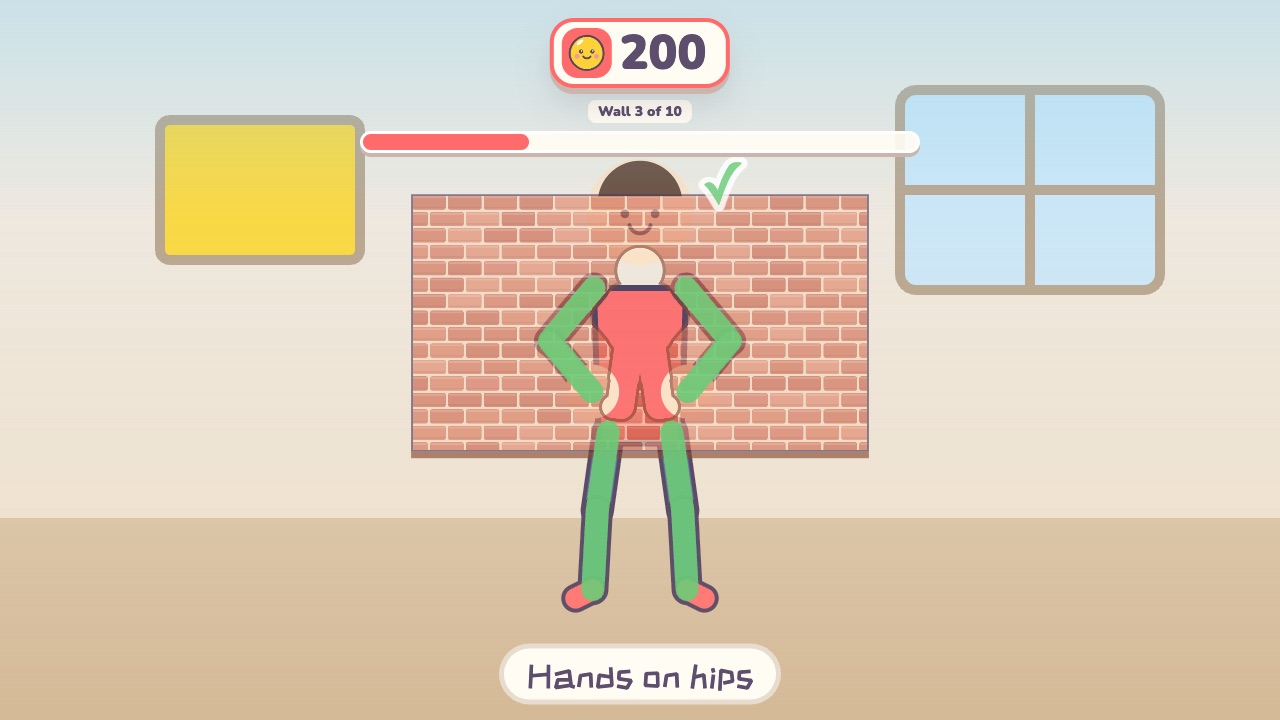 Shape WallMake the same shape as the hole in the wallAges 4–12 · Moderate activity · Whole body / Thinking
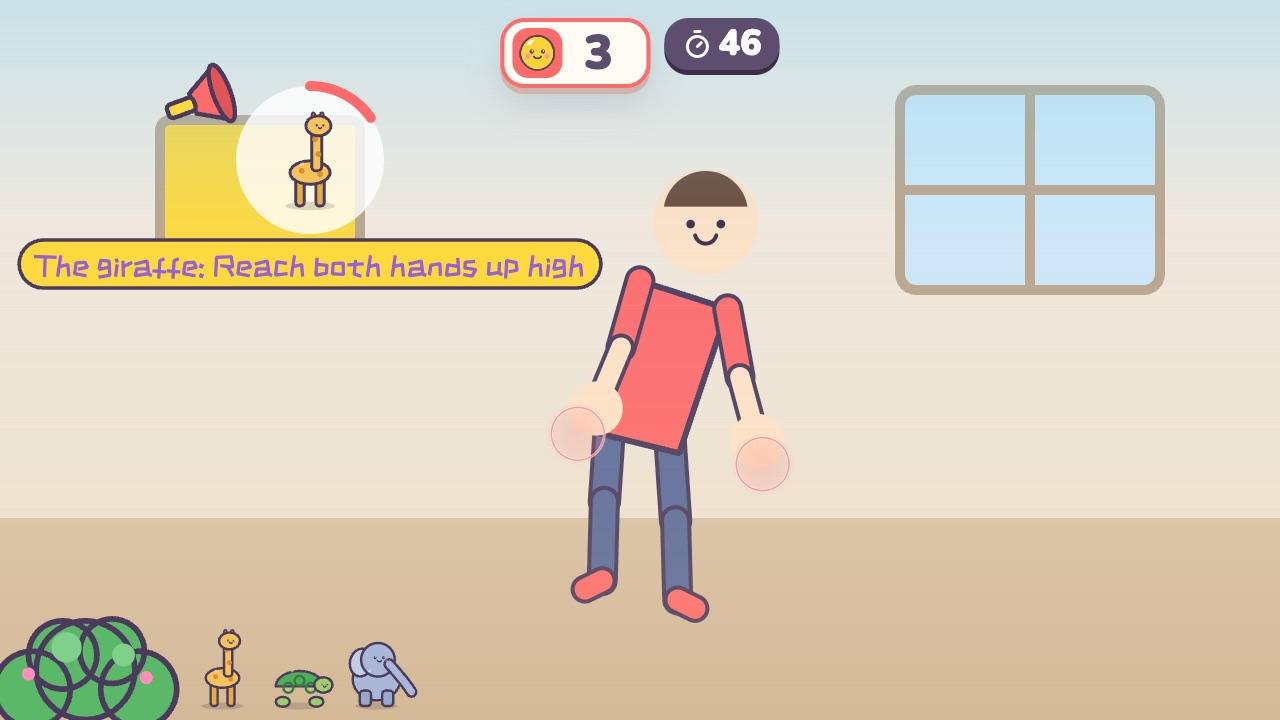 Animal MovesDo the move of whichever animal gets calledAges 3–8 · Moderate activity · Whole body
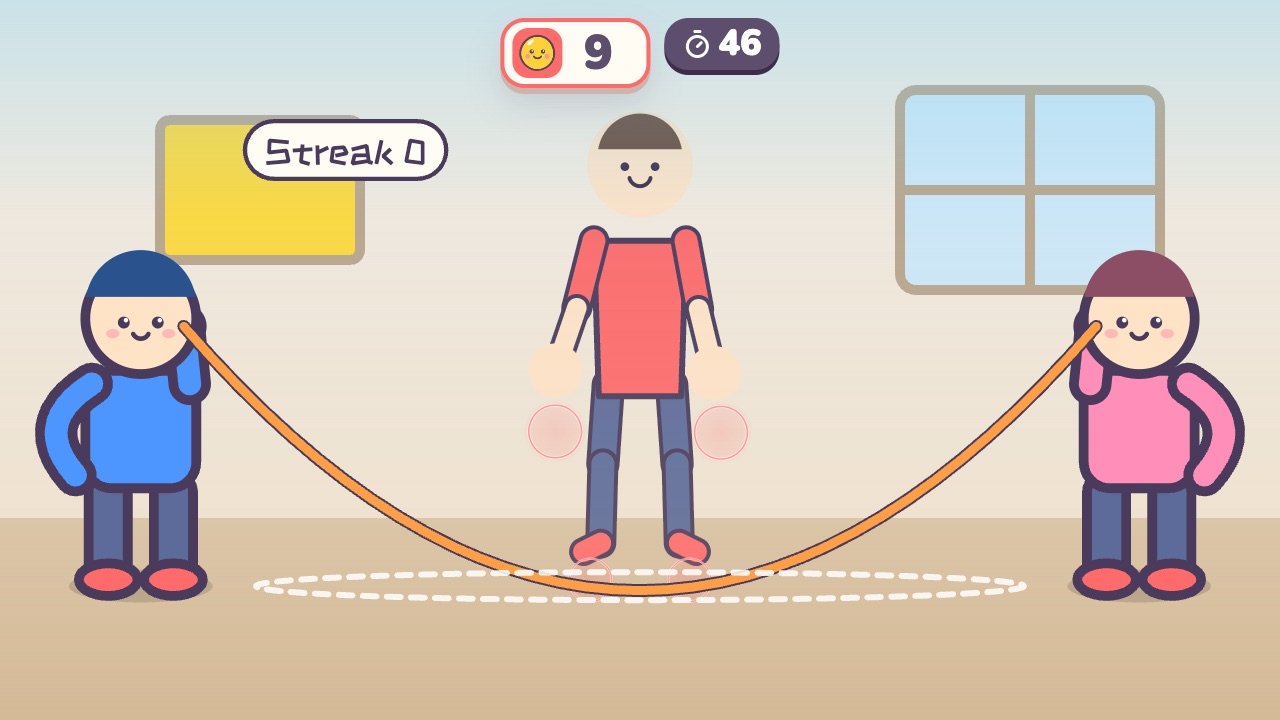 Jump Rope ChampJump when the rope sweeps under your feet. The longer your streak, the faster the ropeAges 6–14 · High activity · Run & jump / Fitness / Rhythm
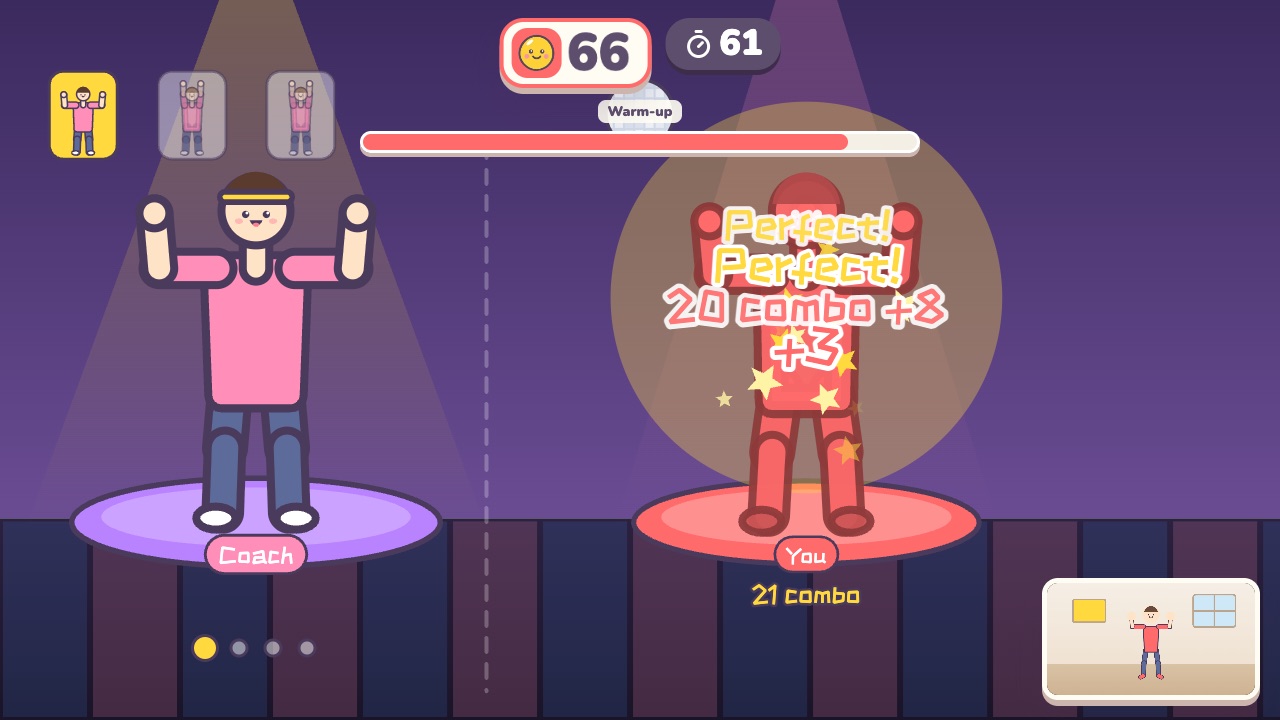 Dance AlongDance with the coach. Every beat is scored on how well you match the moveAges 12–18 · High activity · Rhythm / Whole body
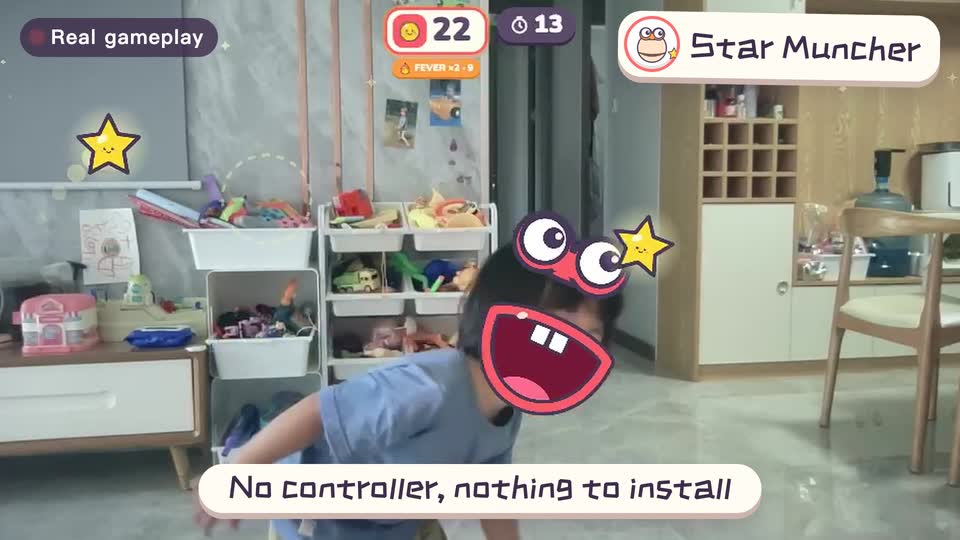
Real footage · 14 s
Kids stand in front of the computer and just move
100+ motion games for ages 3 to 18. Open the website and play: nothing to install, and the camera picture stays on this computer.
Sources
- DeepPose: Human Pose Estimation via Deep Neural Networks. Toshev and Szegedy (Google), CVPR 2014. An early landmark in estimating human pose from photos with deep neural networks
- Realtime Multi-Person 2D Pose Estimation Using Part Affinity Fields. Cao, Simon, Wei and Sheikh (Carnegie Mellon University), CVPR 2017. Real-time pose estimation for several people in one picture; later open-sourced as OpenPose
- MIT Media Lab Introduces Scratch 3.0. MIT News. January 8, 2019; Scratch 3.0 was released on January 2, 2019 by the Media Lab’s Lifelong Kindergarten group
- Source code of Scratch’s Video Sensing extension (scratch3_video_sensing). Scratch Foundation. Block descriptions and comments on the algorithm