 DongDong Park
What is a motion game?
Updated
A motion game is a video game you play by moving your body instead of pressing buttons. You wave, jump, squat, turn or shift your weight; a sensor or a camera picks up the movement; and the game answers right away with pictures and sound. Put simply, it is motion-sensing technology (technology that detects how a body moves) combined with a video game.
Three parts: sense, judge, respond
- Sense. Sensors (accelerometers, gyroscopes, pressure sensors, infrared) or a camera turn the body’s movement into data.
- Judge. The program uses that data to work out which move you made, whether it was the right one and how fast it was.
- Respond. The picture, the sound and the score answer at once, and the player sees the result and adjusts the next move.
The three steps form a loop: move, get feedback, move again. The faster and more accurate the loop, the more it feels as if your body is controlling the game directly. Motion devices from different decades differ mainly in step one, how they sense movement: from light guns and dance mats to accelerometers inside handheld controllers, and now to cameras that need nothing in your hands. How motion games work goes through each one.
Teaching computing? Input, processing, output and feedback are all easy to see in a motion game: the move is the input, the judging is the processing, the picture and sound are the output, and the player reacting to the score is feedback. Students can build a small one themselves in Scratch with Video Sensing.
Motion games, exergames, active video games: one idea, several names
English has no single word for these games, so you will meet several names, each looking at them from a different side:
- Motion games, motion-controlled games and motion-sensing games describe how you play: with movement.
- Exergames (exercise + games) and active video games describe what playing does: it is physical activity. These two are the terms researchers use most.
- Somatosensory games and body-sensing games are literal translations of the Chinese and Japanese word for them, 体感 (Japanese taikan, “body sensation”). You will see them in papers and product listings translated from Chinese.
The Japanese word goes back to the arcades. In a December 1985 advertisement for Space Harrier, Sega already called it a taikan shooter, a shooting game “you feel with your body”. In 1986, launching the driving game Out Run, Sega publicly called this kind of big cabinet a taikan game, and Hang-On (1985), the motorbike you lean over to steer, was later counted as the first. In the 1980s the word meant cabinets that moved and that you sat on; today it means games where a device senses how you move. What was the first motion game? tells the whole story.
How motion games differ from ordinary video games
| Controller, keyboard or touchscreen games | Motion games | |
|---|---|---|
| How you control it | Fingers press buttons, push sticks, tap the screen | Arm or whole-body movement |
| Physical activity | Mostly sitting | Standing, running, jumping, squatting, turning. Studies of whole-body games (dancing, boxing, running and jumping) measured light to moderate intensity, higher in older kids |
| Space | A desk and a chair | A patch of clear floor in front of the screen |
| Learning to play | You learn the buttons first | The movement is the control, so young kids get it after one look |
| Playing together | Everyone holds their own controller; onlookers watch the screen | Everyone can see the moves, so a family or a whole class can take turns |
| Downsides | Long sitting, lots of screen time | Less precise than a controller; needs space; tiring after a while |
How much exercise it really is, and whether it is good for kids: see what the research says about motion games.
What do you need to play?
A motion game isn’t one particular device; it is a kind of game. There are four common ways to play:
- A console with motion controllers or accessories. The controllers have accelerometers and gyroscopes inside; some games add a dance mat, a balance board or a fitness ring.
- A console or computer with a camera. A depth camera or an ordinary webcam watches you, and you hold nothing.
- A VR headset. You wear the headset, hold two controllers, and swing, dodge and duck in a virtual world.
- A phone or tablet. You tilt or shake it, or play in front of its front camera.
You don’t need a console any more: a computer with a webcam can run motion games in a web page. That is how DongDong Park works. Open it in Chrome or Edge, step back until the camera sees you from head to toe, and play. The setup guide covers where to put the camera and how far to stand, and webcam motion games vs a motion console helps you choose between the options.
Motion games, exergames, fitness games and VR games: how they’re grouped
- Motion games are grouped by how you control them: anything you play with body movement counts.
- Exergames are grouped by purpose: playing is itself the exercise, as in dancing, boxing or jump rope.
- Fitness games are exergames designed for working out, with training plans, rep counts and heart-rate cues.
- VR games are grouped by display: you wear a headset and step into a virtual world. Many VR games are motion games too.
More terms are in the motion gaming glossary, and the difference from VR and AR is laid out in motion games vs VR vs AR.
What age are motion games for?
Any child who understands “jump”, “squat” and “hands up” can play. From about age 3, pick games with simple rules and spoken prompts, such as Red Light, Green Light and Bubble Pop. School-age kids can add jump rope, ball games and thinking games, and teens can take on fitness training and dance routines. Games picked by age: ages 3 to 6, ages 6 to 12, ages 12 to 18.
You can play two rounds without signing in: pick a game →
In this series
- Types of motion games, with examples
- How motion games work: from light guns to webcams
- Motion games, VR and AR: what’s the difference?
- How much space do motion games need, and how far back should you stand?
- Motion gaming glossary
Games mentioned here
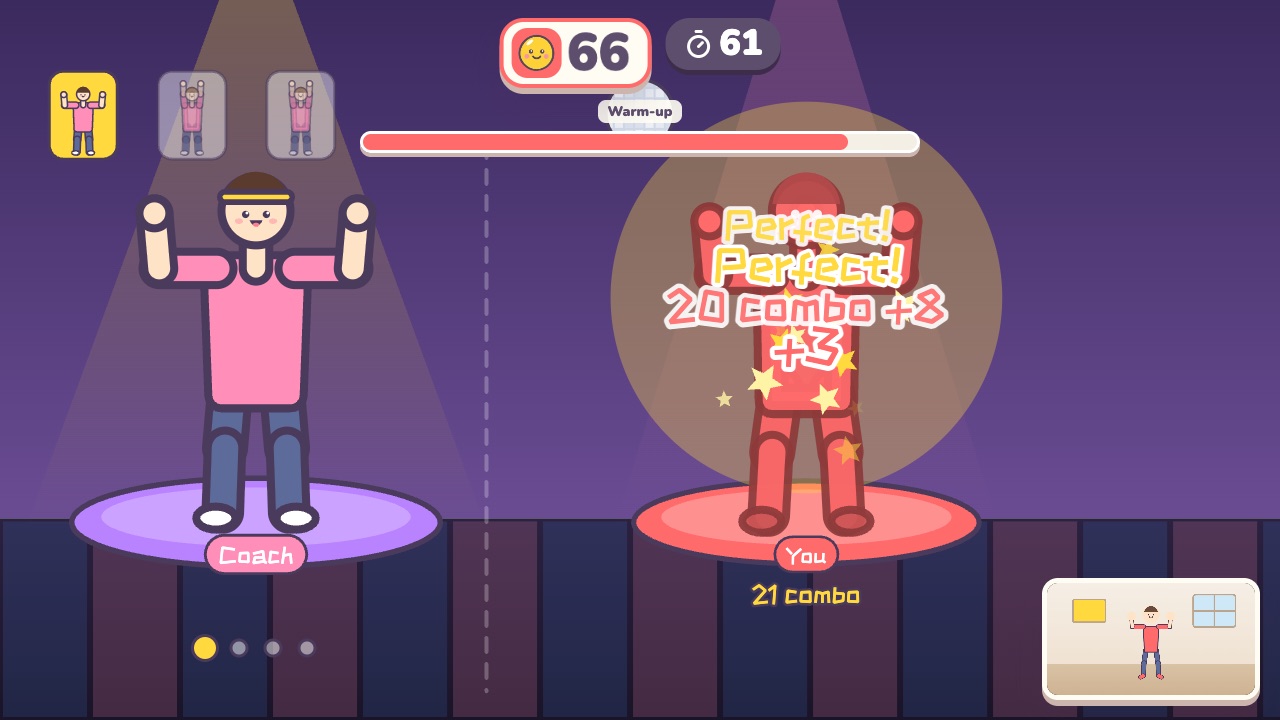 Dance AlongDance with the coach. Every beat is scored on how well you match the moveAges 12–18 · High activity · Rhythm / Whole body
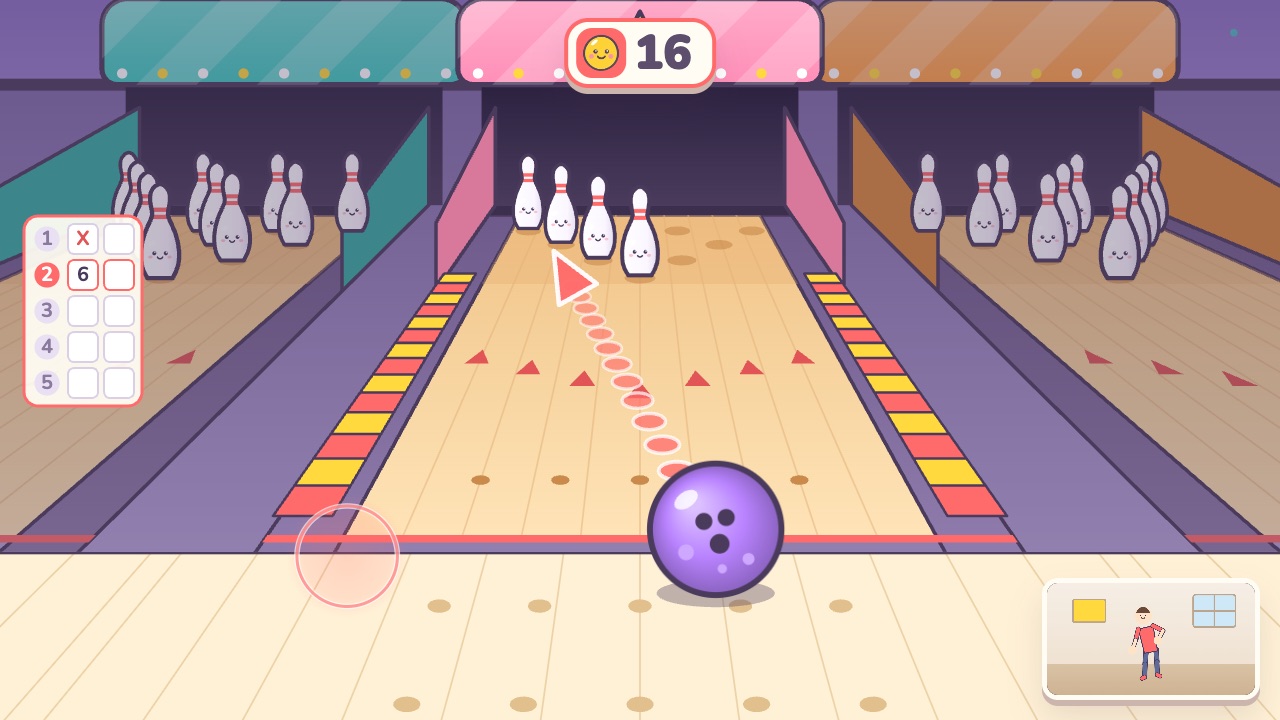 BowlingSwing your arm back and fling the ball forward. Lean your body to aimAges 5–14 · Moderate activity · Hands
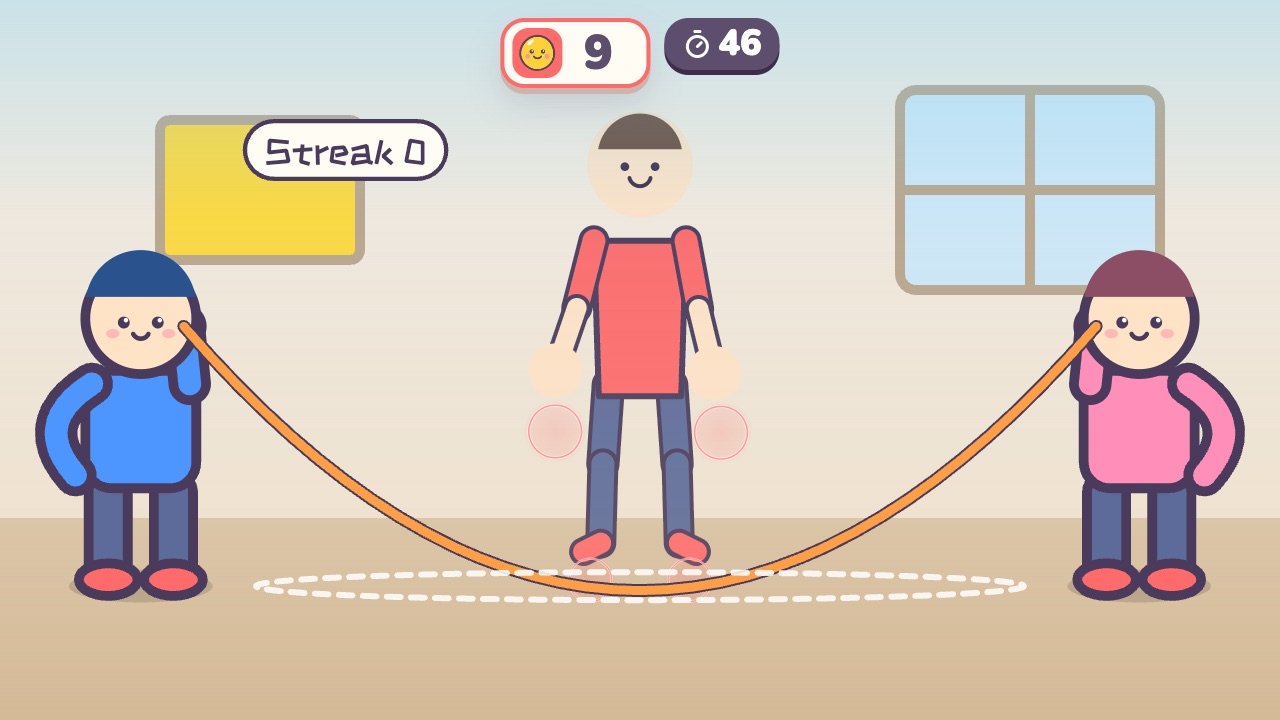 Jump Rope ChampJump when the rope sweeps under your feet. The longer your streak, the faster the ropeAges 6–14 · High activity · Run & jump / Fitness / Rhythm
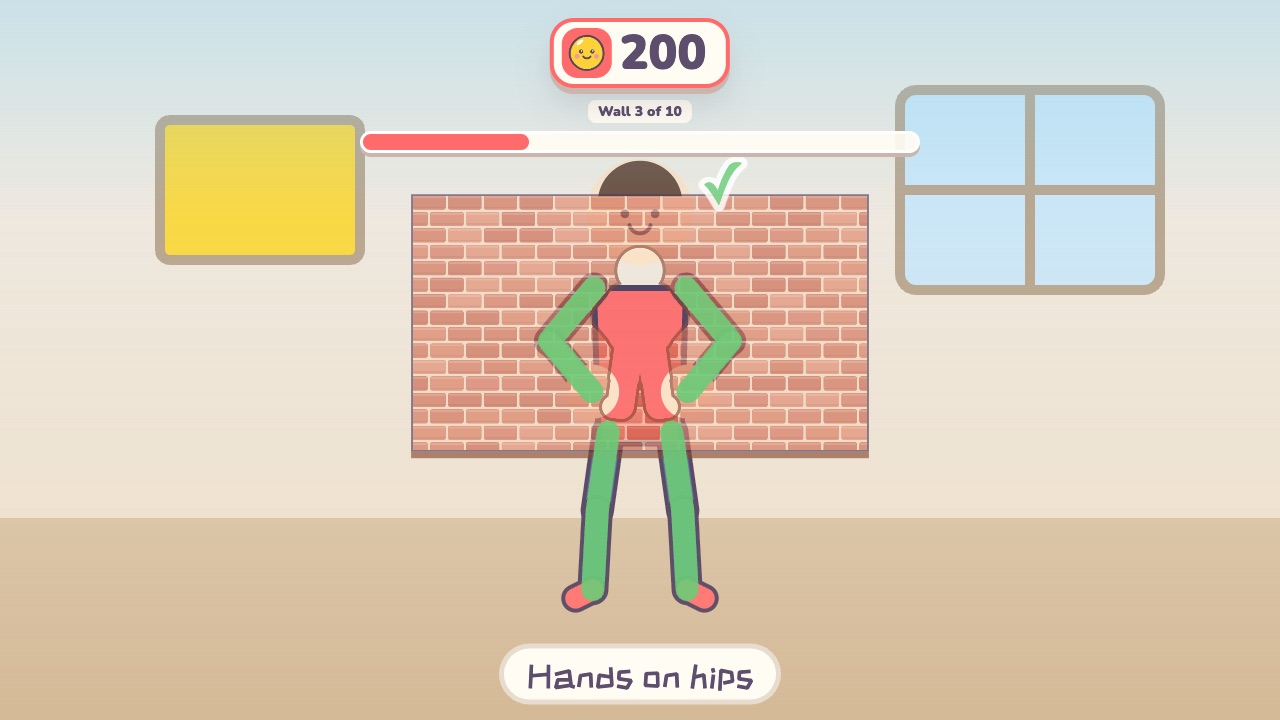 Shape WallMake the same shape as the hole in the wallAges 4–12 · Moderate activity · Whole body / Thinking
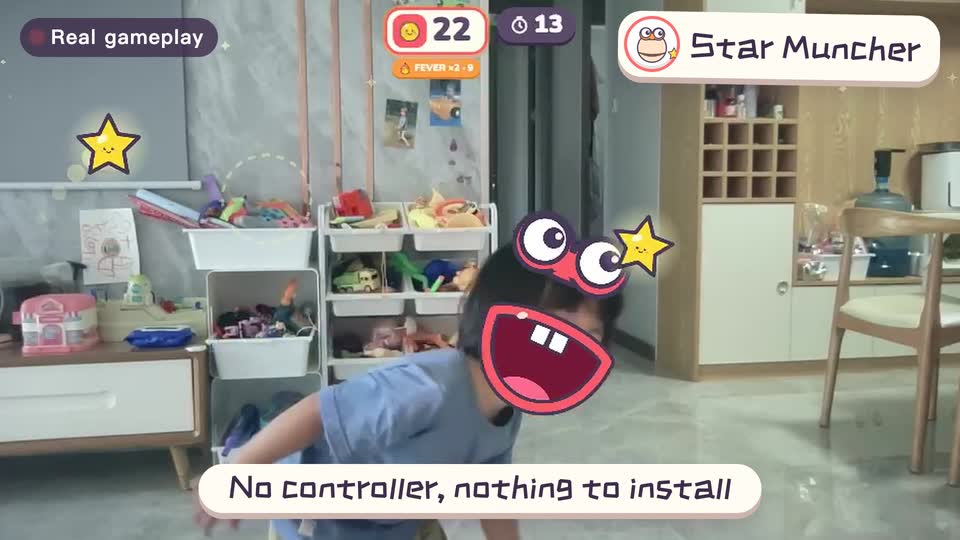
Real footage · 14 s
Kids stand in front of the computer and just move
100+ motion games for ages 3 to 18. Open the website and play: nothing to install, and the camera picture stays on this computer.