 DongDong Park
111 motion games kids play with a webcam
For ages 3 to 18. Kids stand in front of a computer or projector and jump, run, wave and squat, and the character on screen moves with them. It opens in the browser, with no controller and nothing to install.
Try two rounds without signing in · the Free plan stays free · pricing
How it works
- 1Open the siteUse a computer with a camera. A laptop’s built-in webcam is enough. For a whole class, plug into a projector or a TV.
- 2Step backStand 7 to 10 feet (2 to 3 m) from the camera so it sees you from head to toe. First time? Run the one-minute device check for camera, light and standing spot.
- 3MoveJump, run, wave, squat. The character on screen copies you, and a friendly voice tells kids what to do, so even non-readers can play.
Popular games
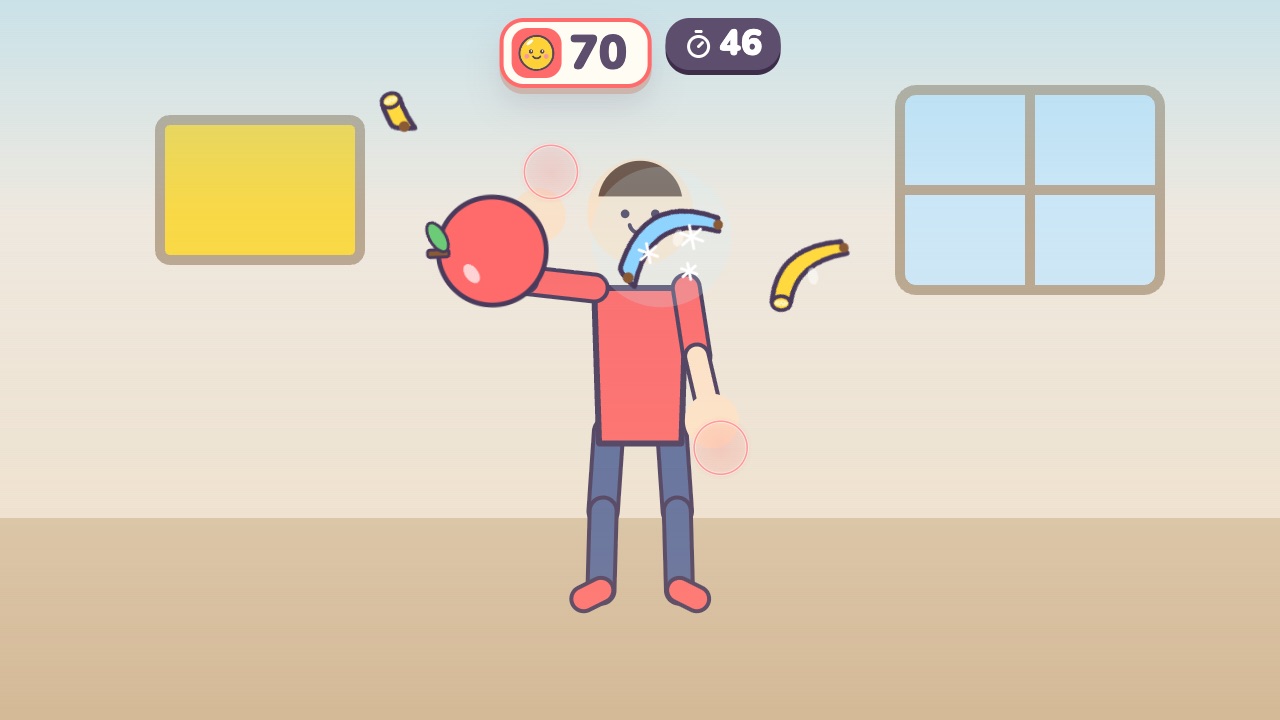 Fruit SlashSwing your hand to slice the flying fruit, and stay away from the bombsAges 6–14 · Moderate activity · Hands
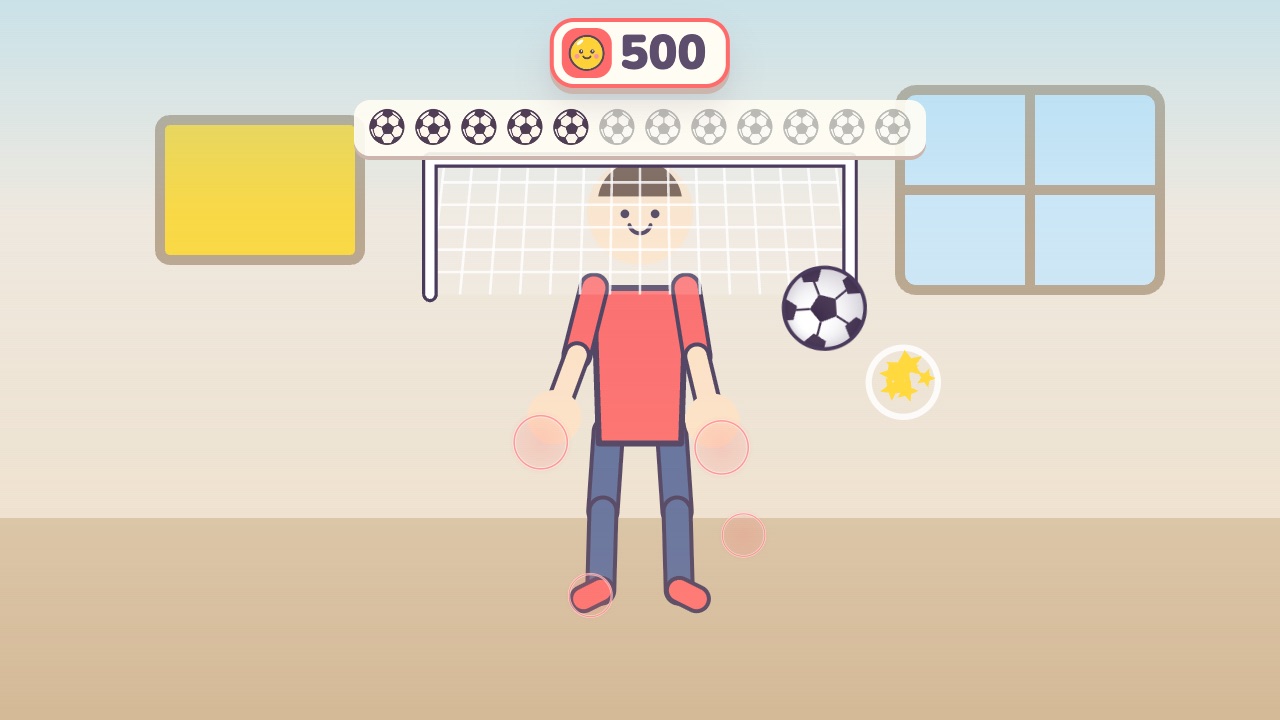 Soccer KickUse your feet, knees and head to send the ball into the goalAges 4–10 · High activity · Run & jump / Whole body
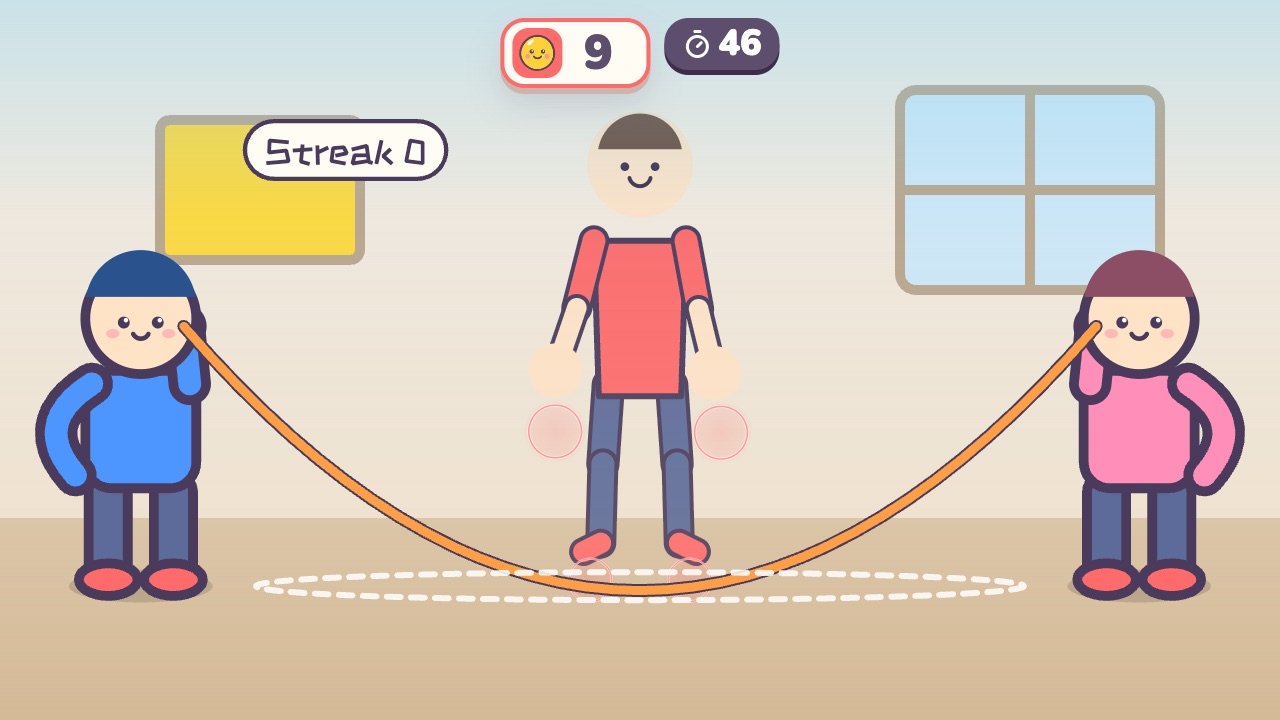 Jump Rope ChampJump when the rope sweeps under your feet. The longer your streak, the faster the ropeAges 6–14 · High activity · Run & jump / Fitness / Rhythm
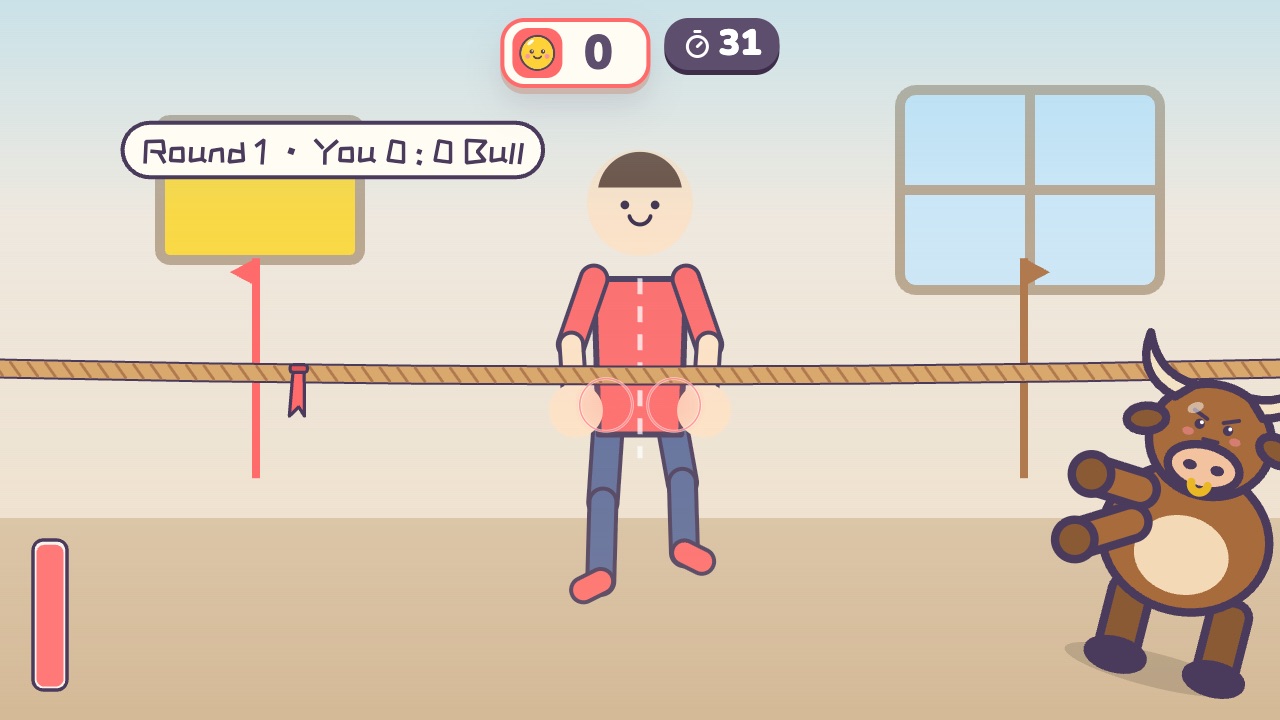 Tug of WarPull the rope back hard until the red flag crosses your lineAges 4–16 · High activity · Versus / Fitness / Hands
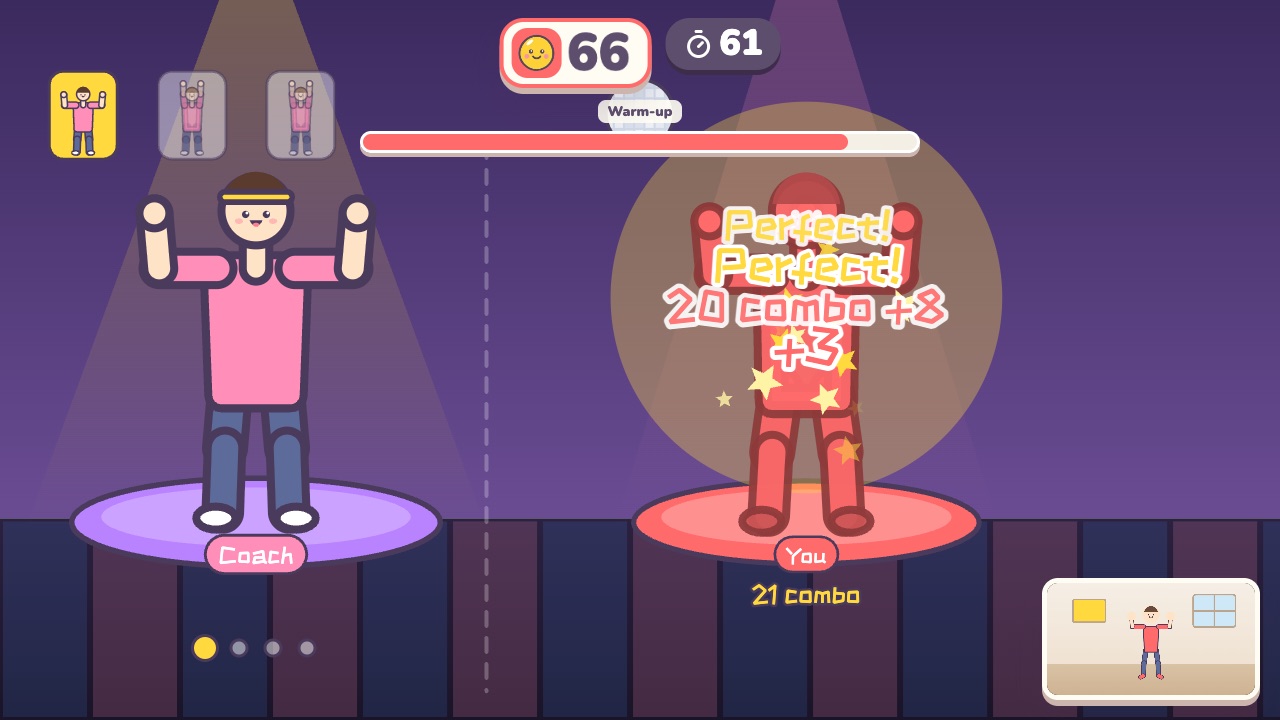 Dance AlongDance with the coach. Every beat is scored on how well you match the moveAges 12–18 · High activity · Rhythm / Whole body
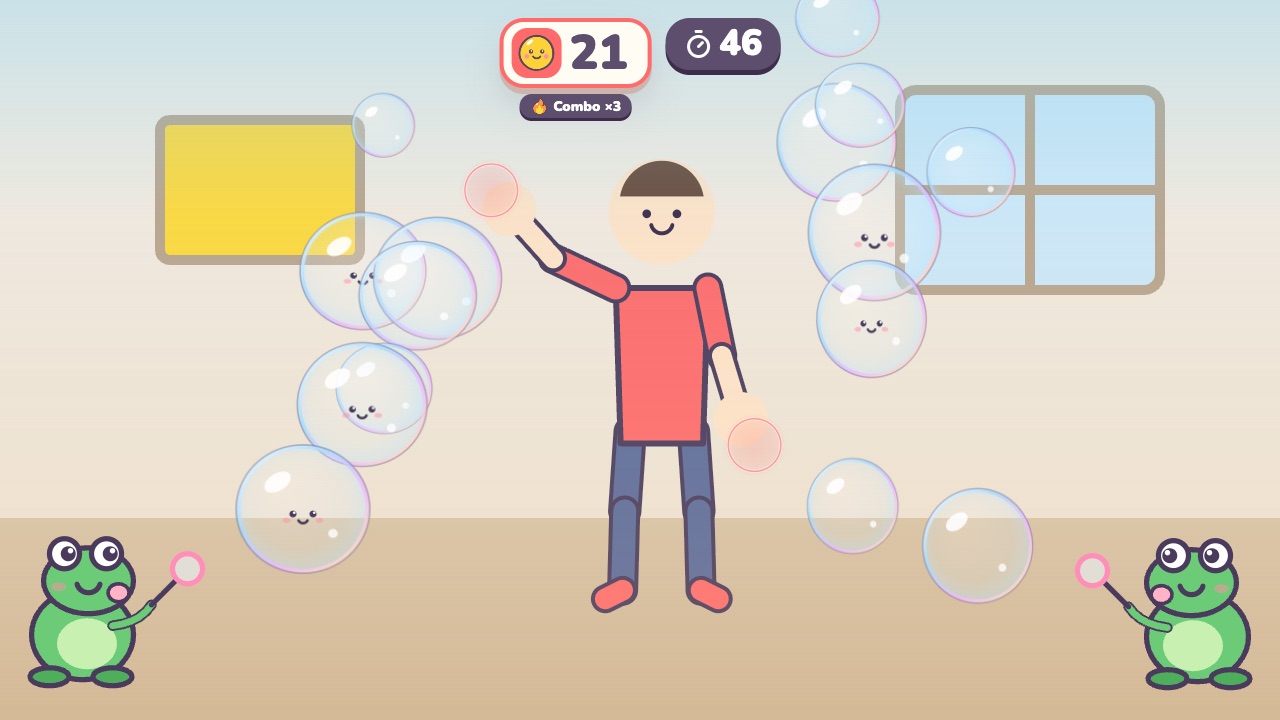 Bubble PopPop the bubbles floating toward youAges 3–7 · Light activity · Hands / Calm
This week’s leaderboard
🏠 FamiliesPlaying at home · stars this week
- Finding out who has the most stars…
🏫 ClassesA whole class with the teacher · stars this week
- Finding out who has the most stars…
Ranked by account: only nicknames and avatars are shown, never children’s names. Everyone who plays is on the same boards, and they update as soon as a round ends.
Game rankings
🔥 Most popularPlayed by the most kids
- Counting…
⭐ Easiest starsMost 3-star first tries
- Counting…
💪 Most challengingFewest players reach 3 stars
- Counting…
🔁 Play it againMost rounds per player
- Counting…
🤝 Best for twoMost played as a two-player match
- Counting…
Based on everyone’s real results. Click a game to see how it’s played.
Who it’s for
- Teachers
- Indoor PE, rainy-day recess and two-minute brain breaks without any equipment.
- Project it on the board: kids take turns from the class roster, and everyone sees the score.
- Rounds are short (most are 45 to 60 seconds), so a whole class gets a turn.
- Parents
- Screen time that gets kids off the couch on days they can’t play outside.
- Two kids can play side by side, against each other or as a team.
- Daily streaks, stickers and medals give them a reason to come back and move tomorrow.
Private by design
- Camera images stay on your computerMovement is recognized on the device, and nothing is uploaded automatically.
- Accounts are for grown-upsKids never sign up. They play under a nickname that stays on your device.
- No adsNothing on screen is trying to sell your kids anything.
Questions
- Is it free? Do I need to install anything?
- You can try two rounds without signing in, and there is nothing to install. After a grown-up creates a free account, kids can play every day on the Free plan, which has a daily number of rounds. Membership removes the limit; plans and prices are on the pricing page.
- What do I need?
- A computer with a camera (a laptop’s built-in webcam works) and a recent version of Chrome or Edge. For a group, connect a projector or TV so everyone can see. A few games also use the microphone.
- Are the camera images uploaded?
- No. Movement is recognized on your own computer and the images never reach our servers. Each round keeps a short replay in the browser’s memory for the results screen; it is gone when you leave unless you save it to your own computer. The only pictures that ever leave your computer are ones a signed-in adult chooses to upload, such as an account photo.
- What ages is it for?
- Ages 3 to 18. Every game lists its age range, and there are three age groups (preschool, elementary and teens), each with three difficulty levels.
- Does it work on a phone or tablet?
- It opens, but small screens and close-up front cameras make it hard to fit a whole body in view. A computer connected to a bigger screen works best.
Ready to move?
Open it on a computer with a camera, step back, and start with a demo if you like.