 DongDong Park
How motion games work: from light guns to webcams
Updated
Every motion game runs the same loop: a sensor turns movement into data, a program works out what the move was, and the picture and sound respond. Devices differ mainly in the first step, how they sense movement, and over more than 40 years six main ways of doing it have appeared.
The loop in one picture
- 1. Sense (input)Sensors or a camera turn movement into data
- 2. Judge (processing)The program works out the move and how well it was done
- 3. Respond (output)Picture, sound and score answer at once
The player sees the response and adjusts the next move, which takes the loop back to step 1. The faster it goes round (the lower the delay) and the more accurate the judging, the more it feels as if your body is controlling the game directly.
Six ways to sense movement
| Method | What it senses | Do you hold anything? | Examples |
|---|---|---|---|
| Light sensing | Where on the screen the gun points | A light gun | 1980s light-gun duck-hunting games |
| Pressure sensing | Which panel you stepped on, which way your weight leans | You stand on a mat or board | Dance mats, balance boards |
| Inertial sensors | How a controller speeds up and turns | Hold it or strap it to a leg | Motion controllers, phones |
| Light-point tracking | Where one bright point is | A controller | Infrared pointers, glowing-ball controllers |
| Depth camera | How far away every point in the picture is | Nothing | Kinect (2010) |
| Ordinary camera + recognition software | The person in the picture and their pose | Nothing | Webcam motion games on computers and TVs |
1. Light sensing: the light gun
There is a light sensor inside the barrel. The moment you pull the trigger, the game flashes the screen (for example, it draws the target as a white block and turns everything else black). If the gun is aimed at the target, the sensor “sees” the light, and the game knows you hit it. It only knows whether you were aiming at the right spot, not how you move.
2. Pressure sensing: mats and balance boards
Each square of a dance mat has a switch underneath that closes when you step on it. A balance board has a weight sensor in each of its four corners, and comparing the four readings shows which way your weight leans. Both sense your feet; neither knows what your upper body is doing.
3. Inertial sensors: accelerometers and gyroscopes
An accelerometer measures which way the controller is accelerating (and can also tell which way is down); a gyroscope measures how fast and how far it turns. The same sensors make a phone screen rotate and a step counter count steps. Held in the hand or strapped to a leg, they pick up swings, flicks and turns, but they only know how that one controller moves, not the pose of the whole body.
4. Light-point tracking: infrared and glowing balls
Here a camera follows a point of light that is easy to find. Some systems put an infrared camera inside the controller, aimed at a row of infrared lights by the TV, and work out where on the screen the controller points. Others do it the other way round: a glowing ball on top of the controller, tracked by a camera on the TV. Inertial sensors are often added for more precise pointing.
5. Depth cameras
An ordinary camera records color; a depth camera also measures how far away each point in the picture is. Some project an invisible pattern of infrared dots into the room and look at how the pattern bends; others time how long light takes to fly out and bounce back. Once distance is known, the person is easy to separate from the background, and software then estimates where the head, hands, feet and joints are. That is how Kinect, in 2010, made “nothing in your hands” work.
6. Ordinary cameras + recognition software
Early camera games only watched for change in the picture: wave a hand over one area and that area’s pixels change, so the game decides you touched it. From the 2010s, computer vision research let programs recognize a person directly in an ordinary color picture, along with where the head, shoulders, hands and feet are, so a regular webcam could run full-body motion games too. Webcam motion games on computers and TVs belong here, DongDong Park included. They need decent light and distance: in a dark room, with a bright window behind you, or standing too close to fit in the picture, recognition suffers.
Why some are accurate and others aren’t
- How much they can see. A controller only knows how it moves itself. A camera sees the whole body, but not the parts that are hidden.
- Delay. The time from your move to a reaction on screen. The shorter it is, the more responsive it feels.
- Surroundings. Cameras struggle with darkness and backlight, infrared struggles in direct sunlight, and standing too close cuts you out of the picture.
- The move itself. Big, clear moves are easiest to recognize. Very fast, very small moves close to the body are hard for any device.
Where to put a camera and how far to stand: see how much space motion games need and the setup guide. The one-minute device check tests your camera, light and standing spot, and how a webcam recognizes kids’ moves explains what playing with an ordinary camera is like.
More in “What is a motion game?”
- What is a motion game? (overview)
- Types of motion games, with examples
- Motion games, VR and AR: what’s the difference?
- How much space do motion games need, and how far back should you stand?
- Motion gaming glossary
Games mentioned here
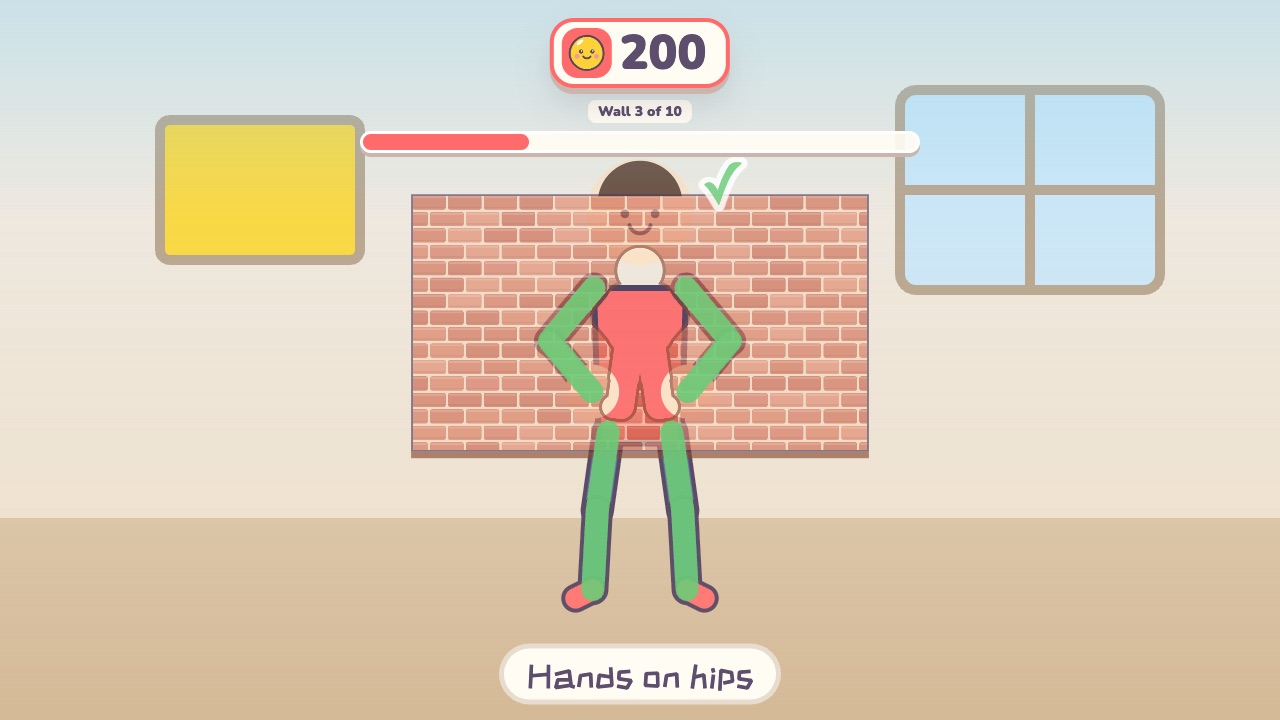 Shape WallMake the same shape as the hole in the wallAges 4–12 · Moderate activity · Whole body / Thinking
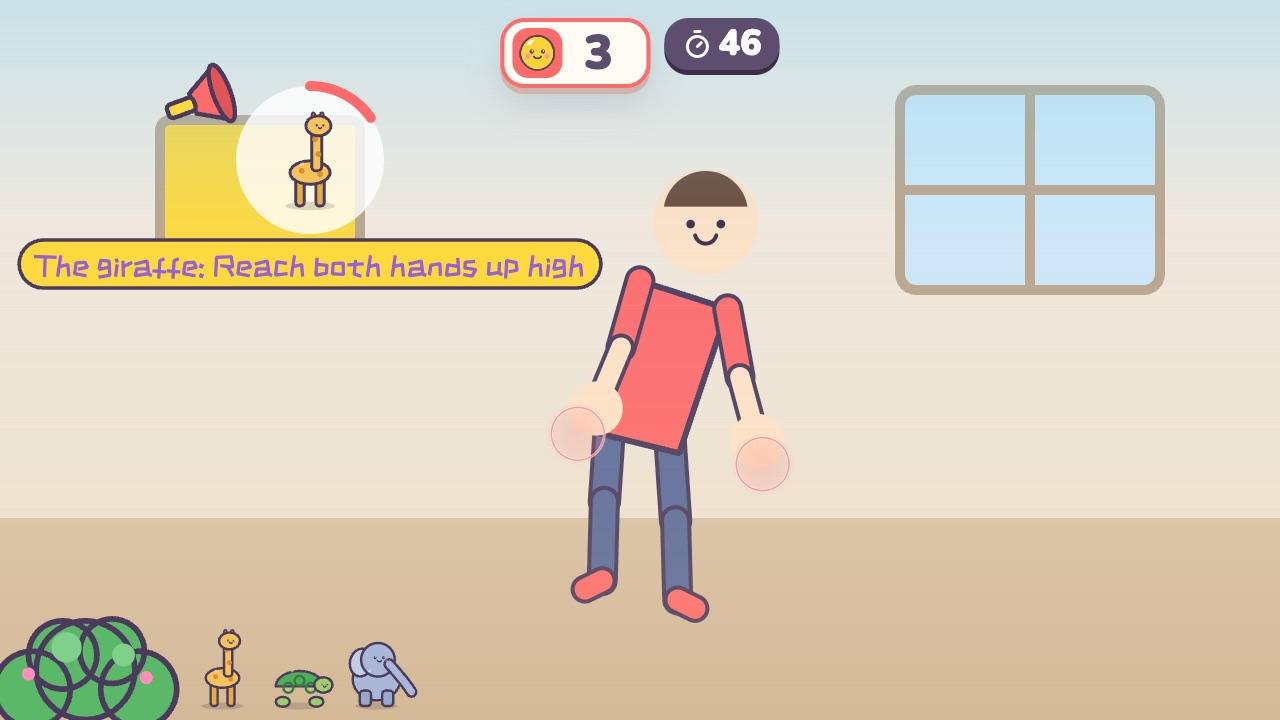 Animal MovesDo the move of whichever animal gets calledAges 3–8 · Moderate activity · Whole body
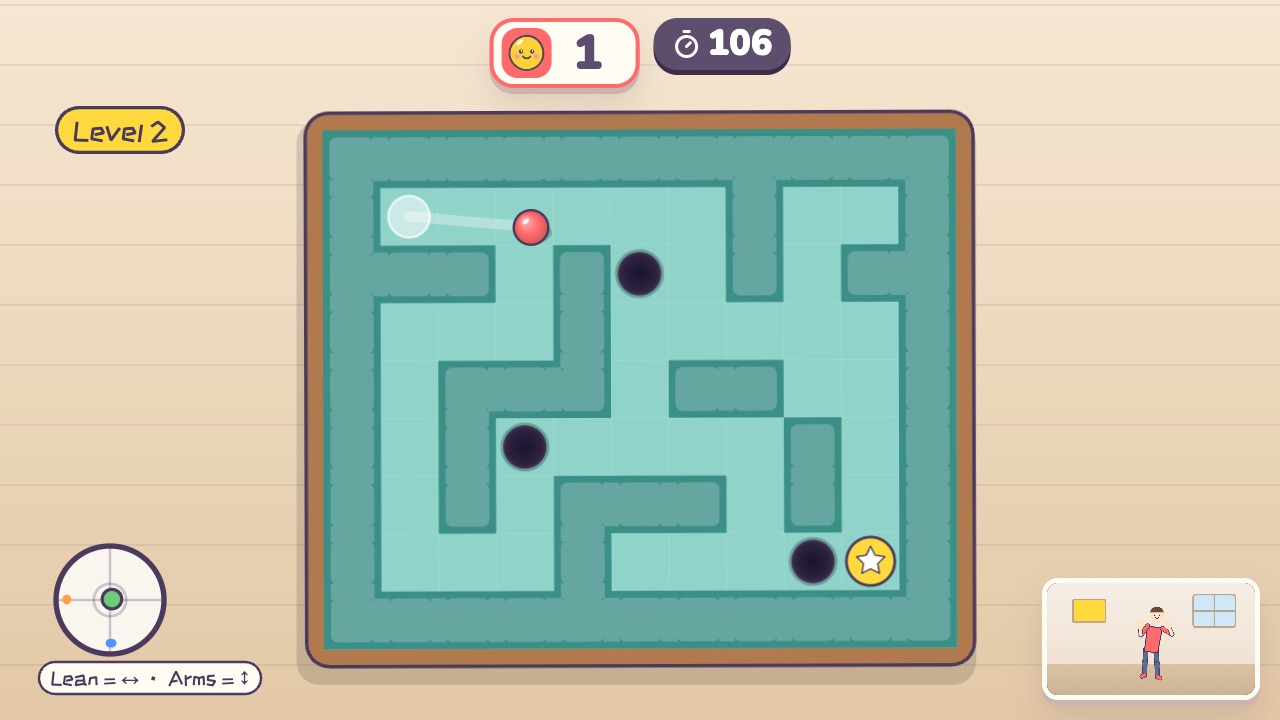 Tilt MazeLean your body to tilt the maze and roll the ball to the finishAges 9–18 · Light activity · Whole body / Thinking / Calm
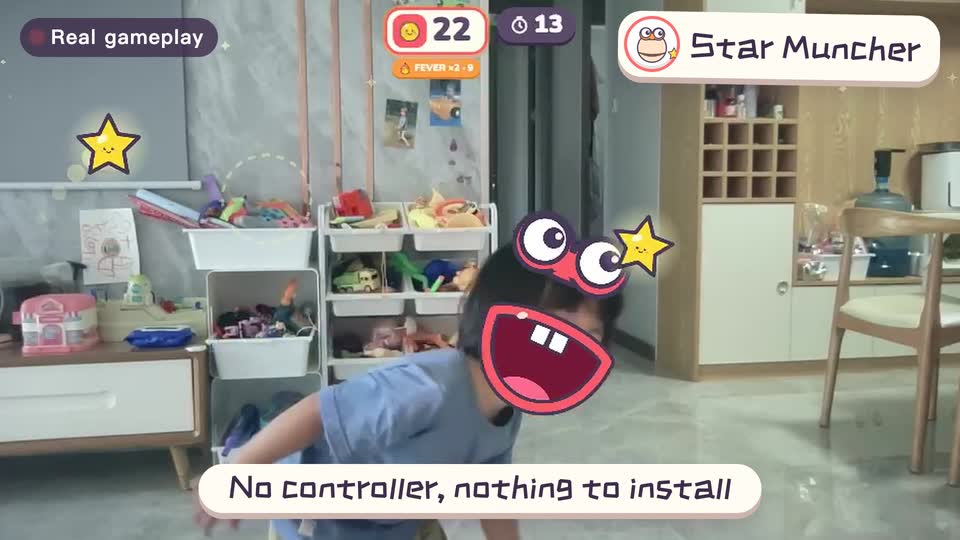
Real footage · 14 s
Kids stand in front of the computer and just move
100+ motion games for ages 3 to 18. Open the website and play: nothing to install, and the camera picture stays on this computer.