 DongDong Park
How much space do motion games need, and how far back should you stand?
Updated
As a rule of thumb, clear about 6.5 by 6.5 feet (2 m × 2 m) of floor in front of the screen, stand 5 to 10 feet (1.5 to 3 m) back, and check that you can turn a full circle with your arms out without touching anything. That is enough for most motion games. The exact distance depends on the device: a camera that has to see your whole body needs you farther back, while a handheld controller works closer in.
What the makers say, device by device
| Device | Distance from the screen or sensor | Space and other advice |
|---|---|---|
| Kinect (Xbox 360) | About 6 ft (1.8 m) for one player, about 8 ft (2.4–2.5 m) for two | Play area at least 6 ft (1.8 m) wide; nothing between you and the sensor; mind ceiling lights and fans |
| Kinect (Xbox One) | About 4.6 ft (1.4 m) for one player, about 6 ft (1.8 m) for two | For full-body games the sensor must see your feet |
| Wii | Wii Remote 3 to 10 ft (1 to 3 m) from the Sensor Bar, directly in front of the TV | Stay at least about 3 ft (1 m) from the TV; wear the wrist strap; watch overhead when jumping or raising your arms |
| PlayStation Camera (PS4) | Best at about 6.5 ft (2 m) | Camera level and steady, facing where you play |
| Switch motion games, Ring Fit | No figure given, only “not too close to the TV” | Leave plenty of space around you; wear the wrist strap; no socks on slippery floors (bare feet or non-slip shoes); adults supervise children |
| Just Dance with a phone camera | Phone on its side 1.5 to 2.5 ft (0.45 to 0.75 m) off the floor; player 4.5 to 6.5 ft (1.4 to 2 m) back | Turn the lights on; keep the phone as upright as possible |
| VR (Meta Quest) | — | Roomscale: at least 6.5 × 6.5 ft (2 m × 2 m) of clear space; stationary: 3 × 3 ft (1 m × 1 m) |
| Computer webcam (in the browser) | 7 to 10 ft (2 to 3 m), so the camera sees you from head to toe; hand-only games can be closer | Plenty of light; don’t stand with your back to a window |
Some makers give feet and others meters, so one side of each figure is a conversion, and every manual adds that it varies with the game and the setup. Treat them as a guide.
Why you stand farther back for a camera
A camera sees a wedge that gets wider the farther it reaches (its field of view). Stand too close and your head and feet fall outside the picture, so a full-body game can’t tell when you squat, jump or kick. A few steps back, your whole body fits, and moving side to side doesn’t take you out of the frame. So with a camera, step back first, raise your hands, check that the screen shows all of you, and then start.
Setting up a living room
- Move the coffee table and chairs aside, and pick up toys and cables from the floor.
- Turn a full circle with your arms out, then jump: you shouldn’t touch a lamp, a ceiling fan or the corner of a cabinet.
- Stand at least an arm’s length from the TV, so jumping and waving can’t hit the screen.
- Go barefoot or wear non-slip shoes; don’t jump around in socks on wood or tile floors.
- Put the camera centered above or below the screen, at about chest height or a little higher, facing the player.
Setting up a classroom
- Clear an area of about 10 by 10 feet (3 m × 3 m) in front of the projector or interactive display. One or two kids play at a time (two side by side), and the rest follow along at their desks.
- Push the front desks back a little to leave an aisle, and have players come on and go off from the same side.
- Put the camera at the front of the room, centered, and keep windows out of the background. The classroom guide explains how to run a whole lesson, and playing on a TV or projector covers the big screen.
If your room is small
- Pick upper-body games you can play on the spot, such as Bubble Pop and Magic Brush.
- Step back into a doorway or hallway, and put the camera a little higher, tilted slightly down, until it sees your whole body.
- Save running games for a bigger space, or play the run-in-place kind instead: Forest Run only needs running on the spot.
How long to play, why it gets tiring and how to avoid injuries: see why motion games are so tiring and the safety guide.
More in “What is a motion game?”
- What is a motion game? (overview)
- Types of motion games, with examples
- How motion games work: from light guns to webcams
- Motion games, VR and AR: what’s the difference?
- Motion gaming glossary
Games mentioned here
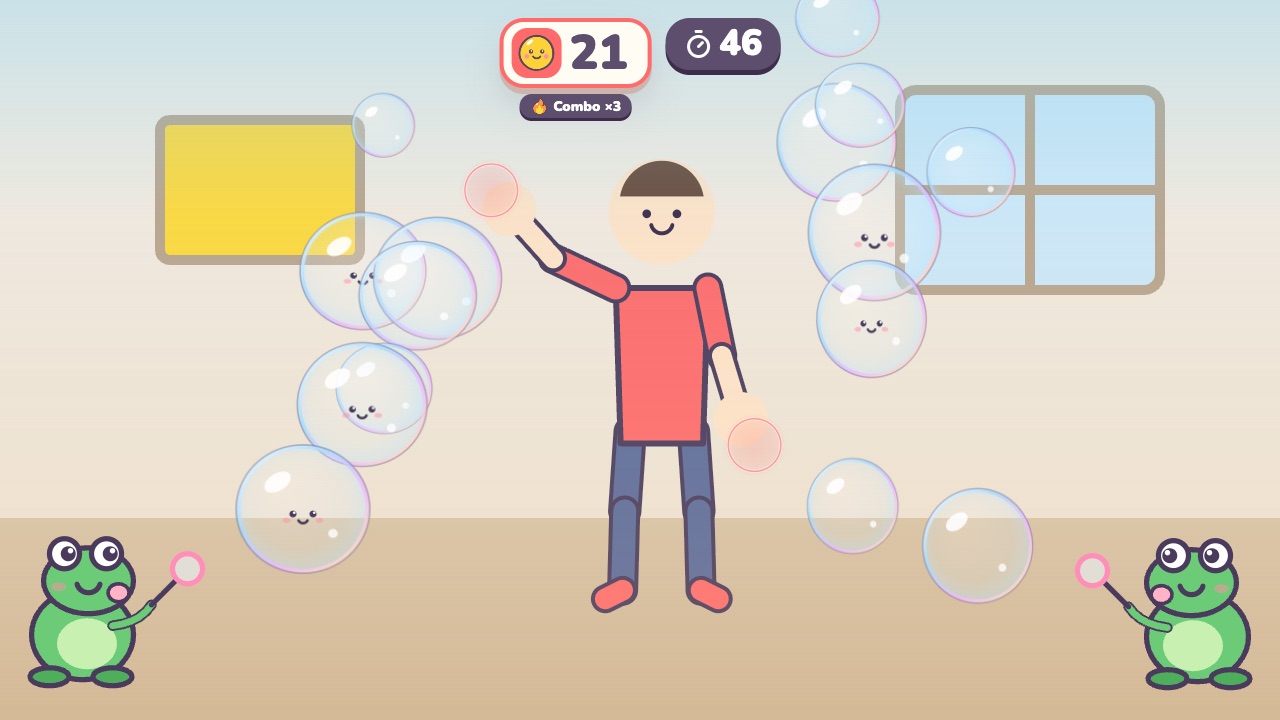 Bubble PopPop the bubbles floating toward youAges 3–7 · Light activity · Hands / Calm
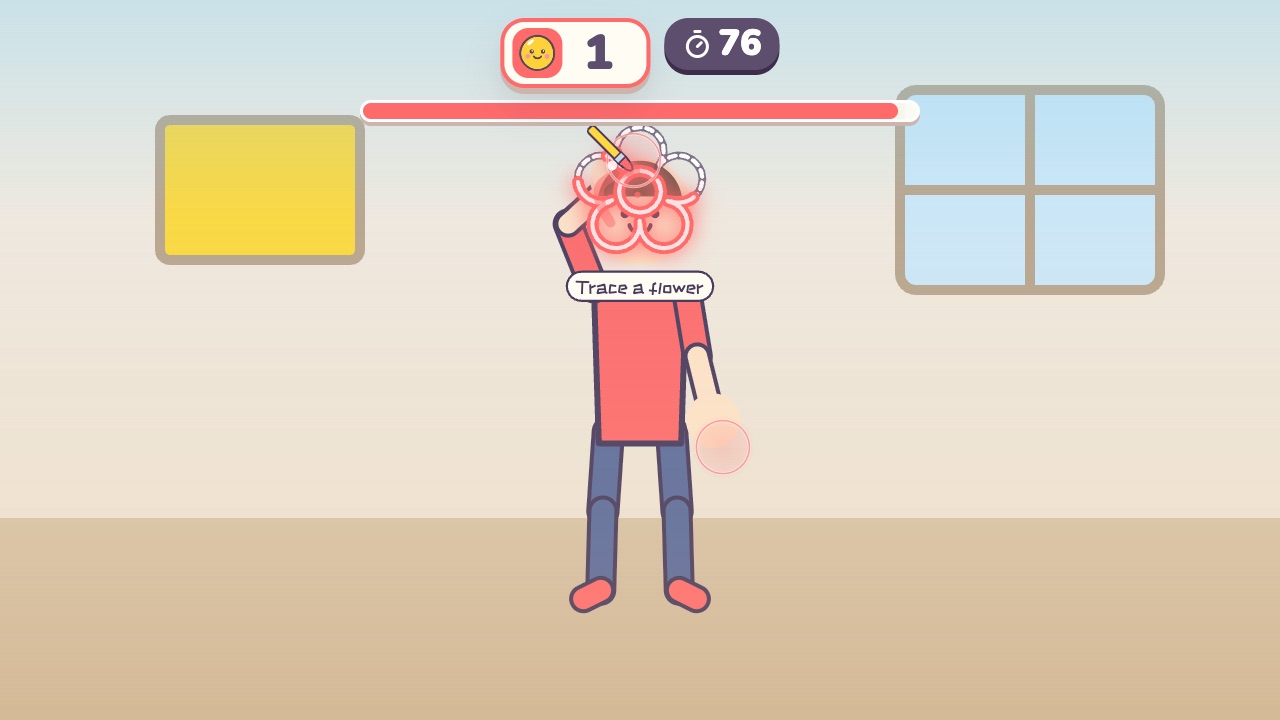 Magic BrushTrace the dotted lines with your hand, and the picture fills with colorAges 3–8 · Light activity · Hands / Calm / Thinking
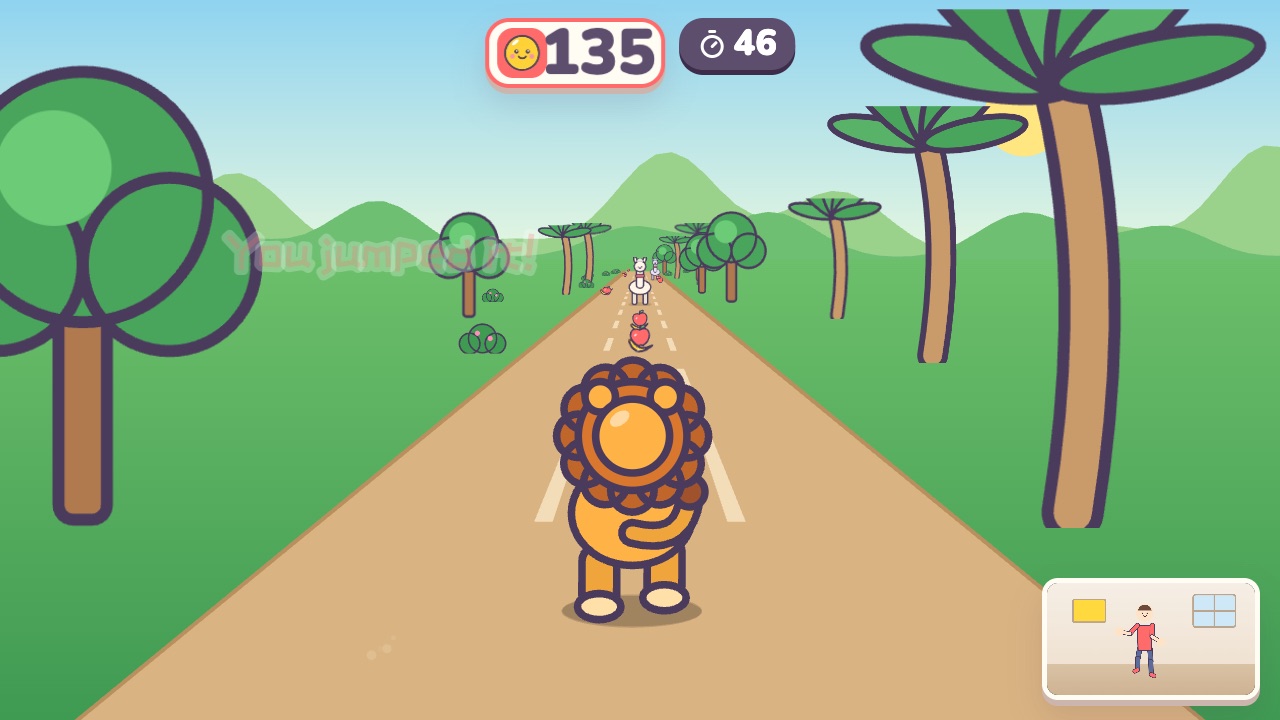 Forest RunRun on the spot, dodge left and right, and jump over the logsAges 4–10 · High activity · Run & jump / Whole body
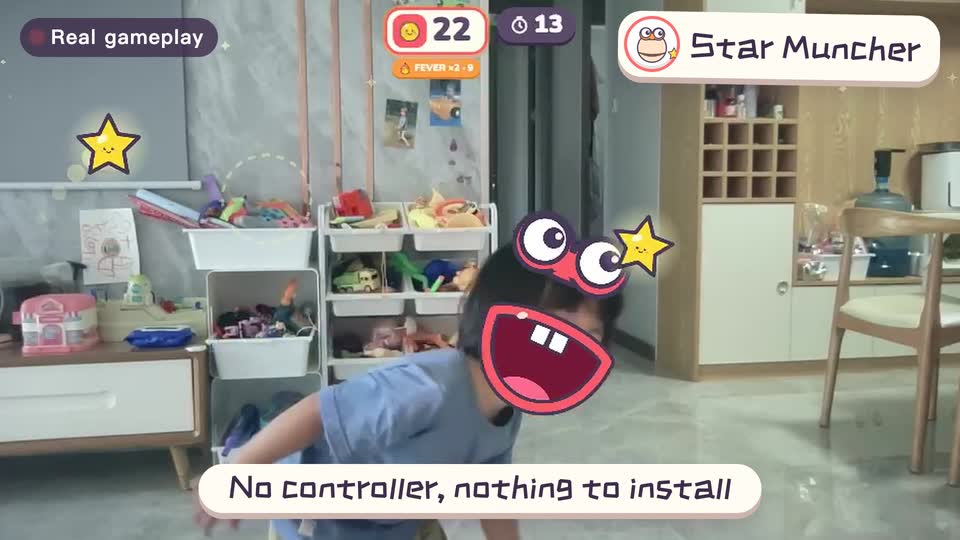
Real footage · 14 s
Kids stand in front of the computer and just move
100+ motion games for ages 3 to 18. Open the website and play: nothing to install, and the camera picture stays on this computer.
Sources
- Xbox 360 S with Kinect Quick Setup Guide. Microsoft (manual on its official download server). Suggested play space: about 6 ft (1.8 m) from the sensor for one player, about 8 ft (2.5 m) for two
- Set up your play space (Xbox One Kinect). Microsoft Xbox Support (Internet Archive copy). 2014–2015 instructions: about 1.4 m for one player, about 1.8 m for two
- Wii Operations Manual – System Setup. Nintendo (Australia). Wii Remote 1–3 m from the Sensor Bar, played directly in front of the TV
- PS4 PlayStation Camera setup for PS VR. Sony Interactive Entertainment. If the image is unclear: “optimal distance is around 2 m”
- What should I know and do before playing Ring Fit Adventure. Nintendo (Europe). Watch your surroundings and leave enough space; no socks on slippery floors; adults should supervise children
- The beta of the Camera Controller is here (Just Dance phone camera mode). Ubisoft. December 2023; setup diagram: phone 1.5–2.5 ft off the floor, player 4.5–6.5 ft back
- Set up your boundary for Meta Quest. Meta. Roomscale: at least 2 m × 2 m recommended; stationary: 1 m × 1 m by default