 DongDong Park
Magic Brush
Trace the dotted lines with your hand, and the picture fills with color. A motion game played with a webcam, for ages 3–8.
Also searched as: air drawing game for kids, tracing game for preschoolers, calm drawing game with a webcam · Updated
▶ Play Magic BrushWatch a demo first
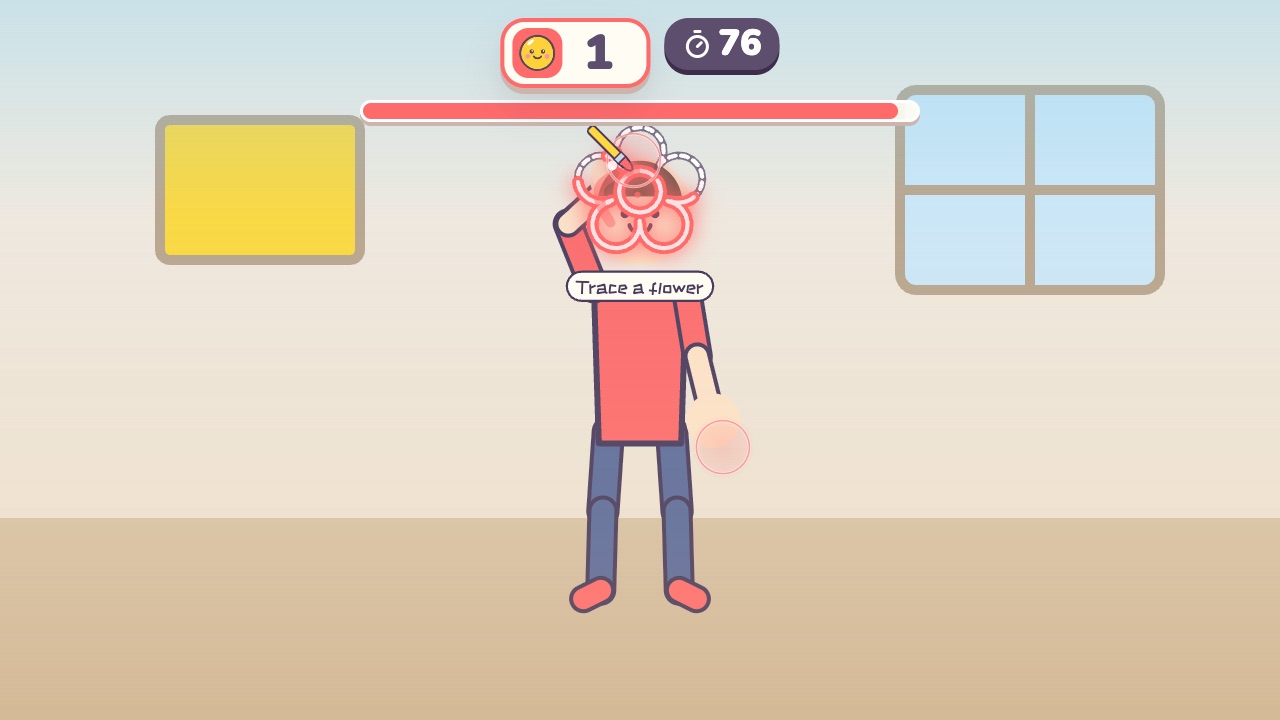
How to play
- There is a picture made of dotted lines on the screen
- Raise your hand like a paintbrush and trace along the dotted lines
- Trace enough of it and the whole picture bursts into color
What it practices
- Hand control
- Focus
- Recognizing shapes
Game info
| Ages | 3–8 (Preschool, Elementary) |
|---|---|
| Activity level | ⚡ Light |
| Type | Hands · Calm · Thinking |
| Round length | 90 seconds (you can change it in the settings) |
| Players | 1 player (the computer helps) or 2 players as a team |
| You need | A webcam; Chrome or Edge |
| Stars | Level 1: 2 stars from 4 pictures, 3 stars from 6 picturesLevel 2: 2 stars from 4 pictures, 3 stars from 6 picturesLevel 3: 2 stars from 3 pictures, 3 stars from 5 picturesFinishing a round always earns 1 star. If you change the round length, the targets scale with it. |
How teachers and parents use it
Kids raise a hand like a paintbrush and trace the dotted picture until it bursts into color, which practices hand control and focus with hardly any sweat, and drifting off the line costs nothing. A round lasts 90 seconds and suits ages 3 to 8, a good fit for quiet time or for settling down after recess. With two players, each kid traces their own half and they finish the picture together.
Before you play
- Put the camera at about chest height and stand 7 to 10 feet (2 to 3 m) away.
- Clear some floor space and check that it isn’t slippery. A grown-up should stay close while little kids play.
- First time? Run the device check. Not sure how the game works? Choose “Watch a demo first” and a cartoon kid shows you.
▶ Play Magic BrushWatch a demo first
Similar games
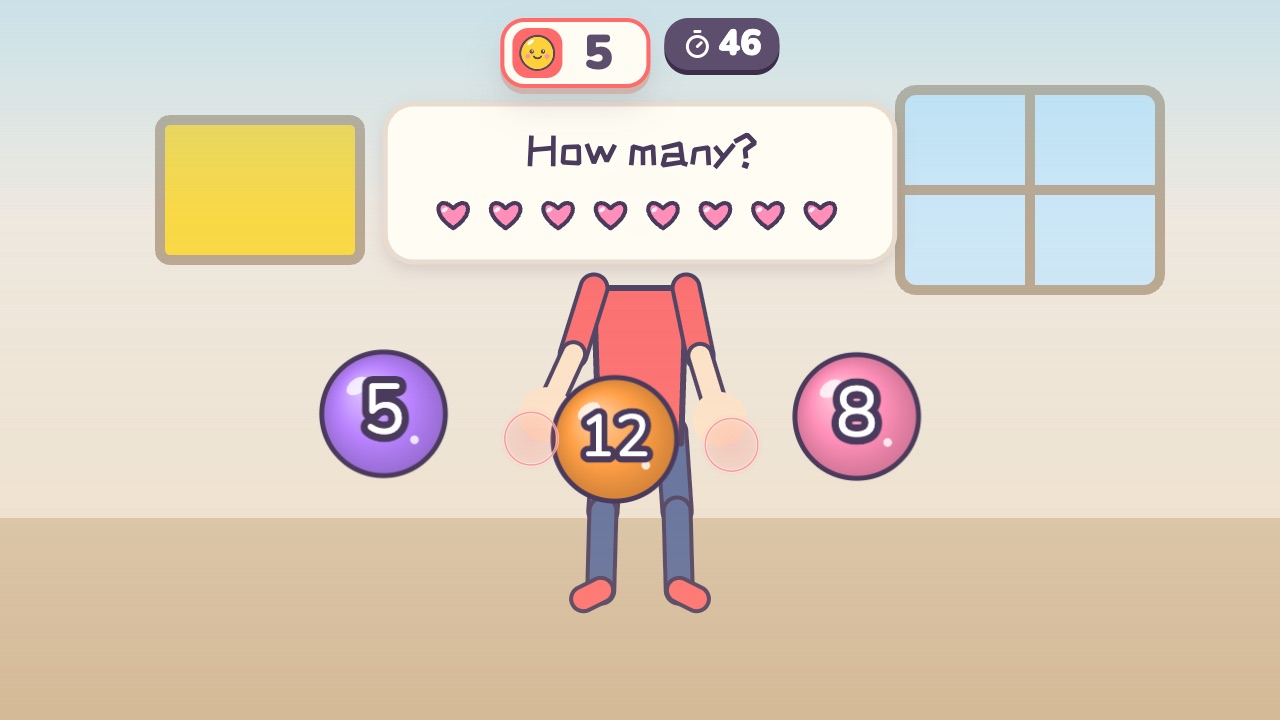 Math CatchThink it through and catch the right answerAges 5–9 · Light activity · Hands / Thinking / Calm
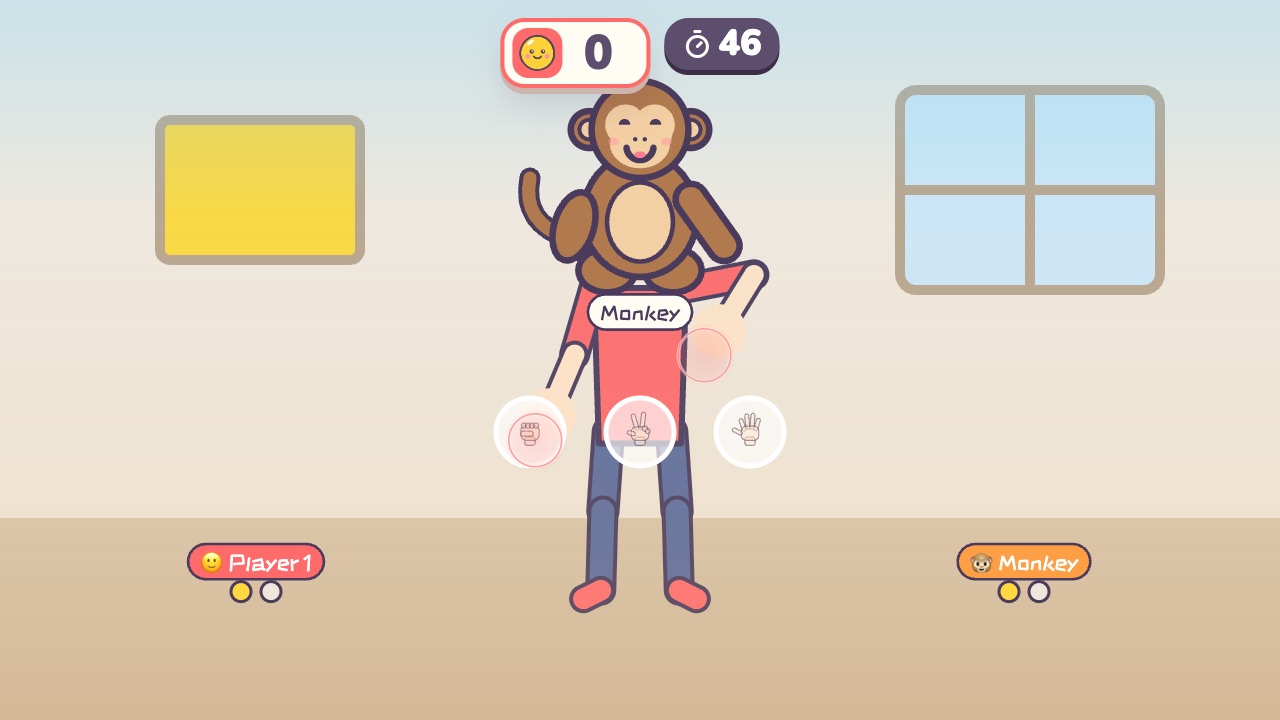 Rock Paper ScissorsPlay rock, paper, scissors with the little monkey. Win two out of threeAges 3–9 · Light activity · Hands / Calm / Thinking
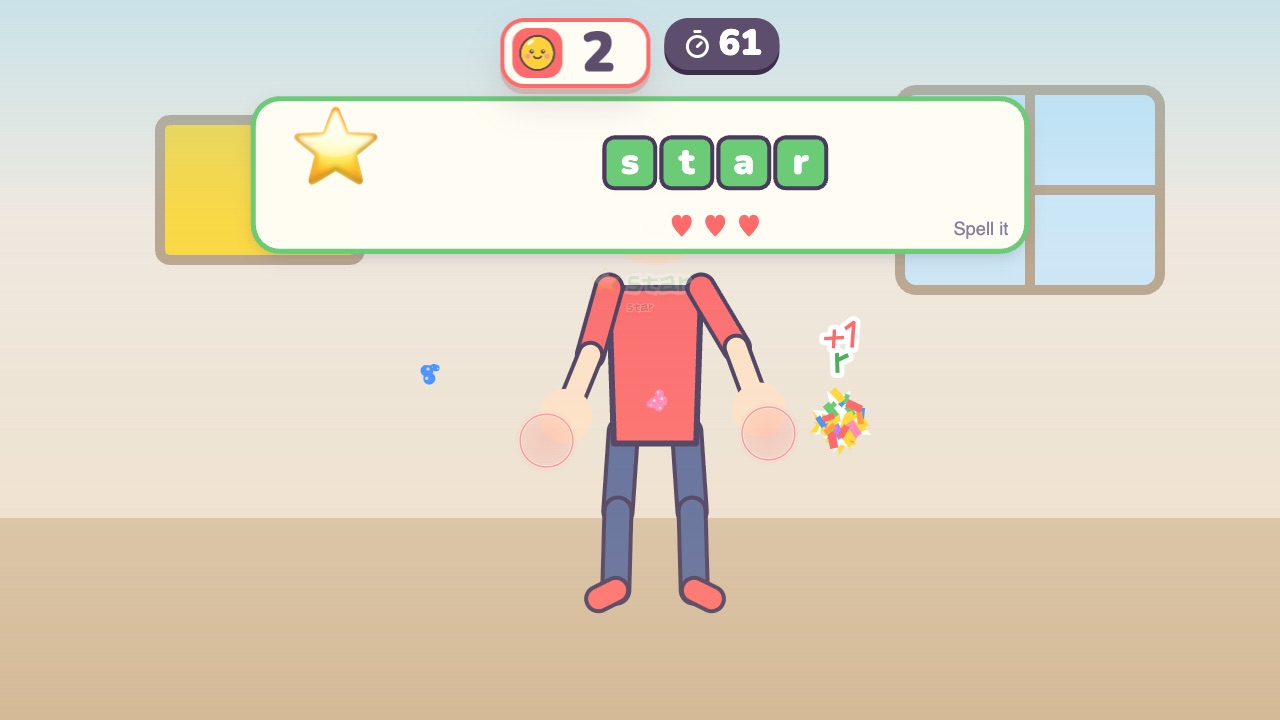 Spelling CatchCatch the letters in the right order to spell the word in the pictureAges 6–12 · Light activity · Hands / Thinking / Calm
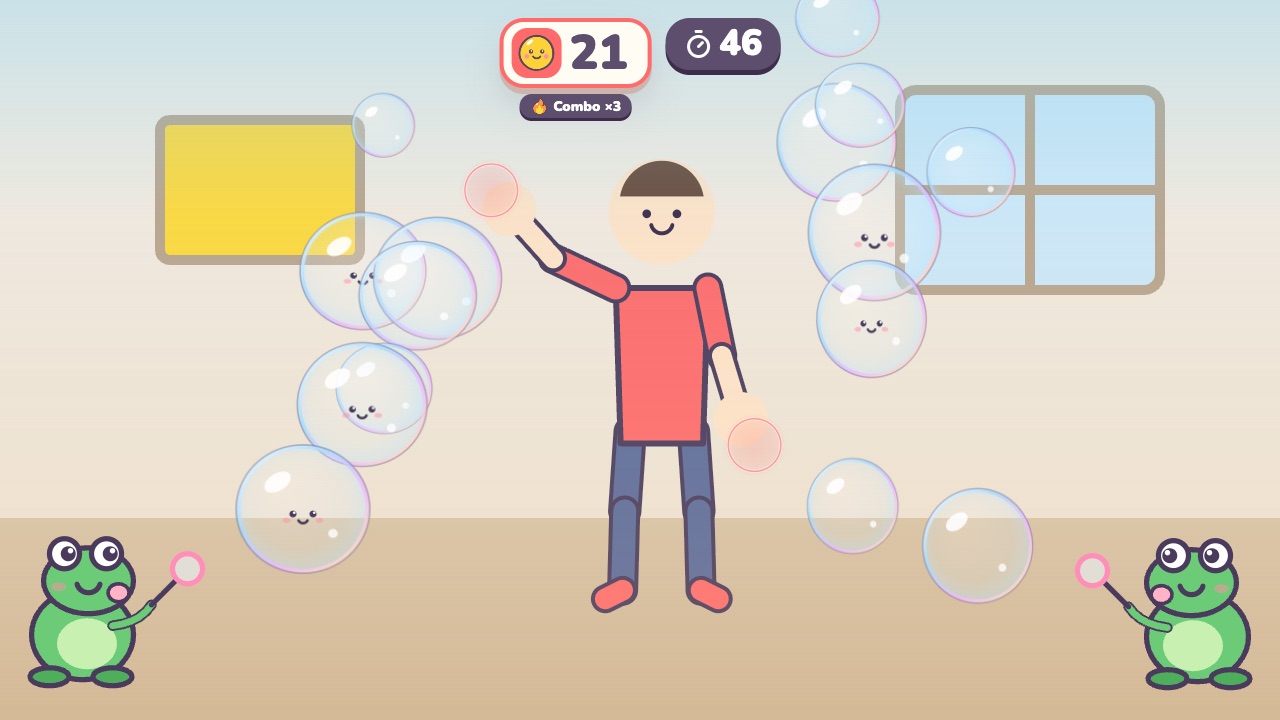 Bubble PopPop the bubbles floating toward youAges 3–7 · Light activity · Hands / Calm
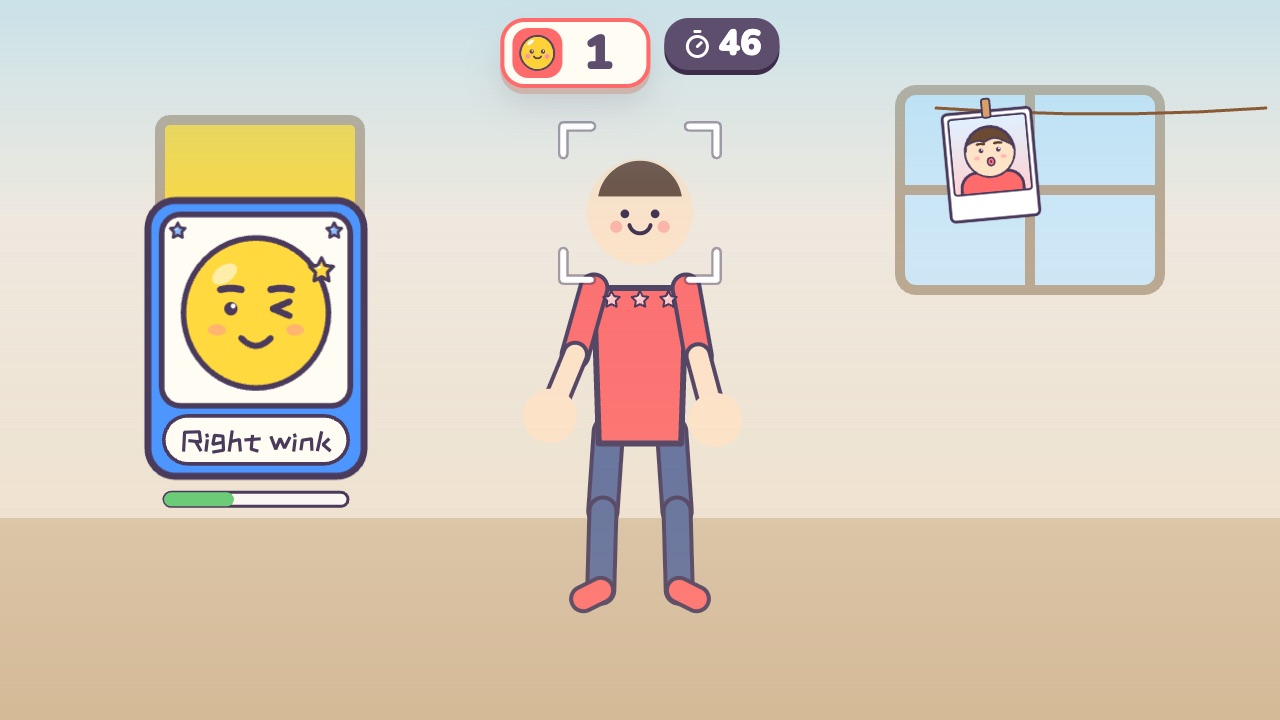 Funny FacesCopy the funny face on the card and snap a photoAges 3–10 · Light activity · Calm / Thinking
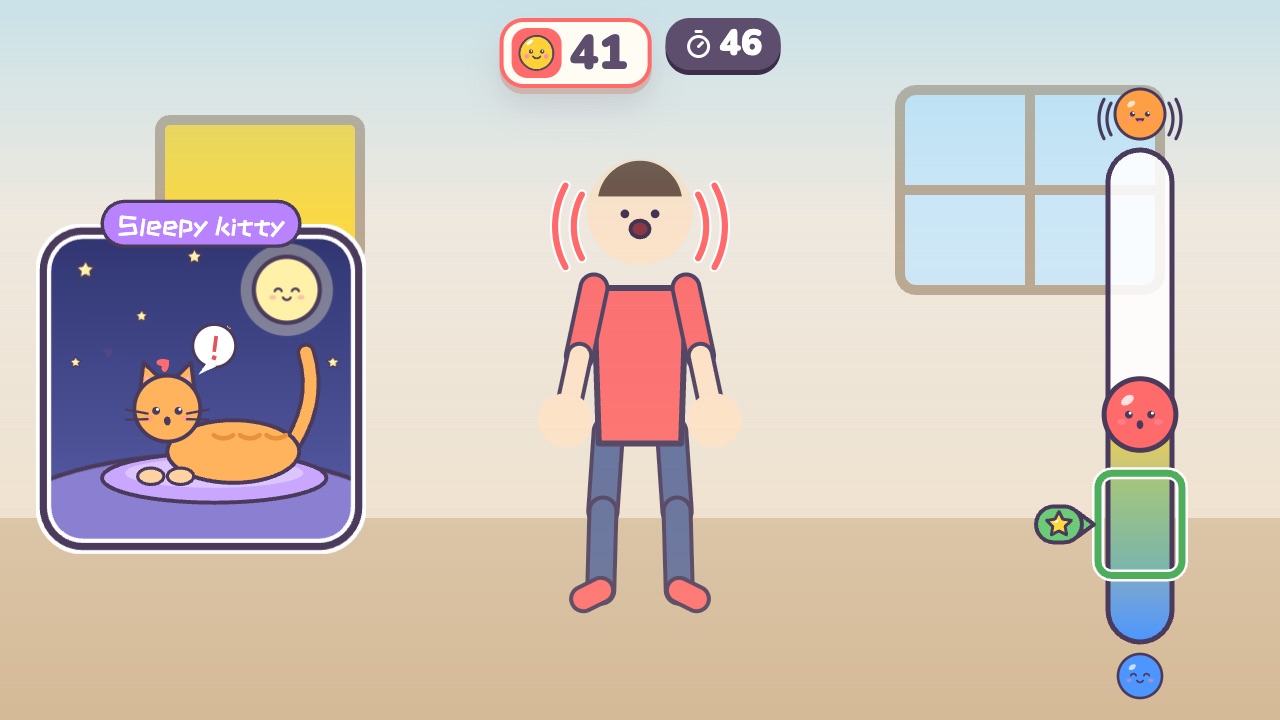 Whisper and ShoutSing softly for the sleeping kitty, and shout when the wolf comesAges 3–8 · Light activity · Calm / Thinking