 DongDong Park
How does a regular webcam see a kid’s moves?
Updated
It’s the first question a lot of people ask: there’s no controller and no special sensor, so how does an ordinary computer webcam know I jumped?
The webcam is the controller
When you open a game, the page watches the camera picture right there on your computer. It works out whether the player is jumping, running, waving, squatting or holding a pose, and the game scores those moves. There’s no controller or motion sensor to buy and no software to install: a computer with a camera and a browser is all it takes.
What happens to the camera picture
A webcam doesn’t send a single photo. It sends a steady stream of pictures, many every second. For each picture, the computer finds the player’s body: where the head, shoulders, arms, hands, hips, knees and feet are at that moment. Then it compares that picture with the ones just before it, and the changes tell it what the body did:
- Both arms go up while the feet jump apart, then everything comes back together: that’s one jumping jack.
- The whole body rises and drops back down: a jump.
- The hips go down and the knees bend: a squat.
- The body holds the same shape as the hole in the wall: you pass through in Shape Wall.
Some games check a single pose, some check a movement over a second or two (hopping like a bunny or flapping like a bird in Animal Moves), and some compare every beat with the coach’s move, as Dance Along does. It all works the same way, picture by picture.
That’s also why setup matters: the computer can only find what the camera can see clearly. A body cut off at the knees, a dark room or a bright window behind the player makes it guess.
Why the picture never has to leave the computer
Because the moves are recognized on your own computer, DongDong Park has no need to send camera images to a server, and nothing is uploaded automatically. The short replay on the results screen stays in the browser and is gone when you leave, unless you choose to save it to your computer. And once you’ve opened the site, games you’ve already played keep working even without an internet connection.
How to make tracking more accurate
- Turn the lights on, and don’t stand with your back to a window.
- Stand 7 to 10 feet (2 to 3 m) from the camera so it sees the whole body. Kicking, running and jumping games need to see the feet too.
- Wear clothes that stand out from the background.
- On a slower computer, open the settings and set Tracking quality to “Fast”.
The one-minute device check goes through these one at a time and tells you what to change.
Wondering how this compares with a game console? See Webcam motion games or a game console. For a checklist of what you need, see Motion games without a console.
Motion devices have other ways of seeing movement too, explained in how motion gaming works. For the road from light guns and motion controllers to plain webcams, see the history of motion games.
Games mentioned here
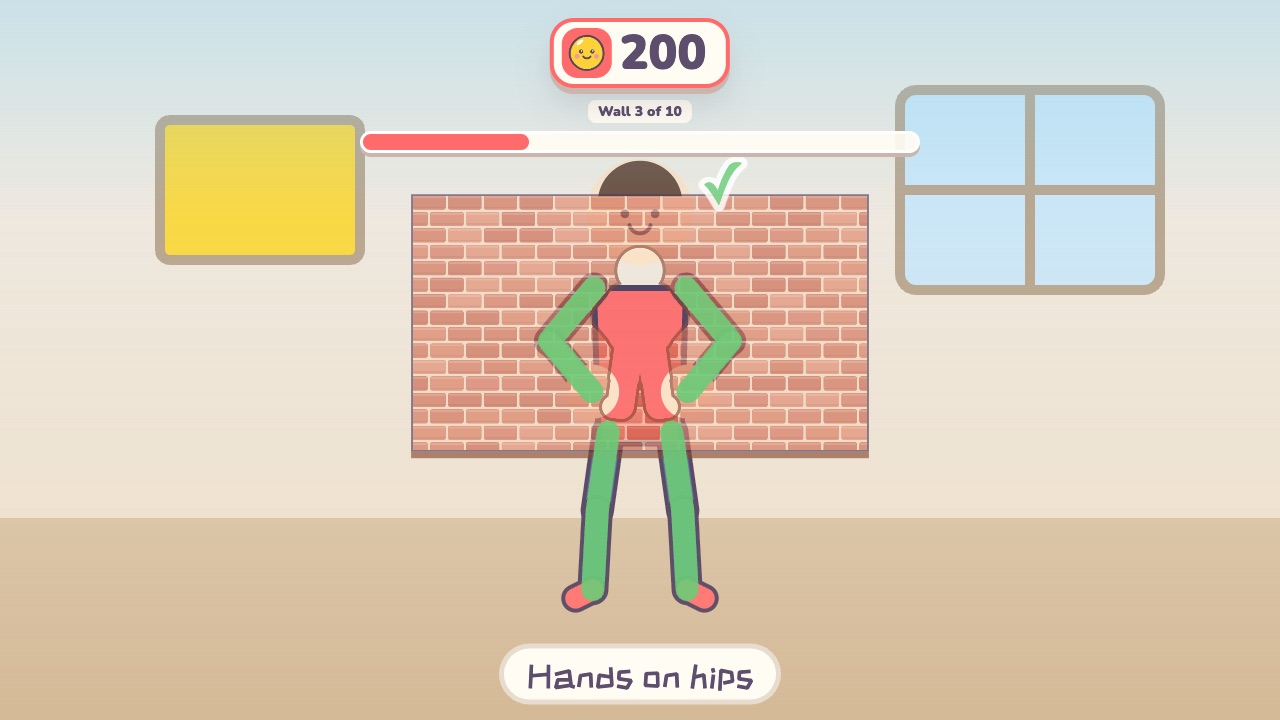 Shape WallMake the same shape as the hole in the wallAges 4–12 · Moderate activity · Whole body / Thinking
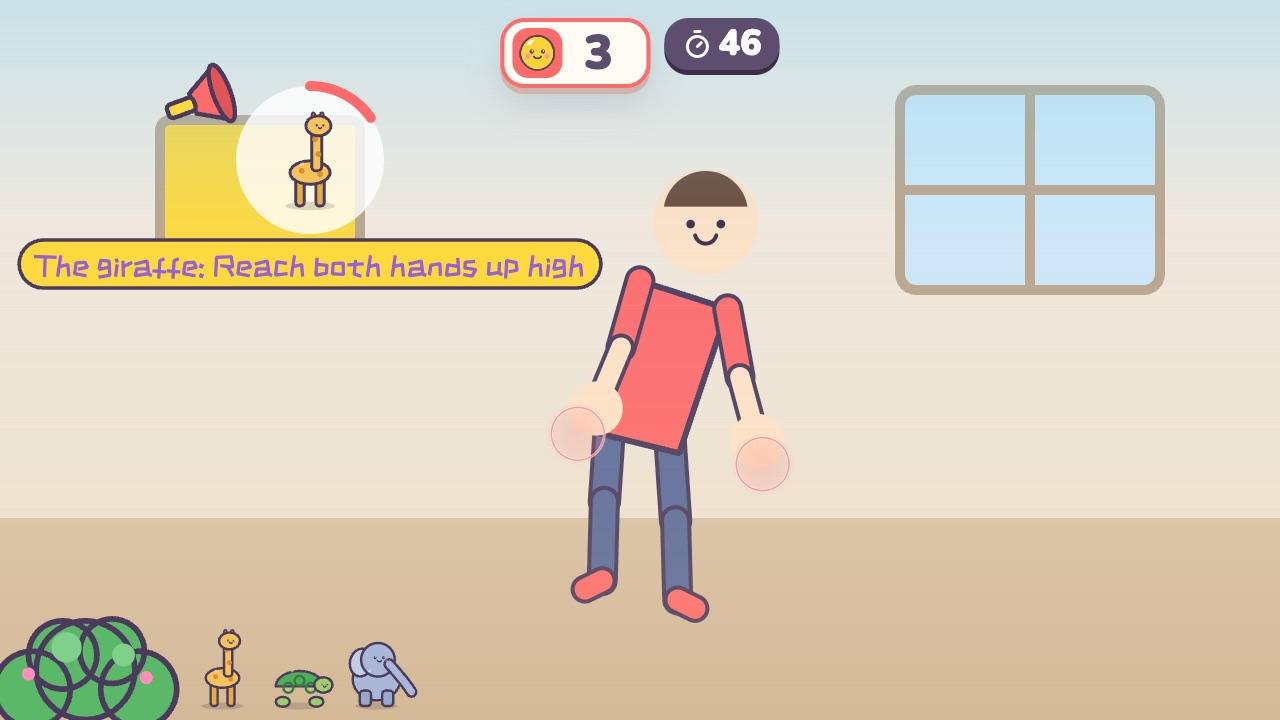 Animal MovesDo the move of whichever animal gets calledAges 3–8 · Moderate activity · Whole body
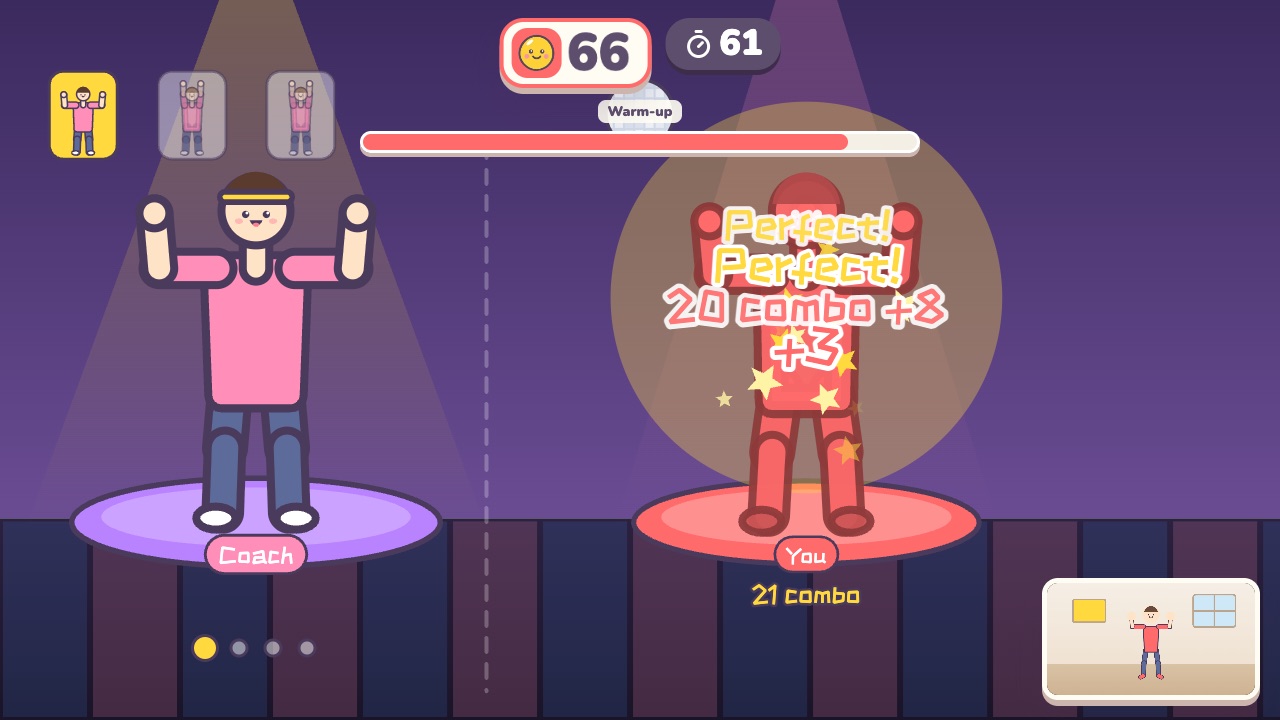 Dance AlongDance with the coach. Every beat is scored on how well you match the moveAges 12–18 · High activity · Rhythm / Whole body
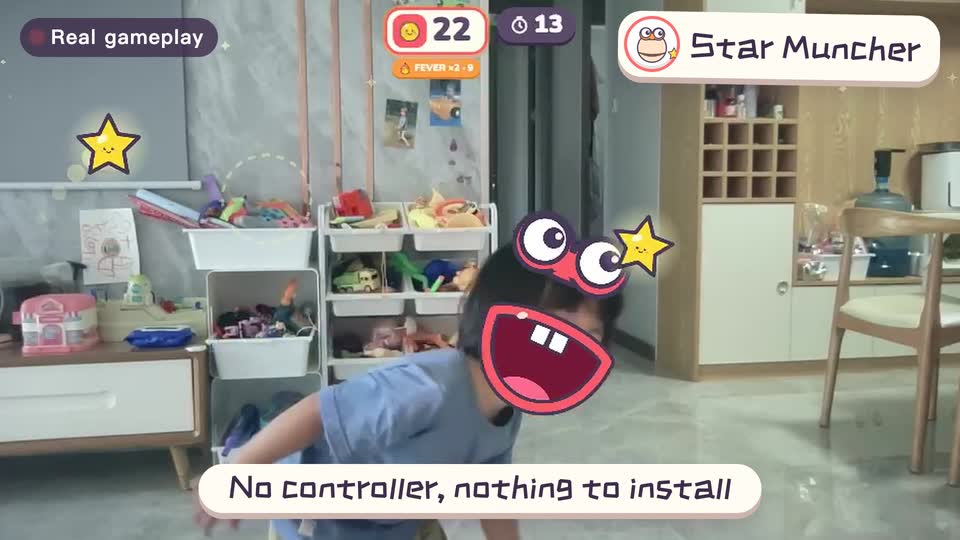
Real footage · 14 s
Kids stand in front of the computer and just move
100+ motion games for ages 3 to 18. Open the website and play: nothing to install, and the camera picture stays on this computer.
Keep reading
- How much should kids move each day? What the WHO says, and how to fit it in at home
- Screen time isn’t always sitting time: using screens to get kids moving
- When kids don’t like exercise: 6 ways to turn “I have to” into “I want to”
- Exercise and height: what actually helps kids grow (ages 6–14)
- Kids bouncing off the walls? A quiet 20-minute plan to burn off energy at home (ages 3–10)
- Winter exercise for kids: staying active when it’s too cold to go out