 DongDong Park
No console? Kids can play motion games with a computer webcam
Updated
Yes. A laptop with a built-in camera, or a desktop with a webcam added, can run motion games in the browser: no console, no controller. This article first lays out the three ways to play in one table (just the facts, no rankings), then goes through what you need to play on a computer.
Three ways to play, side by side
| Console + accessories | Motion apps on a TV | Webcam games in the browser | |
|---|---|---|---|
| What you buy | The console, controllers or accessories, plus the games | A supported smart TV or TV box; some apps also need a camera | The computer you have; a desktop without a camera needs a USB webcam |
| How moves are tracked | Sensors in the controller or accessory, mostly following the hand that holds it | Depends on the app: some use a camera, some use a phone as the controller | The camera sees the whole body: hands, feet, squats, jumps and leaning all count |
| Controller needed? | Yes | Depends on the app | No |
| Space | Standing in front of the TV is enough | 7 to 10 feet (2 to 3 m) from the TV | 7 to 10 feet (2 to 3 m) from the camera, in a bright room |
| Ages | Most games expect kids to hold a controller and read on-screen text | Depends on the app | From age 3, with a voice that tells kids what to do |
| Internet | Needed to download games; while playing, depends on the game | Usually needed | Needed the first time; after that, games you’ve already played also work offline |
| Privacy | Check the documentation for the device and game | Check the app’s documentation | Movement is recognized on this computer; camera images aren’t uploaded |
| Players on one screen | Often 2 to 4 | Depends on the app | 1 or 2; on a big screen, more kids can take turns |
How the camera sees movement, and why nothing needs uploading, is explained in How does a regular webcam see a kid’s moves? This article is about getting ready.
What you need to play on a computer
- A computer. A laptop’s built-in camera is enough. For a desktop, an ordinary USB webcam (1080p is plenty) clipped to the top of the monitor.
- A browser. Chrome or Edge. Go to dongdongpark.com; there’s nothing to download or install.
- Floor space. An area about 6 by 6 feet (2 m × 2 m), 7 to 10 feet (2 to 3 m) from the camera. Push the coffee table aside, pick up toys from the floor, and lay down a mat if you have one.
- Light. A bright room, and no window behind the player, or the camera only sees a dark shape.
- What you don’t need: a controller, a download or a membership. Try two rounds, then a grown-up creates a free account and kids can play every day on the Free plan.
Playing on the TV
Remember one thing: the camera and the movement tracking are on the computer, and the TV is just a big screen. Connect the computer to the TV with an HDMI cable and set the displays to duplicate (on a Mac, mirror), and the game shows up on the TV. Keep a laptop open and set it in front of the TV, or its built-in camera is blocked. Step-by-step instructions, wireless casting and what to do with a closed laptop are in On a TV or projector.
Your first session in three steps
- Run the device check first. It checks the camera, light, standing spot and tracking speed one at a time, and tells you what to change if something’s off.
- Choose the age group and difficulty. Start on the easiest level so kids win a few rounds first.
- Try a few whole-body games: Fruit Slash (ages 6–14), where a swing of the hand slices the fruit tossed up; Tennis Rally (ages 6–15), with two players side by side hitting against each other; Boxing Practice (ages 9 and up), with left punches, right punches and uppercuts; and, for ages 12 and up, Dance Along with the coach or Fitness Circuit, which rotates through squats, jumping jacks and high knees. For younger kids, pick from the games for ages 3 to 6.
Questions parents ask
- My desktop has no camera. Plug in a USB webcam. An ordinary one works; you don’t need a special motion camera.
- Will an older computer keep up? Laptops from the last few years are fine. On an older one, open the settings and set Tracking quality to “Fast” for smoother play. The device check tells you whether the computer is fast enough.
- Can two kids play together? Yes. Choose “Two players” or a team-up game and stand side by side; the camera watches both of them.
- Should an adult be there? For younger kids, yes: it’s safer, and kids try harder when someone is watching. Older kids can play on their own; agree on how many rounds before they start.
- What about a tablet? A tablet can open the site too: stand it up with the front camera facing your child. The screen is smaller than a computer’s, so prompts are harder to read from across the room, and a computer on a bigger screen works best.
When a console is still worth considering
- Your kids are older and want polished, big games with long levels.
- You want a fitness game with full workout programs and long-term progress.
- You were planning to buy a console anyway, and motion games are only part of the reason.
The two don’t compete. The simplest approach is to try a week on the computer you already have, see whether your kids enjoy getting up and moving, and then decide whether to spend money. For more on the trade-offs, see Webcam motion games or a game console. Whether motion games count as exercise, and what the research says about their benefits for kids, is covered in motion games and kids: the research.
Games mentioned here
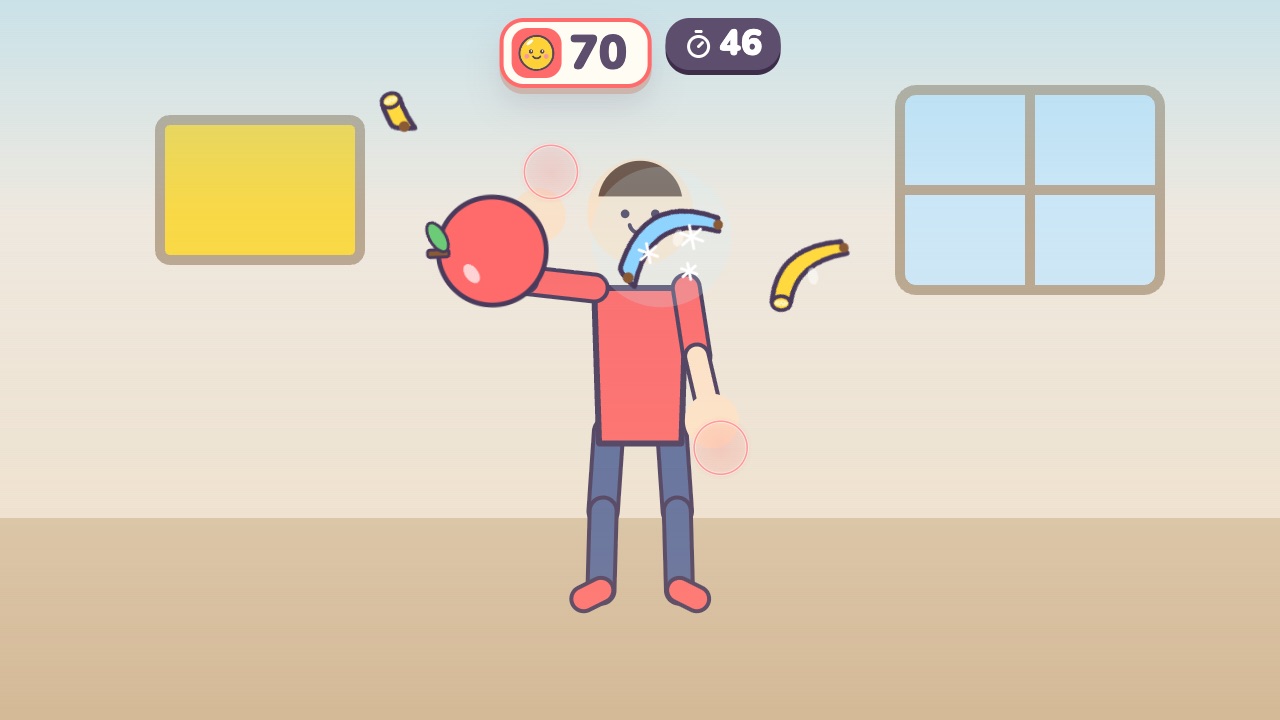 Fruit SlashSwing your hand to slice the flying fruit, and stay away from the bombsAges 6–14 · Moderate activity · Hands
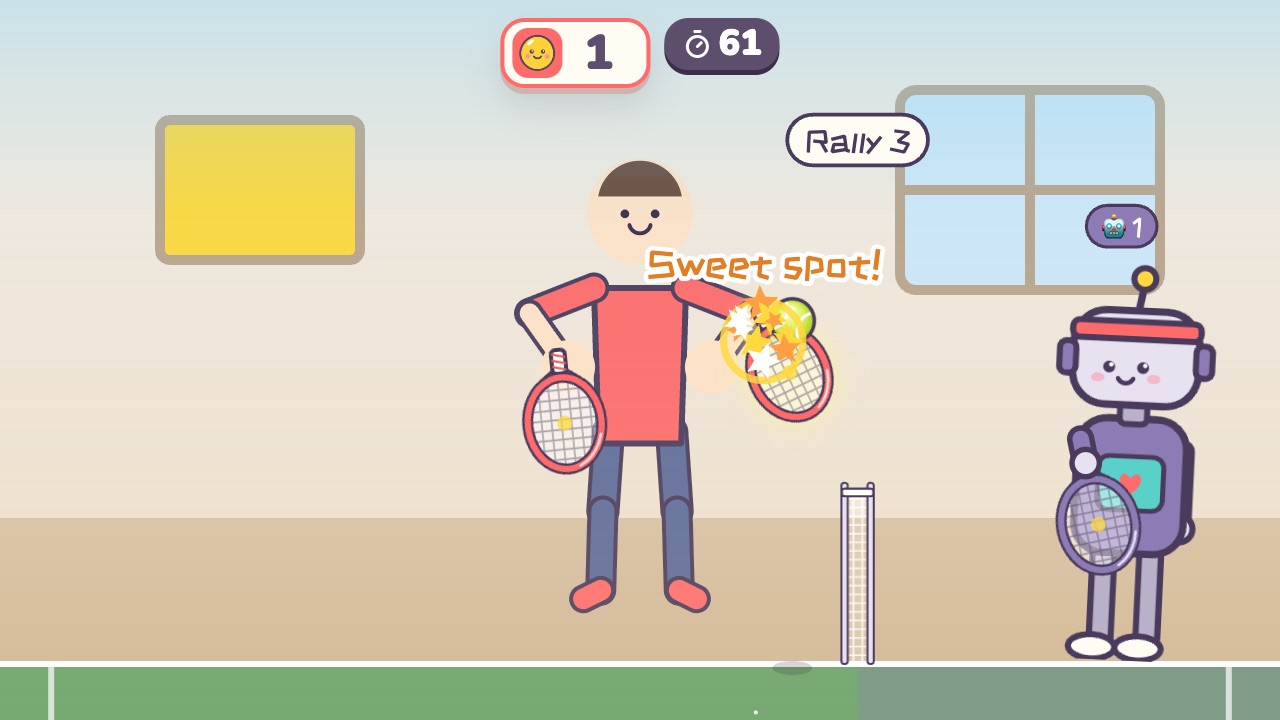 Tennis RallySwing across with the hand on the side where the ball comesAges 6–15 · Moderate activity · Hands / Versus
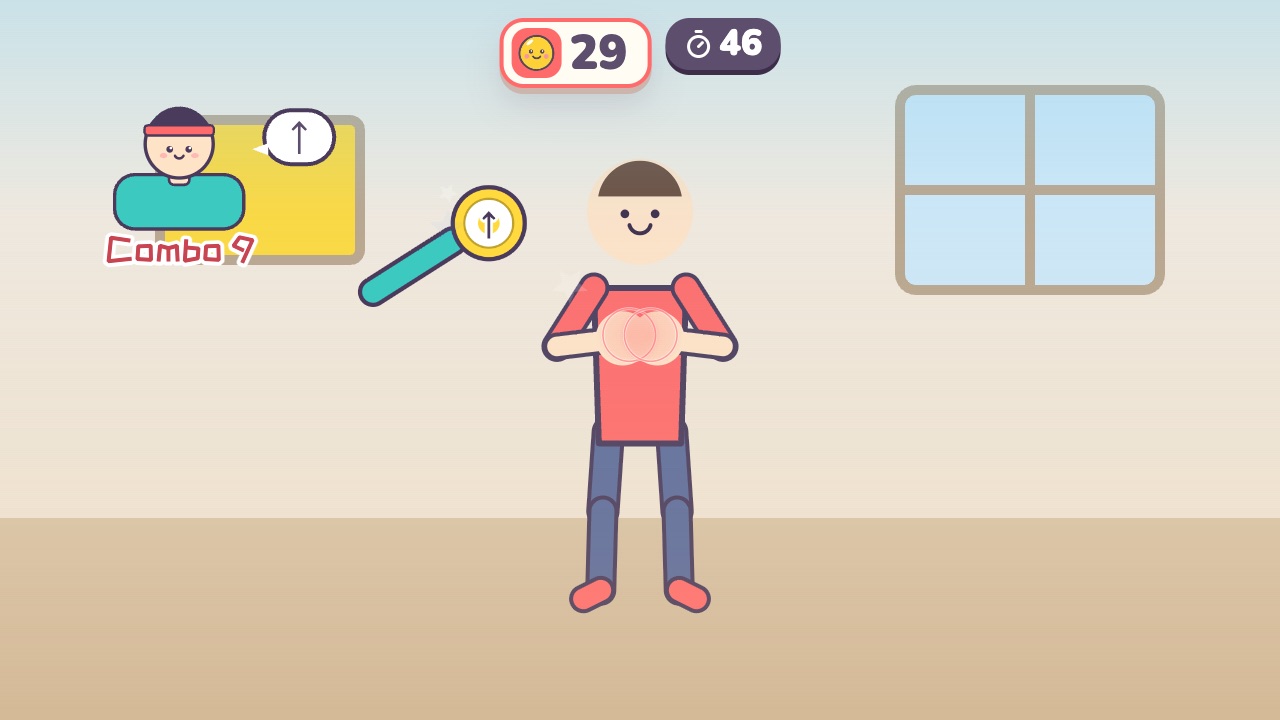 Boxing PracticeThe coach holds up pads: punch left, right and up, dodge the gloves and duck the barAges 9–18 · High activity · Hands / Fitness
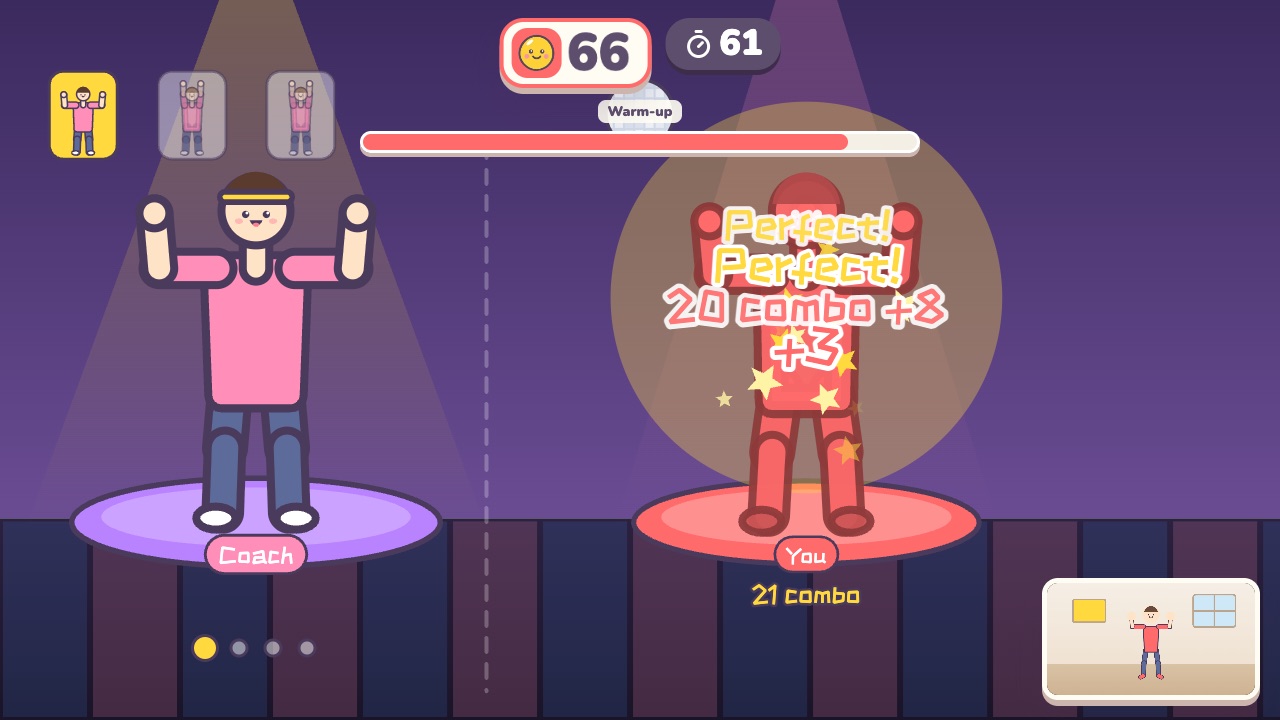 Dance AlongDance with the coach. Every beat is scored on how well you match the moveAges 12–18 · High activity · Rhythm / Whole body
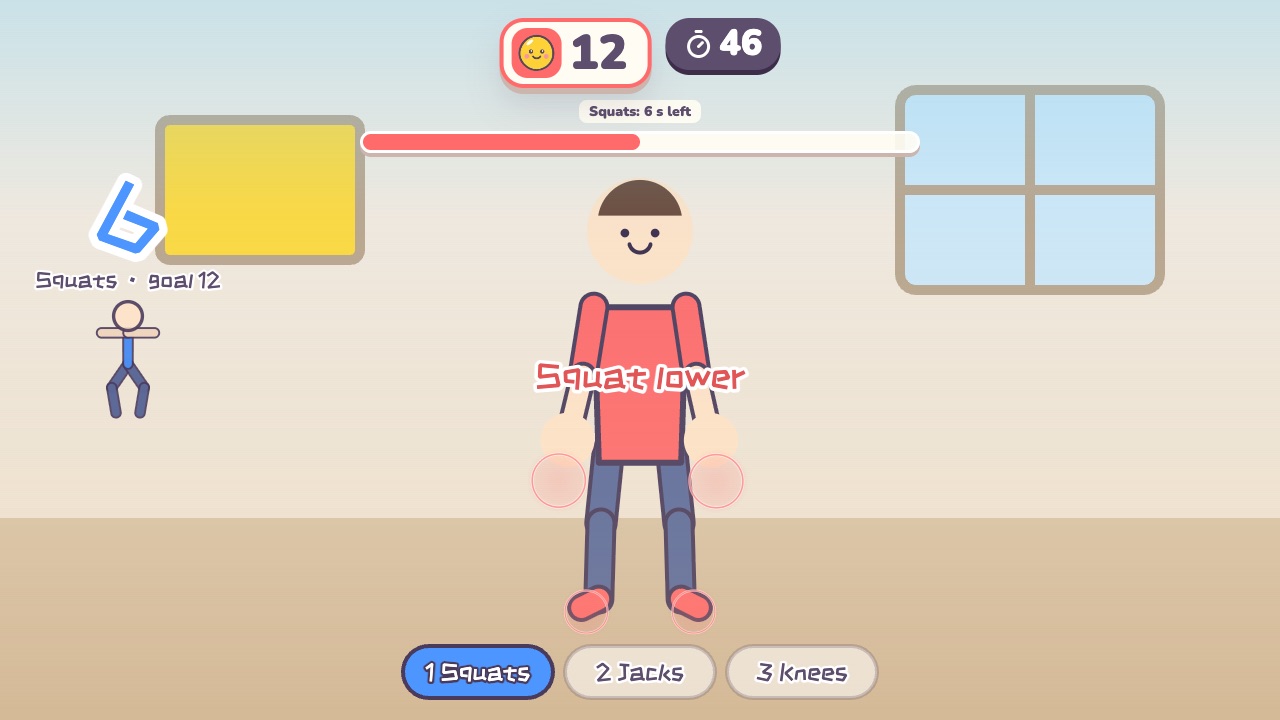 Fitness CircuitSquats, jumping jacks and high knees: three stations, counted for youAges 12–18 · High activity · Fitness / Run & jump / Whole body
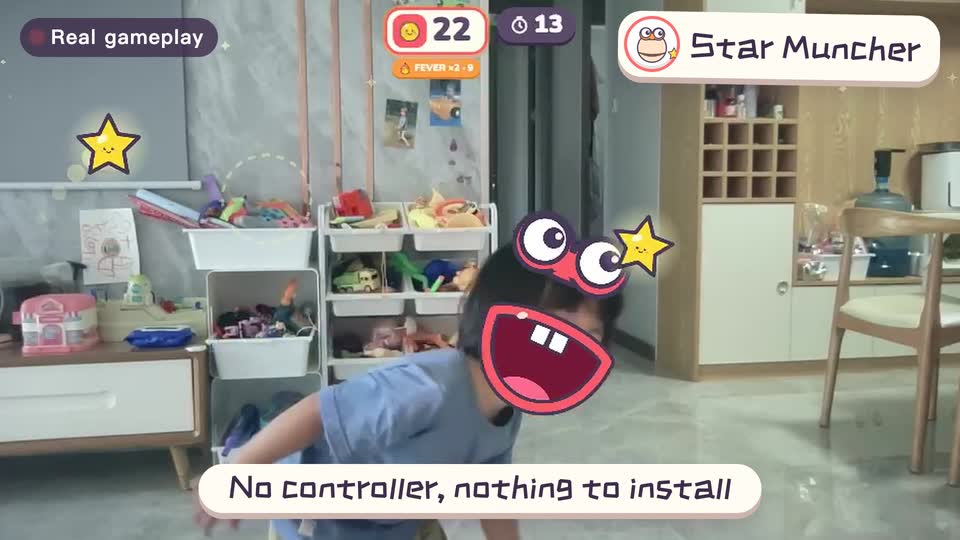
Real footage · 14 s
Kids stand in front of the computer and just move
100+ motion games for ages 3 to 18. Open the website and play: nothing to install, and the camera picture stays on this computer.
Keep reading
- How much should kids move each day? What the WHO says, and how to fit it in at home
- Screen time isn’t always sitting time: using screens to get kids moving
- When kids don’t like exercise: 6 ways to turn “I have to” into “I want to”
- Exercise and height: what actually helps kids grow (ages 6–14)
- Kids bouncing off the walls? A quiet 20-minute plan to burn off energy at home (ages 3–10)
- Winter exercise for kids: staying active when it’s too cold to go out