 DongDong Park
Tennis Rally
Swing across with the hand on the side where the ball comes. A motion game played with a webcam, for ages 6–15.
Also searched as: virtual tennis game for kids, webcam tennis rally game, swing timing game for kids · Updated
▶ Play Tennis RallyWatch a demo first
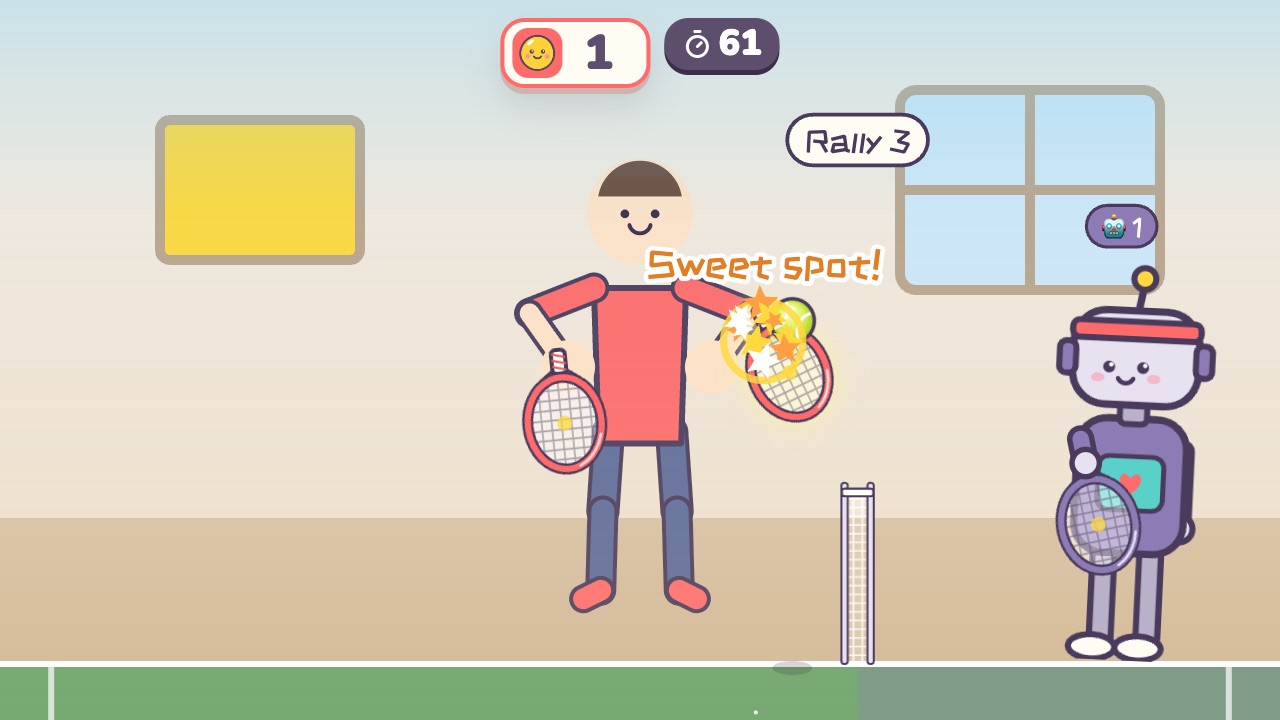
How to play
- The ball flies over from the other side of the net
- Swing across with the hand on the side the ball comes to
- Hit it with the sweet spot and the ball goes back fast and straight
What it practices
- Hand-eye coordination
- Swing timing
- Reading the ball
Game info
| Ages | 6–15 (Elementary, Teens) |
|---|---|
| Activity level | ⚡⚡ Moderate |
| Type | Hands · Versus |
| Round length | 75 seconds (you can change it in the settings) |
| Players | 1 player (against the computer) or 2 players head to head |
| You need | A webcam; Chrome or Edge |
| Stars | Level 1: 2 stars from 7 points, 3 stars from 10 pointsLevel 2: 2 stars from 8 points, 3 stars from 11 pointsLevel 3: 2 stars from 9 points, 3 stars from 12 pointsFinishing a round always earns 1 star. If you change the round length, the targets scale with it. |
How teachers and parents use it
Kids swing a hand across, forehand or backhand, on the side the ball comes to, and a hit on the sweet spot sends it back fast and straight, which practices timing and reading the ball. One player rallies against a robot and two players face off across the net; a round lasts 75 seconds and suits ages 6 to 15. There's no racket to knock into anything, but leave an arm's length of space on each side.
Before you play
- Put the camera at about chest height and stand 7 to 10 feet (2 to 3 m) away.
- Clear some floor space and check that it isn’t slippery. A grown-up should stay close while little kids play.
- First time? Run the device check. Not sure how the game works? Choose “Watch a demo first” and a cartoon kid shows you.
▶ Play Tennis RallyWatch a demo first
Similar games
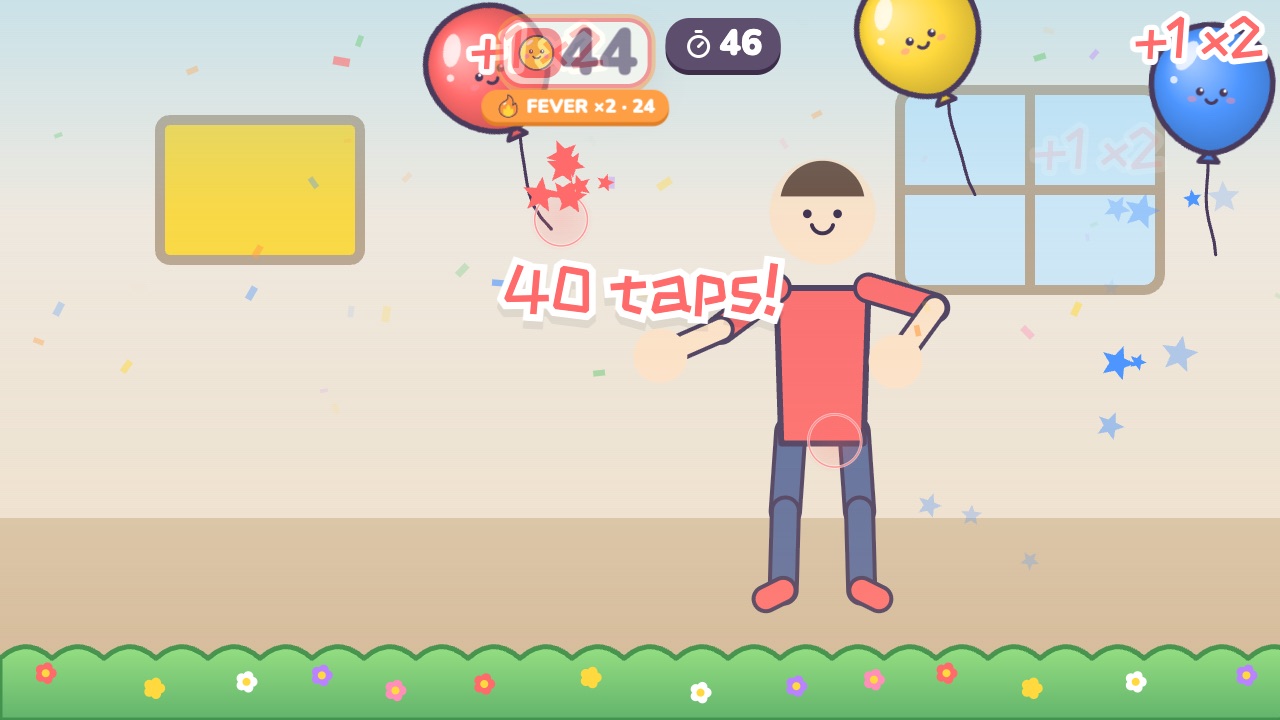 Balloon Keep-UpTap the balloon back up and keep it off the groundAges 3–8 · Moderate activity · Hands / Whole body
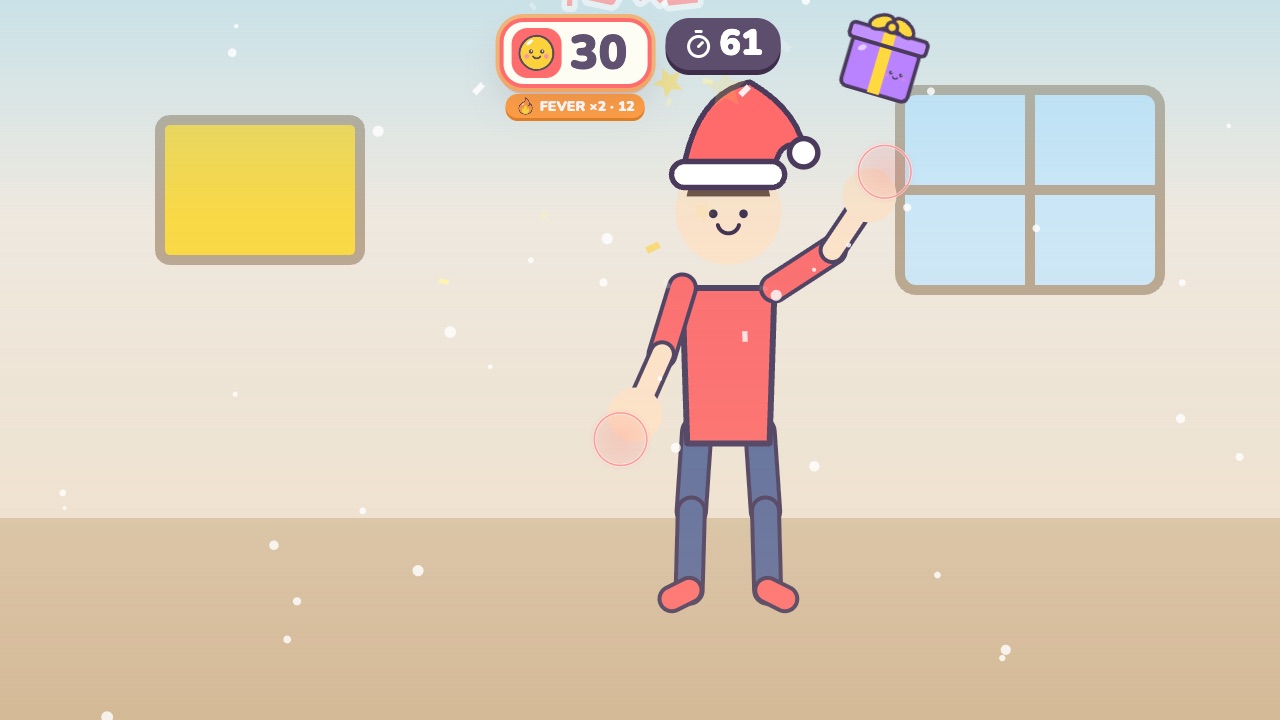 Gift CatchPut on a Santa hat and catch the falling giftsAges 3–7 · Moderate activity · Hands
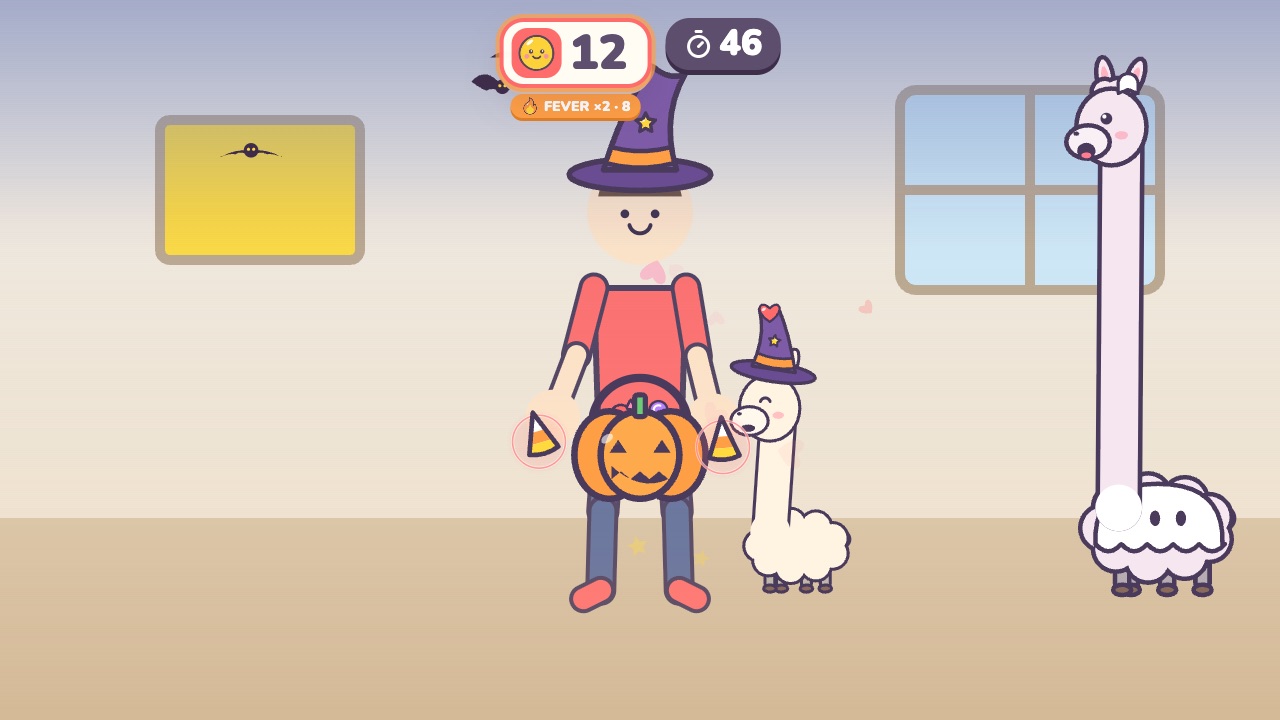 Feed the LlamaFeed candy to the llamas, and don't let them spit on youAges 3–7 · Moderate activity · Hands / Whole body
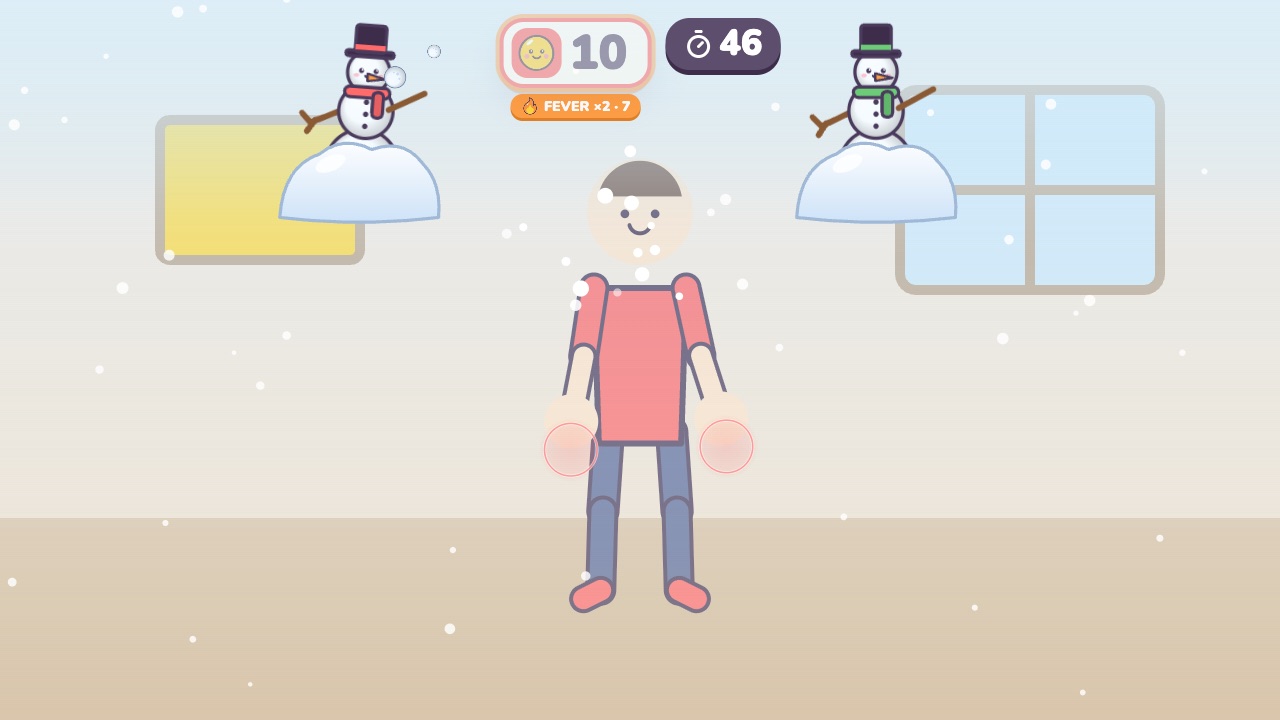 Snowball FightBlock the snowballs and bounce them back at the snowmanAges 3–8 · Moderate activity · Hands
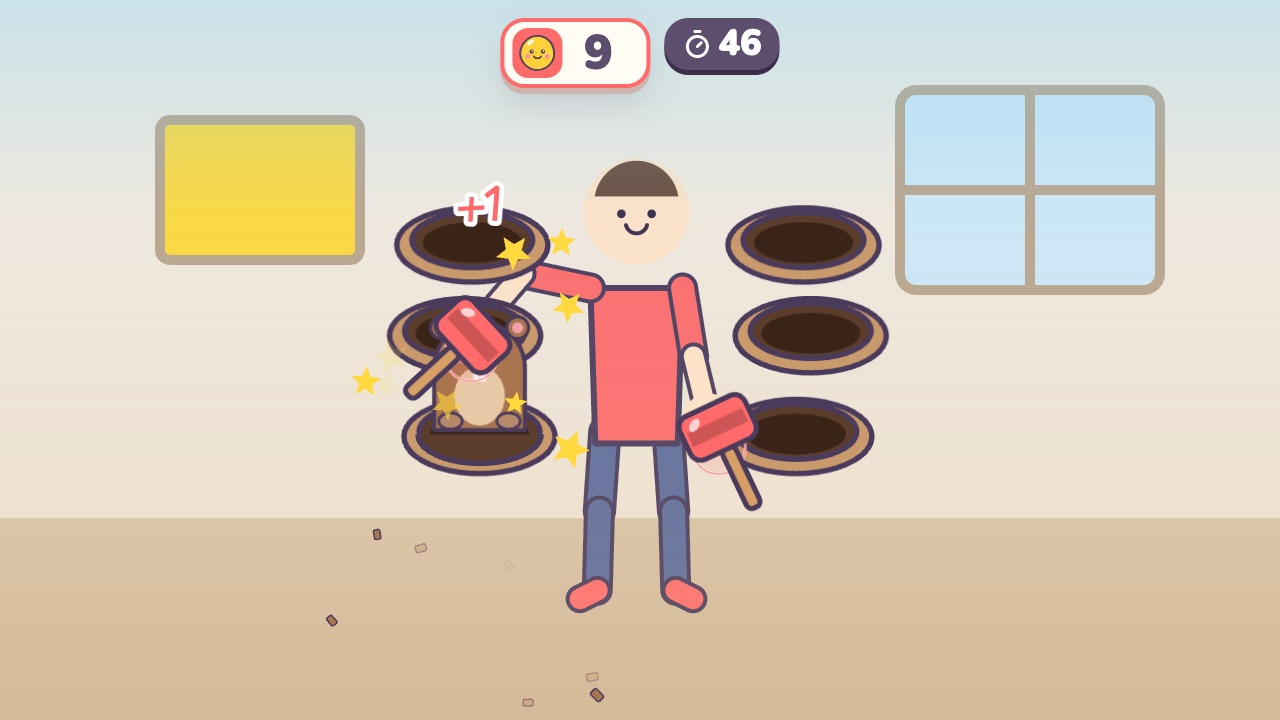 Mole BopBop the moles that pop up beside you, but not the ones in hard hatsAges 3–9 · Moderate activity · Hands
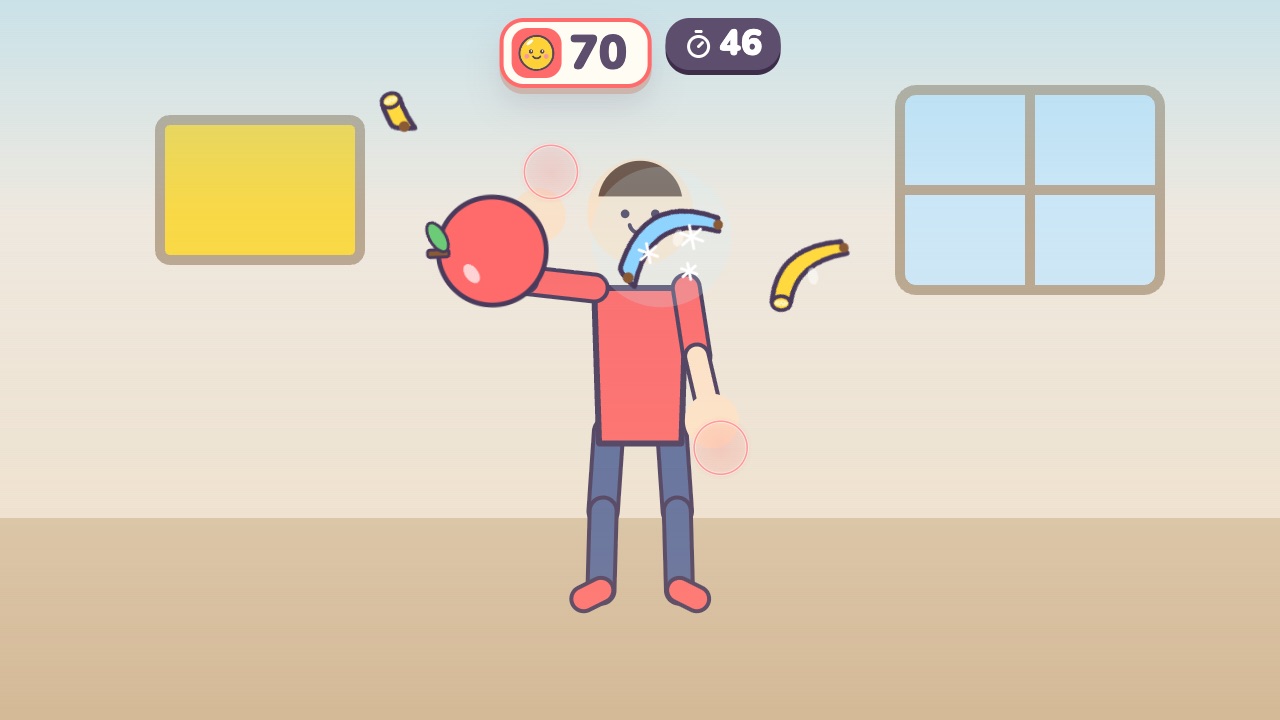 Fruit SlashSwing your hand to slice the flying fruit, and stay away from the bombsAges 6–14 · Moderate activity · Hands