 DongDong Park
Smartboard games that get the whole class moving, not just one kid at the board
Updated
Most smartboard games are touch games: one child taps the board while 25 watch. Camera games turn that around. The board is just the screen; a webcam watches the open space in front of it, so kids play by moving, and the whole class can play along at once.
Touch games vs. movement games on the board
| Touch games | Movement (camera) games | |
|---|---|---|
| Who plays | One or two kids at the board | One or two on camera, everyone else copying the moves |
| How | Reach and tap | Jump, squat, dodge, reach, run in place |
| Setup | Board calibration | A webcam pointed at the space in front of the board |
| Best for | Practicing one skill | Brain breaks, indoor recess, PE on rainy days |
Setup: what goes where
- Computer. Connect the classroom laptop or desktop to the board the way you do for any lesson, and open the games in Chrome or Edge on that computer.
- Camera. It has to see the play space. A laptop’s built-in camera usually faces the teacher’s chair, so turn the laptop toward the open floor, or put a USB webcam on top of or below the board, facing the class.
- Play spot. Clear a strip of floor 7 to 10 feet from the camera, so players are in view from head to feet.
- Projector. If players stand in the beam, their shadows fall on the picture and the light shines in their eyes. Move the play spot a little to one side.
- Sound. The games speak their instructions, so turn the board’s speakers up.
- Check once. Run the device check on the classroom computer before the first lesson.
The classroom guide and TV and projector guide go into more detail.
Games by grade
| Grade | Whole-class | Two kids head-to-head | Calm |
|---|---|---|---|
| K–2 | Red Light, Green Light, Animal Moves | Musical Chairs, Radish Squat | Bubble Pop |
| 3–5 | Dodgeball, Wall Pose | Tug of War, Tennis Rally | Archery |
| 6–8 | Reaction Lights, Hurdle Race | Air Ping-Pong, Fencing | Calm Breathing |
| 9–12 | Boxing Practice, Dance Along | Sumo Push, Quick Draw | Tai Chi Cloud Hands |
Smartboard learning games with movement
Some games mix moving with a school skill, so the board earns its place in a math or literacy block:
- Answer Catch (5–9): catch the right answer to a math problem.
- Spelling Catch (6–12): catch the letters in order to spell the word in the picture.
- Human Clock (6–11): arms become the clock hands.
- Balance Scale (6–12): arms become a scale; lower the heavier side.
- Color Touch (3–7): touch the color and shape you hear.
- Flag Code (8–16): spell words with arm signals.
Running it with a full class
- Copy-along. One or two players on camera; everyone else stands at their desks and does the same moves.
- Rotation. Two new players each round. The free random name picker keeps it fair.
- Stations. During indoor recess, the board is one station and the others need no screen.
Short on time? Five-minute ideas are in brain breaks; a full lesson is in indoor PE games.
SMART Board is a trademark of SMART Technologies. DongDong Park isn’t affiliated with SMART or any other board maker; the games run on any board, panel, projector or TV that shows a computer’s screen.
Common questions
- Do I need a particular brand of smartboard?
- No. Any interactive whiteboard, panel, projector or TV that shows the classroom computer’s screen works. The camera does the work; the touch surface isn’t used.
- Can I use the board’s built-in camera?
- If the computer lists it as a camera when the browser asks for permission, yes. Otherwise, plug a USB webcam into the computer and point it at the play space.
- Are these smartboard games free?
- You can try two rounds without an account, and there is nothing to install. With a free account a grown-up creates, kids can play every day on the Free plan, which has a daily number of rounds; a membership removes the limit. Plans and prices are on the pricing page.
- Is it safe for kids to play in front of a projector?
- Keep the play spot out of the beam where you can, so kids aren’t looking into the light and their shadows don’t cover the picture. With a flat panel there’s no beam to worry about.
Games mentioned here
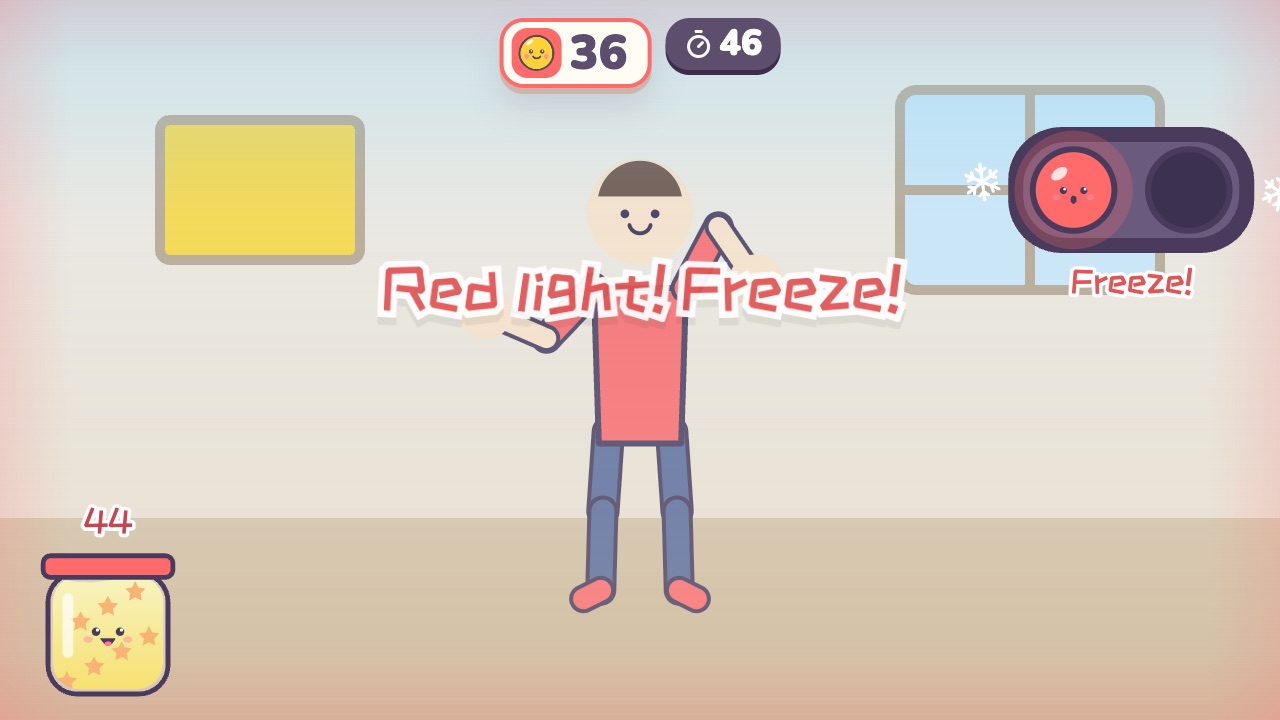 Red Light, Green LightGo wild on green, and freeze like a statue at red lightAges 3–10 · High activity · Whole body
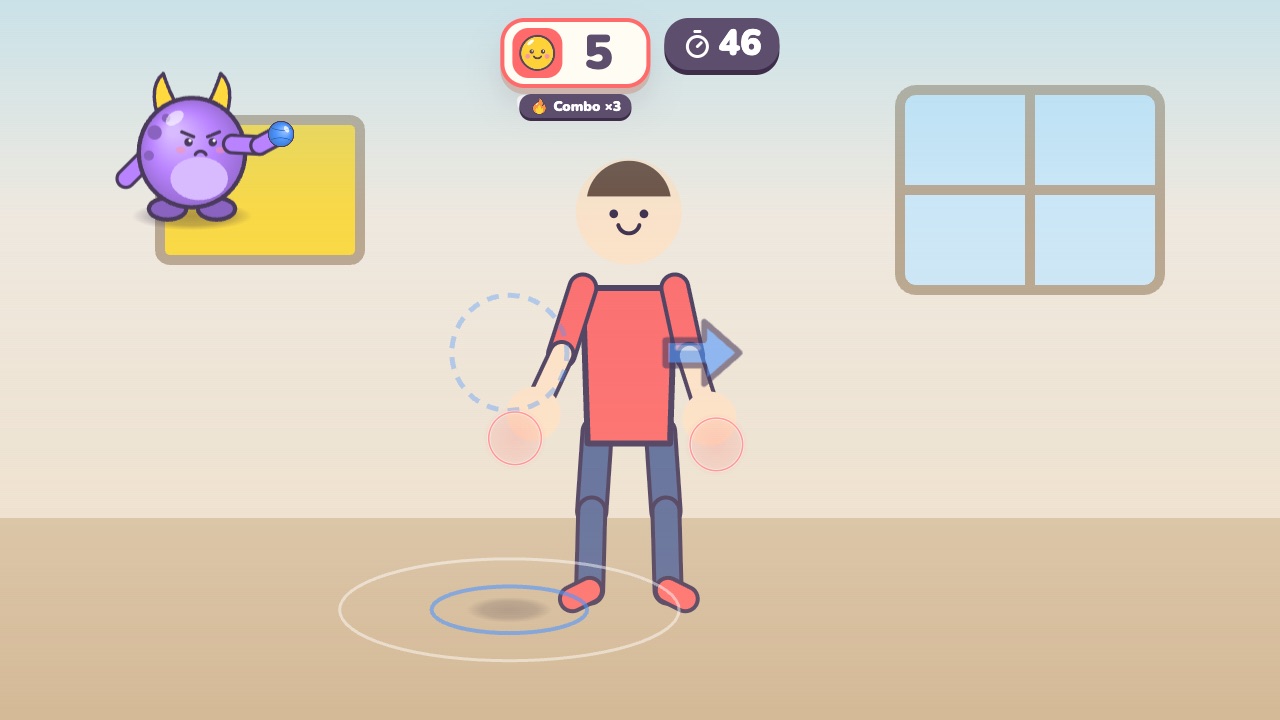 DodgeballWatch the shadow: jump the low balls, duck the high ones, dodge the side onesAges 6–14 · High activity · Whole body / Run & jump / Fitness
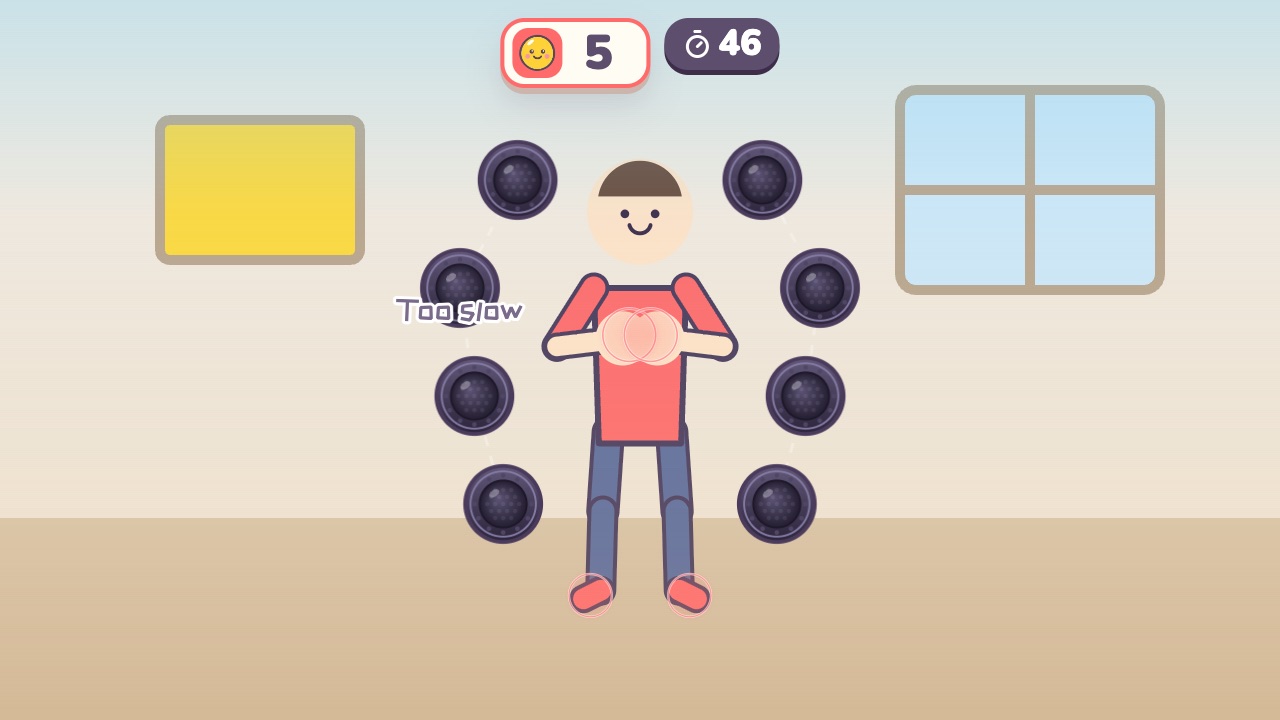 Reaction LightsHit whichever light turns green as fast as you can, and never touch a red oneAges 10–18 · High activity · Fitness / Whole body / Thinking
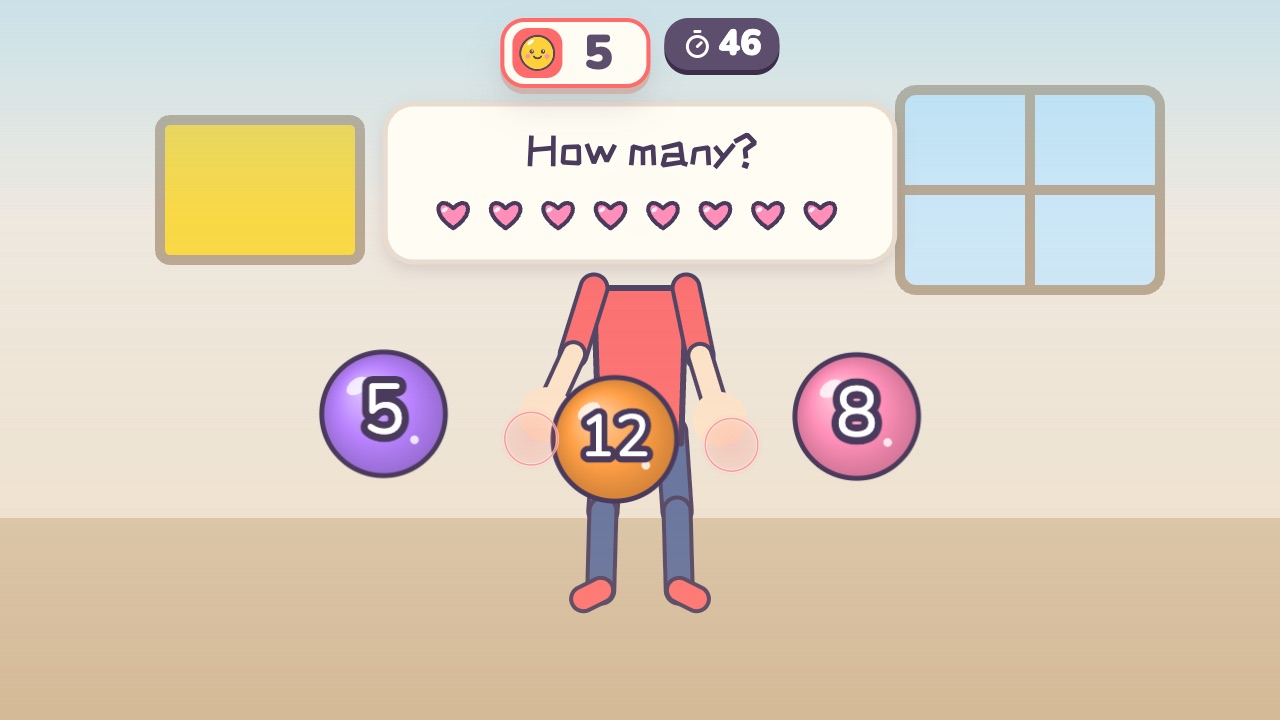 Answer CatchWork out the answer, then reach out and catch itAges 5–9 · Light activity · Hands / Thinking / Calm
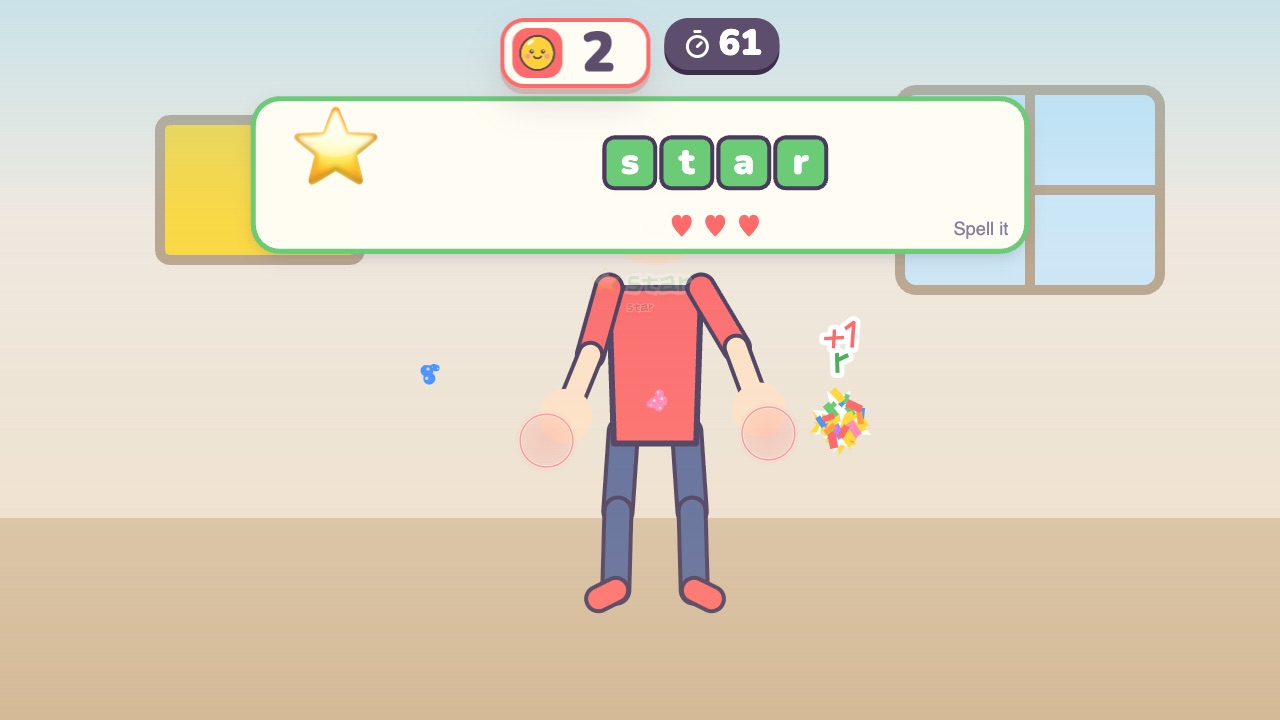 Spelling CatchCatch the letters in the right order to spell the word in the pictureAges 6–12 · Light activity · Hands / Thinking / Calm
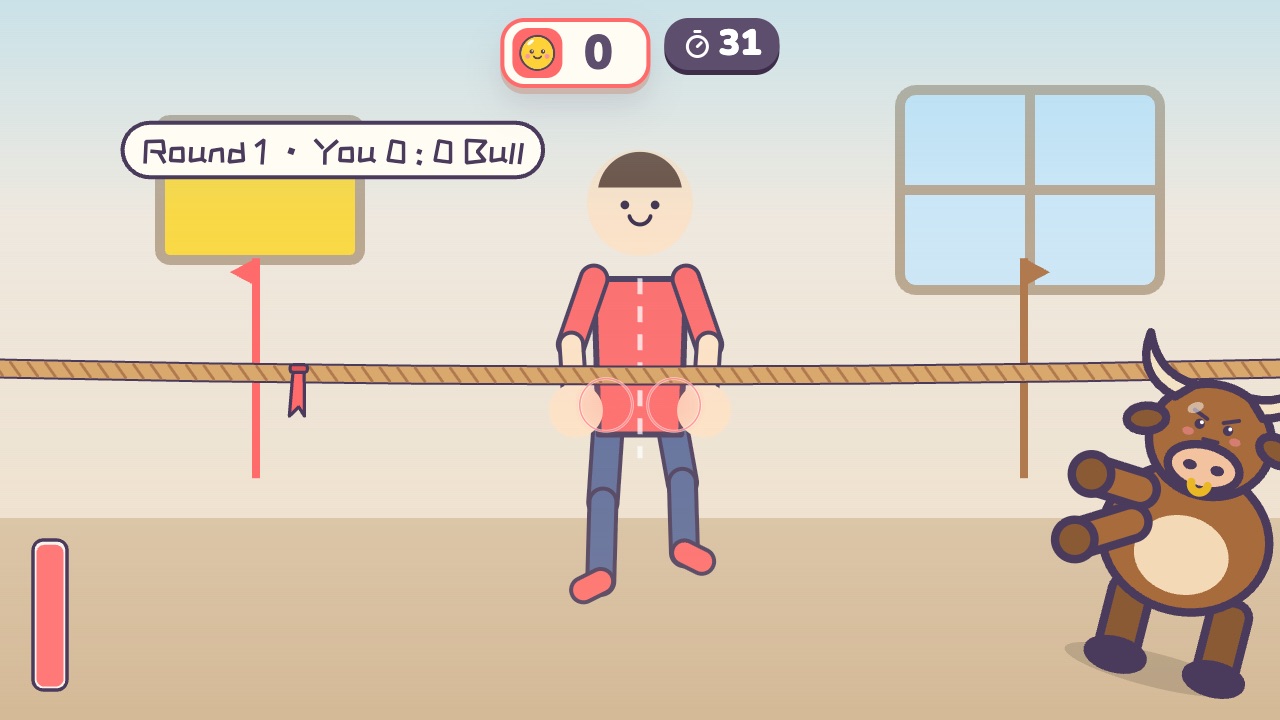 Tug of WarPull the rope back hard until the red flag crosses your lineAges 4–16 · High activity · Versus / Fitness / Hands
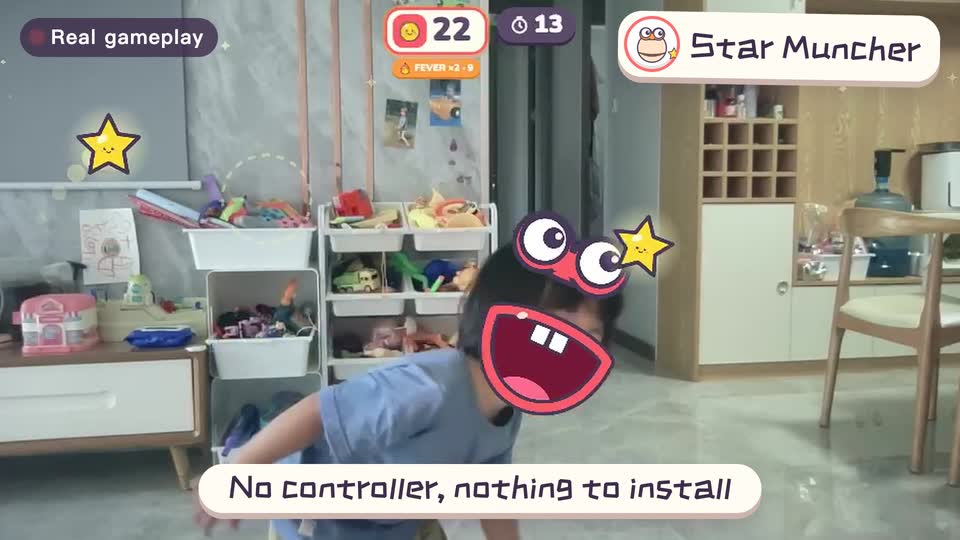
Real footage · 14 s
Kids stand in front of the computer and just move
100+ motion games for ages 3 to 18. Open the website and play: nothing to install, and the camera picture stays on this computer.
Sources
- Strategies for Classroom Physical Activity in Schools. Centers for Disease Control and Prevention. 2018
Keep reading
- Indoor recess games: a 20-minute rainy-day plan
- Brain breaks: 5-minute movement games for any grade
- Brain breaks for middle and high school: movement teens won’t call babyish
- Brain breaks for kindergarten and preschool: short, silly and mostly screen-free
- Homeschool PE made simple: a weekly plan, a fitness log and indoor games for bad-weather days
- ESL movement games: Total Physical Response with a webcam