 DongDong Park
Webcam games for kids: 20 free online games they play with their whole body
Updated
Webcam games are games kids control with their bodies. The computer’s camera watches them jump, duck, wave or squat, and the game on screen responds. There is no controller, no console and nothing to wear. Below are 20 to start with, sorted by age, plus what you need, how to get good tracking, and how to keep it safe.
All 20 come from DongDong Park, the collection this site makes, so you can try any of them in the browser right now. Weighing up a console instead? See webcam games vs a motion console.
Two kinds of “webcam games”
- Video-call games, like charades or scavenger hunts over Zoom. The camera only lets other people see you; you need a group on the call.
- Camera-controlled games, where the computer recognizes your body and the game reacts to it. A child can play alone, with a sibling, or in front of a whole class. This page is about this kind.
What you need
- A computer with a camera: a laptop’s built-in webcam works, and so does a USB webcam on a desktop. Windows, Mac and Chromebook are all fine.
- A recent version of Chrome or Edge.
- About 7 to 10 feet of clear floor in front of the camera, so the whole body fits in the picture.
- Light in front of the player, not a bright window behind them.
- Optional: a TV or projector, so the picture is big and a group can watch (how to connect one).
Phones and tablets open the games, but a close-up front camera rarely fits a whole body in view, so a computer works best.
20 webcam games by age
| Game | Ages | What kids do | Energy |
|---|---|---|---|
| Preschool (3 to 5) | |||
| Red Light, Green Light | 3–10 | Move like crazy on green, freeze on red | Sweaty |
| Balloon Keep-Up | 3–8 | Tap the balloon back up before it lands | Moderate |
| Animal Moves | 3–8 | Hop like a bunny, flap like a bird, swing a trunk like an elephant | Moderate |
| Feed the Chicks | 3–7 | Pick berries, feed the baby birds, shoo the crow | Moderate |
| Bubble Pop | 3–7 | Pop the bubbles floating in | Gentle |
| Ages 6 to 9 | |||
| Soccer Shootout | 4–10 | Feet, knees and head send the ball into the goal | Sweaty |
| Simon Says | 4–10 | Move only when Simon says so | Moderate |
| Fruit Slash | 6–14 | Swing a hand to slice fruit, miss the bombs | Moderate |
| Jump Rope Champ | 6–14 | Jump as the rope sweeps under your feet | Sweaty |
| Dodgeball | 6–14 | Jump the low balls, duck the high ones | Sweaty |
| Ages 9 to 12 | |||
| Hoop Shots | 5–16 | Lift both hands and shoot into the hoop | Moderate |
| Bowling | 5–14 | Swing back, fling forward, lean to aim | Moderate |
| Wall Pose | 4–12 | Twist into the shape of the hole in the wall | Moderate |
| Hopscotch | 5–12 | One foot, two feet, one row at a time | Sweaty |
| Tennis Rally | 6–15 | Swing on the side the ball comes | Moderate |
| Teens (12 and up) | |||
| Boxing Practice | 9–18 | Punch the coach’s pads, dodge and duck | Sweaty |
| Reaction Lights | 10–18 | Hit the green light fast, never the red | Sweaty |
| Laser Hallway | 9–18 | Duck, jump and sidestep sweeping lasers | Sweaty |
| Rock Climbing | 9–18 | Reach for hold after hold to climb the wall | Sweaty |
| Dance Along | 12–18 | Dance with the coach, scored on every beat | Sweaty |
Every game has three difficulty levels per age group. Browse all of them on the games page, or by age: 3–6, 6–12, 12–18.
Webcam games for two kids
In two-player mode, kids stand side by side and each gets half of the screen and their own score. Head-to-head: Tug of War (4–16), Musical Chairs (4–10), Air Ping-Pong (9–18) and Sumo Push (10–18). As a team: Dragon Boat Race (5–18), Team Ball Carry (8–18) and Three-Legged Race (8–18). More in two-player games.
Calmer webcam games
For winding down after school or before bed: Go Fishing and Little Gardener for the youngest, Archery (8–18), and for teens Yoga Poses, Tai Chi Cloud Hands and Calm Breathing (uses the microphone). See all calm games.
Webcam games for exercise
Four one-minute counters turn exercise into a number to beat: Jump Rope Counter (with a rope or without), Squat Counter, Jumping Jack Counter and High Knees Counter. The game counts, the kid tries to beat yesterday. There are more in fitness games.
Are webcam games safe for kids?
- Privacy. Movement is recognized on your own computer; the camera images aren’t uploaded. Kids don’t need accounts. Details on the safety and privacy page.
- Space. Clear the play area of furniture and toys, keep away from the TV, and play barefoot on a rug or in sneakers, not in socks on a smooth floor.
- Screen time. A round of jumping isn’t the same as an hour of scrolling, but it is still a screen. For ages 2 to 5, the American Academy of Pediatrics suggests no more than one hour a day of high-quality screen media, ideally shared with an adult. For older kids, the WHO recommends at least 60 minutes a day of moderate-to-vigorous activity and less recreational screen time. Rounds last about a minute; a 10- to 20-minute session is plenty, and outdoor play comes first. More in active screen time.
Getting good tracking
- Run the device check once: it tests the camera and the computer’s speed.
- Put the camera at about chest height, pointing at the open space.
- Step back until the head and feet are both in the picture.
- Turn the lights on and close the curtains behind the player.
- On a slow computer, set Tracking quality to “Fast” in the settings.
Curious how a regular webcam can follow a jump? Read how webcam motion games work; the setup guide covers camera height, distance and light.
Common questions
- Are these webcam games free?
- You can try two rounds without an account, and there is nothing to install. With a free account a grown-up creates, kids can play every day on the Free plan, which has a daily number of rounds; a membership removes the limit. Plans and prices are on the pricing page.
- Do webcam games work on a Chromebook?
- Yes: they run in Chrome, so a Chromebook with a camera can play. School-managed Chromebooks sometimes block websites from using the camera; if the browser never asks for camera permission, the school’s IT admin can allow it. On older, slower models, set Tracking quality to “Fast” in the settings.
- Do I need to download anything?
- No. The games run in the browser. If you like, you can install the site like an app from the address bar of Chrome or Edge.
- Are the camera images uploaded?
- No. Movement is recognized on your own computer and the camera images never reach our servers. Kids don’t need accounts: one adult signs in, and kids play under nicknames.
- Is a webcam game the same as a Zoom game?
- No. Zoom games (charades, scavenger hunts) use the camera so other people can see you. In a webcam-controlled game, the computer itself watches your moves and the game responds to them, so one child can play alone.
- What ages are they for?
- Ages 3 to 18. Every game lists its age range, and there are three age groups (preschool, elementary and teens), each with three difficulty levels.
Games mentioned here
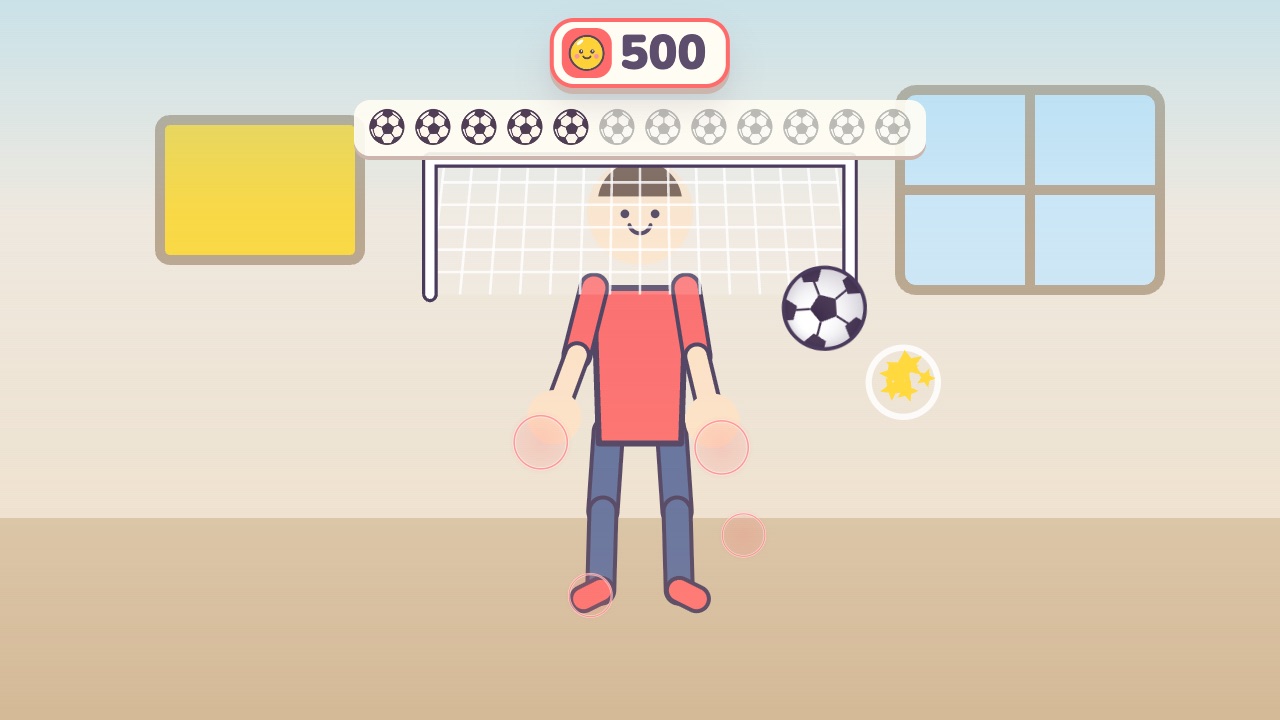 Soccer ShootoutScore with your feet, knees and head, but not your handsAges 4–10 · High activity · Run & jump / Whole body
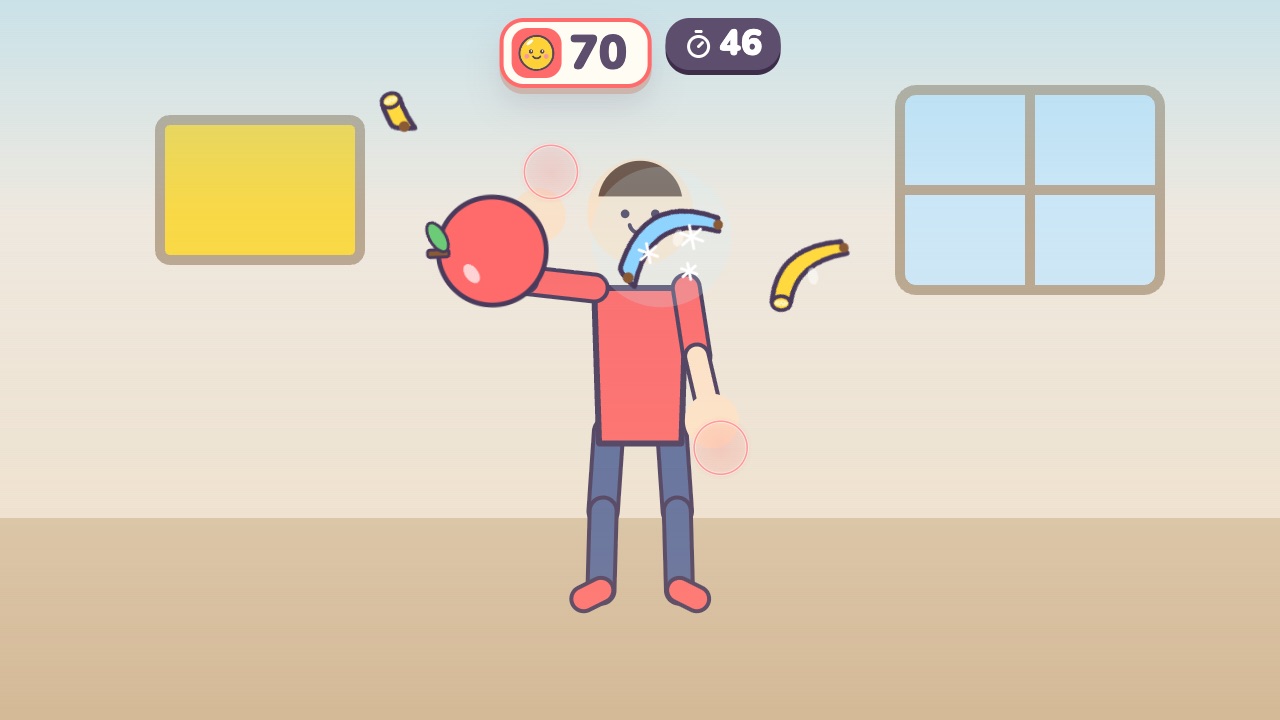 Fruit SlashSwing your hand to slice the flying fruit, and stay away from the bombsAges 6–14 · Moderate activity · Hands
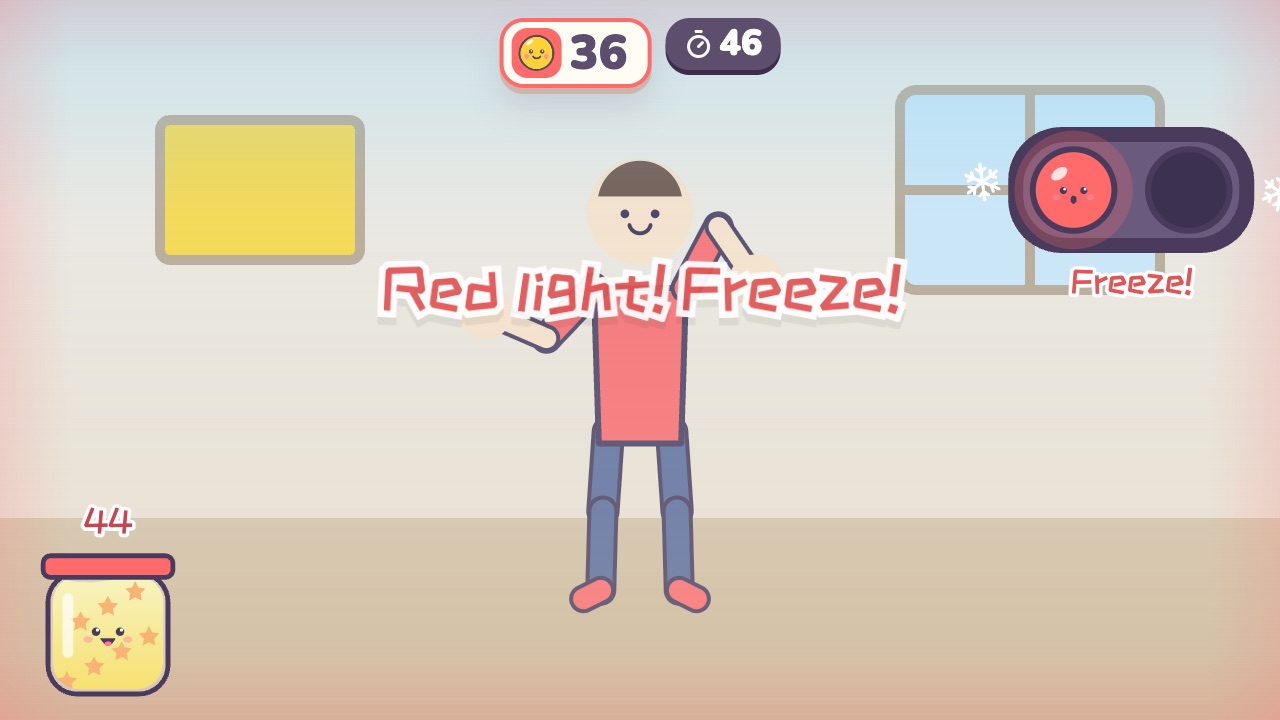 Red Light, Green LightGo wild on green, and freeze like a statue at red lightAges 3–10 · High activity · Whole body
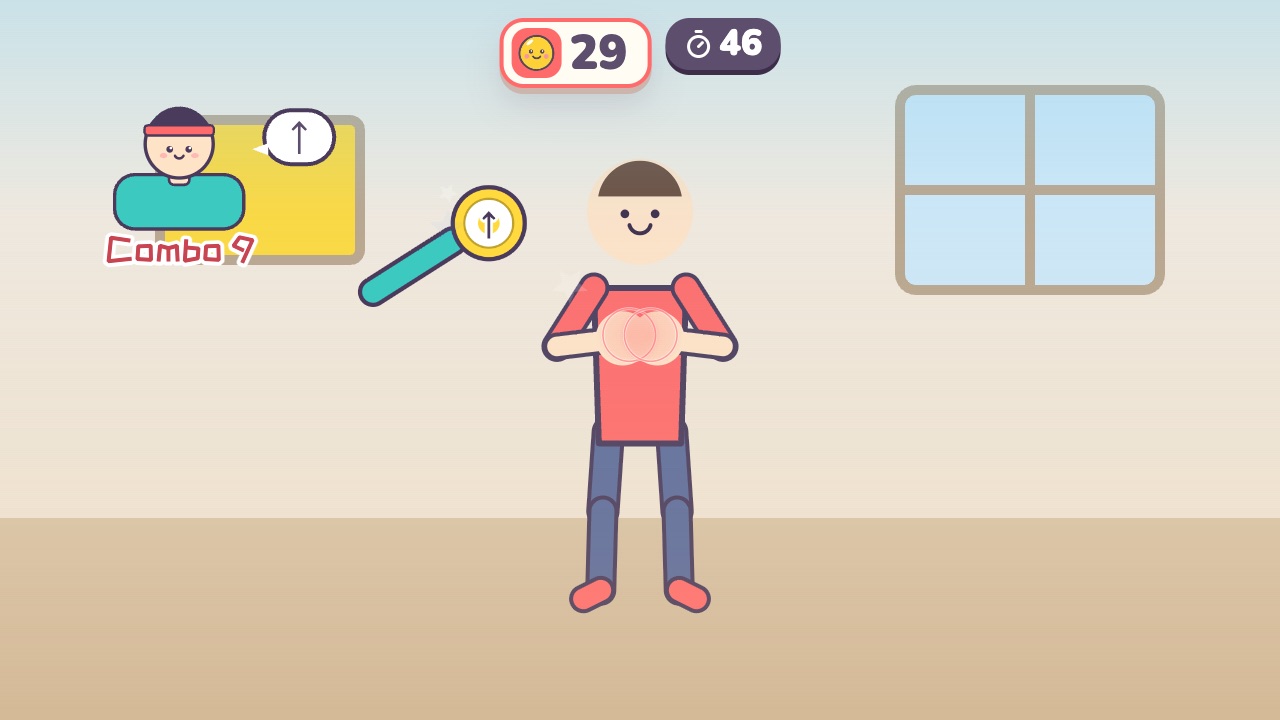 Boxing PracticeThe coach holds up pads: punch left, right and up, dodge the gloves and duck the barAges 9–18 · High activity · Hands / Fitness
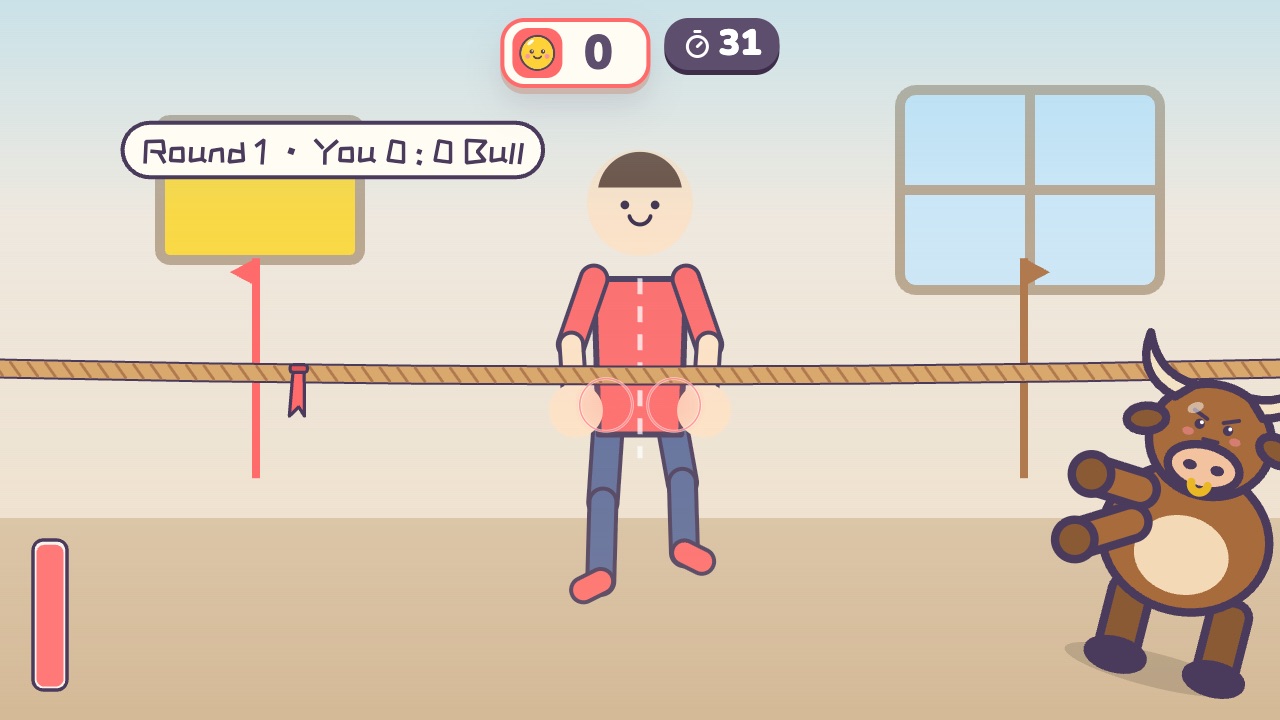 Tug of WarPull the rope back hard until the red flag crosses your lineAges 4–16 · High activity · Versus / Fitness / Hands
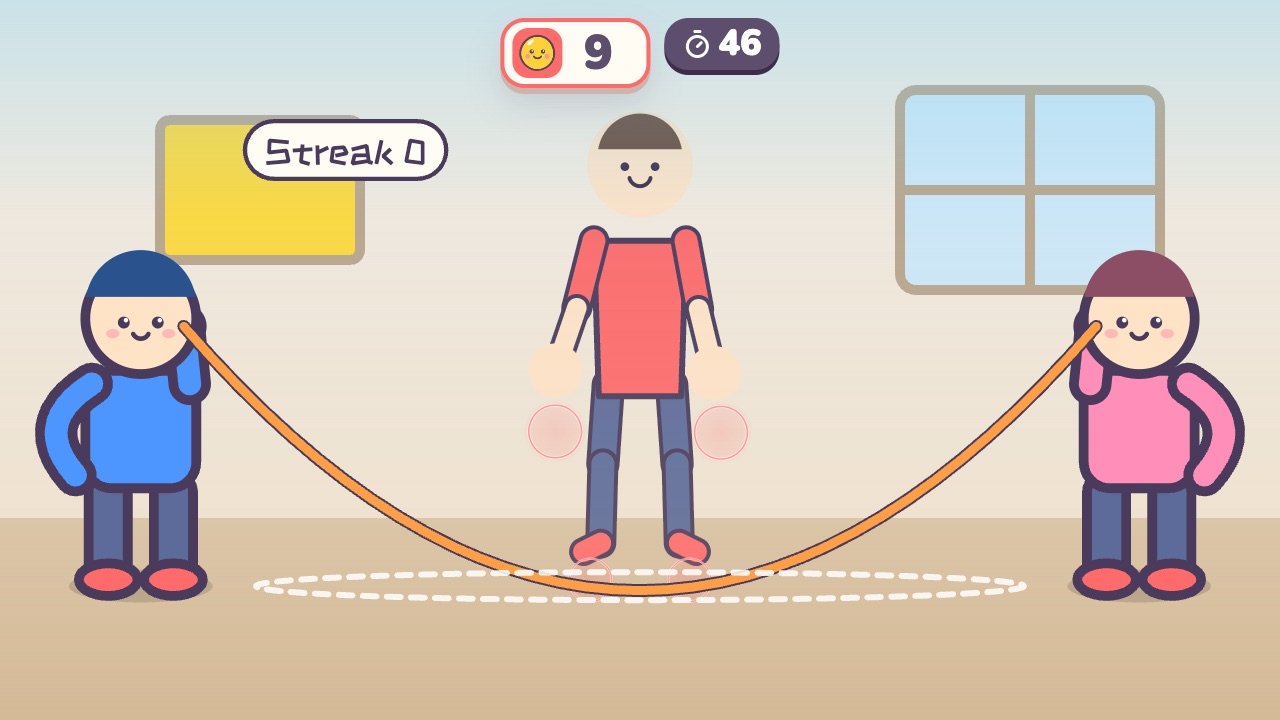 Jump Rope ChampJump when the rope sweeps under your feet. The longer your streak, the faster the ropeAges 6–14 · High activity · Run & jump / Fitness / Rhythm
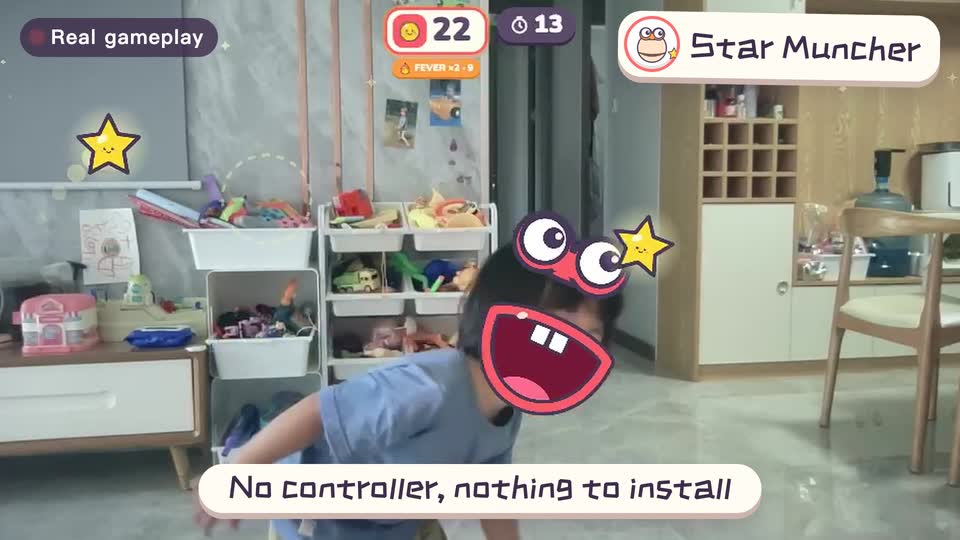
Real footage · 14 s
Kids stand in front of the computer and just move
100+ motion games for ages 3 to 18. Open the website and play: nothing to install, and the camera picture stays on this computer.
Sources
- Media and Young Minds. American Academy of Pediatrics, Council on Communications and Media. Pediatrics 138(5), 2016
- WHO guidelines on physical activity and sedentary behaviour. World Health Organization. 2020
Keep reading
- How much should kids move each day? What the WHO says, and how to fit it in at home
- Screen time isn’t always sitting time: using screens to get kids moving
- When kids don’t like exercise: 6 ways to turn “I have to” into “I want to”
- Exercise and height: what actually helps kids grow (ages 6–14)
- Kids bouncing off the walls? A quiet 20-minute plan to burn off energy at home (ages 3–10)
- Winter exercise for kids: staying active when it’s too cold to go out