 DongDong Park
Kinect alternatives for PC: what still works in 2026
Updated
Kinect made full-body games feel like magic: no controller, just you in front of the TV. But Microsoft stopped making Kinect for Xbox One in October 2017, and its later developer camera is gone too. If you have a PC and want that kind of play for your kids or your class, here’s what is realistic today.
Where Kinect stands
- Kinect for Xbox One: a Microsoft spokesperson told TechCrunch in October 2017 that manufacturing had ended.
- Kinect for Windows SDK 2.0 can still be downloaded from Microsoft, but its page lists Windows 8 and 8.1 as the supported systems. Getting an old sensor running on a current PC is a hobby project, not something to plan a class around.
- Azure Kinect DK, the developer camera that followed, reached end of production on August 17, 2023, and its SDK was retired on August 17, 2024, according to Microsoft.
The longer story is in our history of Kinect.
What took its place: the camera you already have
Kinect used a depth camera: it sent out its own infrared light and measured distance, which helped in dim rooms. Since then, software has become good at recognizing a person and their pose in an ordinary picture, so a regular webcam can do much of the same job. There is nothing extra to buy, but the room needs to be well lit, because a normal webcam relies on room light. How this works, in plain words: How does a regular webcam see a kid’s moves?
The options today
| Option | Hardware | Good to know |
|---|---|---|
| Webcam games in the browser (DongDong Park, Zazti) | Your PC or laptop and its webcam; a TV or projector is optional | Nothing to install. DongDong Park has 100+ games for ages 3 to 18 and recognizes moves on the computer without uploading camera images. Free to try (two rounds without an account), then a free account with a daily number of rounds; a membership removes the limit (pricing). |
| WonderTree | PC or laptop with a webcam (8 GB of memory or more) | Browser games designed for children with special needs; free trial, then a paid plan |
| Nex Playground | Its own camera console, connected to a TV | $299 for the console; a camera box for the living-room TV rather than for a PC |
| LeapFrog LeapMove | Its own camera, connected to a TV | Learning games for ages 4 to 7; a computer is needed to register it and add games |
| Phone and tablet apps (MovePlay, Active Arcade) | An iPhone or iPad (MovePlay also runs on a Mac) | The phone stands where it can see your whole body. Active Arcade is free but hasn’t been updated since December 2022 |
Setting up a PC like a Kinect
- Connect the PC to the TV or projector with HDMI, so the game is big. The TV guide covers screen mirroring and cables.
- Put the camera at about chest height, facing the play area. A laptop works; an inexpensive USB webcam on top of the TV is easier to aim.
- Stand 7 to 10 feet (2 to 3 m) back, so the camera sees from head to feet. Turn the lights on and avoid a bright window behind the players.
- Run the device check, then try Shape Wall or Forest Run for younger kids, Boxing Practice or Mirror Dance-Off for older ones.
What a webcam does differently
- It needs good light, since it doesn’t bring its own infrared light like a depth camera.
- Games are built for one or two players at a time; in a classroom, kids take turns in pairs.
- There is no extra device to plug in, update or store, and nothing to buy before you know whether your kids like it.
Product details and prices come from each maker’s website or store listing, checked on November 17, 2026; they can change, so check the maker’s page before you buy. DongDong Park isn’t affiliated with any of these companies, and product names are trademarks of their owners.
Games mentioned here
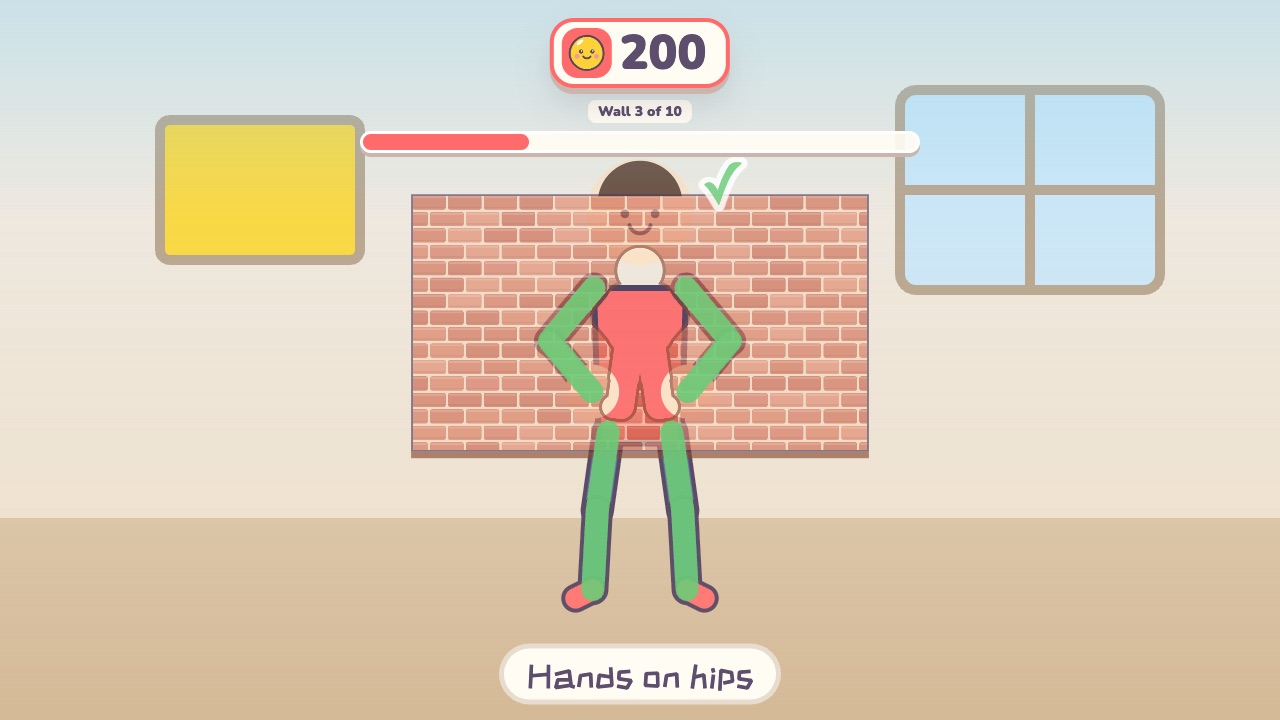 Shape WallMake the same shape as the hole in the wallAges 4–12 · Moderate activity · Whole body / Thinking
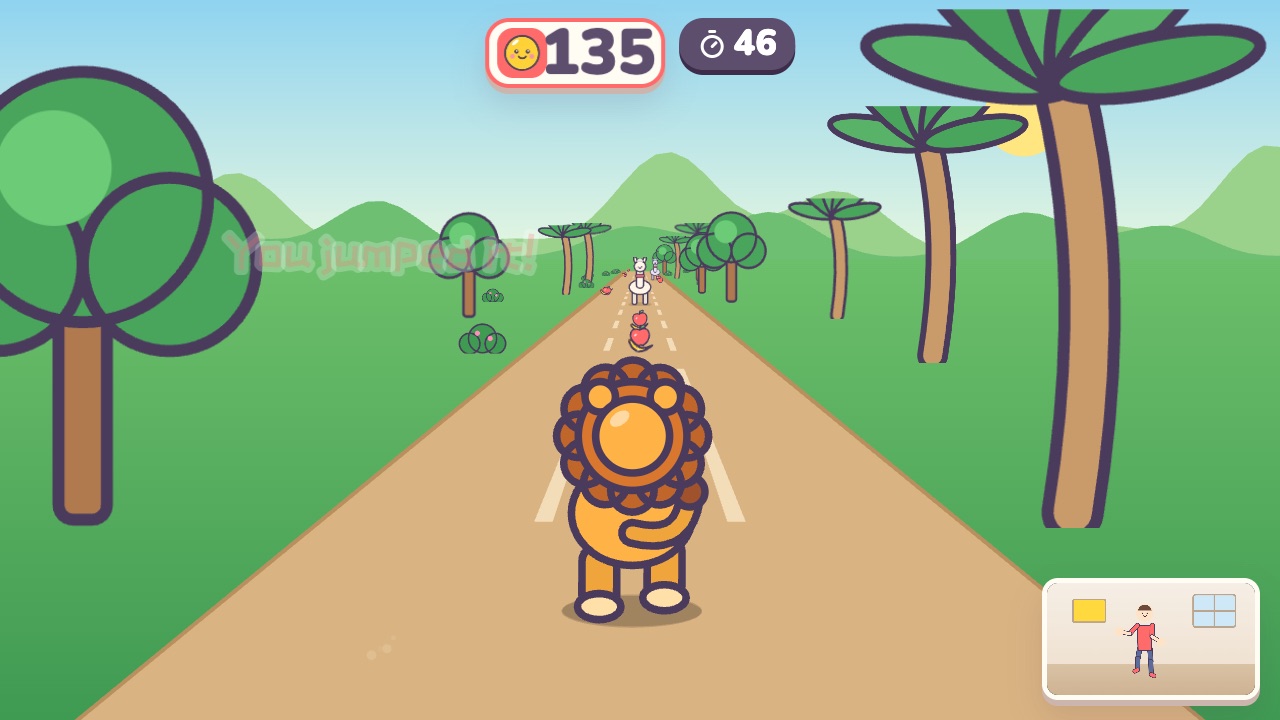 Forest RunRun on the spot, dodge left and right, and jump over the logsAges 4–10 · High activity · Run & jump / Whole body
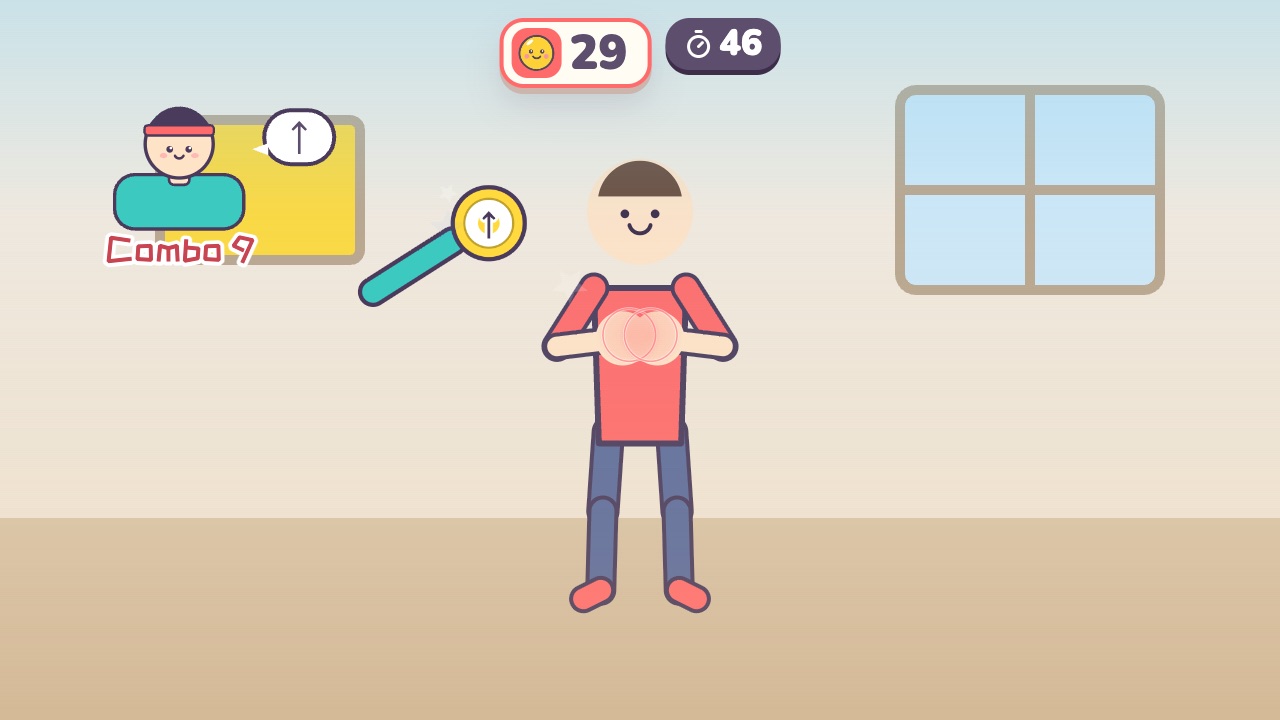 Boxing PracticeThe coach holds up pads: punch left, right and up, dodge the gloves and duck the barAges 9–18 · High activity · Hands / Fitness
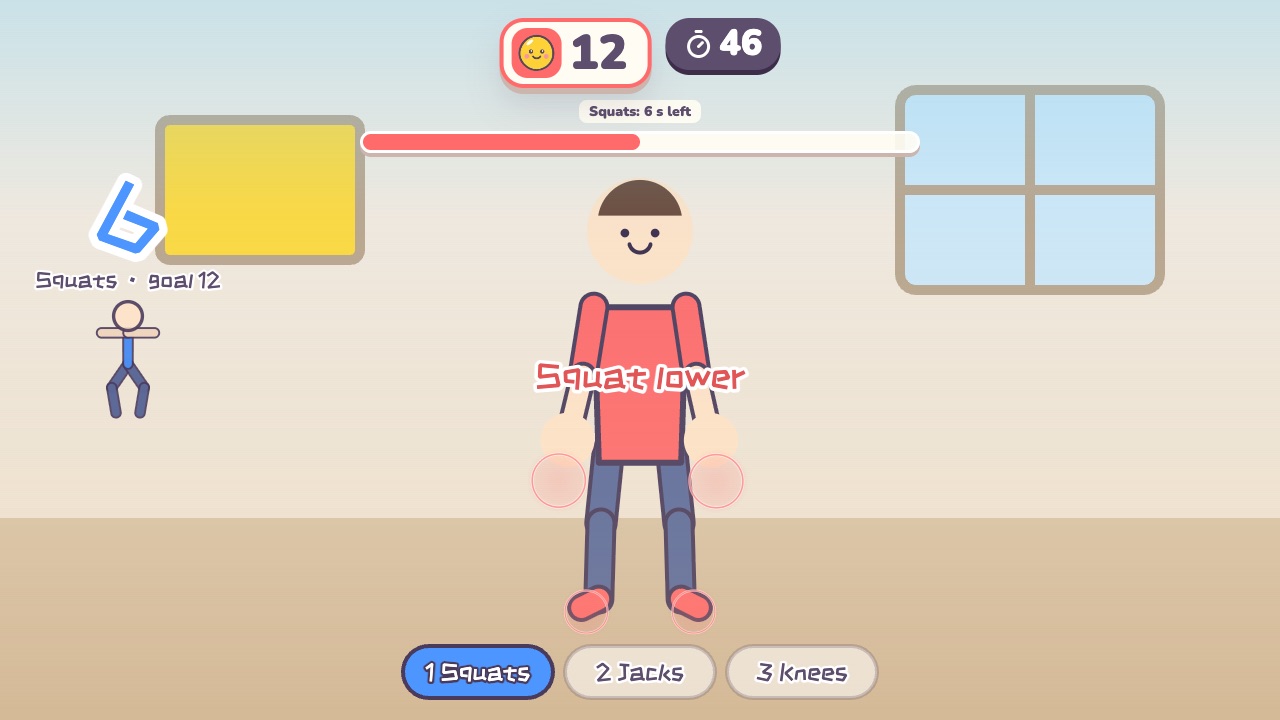 Fitness CircuitSquats, jumping jacks and high knees: three stations, counted for youAges 12–18 · High activity · Fitness / Run & jump / Whole body
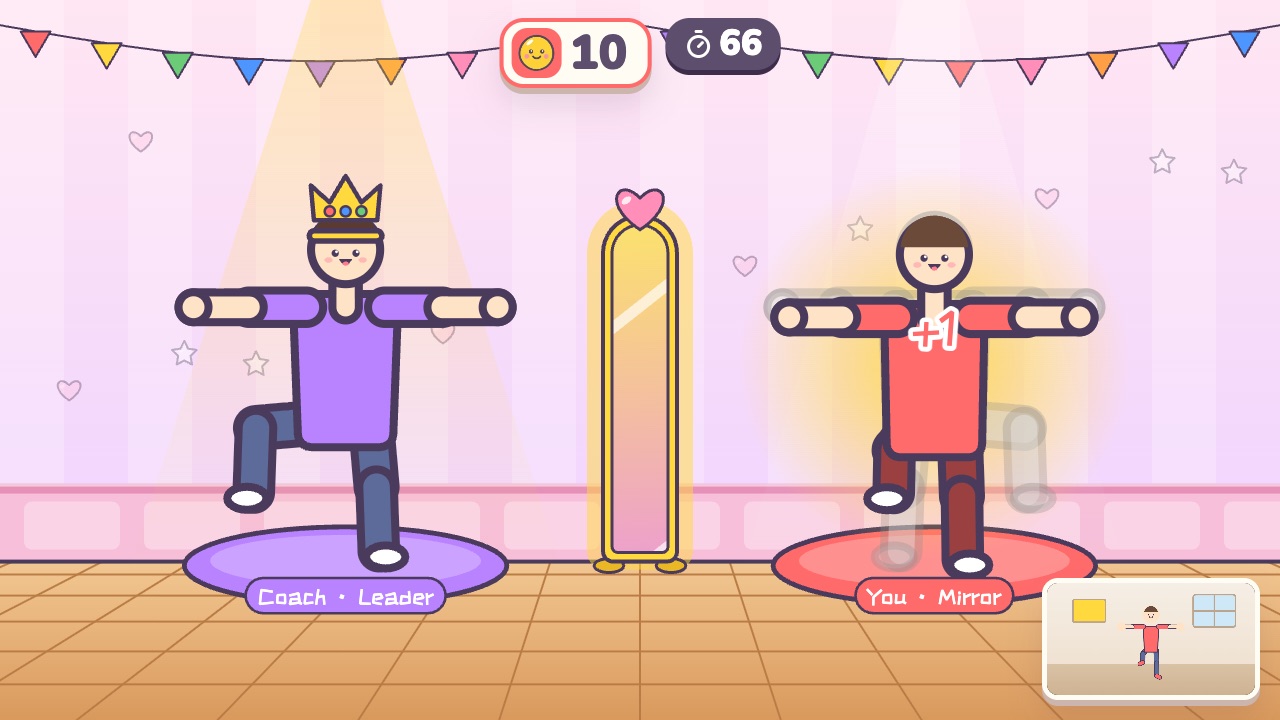 Mirror Dance-OffTake turns leading the dance while the other player mirrors youAges 10–18 · Moderate activity · Versus / Whole body
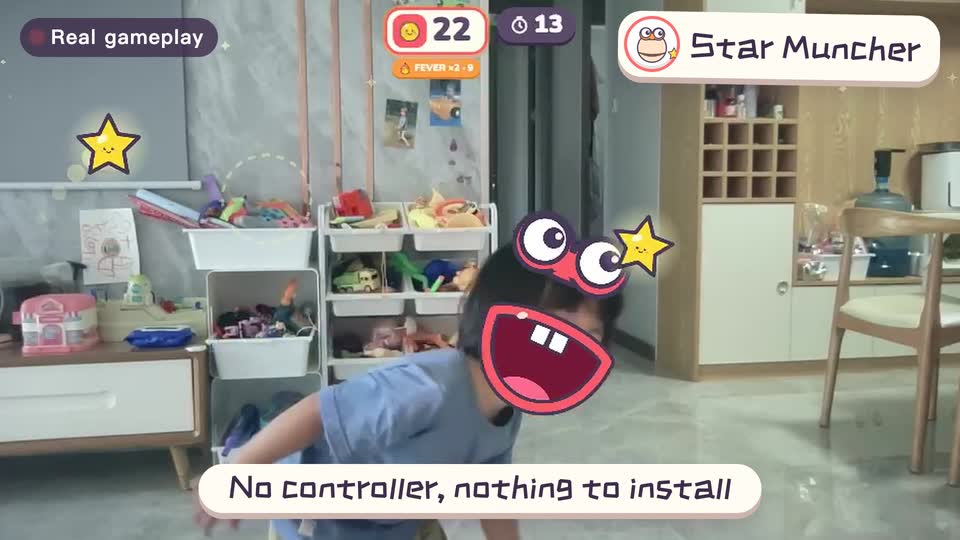
Real footage · 14 s
Kids stand in front of the computer and just move
100+ motion games for ages 3 to 18. Open the website and play: nothing to install, and the camera picture stays on this computer.
Sources
- Microsoft finally kills off the Kinect. TechCrunch. October 25, 2017, quoting a Microsoft spokesperson
- Kinect for Windows SDK 2.0. Microsoft Download Center
- Azure Kinect Sensor SDK: Microsoft support. Microsoft (GitHub). End of production notice
- Azure Kinect SDK lifecycle. Microsoft Learn
- Zazti. Zazti
- WonderTree knowledge base. WonderTree. Camera and privacy
- Nex Playground. Nex. Product page: console, what’s in the box, recommended ages
- LeapMove. LeapFrog. Product page: ages, what’s included, what’s required
- MovePlay Active Games for Kids (App Store). Bitwise Software SL
- Active Arcade (App Store). NEX Team Inc.
Keep reading
- How much should kids move each day? What the WHO says, and how to fit it in at home
- Screen time isn’t always sitting time: using screens to get kids moving
- When kids don’t like exercise: 6 ways to turn “I have to” into “I want to”
- Exercise and height: what actually helps kids grow (ages 6–14)
- Kids bouncing off the walls? A quiet 20-minute plan to burn off energy at home (ages 3–10)
- Winter exercise for kids: staying active when it’s too cold to go out