 DongDong Park
AI in PE without sensors or wristbands: just a webcam and a browser
Updated
At many schools, “AI in PE” means a system you have to buy, install and get trained on. DongDong Park is the lightest version there is: open a web page, and an ordinary camera sees whether a kid jumped, squatted or raised a hand. The camera images are not uploaded.
What it does automatically
- Counting. Jump Rope Champ, Fitness Circuit (squats, jumping jacks, high knees), Rock Climbing and Hoop Shots count every move, and moves that aren’t done properly don’t count.
- Timing. 100-Meter Dash measures how fast your feet go, and Quick Draw measures reaction time to the millisecond.
- Scoring. Dance Along scores how well each beat matches the move, and Boxing Practice checks whether your punches hit the pads.
- Records. Each kid’s results are saved under their nickname, each class’s scores can be exported as a spreadsheet, and stars, levels and badges keep kids going.
Compared with sensor-based systems
- No hardware to buy: a laptop’s built-in webcam is enough, and a USB webcam gives you more freedom to place it.
- Nothing to install: open the site in Chrome or Edge. After the first visit, it also works offline.
- Camera images aren’t uploaded: tracking happens entirely on this computer, and nothing is sent to a server (see Safety and privacy).
- The limits: it tracks one or two kids at a time, not the whole class at once, and it is accurate enough for class use but not a fitness-testing instrument.
One camera-tracked fitness lesson (middle and high school)
| Time | What happens | Games |
|---|---|---|
| 5 min | Warm-up | Rhythm Steps |
| 20 min | Three stations in rotation, each counted automatically | Fitness Circuit, Jump Rope Champ, Rock Climbing |
| 10 min | Reactions and skills | Boxing Practice, Hoop Shots |
| 5 min | Look at the data: the class leaderboard and a spreadsheet export | — |
Games that work well
- Jump Rope Champ: jump rope counted automatically, no real rope needed.
- Fitness Circuit: squats, jumping jacks and high knees. Sloppy reps don’t count.
- 100-Meter Dash: a sprint on the spot that shows foot speed and explosive power.
- Boxing Practice: are your punches accurate, and are they fast?
- Hoop Shots: the shooting motion is recognized.
- Dance Along: every beat is scored on how well you match the move.
- Rock Climbing: grab hold after hold, for whole-body strength and stamina.
Common questions
Do I have to buy motion-sensing hardware?
No. An ordinary computer webcam sees how kids move. The images are processed only on this computer and are not uploaded. More in how webcam motion games work.
Can I export the data?
Yes. Each class’s scores export as a spreadsheet that opens in Excel or any spreadsheet app. With an account signed in, scores can also be seen on other computers.
Does it need a powerful computer?
Laptops from the last few years are fine. The device check measures how fast tracking runs; on a slow computer, open the settings and set Tracking quality to “Fast”.
For a whole lesson plan, see the 40-minute indoor PE class; for counting one exercise for a minute, see the webcam rep counter. You can play two rounds without signing in: try Fitness Circuit →
Games mentioned here
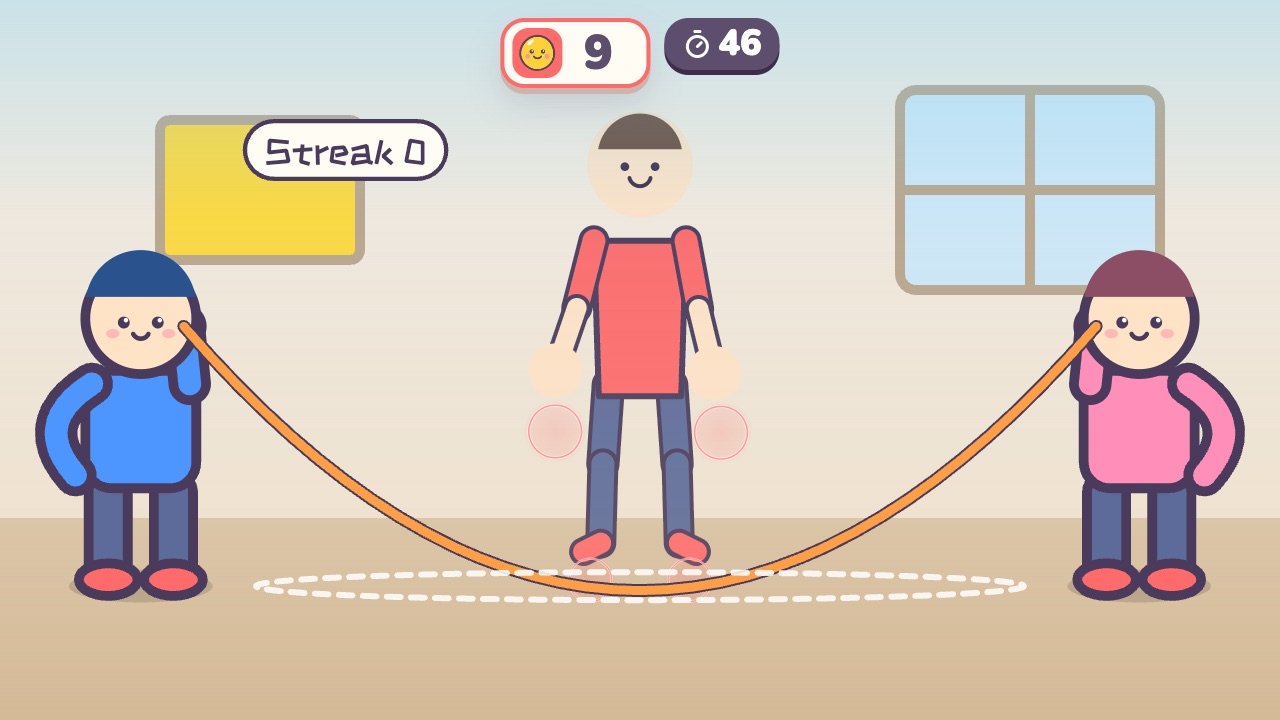 Jump Rope ChampJump when the rope sweeps under your feet. The longer your streak, the faster the ropeAges 6–14 · High activity · Run & jump / Fitness / Rhythm
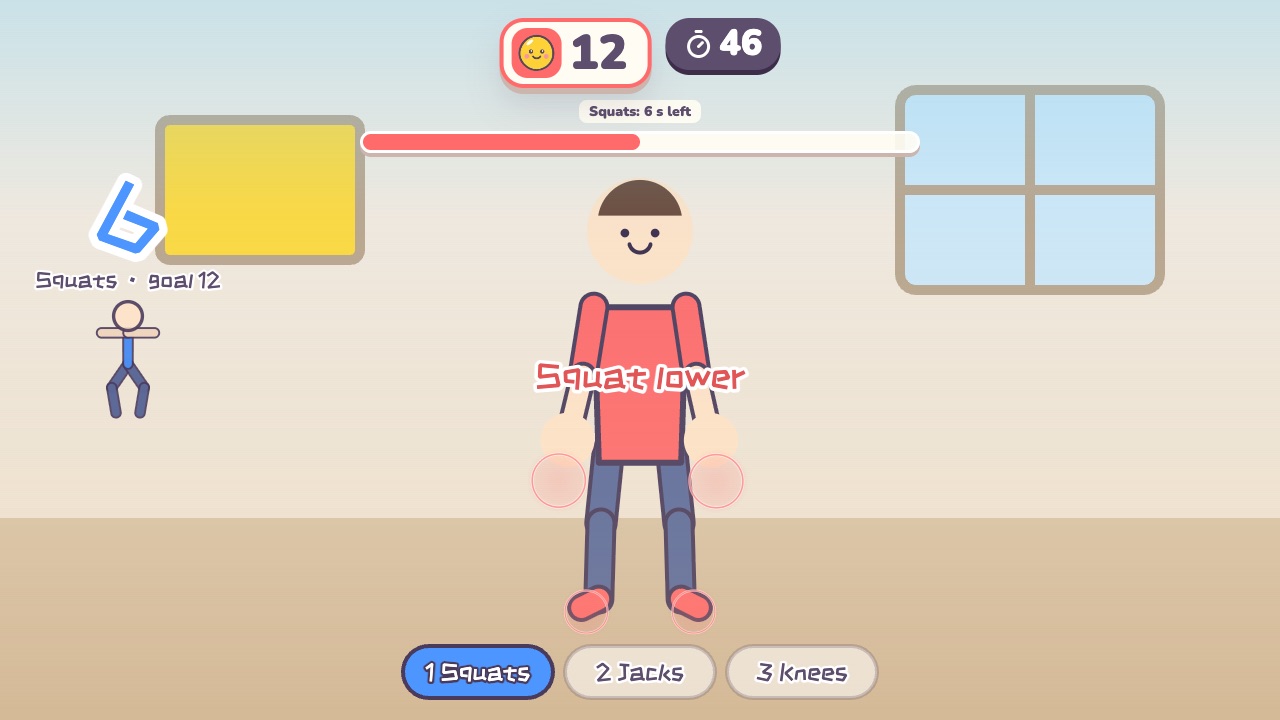 Fitness CircuitSquats, jumping jacks and high knees: three stations, counted for youAges 12–18 · High activity · Fitness / Run & jump / Whole body
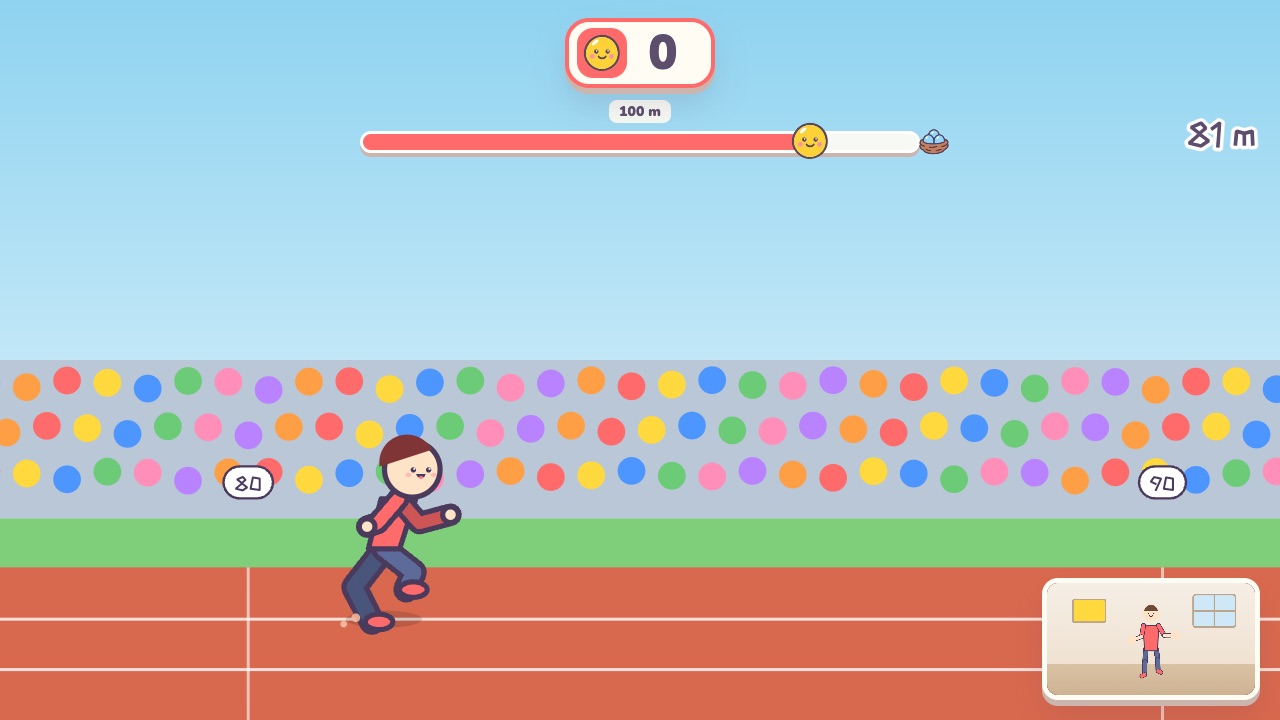 100-Meter DashOn your marks, get set, bang! Run on the spot as fast as you canAges 8–18 · High activity · Run & jump / Fitness / Versus
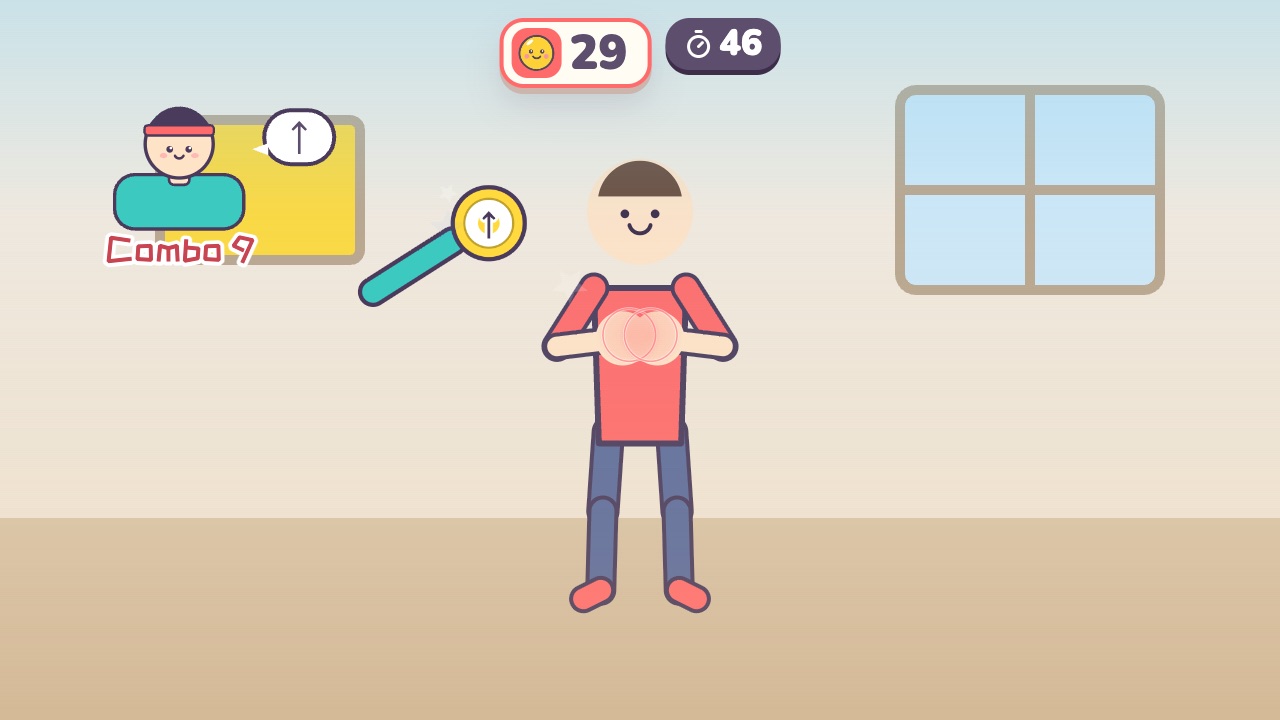 Boxing PracticeThe coach holds up pads: punch left, right and up, dodge the gloves and duck the barAges 9–18 · High activity · Hands / Fitness
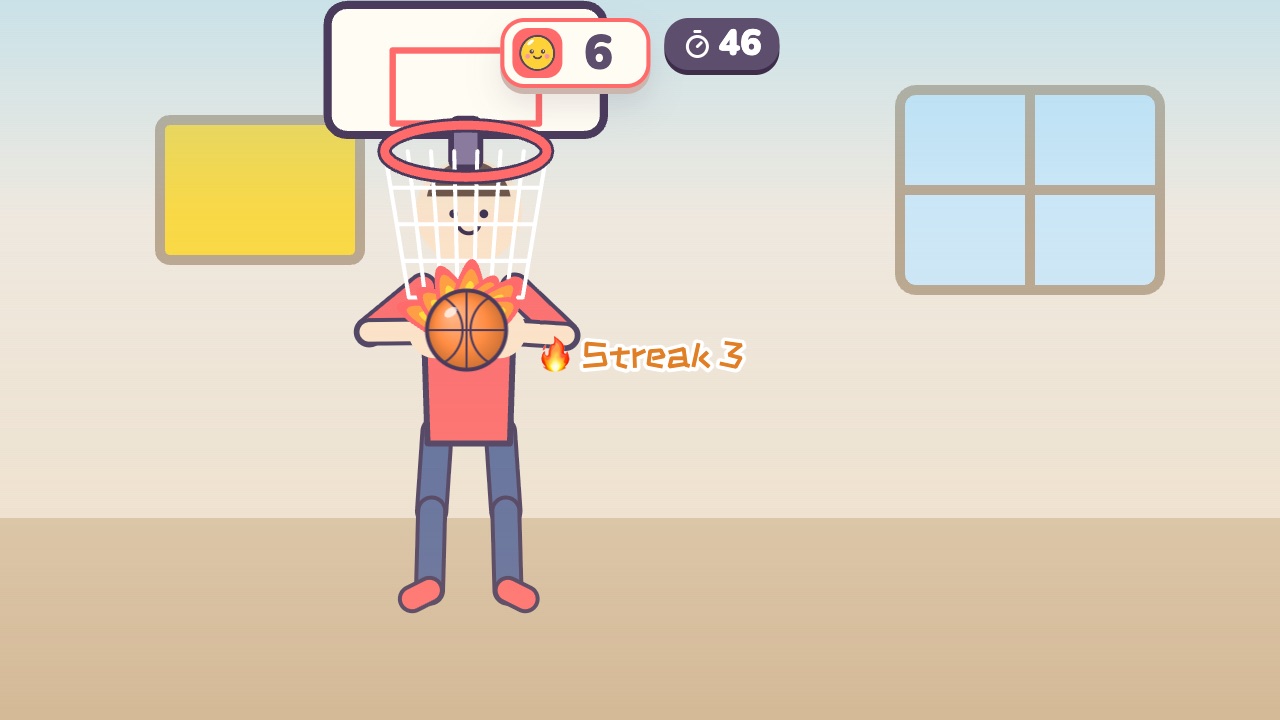 Hoop ShotsLift both hands over your head and shoot the ball into the hoopAges 5–16 · Moderate activity · Hands
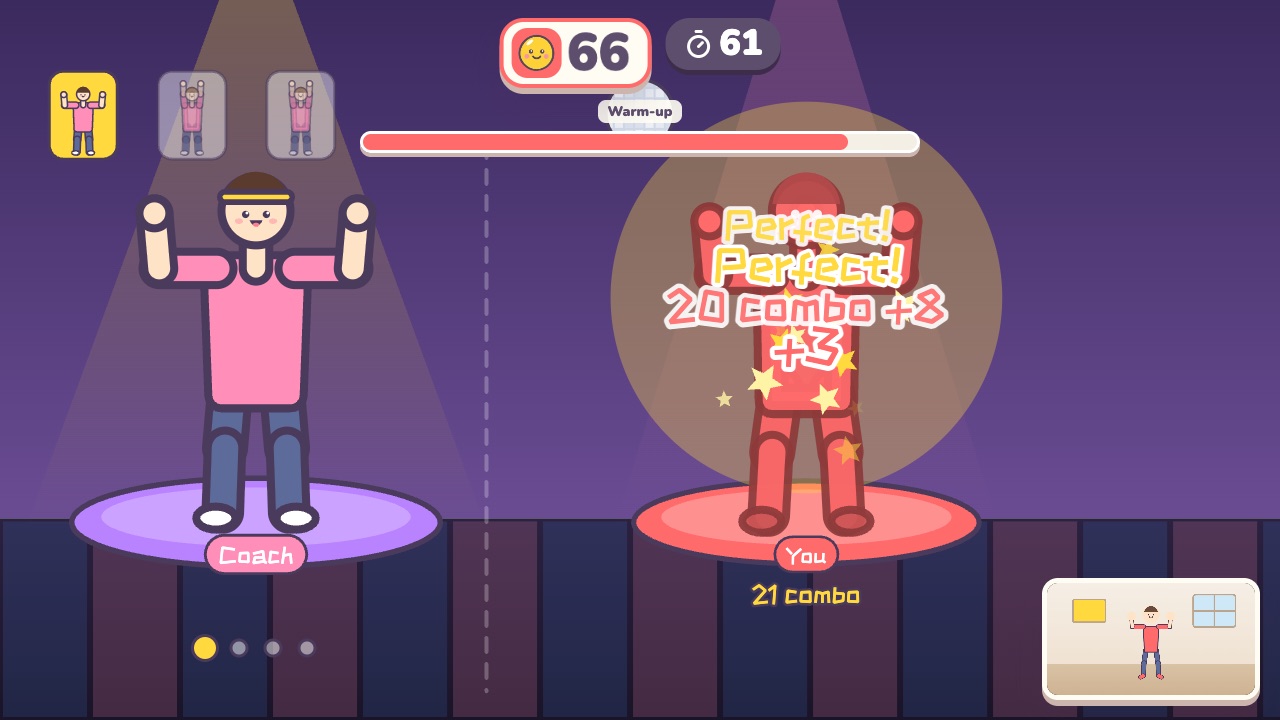 Dance AlongDance with the coach. Every beat is scored on how well you match the moveAges 12–18 · High activity · Rhythm / Whole body
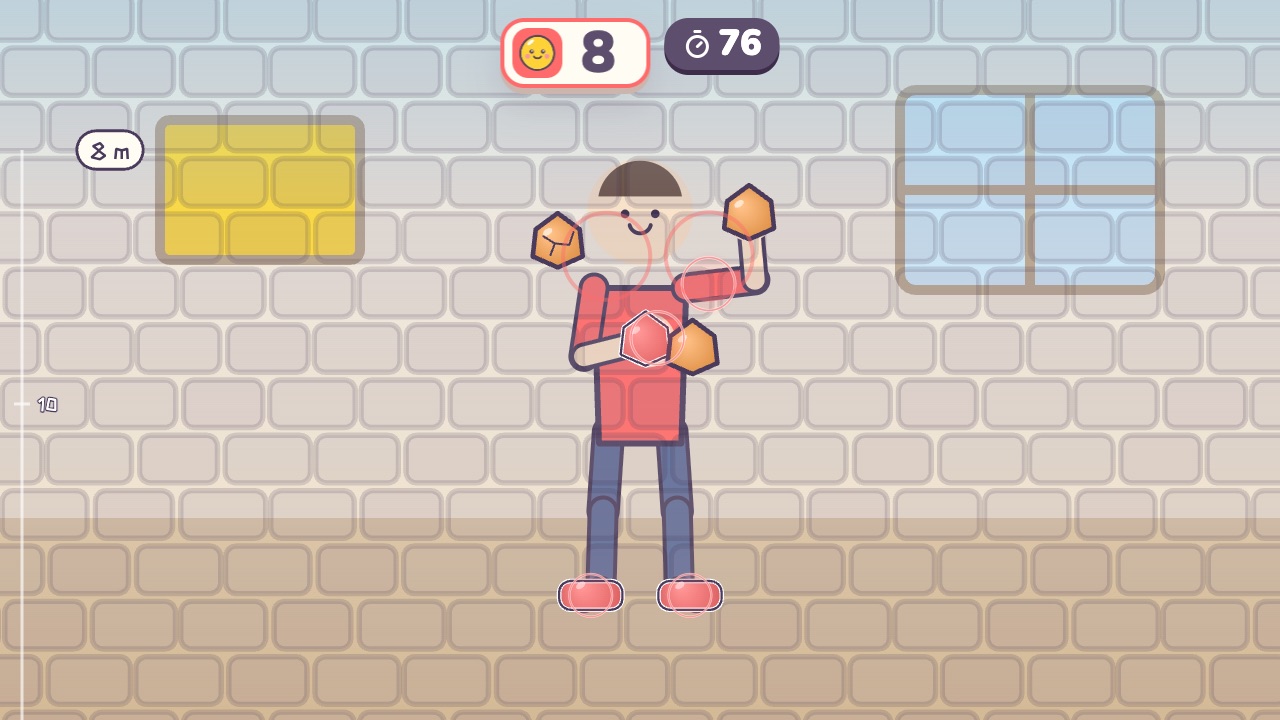 Rock ClimbingGrab the holds above you, one after another, and climb upAges 9–18 · High activity · Whole body / Fitness
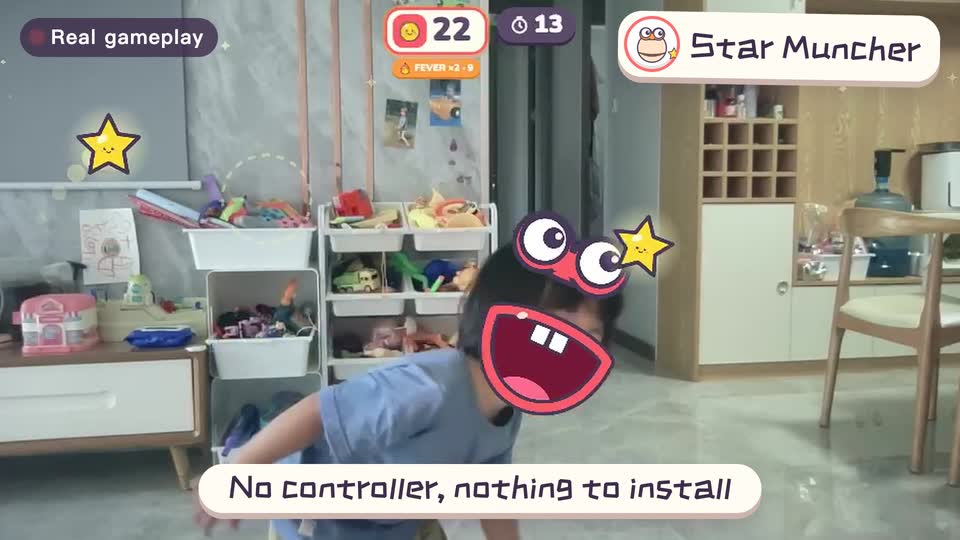
Real footage · 14 s
Kids stand in front of the computer and just move
100+ motion games for ages 3 to 18. Open the website and play: nothing to install, and the camera picture stays on this computer.
Keep reading
- Indoor recess games: a 20-minute rainy-day plan
- Brain breaks: 5-minute movement games for any grade
- Indoor PE class: one computer gets the whole class moving
- Indoor movement games for preschool: morning exercise and rainy days, ages 3 to 6
- Rainy-day obstacle course: 6 stations for a preschool classroom
- PE warm-up and cool-down games: the whole class follows the screen