 DongDong Park
Online rep counter: your webcam counts jump rope, squats and jumping jacks
Updated
Fitness logs and home workout challenges often ask “how many did you do in one minute?” DongDong Park counts reps automatically with the computer’s camera, right in the browser: no app to download, no phone propped up to film, and the images aren’t uploaded.
Four counters: one exercise, one minute
- Jump Rope Counter (ages 6 and up) counts real jump rope: with a rope, or without one, just making the turning motion. The camera watches the body rise and fall and counts one for each jump. In a small room, or anywhere a rope might hit the lights, jump without the rope.
- Squat Counter (ages 6 and up): one rep is down until the thighs are about level with the floor, then all the way back up. Half squats don’t count, and the screen tells you to go lower.
- Jumping Jack Counter (ages 6 and up): jump out with your hands over your head, jump back in with your hands down, and that is one. Moving only your legs or only your arms gets a reminder.
- High Knees Counter (ages 6 and up): lift your knees to hip height, left and right in turn; one left plus one right counts as one.
The results screen shows the count, the average pace (reps per minute), the most reps in the best 10 seconds and the longest unbroken run. Two kids can count side by side, each with their own number.
Other games that count
- Fitness Circuit (ages 12 and up): squats, jumping jacks and high knees, 20 seconds each, counted the same way as the counters above.
- Burpee Challenge (ages 12 and up): squat and touch the floor, stand up, jump and reach. Only all three steps make one.
- Carrot Pull (ages 3 to 8): squat down, grab the leaves and stand up hard. Every carrot is one squat, so even preschoolers get counted.
- Bounce the Ball, Shuttlecock Kick and Hopscotch: bounces, kicks and squares are all counted automatically.
- Standing Long Jump (ages 8 and up): estimates the distance from how deep you squat, how fast you swing your arms and how high you jump, best of 5 tries. It is an estimate inside the game, not a real measurement.
Two jump rope games, two different things. Jump Rope Counter counts the jumps you really do, so you can compare it with a school’s one-minute jump rope test. Jump Rope Champ is a game where you jump a virtual rope on screen that turns faster and faster, so its count can’t be compared with a test.
Getting an accurate count
- The camera has to see the whole body: for jumps and squats it needs the knees and feet. Stand 7 to 10 feet (2 to 3 m) back, with a little space above your head.
- Keep the room bright, and don’t stand with your back to a window.
- Do full reps. Half squats and arms that don’t go all the way up don’t count. That is on purpose: sloppy reps aren’t counted.
- For jump rope, face the camera and jump on the spot without drifting forward.
- It isn’t a testing instrument. It is accurate enough for everyday practice and logs; for an official test, the school’s own measurement is what counts.
Using it for a daily log
- Each kid plays under their own nickname, results are saved, and the results screen shows how many more than last time.
- Every round is recorded, but only in this computer’s memory. If a log needs a video, members can save it from the results screen as a video file on their own computer.
- Teachers can export the whole class’s results as a spreadsheet. With an account signed in, results can be seen on other computers too.
A 10-minute daily counting routine
For elementary school and up. From age 12, you can swap the jumping jacks for burpees.
| Time | What happens | Games |
|---|---|---|
| 2 min | Warm-up: march on the spot, roll the wrists and ankles | Rhythm Steps |
| 1 min | Count 1: one minute of jump rope | Jump Rope Counter |
| 1 min | Rest and drink some water | — |
| 1 min | Count 2: one minute of squats | Squat Counter |
| 1 min | Rest | — |
| 1 min | Count 3: one minute of jumping jacks (or high knees) | Jumping Jack Counter or High Knees Counter |
| 2 min | Cool down and stretch; write down today’s numbers and compare them with yesterday’s | The results screen |
Common questions
Do I need to download an app? Does it work on a phone?
There is nothing to download: open the site in Chrome or Edge on a computer. A phone can open it too, but the screen is small and the phone has to stand far away to see the whole body, so for counting, a laptop or desktop webcam works better.
Can it count without a jump rope?
Yes. Jump Rope Counter watches the body rise and fall, so jumping with a rope and jumping without one (just making the turning motion) both count. In a small room, or wherever a rope might hit something, jump without it.
Can it keep up with fast jumping?
Yes, even around 200 a minute. Very low, tiny jumps may be missed; jumping on the spot and a little higher makes it more accurate.
Will it match the number I count myself?
With good form, it comes out about the same. Incomplete reps (half squats, hands that don’t go over the head) don’t count in the game, but people usually count them by hand, so the game’s number may be a little lower.
Is the video recorded and uploaded?
No. Tracking happens in the browser on this computer and nothing is uploaded. The replay only lives in memory, and it is saved to your own computer only if you choose to save it on the results screen.
Can I export the results?
Yes. Each class’s results export as a spreadsheet that opens in Excel or any spreadsheet app. With an account signed in, the history is also on the account page.
To plan a whole PE lesson around counting, see AI in PE class. You can play two rounds without signing in: try Jump Rope Counter →
Games mentioned here
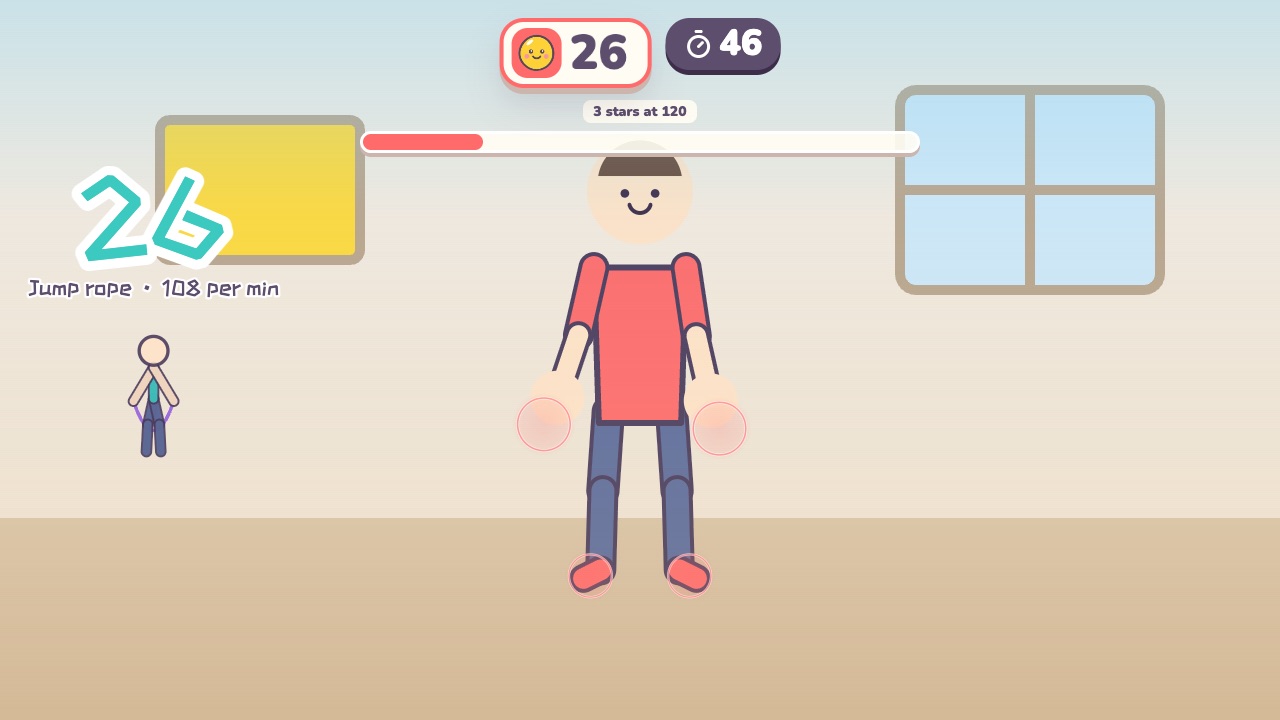 Jump Rope CounterWith a rope or without: how many jumps can you do in one minute?Ages 6–18 · High activity · Fitness / Run & jump / Rhythm
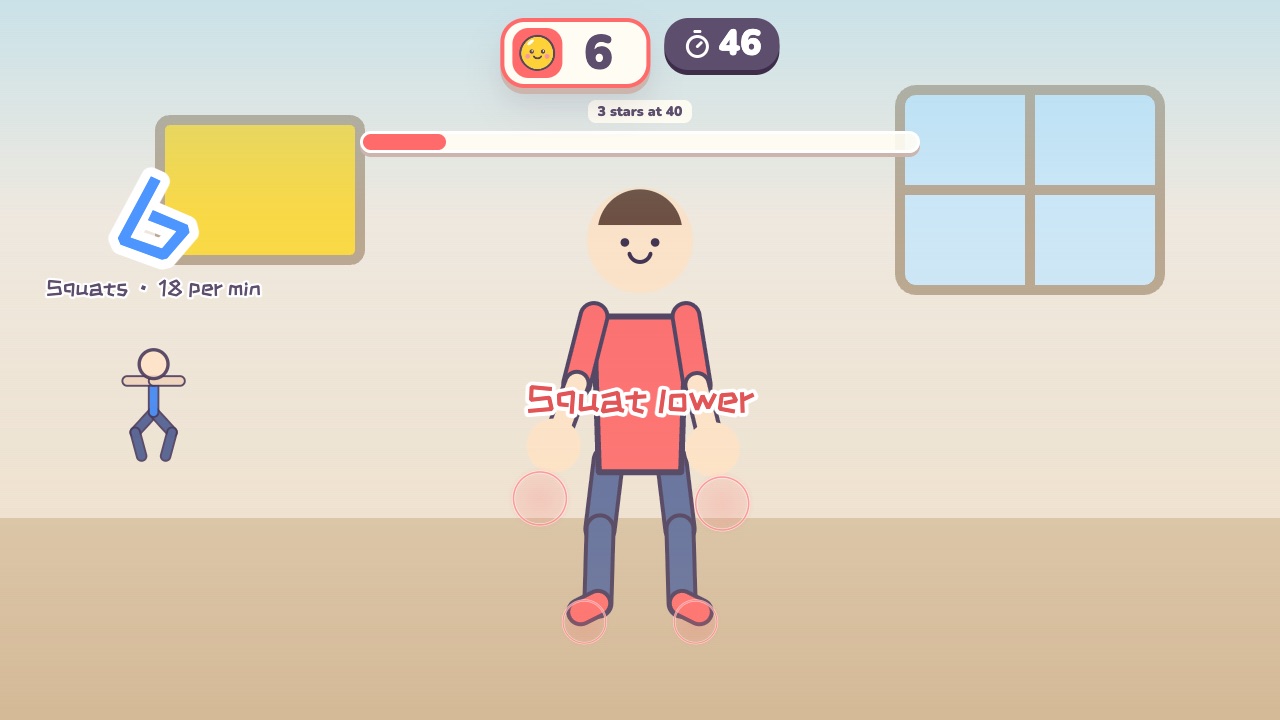 Squat CounterSquat all the way down and stand back up to count one. How many in a minute?Ages 6–18 · High activity · Fitness / Run & jump
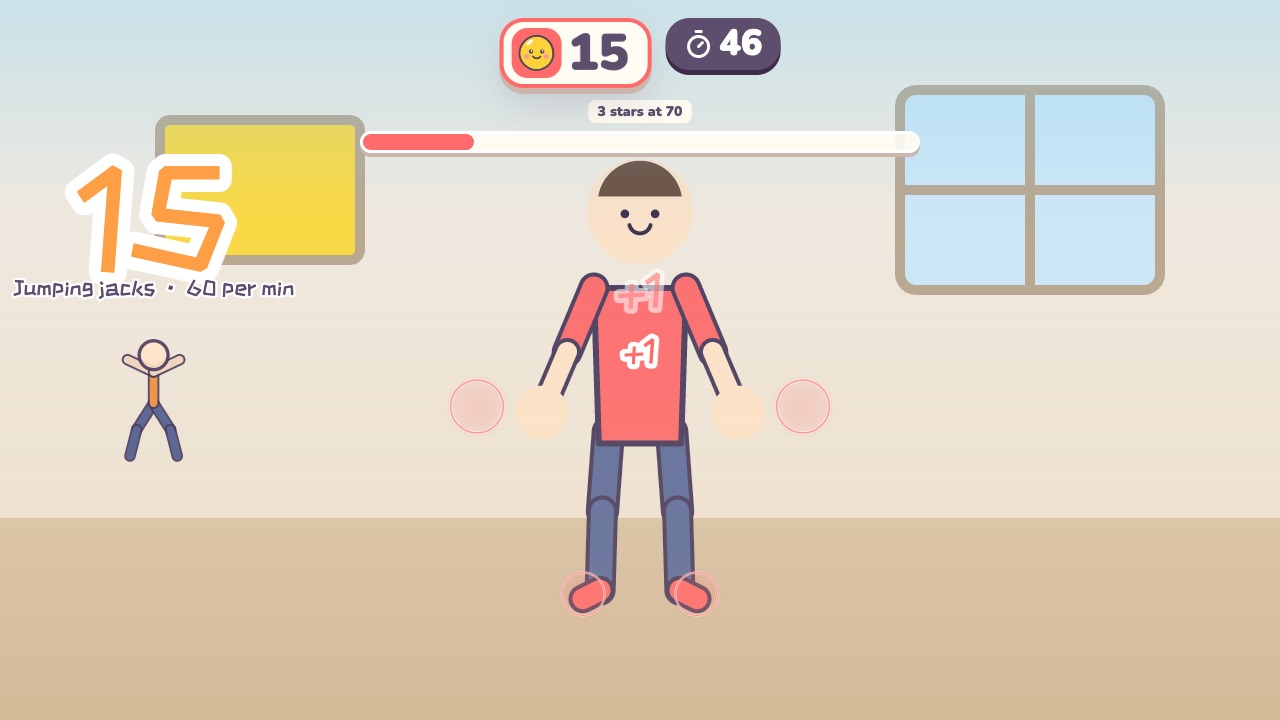 Jumping Jack CounterJump out with hands up, jump in with hands down: that is one. How many in a minute?Ages 6–18 · High activity · Fitness / Whole body
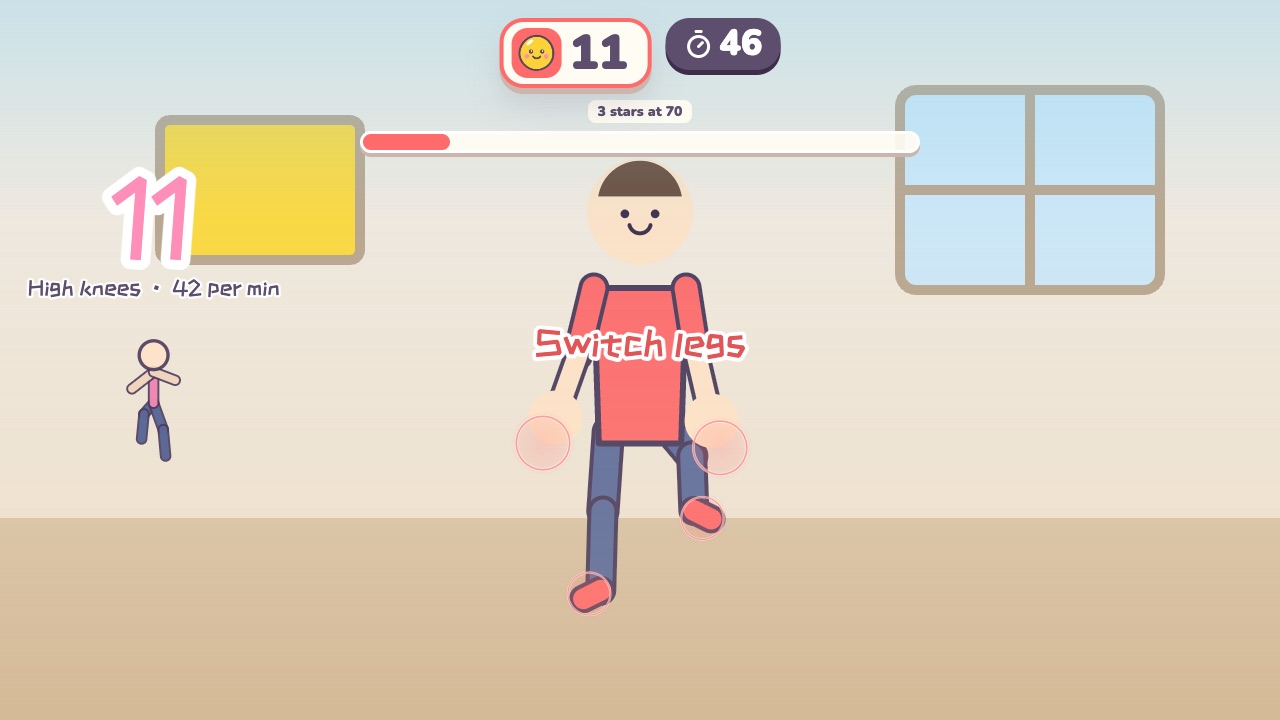 High Knees CounterLift your knees to hip height, left and right in turn. How many in a minute?Ages 6–18 · High activity · Fitness / Run & jump
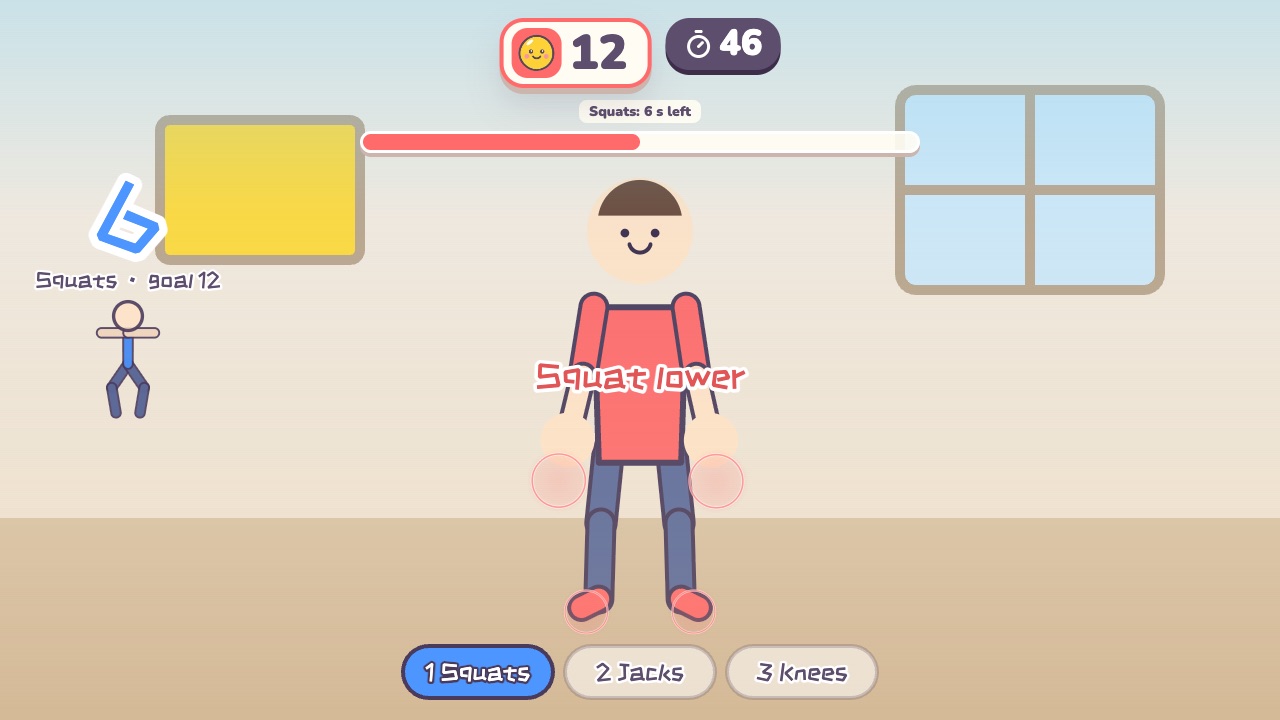 Fitness CircuitSquats, jumping jacks and high knees: three stations, counted for youAges 12–18 · High activity · Fitness / Run & jump / Whole body
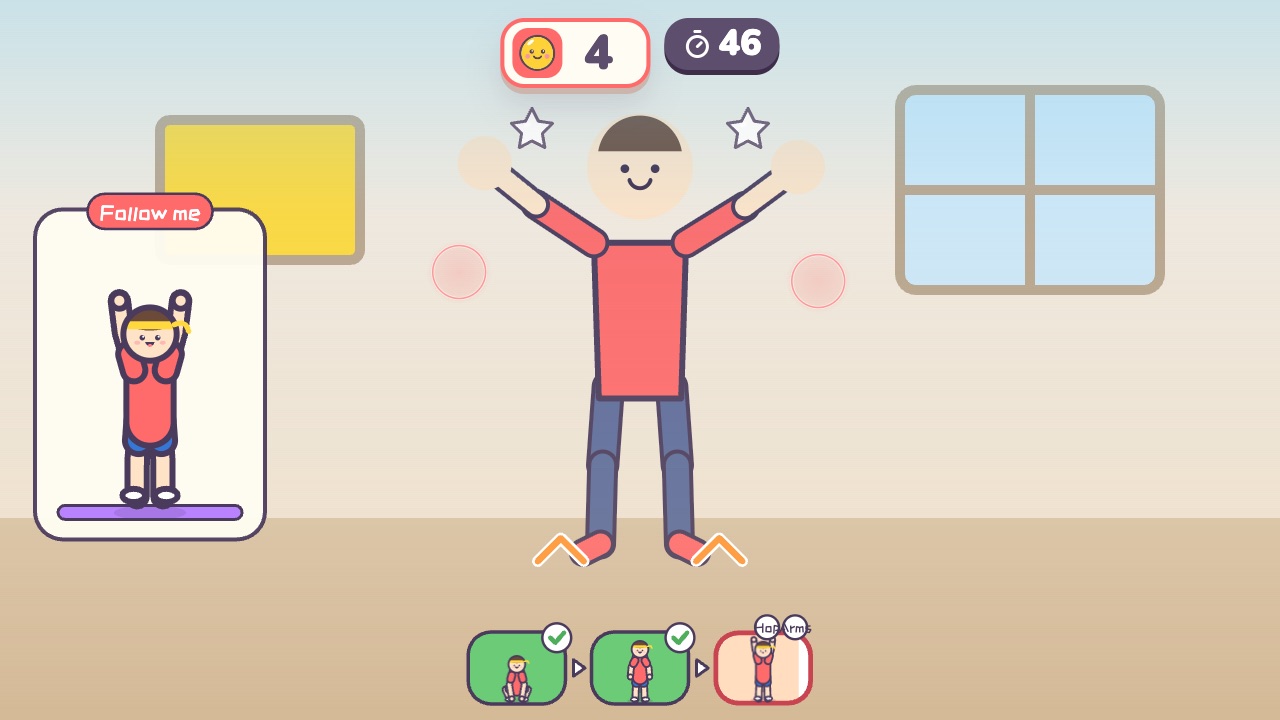 Burpee ChallengeSquat and touch the floor, stand up, jump and reach. How many in a minute?Ages 12–18 · High activity · Fitness / Run & jump
 Carrot PullSquat down, grab the leaves and stand up to pull the carrotAges 3–8 · Moderate activity · Whole body / Run & jump / Fitness
 Shuttlecock KickLift your leg and kick the shuttlecock up when it falls to knee heightAges 6–14 · High activity · Run & jump / Fitness
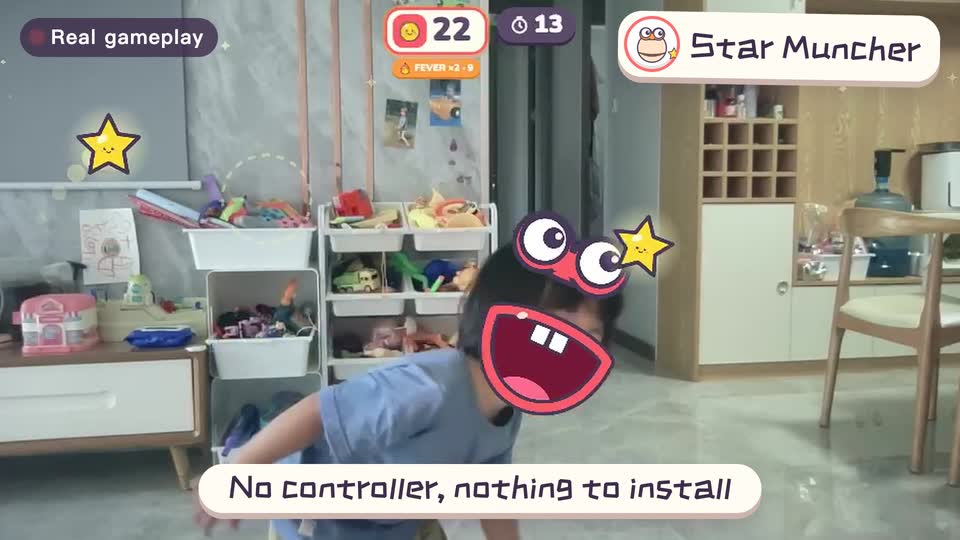
Real footage · 14 s
Kids stand in front of the computer and just move
100+ motion games for ages 3 to 18. Open the website and play: nothing to install, and the camera picture stays on this computer.
Keep reading
- Indoor recess games: a 20-minute rainy-day plan
- Brain breaks: 5-minute movement games for any grade
- Indoor PE class: one computer gets the whole class moving
- Indoor movement games for preschool: morning exercise and rainy days, ages 3 to 6
- Rainy-day obstacle course: 6 stations for a preschool classroom
- PE warm-up and cool-down games: the whole class follows the screen