 DongDong Park
GoNoodle alternatives: brain breaks where the screen reacts to kids
Updated
GoNoodle is free for teachers and full of movement videos designed with K–5 classrooms in mind. Nothing is wrong with it. Teachers go looking for something else when the class has seen every video, when older students roll their eyes at them, or when they want the screen to respond to what the kids actually do.
Three kinds of brain break
| Follow-along videos | Webcam games | No screen at all | |
|---|---|---|---|
| Examples | GoNoodle, dance and exercise videos | DongDong Park, Zazti | Simon Says, freeze dance, stretch-and-reach |
| What kids do | Copy the moves on screen | Move, and the game reacts: counts jumps, scores, wins and losses | Follow the teacher’s voice |
| Best for | The whole class at once, little setup | Kids who need a goal; older grades; friendly head-to-head play | Any room, any day, no equipment |
| What you need | A screen with sound | A computer with a webcam and some clear floor in front of it | Nothing |
The CDC counts all of these as classroom physical activity, including what it calls brain boosters and energizers, and recommends short bouts of 5 minutes or more, several times a day.
How a webcam brain break runs
- Put the computer at the front with the webcam facing a cleared spot, about 7 to 10 feet back.
- One or two kids play on camera; everyone else does the same moves at their desks, so the whole class moves.
- A round is about a minute. Swap players and play two or three rounds: five minutes, done.
Picks by goal
- Wake up after lunch: Jumping Jack Counter, High Knees Counter: the counter on screen keeps everyone going.
- Listening and self-control: Simon Says, Do the Opposite, Red Light, Green Light.
- Friendly competition: Dodgeball for grades 1–8, Reaction Lights for grades 5 and up.
Ready-made routines are in Brain breaks for the classroom; for rainy days, see Indoor recess games.
Product details and prices come from each maker’s website or store listing, checked on November 17, 2026; they can change, so check the maker’s page before you buy. DongDong Park isn’t affiliated with any of these companies, and product names are trademarks of their owners.
Games mentioned here
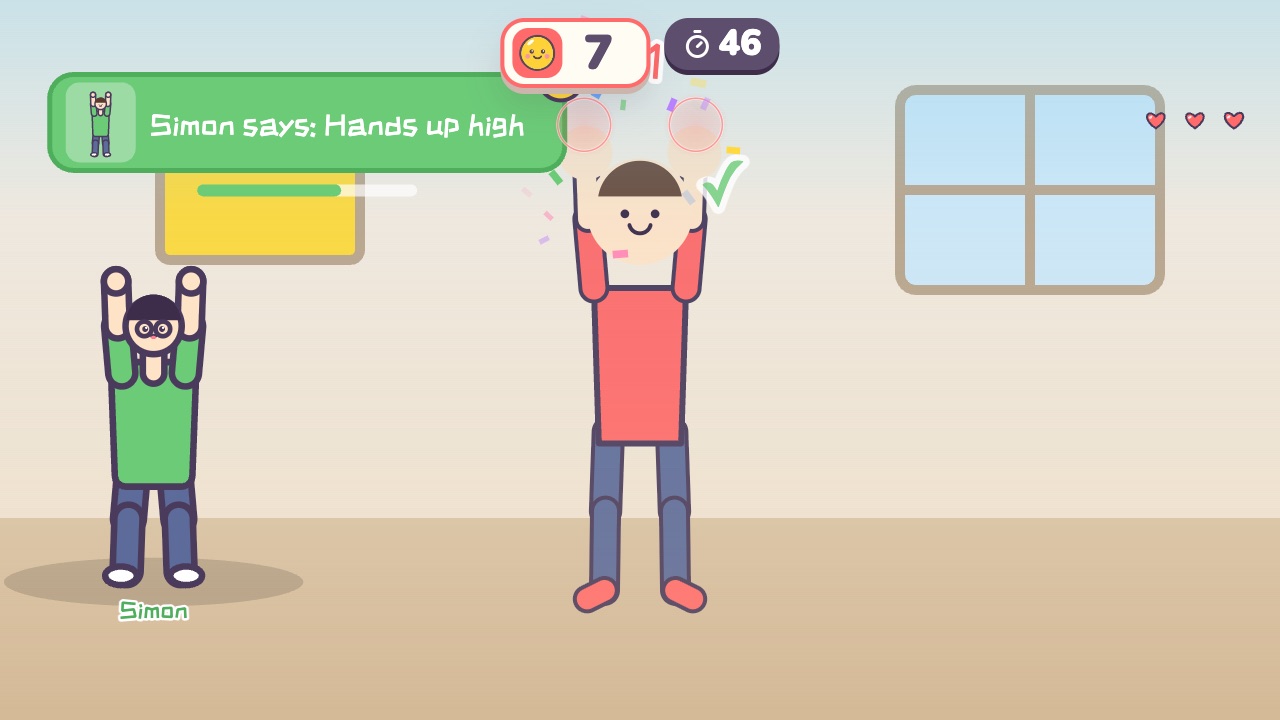 Simon SaysOnly move when Simon says soAges 4–10 · Moderate activity · Whole body / Thinking
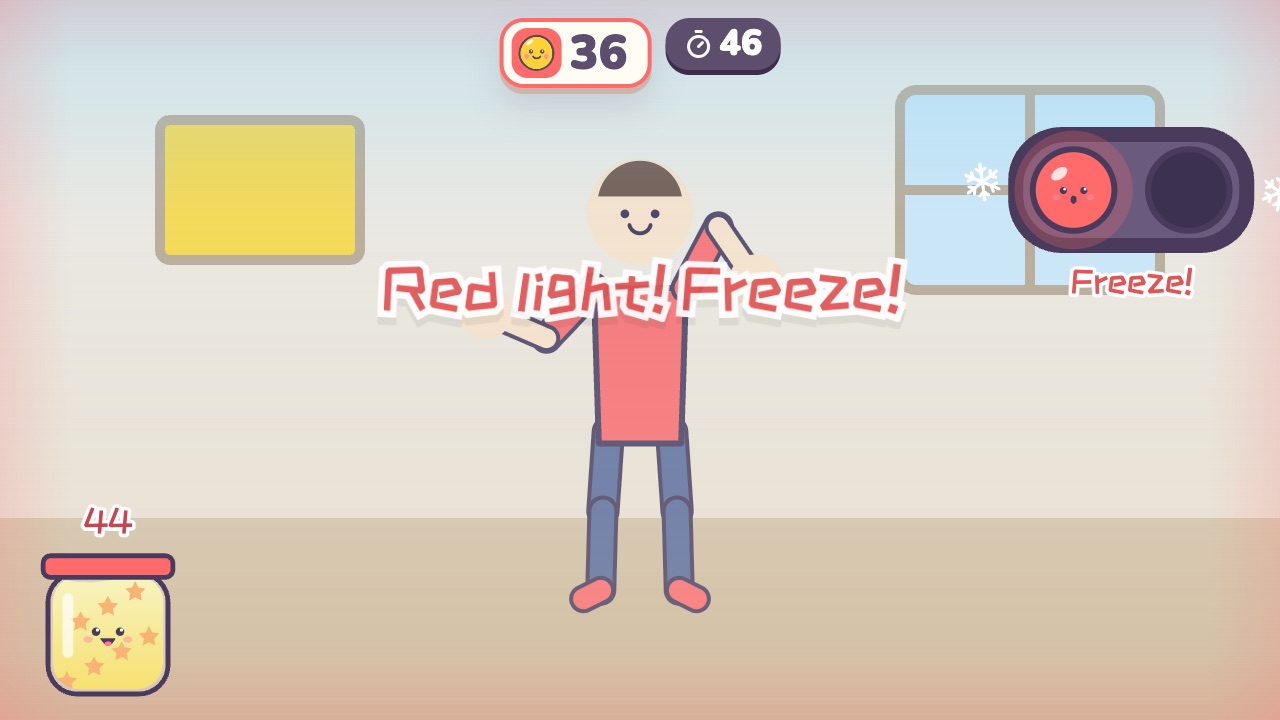 Red Light, Green LightMove like crazy on green light, and freeze the moment you hear red lightAges 3–10 · High activity · Whole body
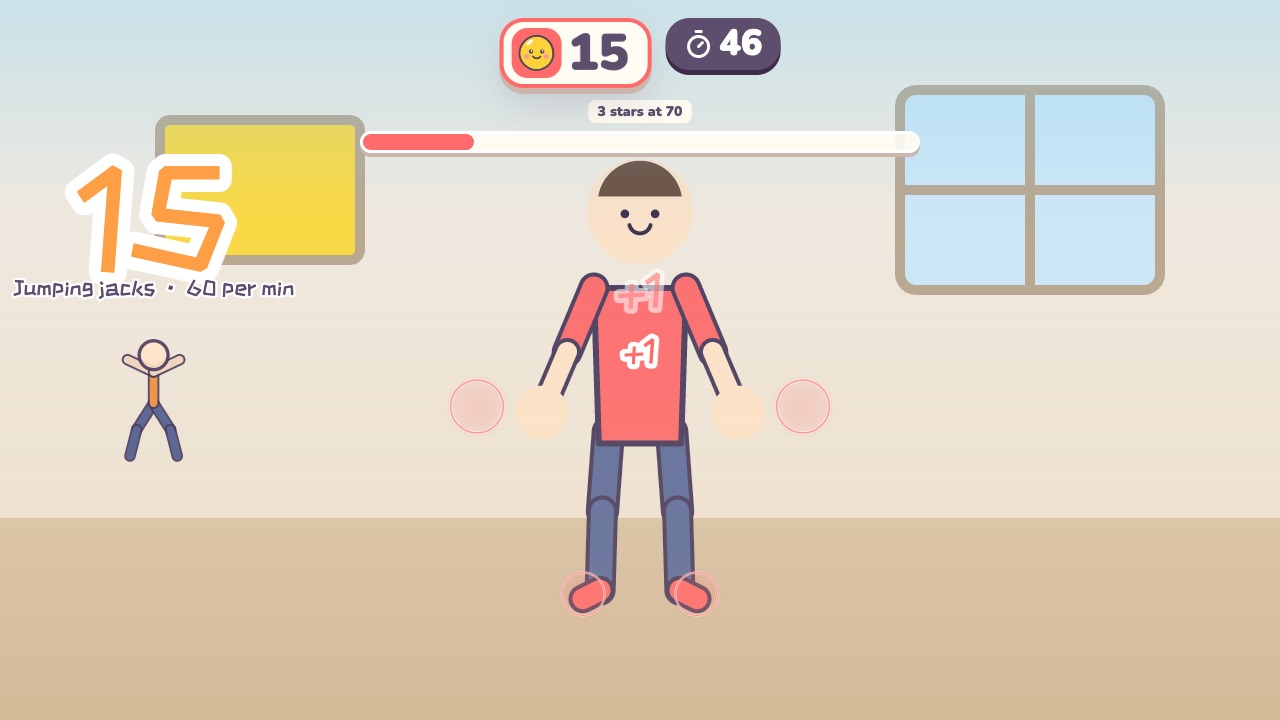 Jumping Jack CounterJump out with hands up, jump in with hands down: that is one. How many in a minute?Ages 6–18 · High activity · Fitness / Whole body
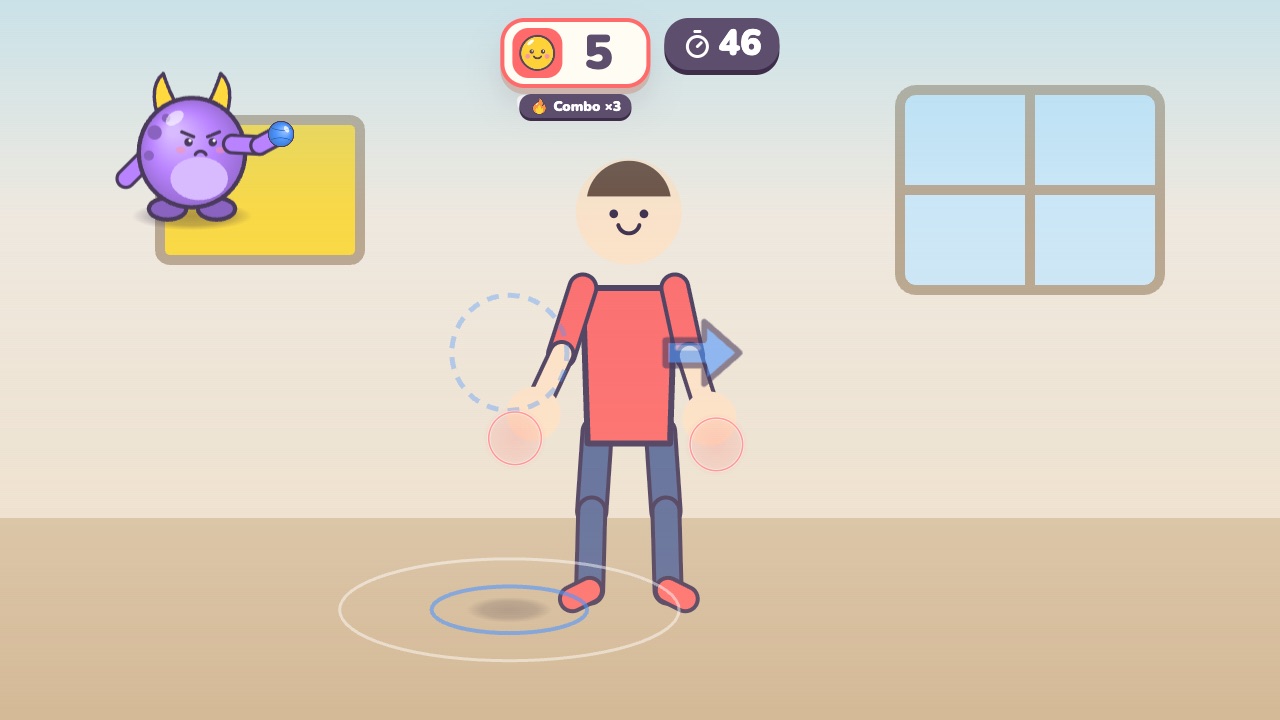 DodgeballWatch the shadow: jump the low balls, duck the high ones, dodge the side onesAges 6–14 · High activity · Whole body / Run & jump / Fitness
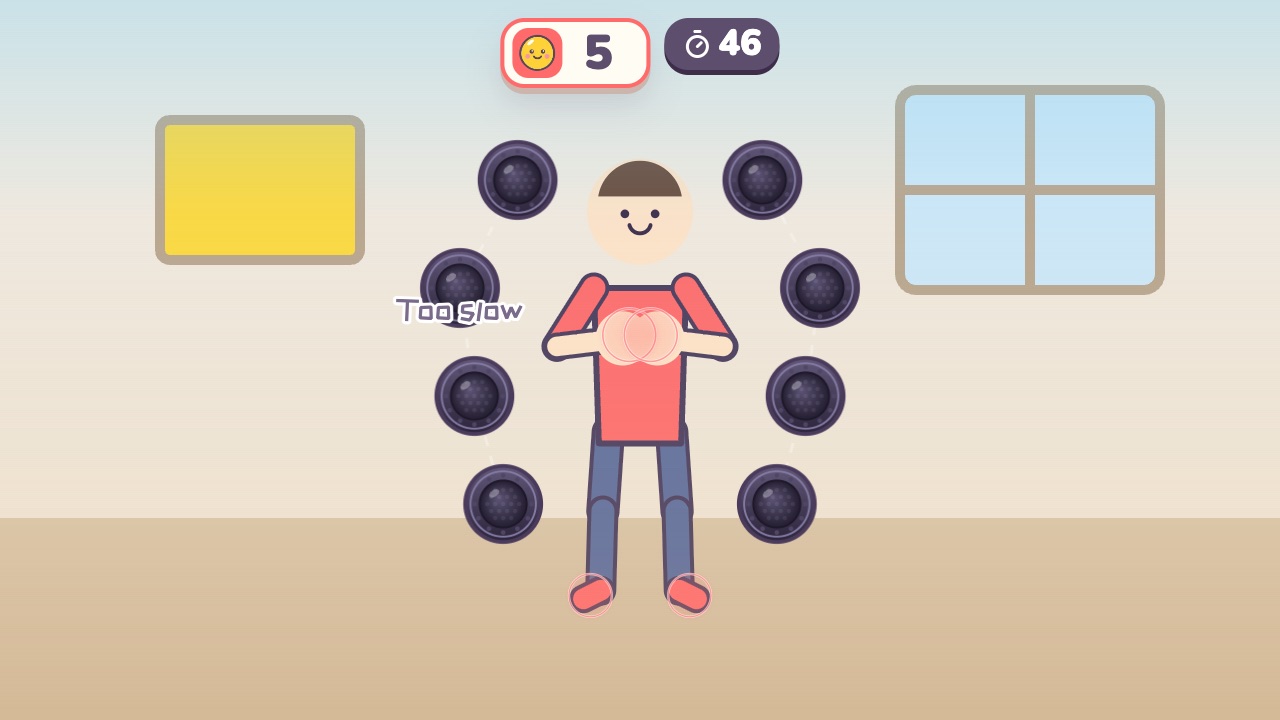 Reaction LightsHit whichever light turns green as fast as you can, and never touch a red oneAges 10–18 · High activity · Fitness / Whole body / Thinking
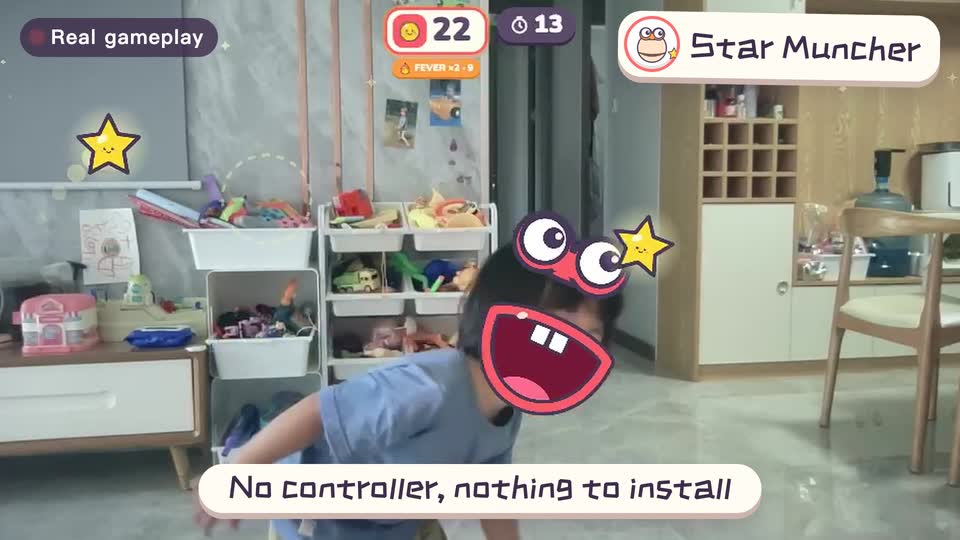
Real footage · 14 s
Kids stand in front of the computer and just move
100+ motion games for ages 3 to 18. Open the website and play: nothing to install, and the camera picture stays on this computer.
Sources
- Is GoNoodle really free?. GoNoodle support
- What is GoNoodle?. GoNoodle support
- Strategies for Classroom Physical Activity in Schools. Centers for Disease Control and Prevention. 2018
- Zazti. Zazti
Keep reading
- How much should kids move each day? What the WHO says, and how to fit it in at home
- Screen time isn’t always sitting time: using screens to get kids moving
- When kids don’t like exercise: 6 ways to turn “I have to” into “I want to”
- Exercise and height: what actually helps kids grow (ages 6–14)
- Kids bouncing off the walls? A quiet 20-minute plan to burn off energy at home (ages 3–10)
- Winter exercise for kids: staying active when it’s too cold to go out