 DongDong Park
Indoor sports day: run a rainy-day field day with one computer
Updated
The hard parts of a sports day are the field, the equipment and the judges. An indoor motion game sports day hands all three to the computer: running on the spot is the race and the time is measured for you, jumps and hurdles are judged automatically, and every result is saved under each athlete’s nickname.
Events
- Track. 100-Meter Dash, Hurdle Race and Standing Long Jump (the distance is estimated). For younger grades, Forest Run.
- Jumping. Jump Rope Champ (two players jump the same long rope), Bamboo Dance and Trampoline Stars.
- Team events. Tug of War, Three-Legged Race, Dragon Boat Race and Team Ball Carry.
- Playground classics. Hopscotch, plus two from other parts of the world for something new: Shuttlecock Kick and Chinese Yo-Yo.
How to run the competition
- Heats. Each class sends 4 kids per event, who race two at a time.
- Finals. The two best results in each event race one more round.
- Team points. First place earns 5 points, second place 3, and taking part 1. Classes are ranked by their total.
- Keeping score. Make a roster for each class, and athletes play under their own nickname. At the end, export the scores as a spreadsheet file (CSV) and add them up.
Family sports day
Parents and kids team up. Three-Legged Race, Team Ball Carry and Dragon Boat Race need two people working together; Tug of War and Air Ping-Pong can be parent against kid. Grown-ups are taller, so put the camera at a height between the two players’ chests.
A one-hour indoor sports day (elementary)
| Time | What happens | Games |
|---|---|---|
| 10 min | Opening and a whole-class warm-up | Rhythm Steps |
| 15 min | Track: each class’s athletes race two at a time | 100-Meter Dash, Hurdle Race |
| 15 min | Jumping: the long rope for two, bamboo poles | Jump Rope Champ, Bamboo Dance |
| 15 min | Team events: two-player relays | Three-Legged Race, Tug of War, Dragon Boat Race |
| 5 min | Awards: check the leaderboard and add up class points | — |
You can try two rounds without signing in. For the sports day itself, a teacher signs in: the Free plan has a few scored rounds a day and a short roster, while the Class plan has unlimited rounds, full class rosters and the score export. See the pricing page.
Questions teachers ask
Is one computer enough for a whole-school sports day?
One computer runs two athletes at a time, which suits an indoor sports day for one class or one grade. For a whole school, run the heats on a computer in each classroom, then bring the finals to the big screen in the hall.
Can a preschool do it?
Yes. Swap in preschool events, such as Forest Run, Soccer Kick, Carrot Pull and Balloon Keep-Up, and set the difficulty to Ages 3–4, 4–5 or 5–6. For parent-and-kid events, pick games that two people finish together, such as Magic Brush.
How do I add up the results?
Make a roster for each class and have each athlete play under their nickname, so every result is saved automatically. At the end, look at the rankings, or export the scores as a spreadsheet file and total them there.
Games mentioned here
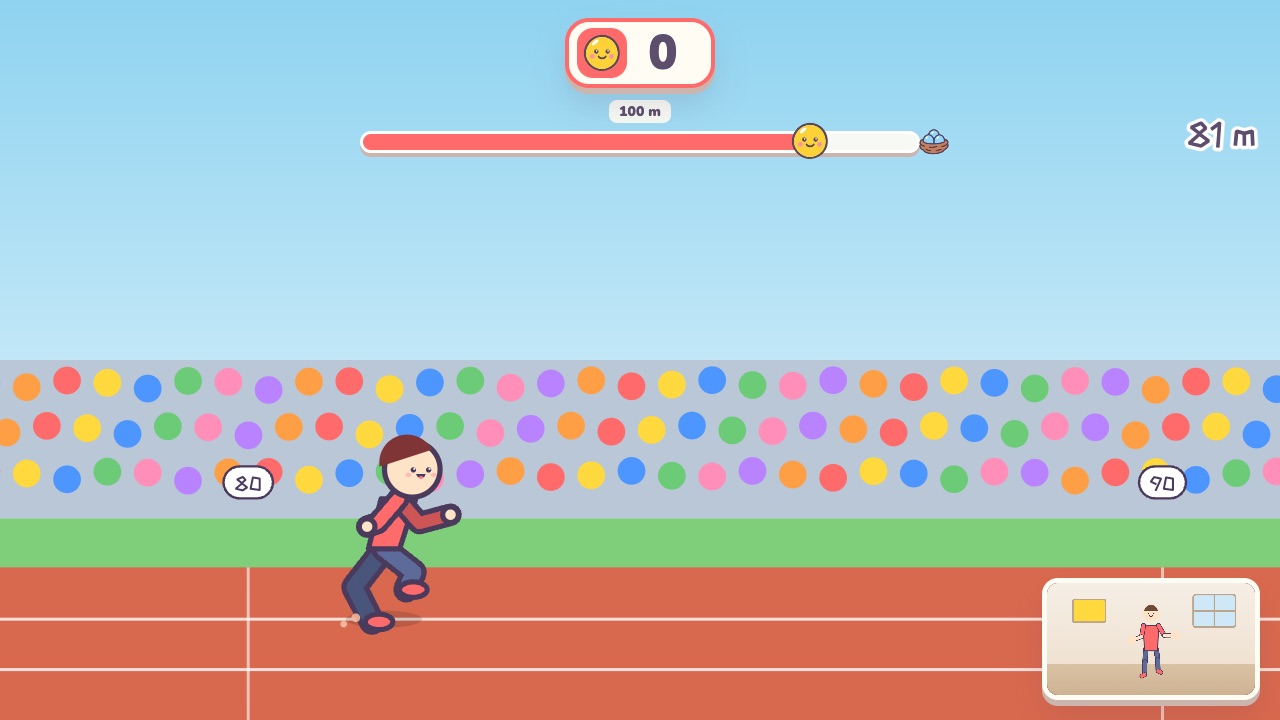 100-Meter DashOn your marks, get set, bang! Run on the spot as fast as you canAges 8–18 · High activity · Run & jump / Fitness / Versus
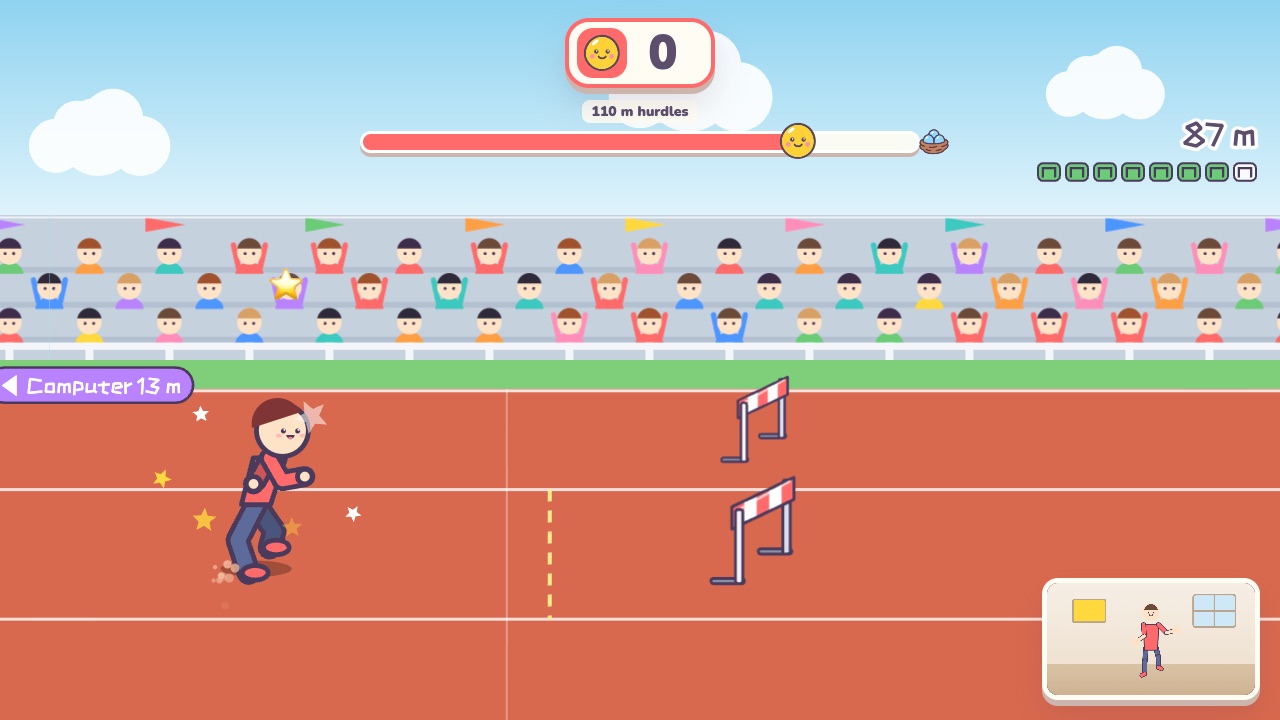 Hurdle RaceRun in place, and jump when a hurdle reaches your feetAges 8–18 · High activity · Run & jump / Fitness / Versus
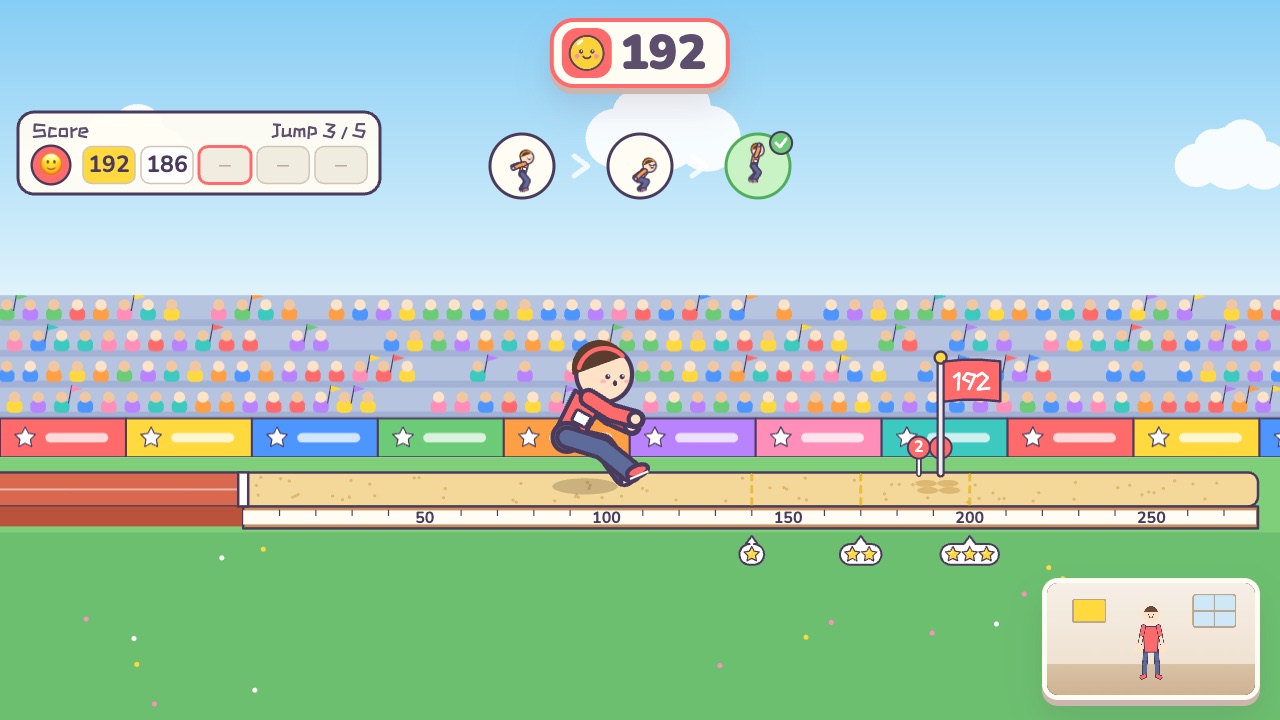 Standing Long JumpSwing, squat, jump! See how far you can goAges 8–18 · Moderate activity · Run & jump / Fitness
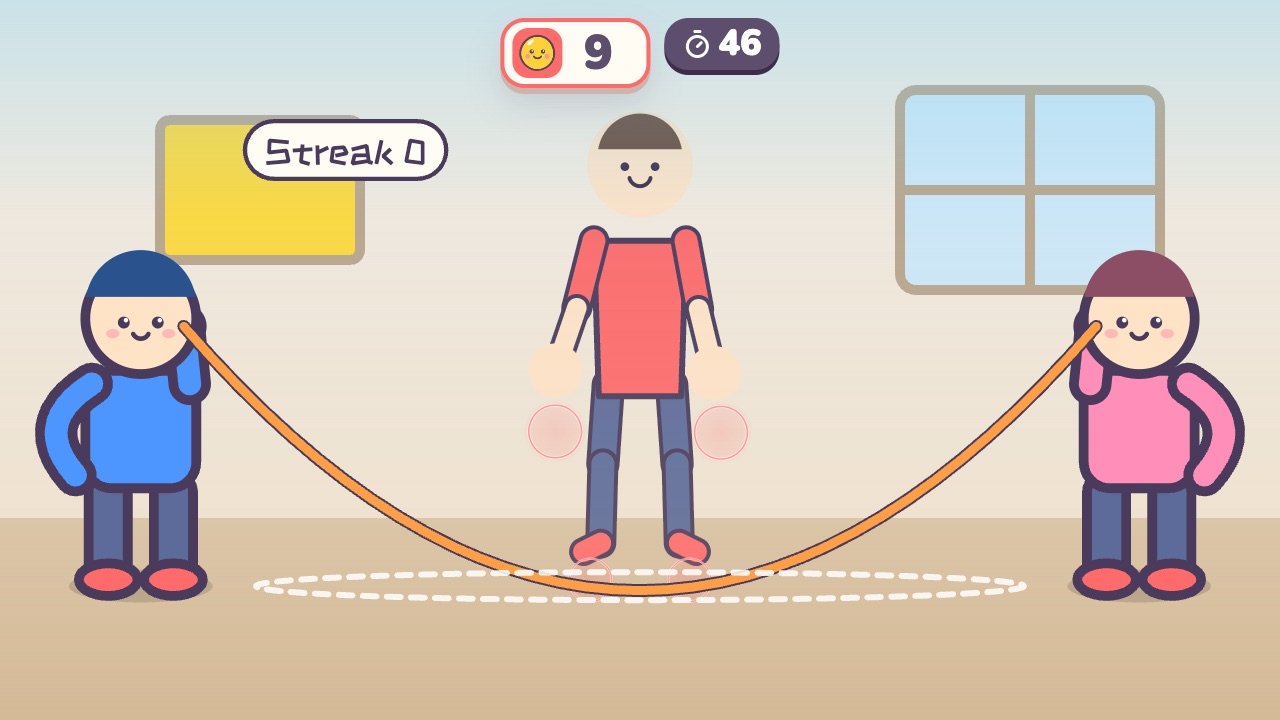 Jump Rope ChampJump when the rope sweeps under your feet. The longer your streak, the faster the ropeAges 6–14 · High activity · Run & jump / Fitness / Rhythm
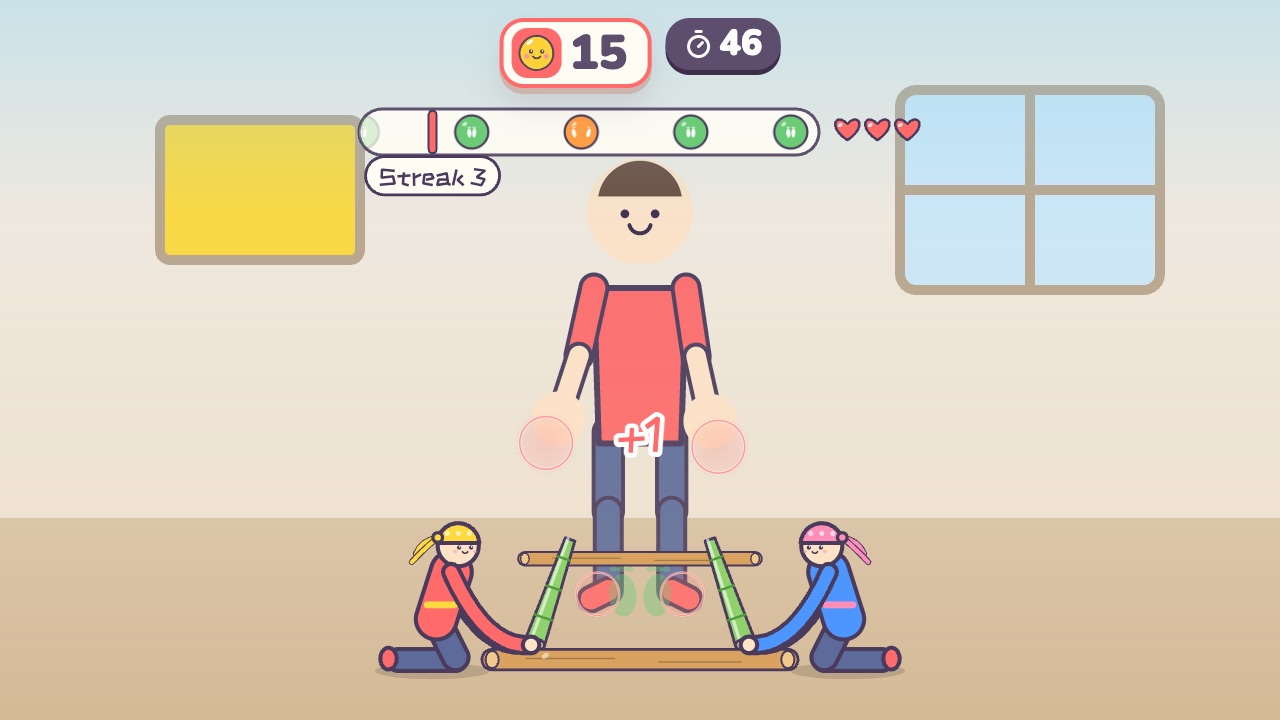 Bamboo DanceJump in when the poles open and jump out when they closeAges 8–16 · High activity · Rhythm / Run & jump / Fitness
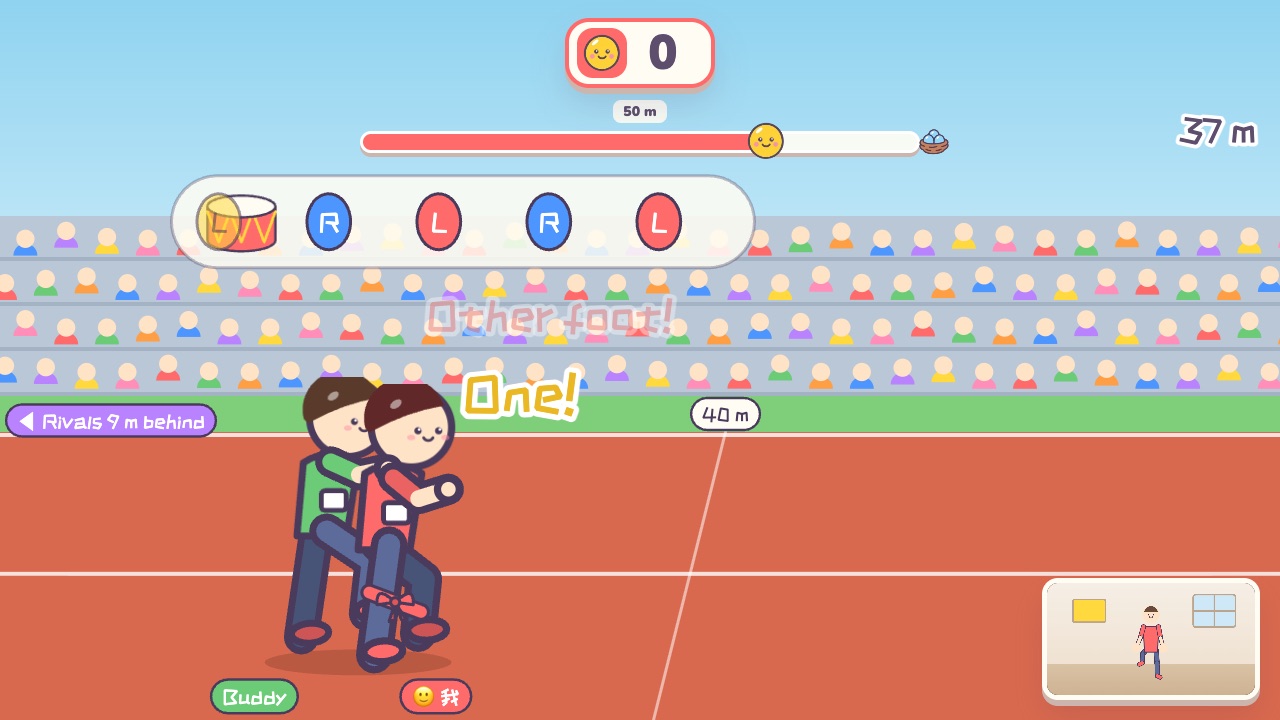 Three-Legged RaceStep in time with your partner to race aheadAges 8–18 · High activity · Team up / Run & jump / Fitness
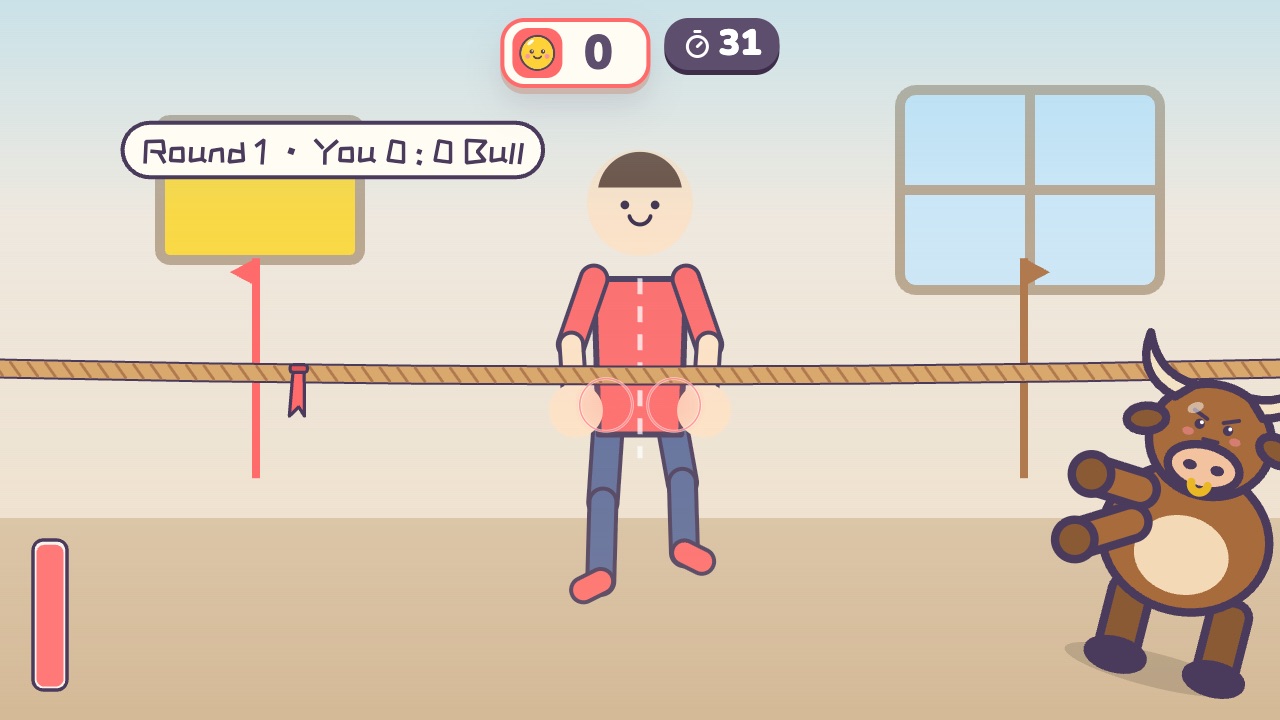 Tug of WarPull the rope back hard until the red flag crosses your lineAges 4–16 · High activity · Versus / Fitness / Hands
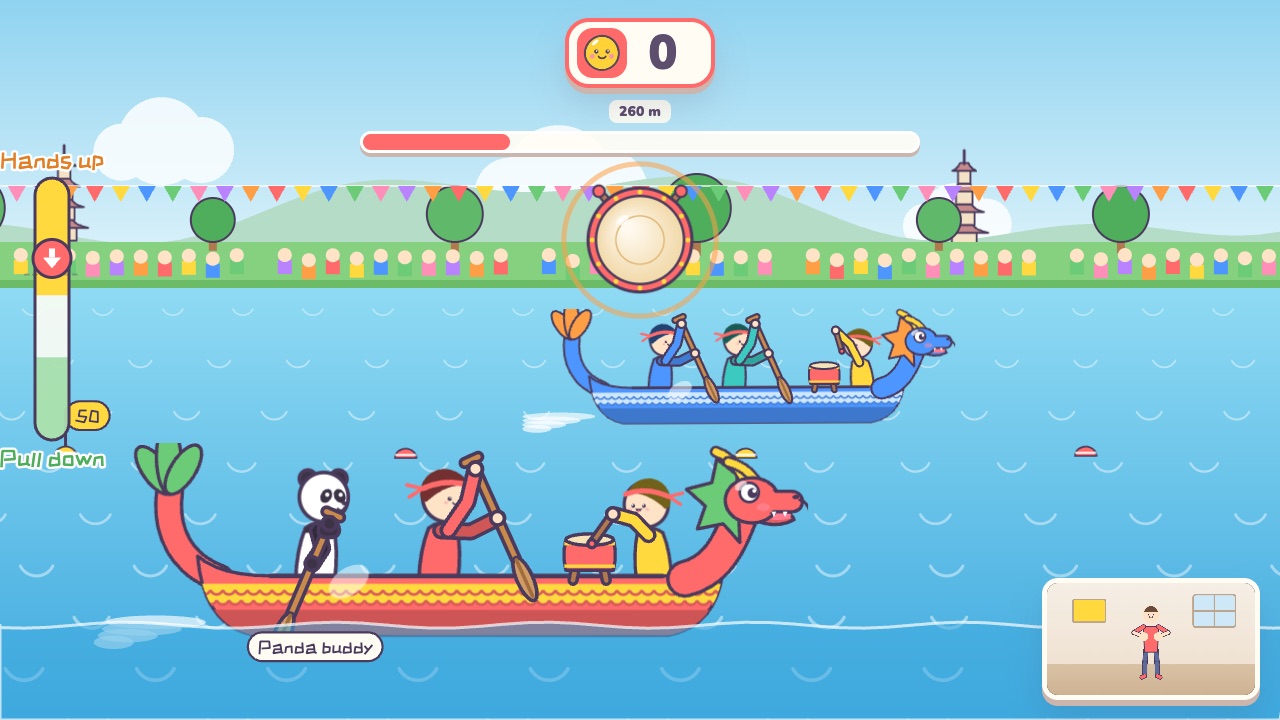 Dragon Boat RacePaddle together to the drumbeat. The more in sync, the faster the boatAges 5–18 · High activity · Team up / Rhythm / Fitness
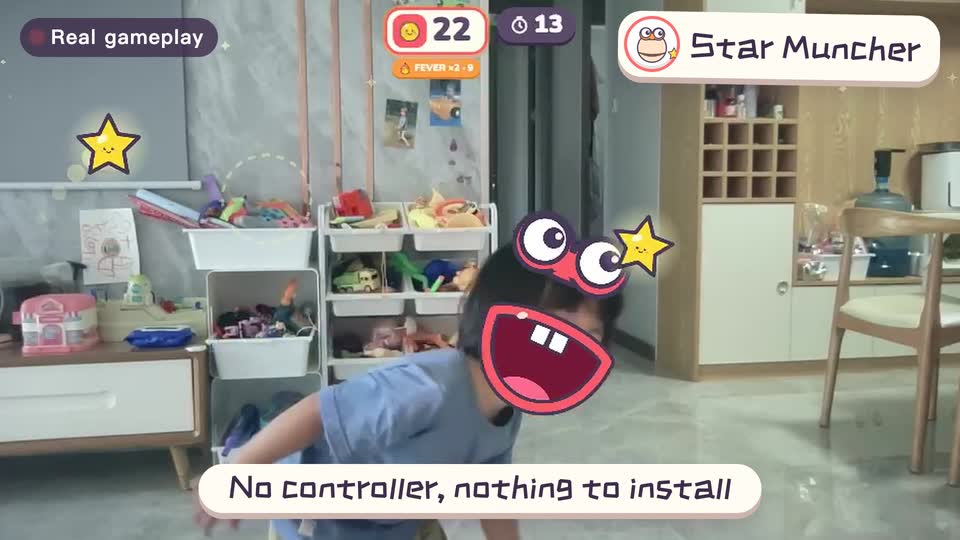
Real footage · 14 s
Kids stand in front of the computer and just move
100+ motion games for ages 3 to 18. Open the website and play: nothing to install, and the camera picture stays on this computer.
Keep reading
- Indoor recess games: a 20-minute rainy-day plan
- Brain breaks: 5-minute movement games for any grade
- Indoor PE class: one computer gets the whole class moving
- Indoor movement games for preschool: morning exercise and rainy days, ages 3 to 6
- Rainy-day obstacle course: 6 stations for a preschool classroom
- PE warm-up and cool-down games: the whole class follows the screen