 DongDong Park
Christmas classroom games: catch presents in a Santa hat
Updated
A Christmas class activity doesn’t need a bag of decorations. Start Gift Catch and every kid on screen is wearing a Santa hat, with presents falling from the sky to catch; Snowball Fight and Slalom Ski bring winter into the classroom. One computer with a camera on the projector, 30 minutes, and seven games in turn for preschool and early elementary.
Pick by part of the activity
- Opening, in the holiday spirit. Gift Catch (ages 3–7): catch the falling presents while wearing a Santa hat; golden ones score more. Hands work, and so does a nose, so even the youngest can do it.
- Winter games. Snowball Fight (block the snowman’s snowballs so they bounce back at it) and Slalom Ski (lean left and right through the flag gates, then throw snowballs at the snowmen). No running or jumping: kids just lean on the spot.
- Quieter ones. Memory Match (cards lie face down on both sides of the body; find the matching pairs) and Blow Out the Candles (blow into the microphone to put out the candles, like the candles on a holiday dinner table).
- A music act. Conduct a tune with Little Conductor (wave fast and the band plays fast; hold your hands high and it plays loud), and play a children’s song on Air Piano (press the keys as the notes land): two ready-made acts for the holiday show.
How to run it
- Put the projector and camera at the front of the room and clear about 6 by 6 feet (2 m × 2 m). In preschool, one kid plays at a time; in elementary, two kids can stand side by side, each with their own score.
- Choose “Watch a demo first” for each game: a cartoon kid plays it once, so you don’t have to explain the rules.
- Each kid plays one round of 45 seconds to a minute; press N for the next kid. The kids watching do the catching, blocking and leaning moves along with them.
- At the end, save a certificate for each kid (photo, nickname and stars) and send it home as a holiday keepsake.
Holiday class party
For a party where the whole class takes turns, with head-to-head rounds and a finale, see classroom party games. The games on this page drop straight in as a Christmas special.
A 30-minute Christmas activity (ages 5–8)
| Time | What happens | Games |
|---|---|---|
| 5 min | Opening: catch presents in a Santa hat, one round each | Gift Catch |
| 8 min | Winter games: two kids side by side, each with their own score | Snowball Fight, Slalom Ski |
| 7 min | Quieter: memory and blowing | Memory Match, Blow Out the Candles |
| 7 min | Music act: conduct a tune, play a tune | Little Conductor, Air Piano |
| 3 min | Save certificates, take a class photo | — |
Questions teachers ask
Do the kids need real Santa hats?
No. Once Gift Catch starts, a Santa hat appears on each kid’s head on screen and moves with them. If you’d like a keepsake, save a certificate. Real hats are fine too and don’t get in the way.
Which games work for 3- and 4-year-olds?
Gift Catch, Snowball Fight and Blow Out the Candles are for ages 3 and up; Slalom Ski and Memory Match for 5 and up; Little Conductor and Air Piano for 6 and up. For the youngest, stick to the first three with the difficulty set to Ages 3–4, and remind them to “reach out and catch”.
Does Blow Out the Candles need a microphone?
Yes, but a laptop’s built-in microphone is fine. If your classroom computer has no microphone, skip it and use Bubble Pop for the quiet part.
How is this different from the classroom party page?
The party page is a 20-minute program where the whole class takes turns, with head-to-head rounds and a finale. This page is a 30-minute Christmas-themed activity with more seasonal games, better suited to preschool and early elementary. The games on the two pages swap freely.
Do I need an account?
You can try two rounds without signing in. For the whole class, a teacher signs in with an email address or Google: the Free plan has a few scored rounds a day, and the Class plan on the pricing page removes the limit.
Games mentioned here
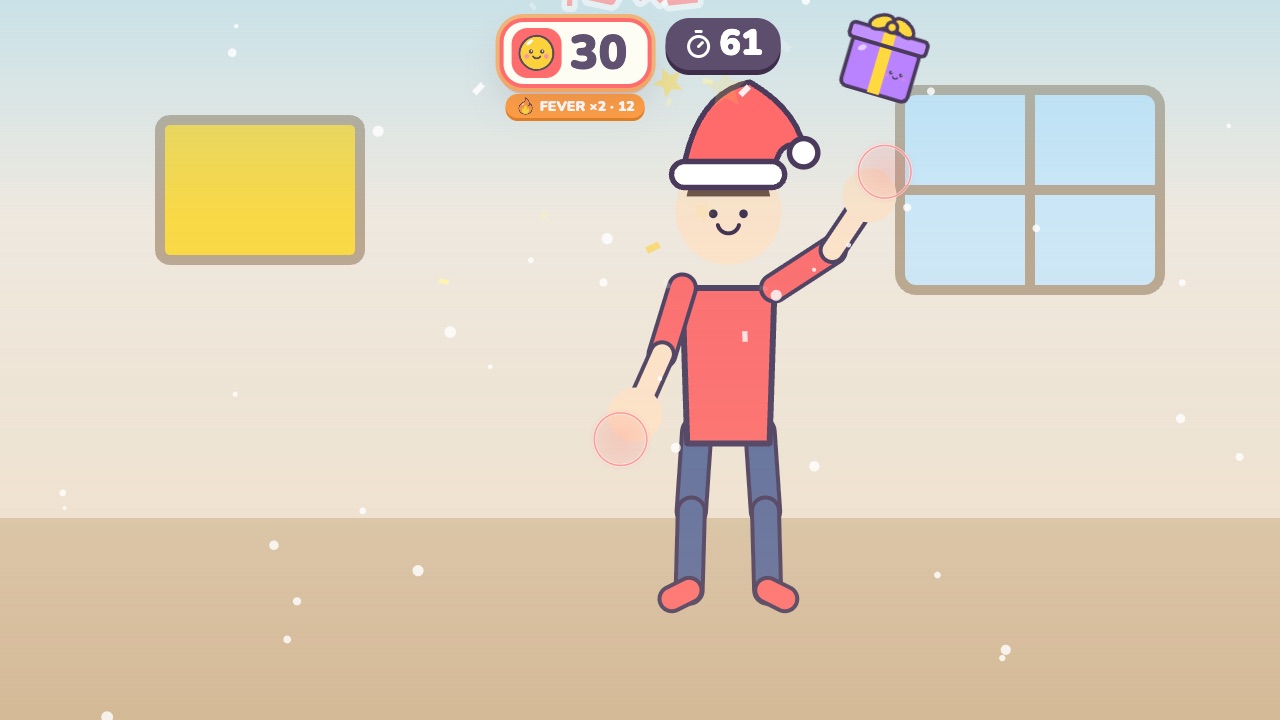 Gift CatchPut on a Santa hat and catch the falling giftsAges 3–7 · Moderate activity · Hands
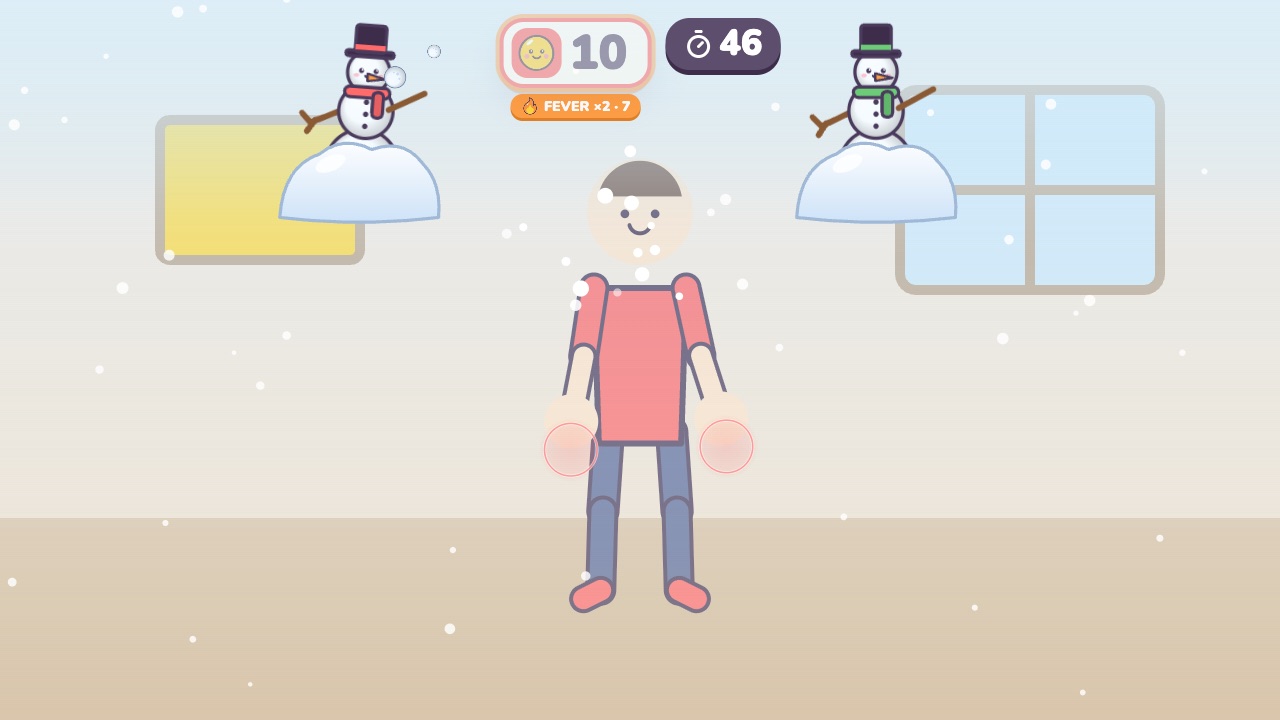 Snowball FightBlock the snowballs and bounce them back at the snowmanAges 3–8 · Moderate activity · Hands
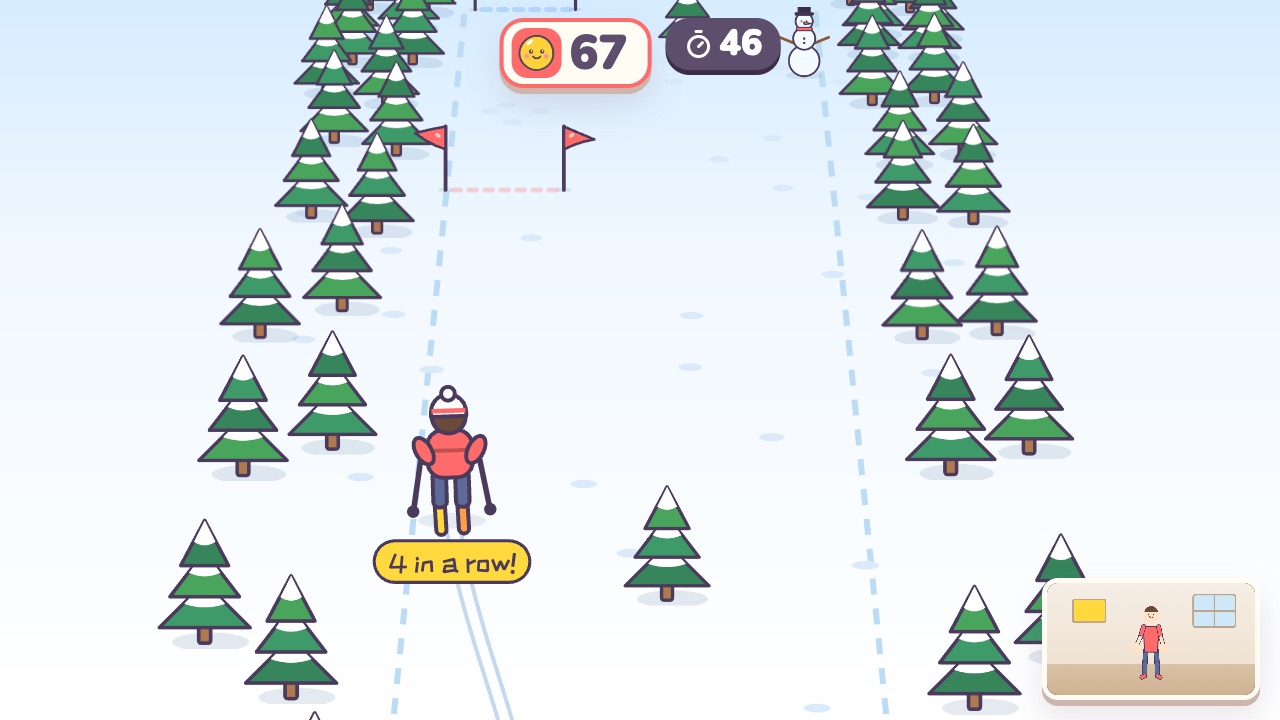 Slalom SkiLean left and right to ski through the flag gatesAges 5–10 · Moderate activity · Whole body
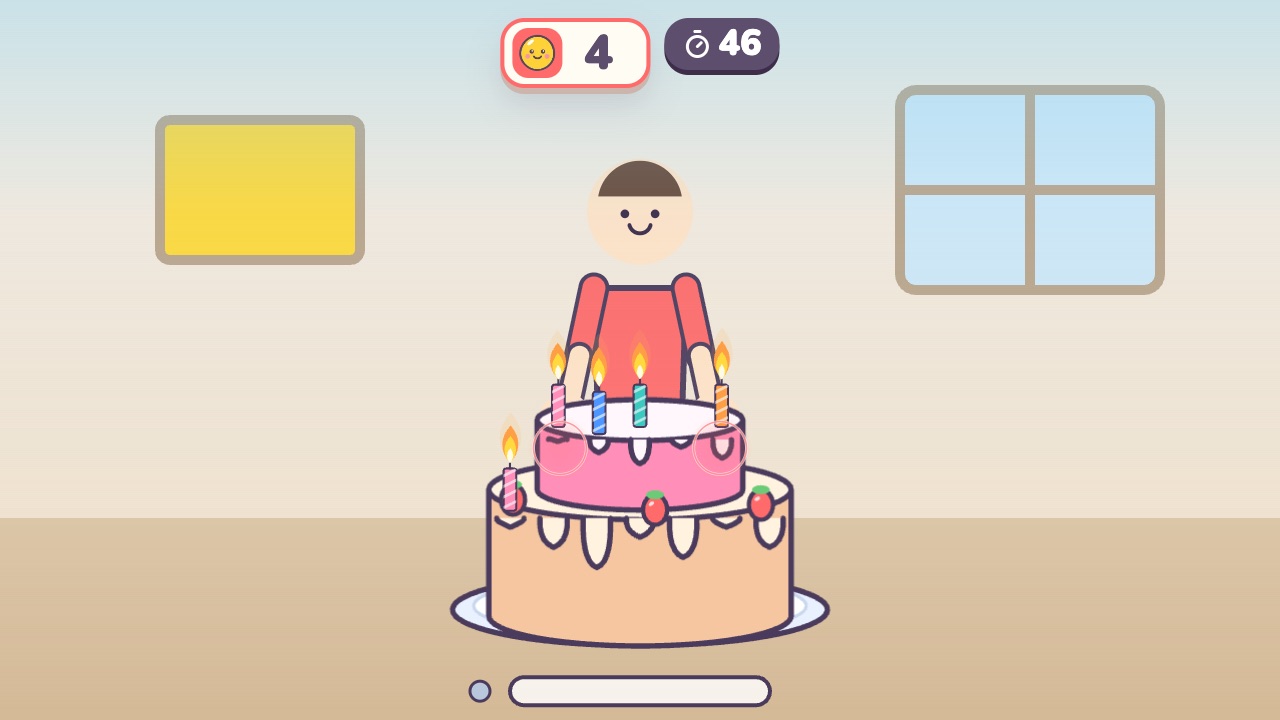 Blow Out the CandlesBlow into the microphone to put out the candles on the cakeAges 3–7 · Light activity · Calm
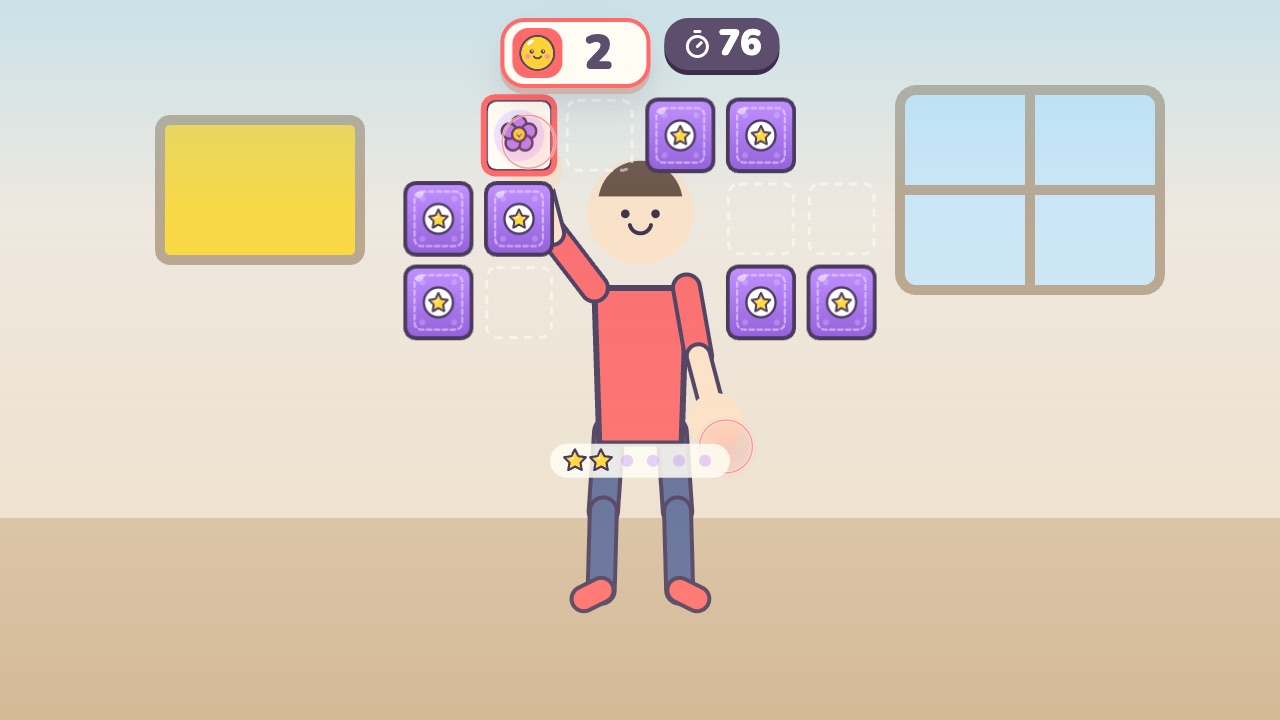 Memory MatchFlip two cards at a time and find the matching pairsAges 5–14 · Light activity · Thinking / Hands
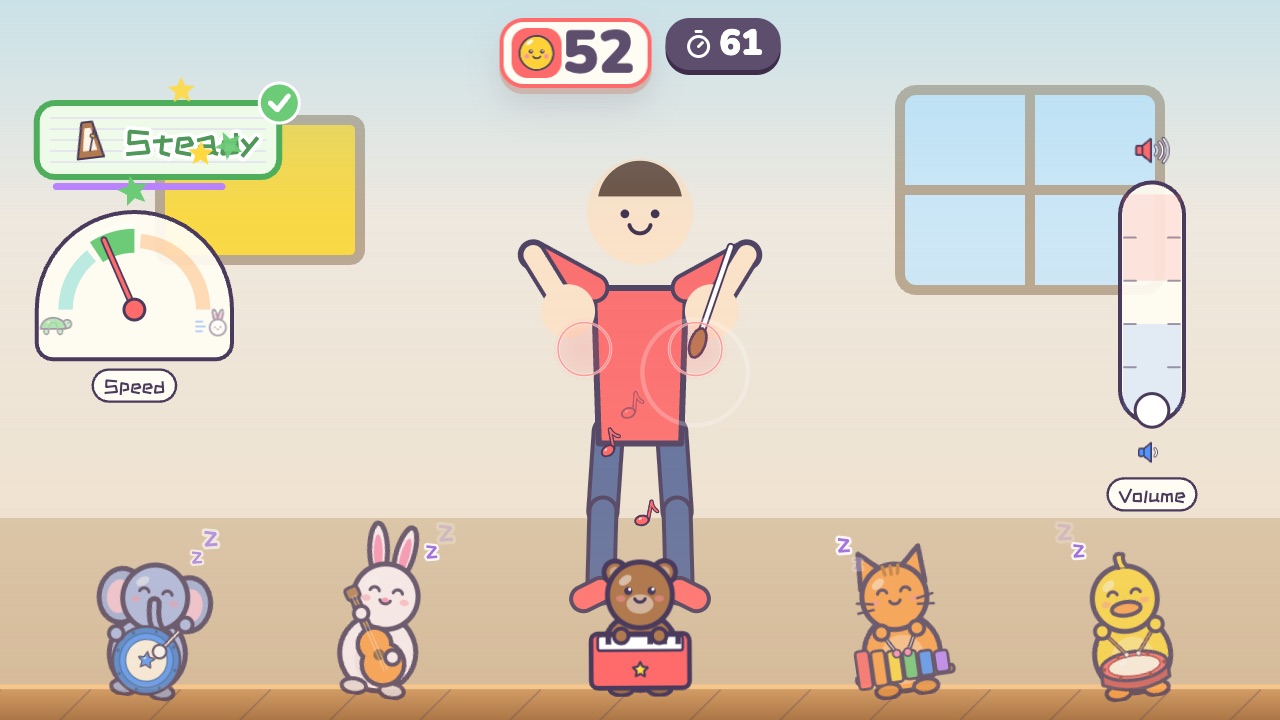 Little ConductorWave fast and the band plays fast. Hold your hands high and it plays loudAges 6–12 · Moderate activity · Rhythm / Hands
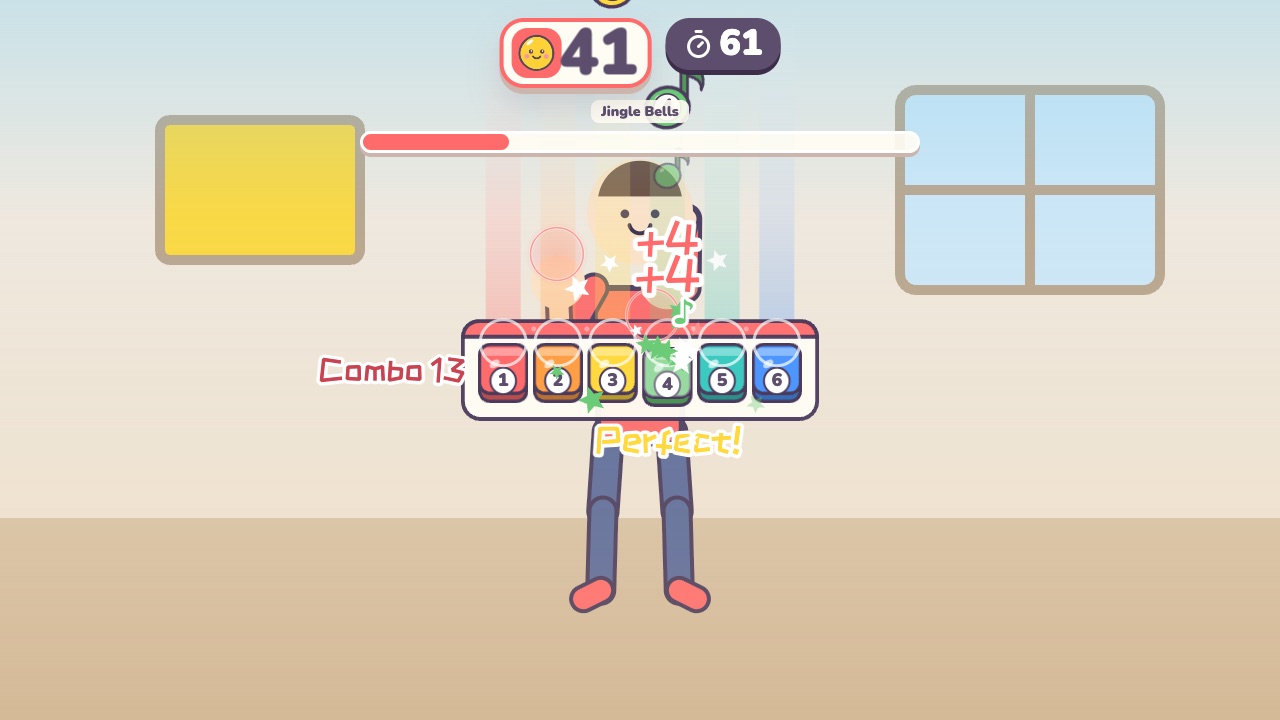 Air PianoPress the keys when the notes land on themAges 6–14 · Light activity · Rhythm / Hands
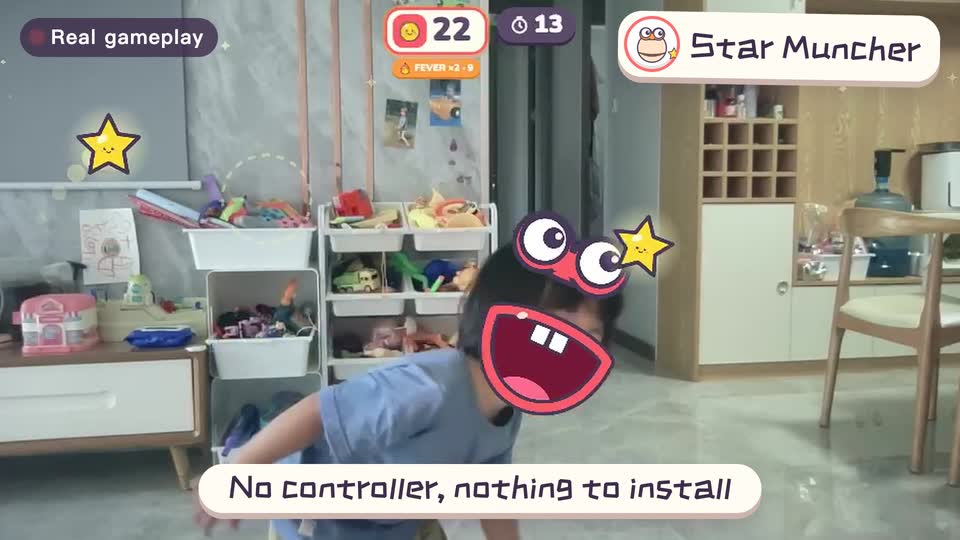
Real footage · 14 s
Kids stand in front of the computer and just move
100+ motion games for ages 3 to 18. Open the website and play: nothing to install, and the camera picture stays on this computer.
Keep reading
- Indoor recess games: a 20-minute rainy-day plan
- Brain breaks: 5-minute movement games for any grade
- Indoor PE class: one computer gets the whole class moving
- Indoor movement games for preschool: morning exercise and rainy days, ages 3 to 6
- Rainy-day obstacle course: 6 stations for a preschool classroom
- PE warm-up and cool-down games: the whole class follows the screen