 DongDong Park
Slalom Ski
Lean left and right to ski through the flag gates. A motion game played with a webcam, for ages 5–10.
Also searched as: skiing game for kids with a webcam, virtual slalom ski game, winter movement game for kids · Updated
▶ Play Slalom SkiWatch a demo first
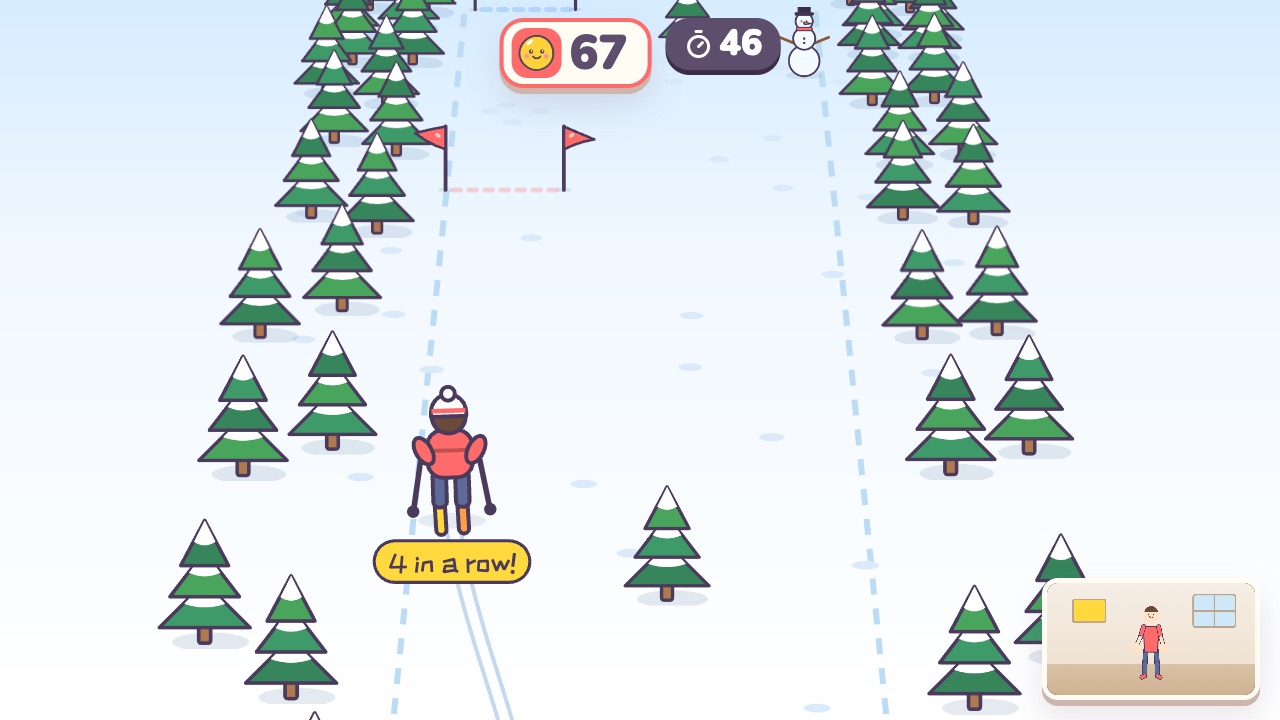
How to play
- Lean left to ski left, and lean right to ski right
- Ski between the two little flags and stay clear of the trees
- Raise both hands to throw snowballs at the snowmen
What it practices
- Balance
- Core control
- Timing
Game info
| Ages | 5–10 (Preschool, Elementary) |
|---|---|
| Activity level | ⚡⚡ Moderate |
| Type | Whole body |
| Round length | 60 seconds (you can change it in the settings) |
| Players | 1 player, or 2 players side by side going for the higher score |
| You need | A webcam; Chrome or Edge |
| Stars | Level 1: 2 stars from 180 points, 3 stars from 270 pointsLevel 2: 2 stars from 220 points, 3 stars from 340 pointsLevel 3: 2 stars from 260 points, 3 stars from 400 pointsFinishing a round always earns 1 star. If you change the round length, the targets scale with it. |
How teachers and parents use it
Kids lean left and right to steer a skier down the slope, between the two little flags of each gate and around the trees, and raise both hands to throw snowballs at the snowmen along the way; the run keeps getting faster. It suits ages 5 to 10 in 60-second rounds, a good pick for an indoor snow day or a winter-themed PE lesson. With two players the screen splits and both ski exactly the same course, which makes for a fair race.
Before you play
- Put the camera at about chest height and stand 7 to 10 feet (2 to 3 m) away.
- Clear some floor space and check that it isn’t slippery. A grown-up should stay close while little kids play.
- First time? Run the device check. Not sure how the game works? Choose “Watch a demo first” and a cartoon kid shows you.
▶ Play Slalom SkiWatch a demo first
Similar games
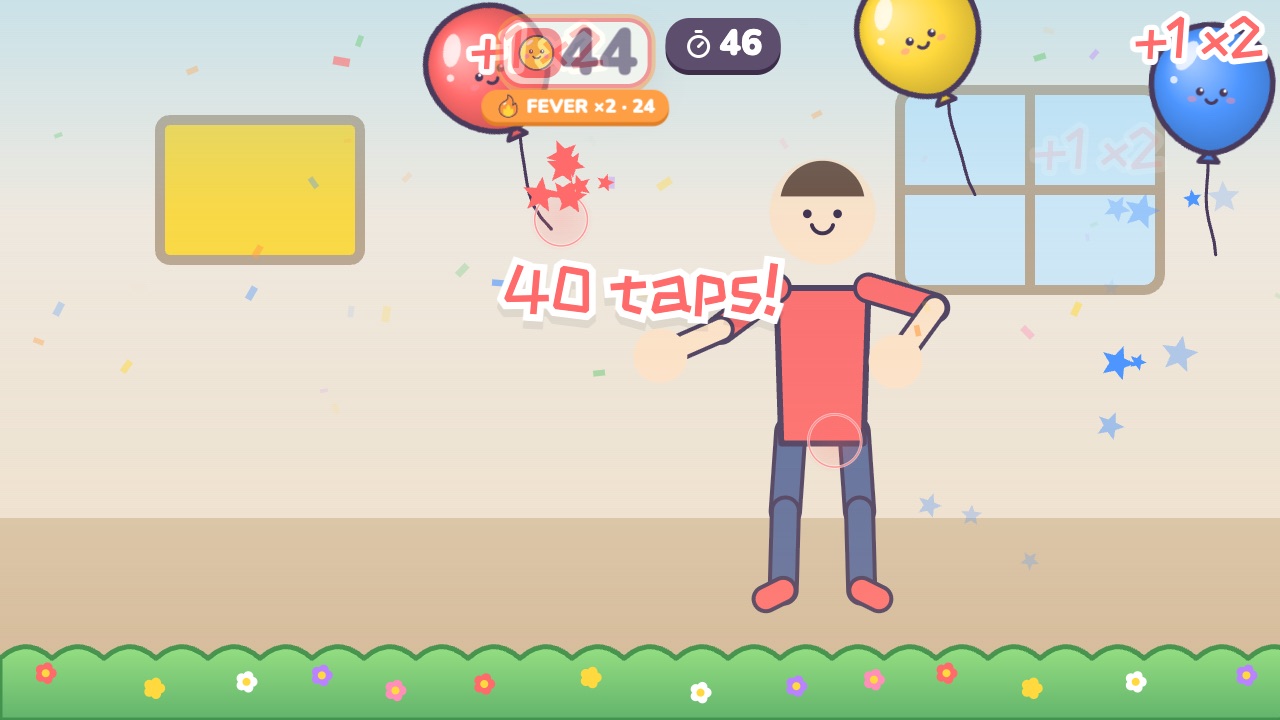 Balloon Keep-UpTap the balloon back up and keep it off the groundAges 3–8 · Moderate activity · Hands / Whole body
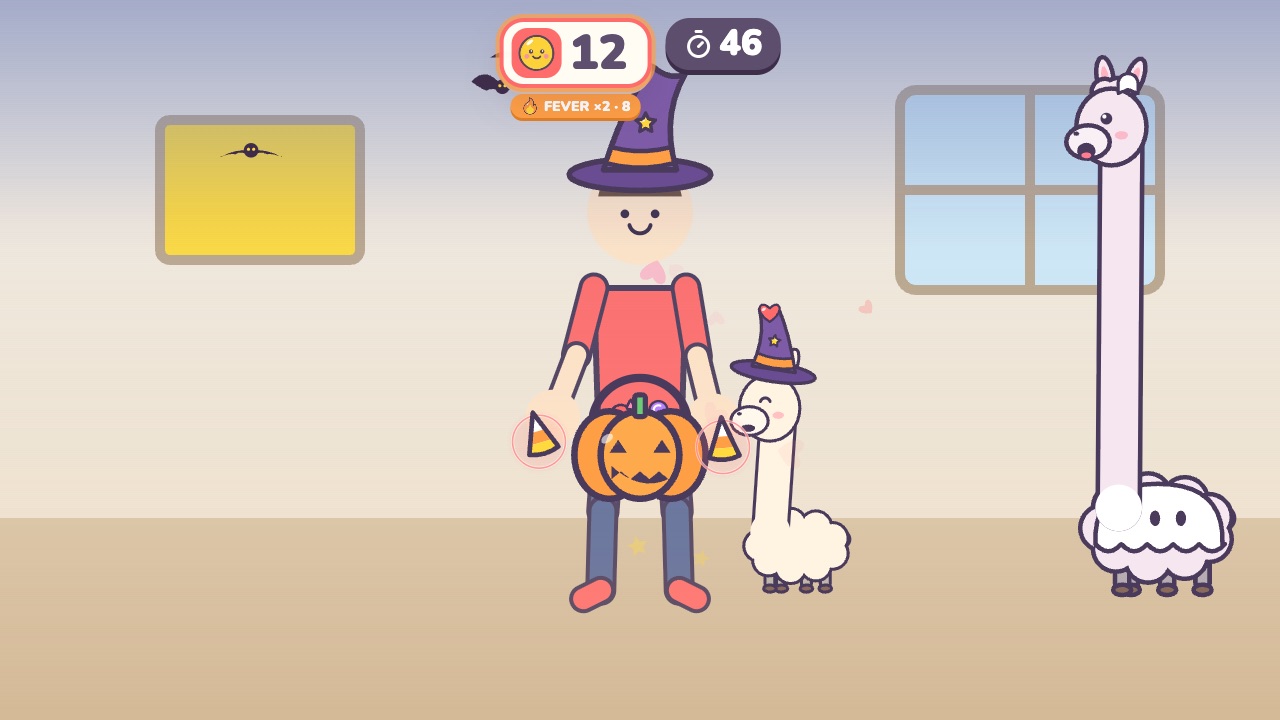 Feed the LlamaFeed candy to the llamas, and don't let them spit on youAges 3–7 · Moderate activity · Hands / Whole body
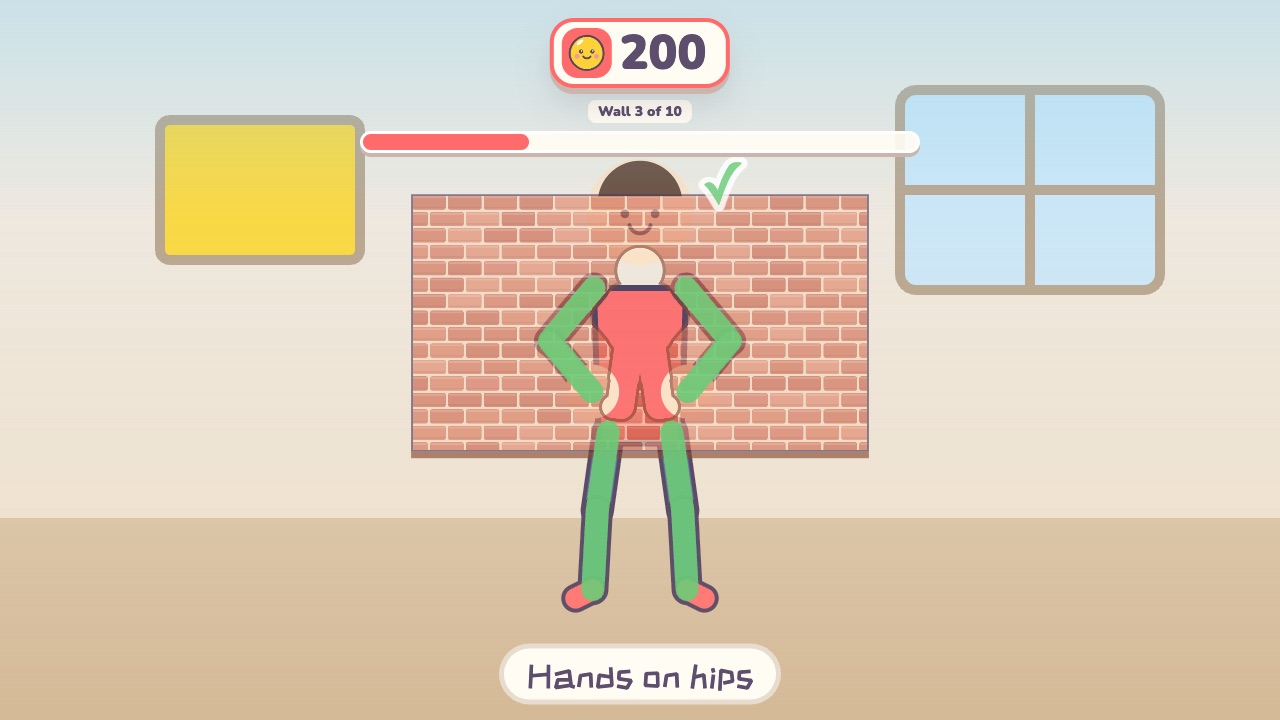 Shape WallMake the same shape as the hole in the wallAges 4–12 · Moderate activity · Whole body / Thinking
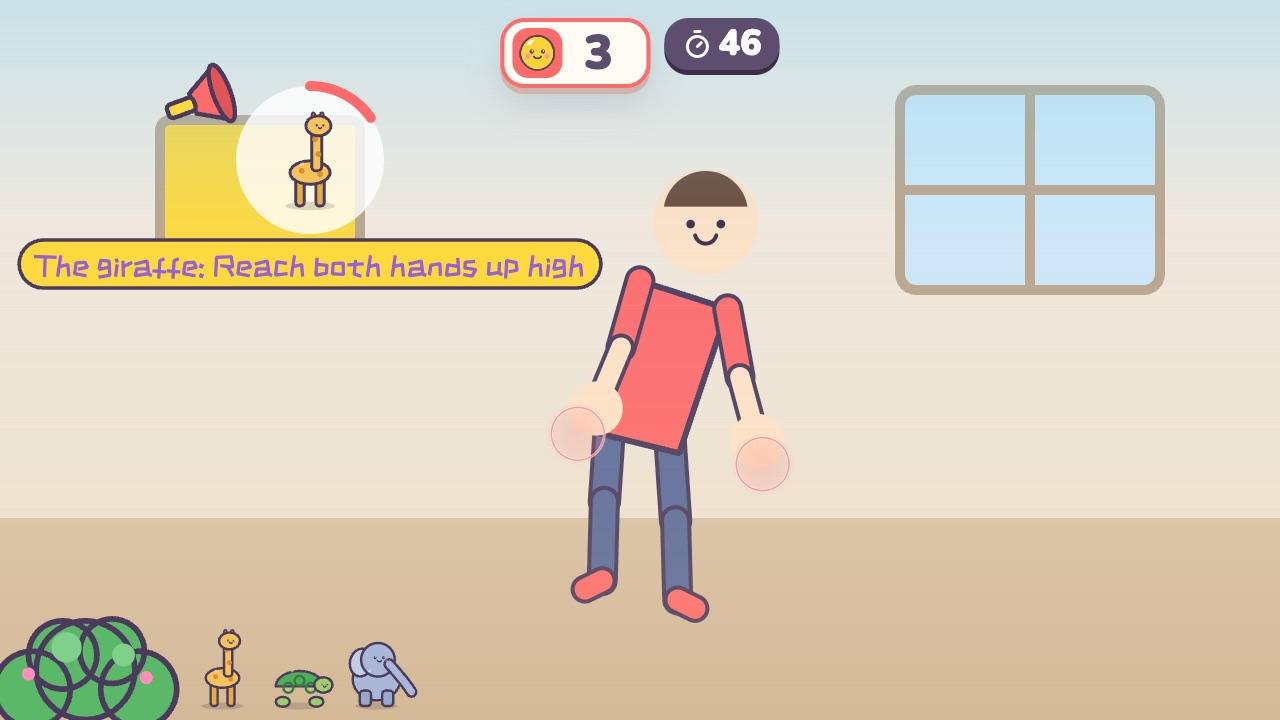 Animal MovesDo the move of whichever animal gets calledAges 3–8 · Moderate activity · Whole body
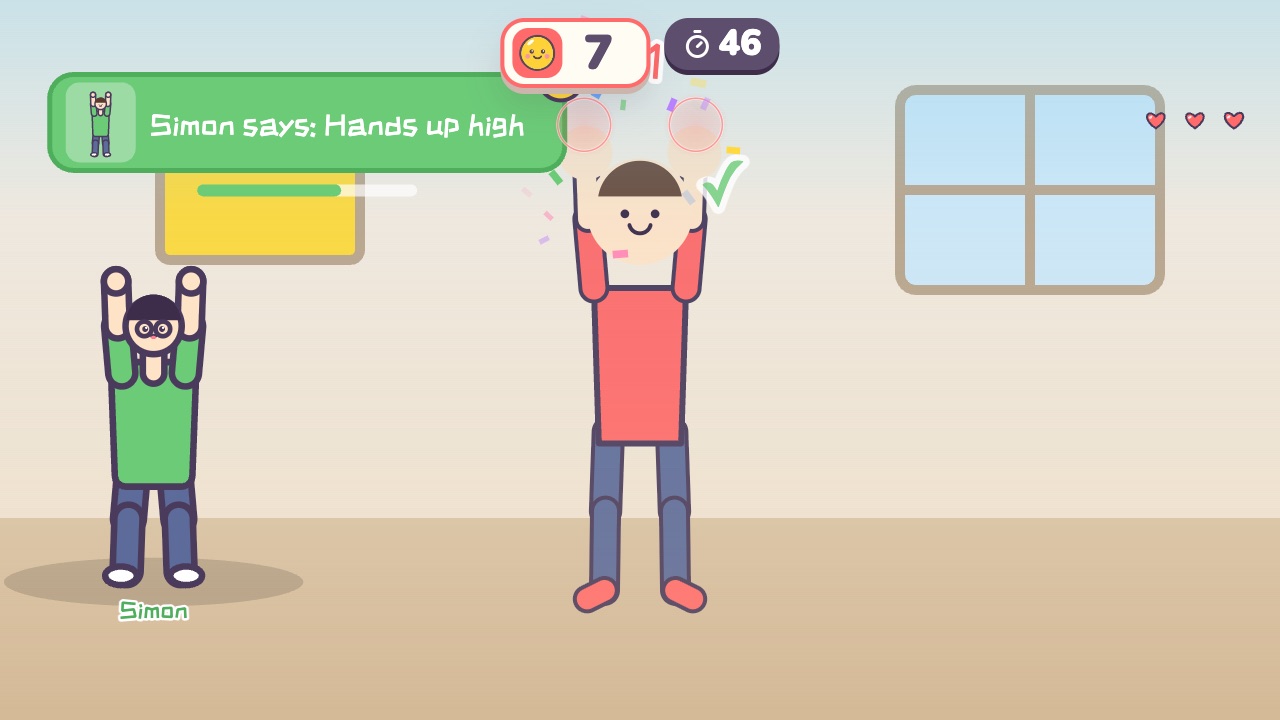 Simon SaysOnly move when Simon says soAges 4–10 · Moderate activity · Whole body / Thinking
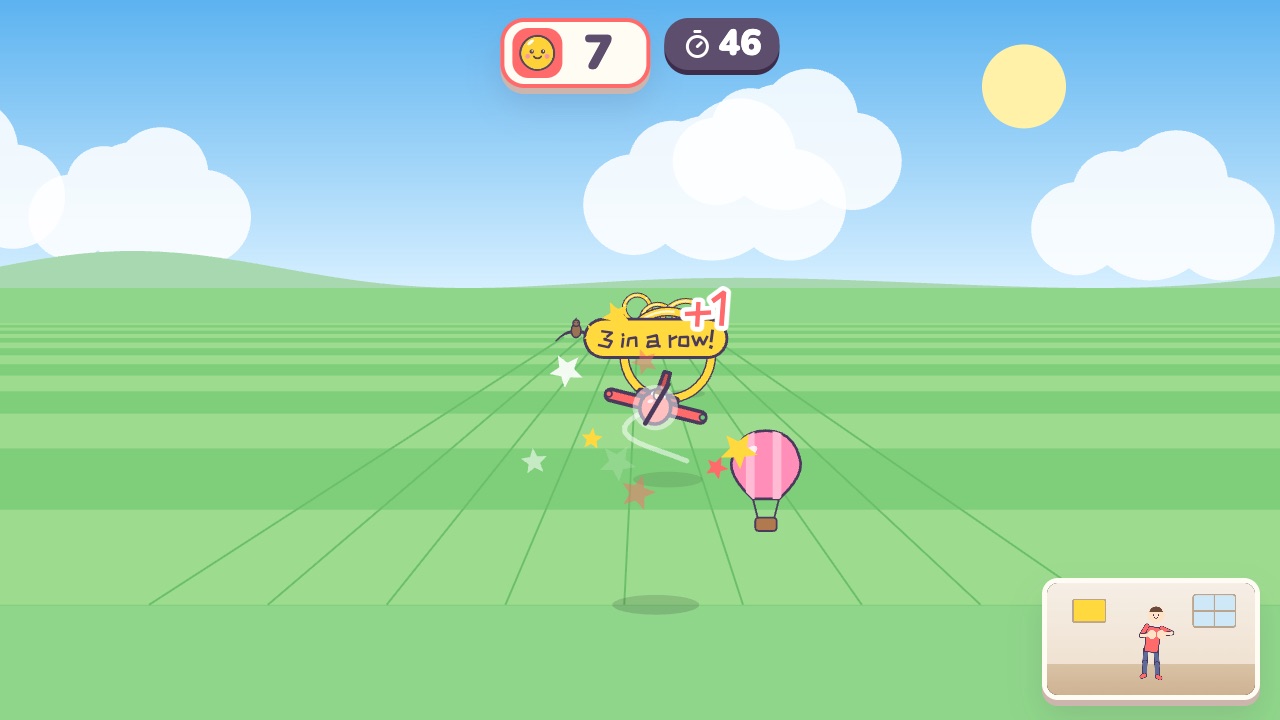 Sky PilotSpread your arms like wings, lean to turn, and fly through the golden ringsAges 5–14 · Moderate activity · Whole body