 DongDong Park
Classroom party games the whole class can join
Updated
Party games tend to go wrong in one of two ways: a few kids play while everyone else sits and watches, or there is a pile of props to prepare and a mess to clean up afterward. Motion games need only what the classroom already has, a computer and a projector. Two kids play, the rest of the class is the cheering squad, a round takes about a minute, and ten minutes of the party plan fills itself.
What to play
- Head to head and easy to follow. Tug of War, Quick Draw and Rock Paper Scissors. The audience can see at a glance who is ahead, so the cheering gets loud.
- Funny ones. Funny Faces (copy the face on the card and it snaps a photo) and Musical Chairs (march while the music plays, squat down fast when it stops).
- Seasonal. Gift Catch (catch the falling presents in a Santa hat) and Snowball Fight for a winter party, or Lion Dance, where one player is the lion’s head and the other its body.
- Everyone at once. Bubble Party (free play: several kids in the picture together, popping bubbles) is a good opener.
Turning it into a party program
- Watch the demo first. Before each game, choose “Watch a demo first” and a cartoon kid plays a round, so the host doesn’t have to explain the rules.
- King of the hill. Two players face off, the winner stays on, and challengers line up. The audience guesses who will win.
- A team-up finale. End with a two-player cooperative game such as Lion Dance or Team Ball Carry, and let best friends go up as partners.
A 20-minute motion game slot for the party
| Time | What happens | Games |
|---|---|---|
| 3 min | Warm-up: several kids in the picture at once | Bubble Party (free play) |
| 7 min | King of the hill: head to head, the winner stays on | Tug of War, Quick Draw, Rock Paper Scissors |
| 5 min | Funny round: the class votes on the best copy | Funny Faces (elementary), Mirror Dance-Off (middle school) |
| 5 min | Finale: two players team up | Lion Dance, Team Ball Carry |
Questions teachers ask
Does it work for a middle school class?
Yes. Pick versus and skill games, such as Kung Fu Duel, Fencing, Mirror Dance-Off and Lion Dance, and set the difficulty to Hard.
What do I need to prepare?
The day before, open the site on the classroom computer, run the device check, and plan to clear about 6 by 6 feet (2 m × 2 m) at the front of the room. Once the site has been opened, it also works without internet. Connecting the projector is covered in On a TV or projector.
Do I need an account?
You can try two rounds without one. For a whole party, sign in first with an email address or Google: the Free plan has a few scored rounds a day, and the Class plan on the pricing page removes the limit. Kids never need their own account.
Will the kids be filmed?
Camera images are only used on this computer to follow the moves and are never uploaded. Each round’s replay stays in the browser’s memory and is gone unless you choose to save it. More in Safety and privacy.
Games mentioned here
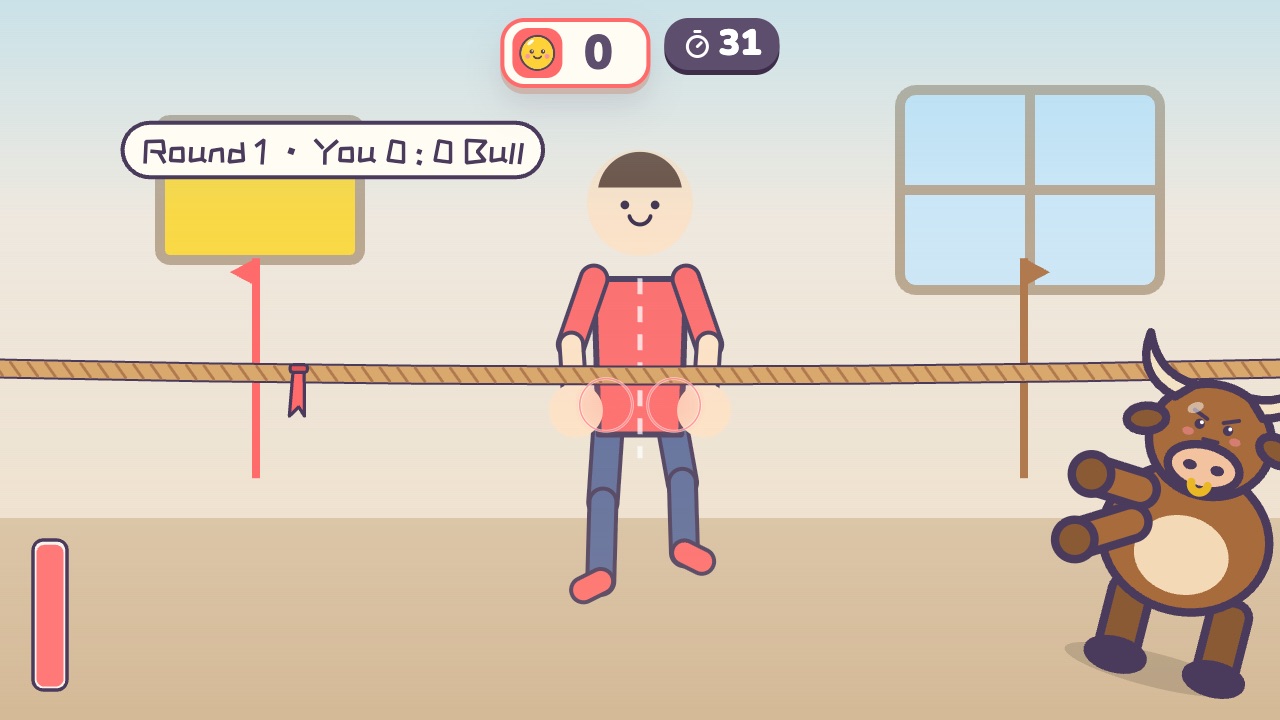 Tug of WarPull the rope back hard until the red flag crosses your lineAges 4–16 · High activity · Versus / Fitness / Hands
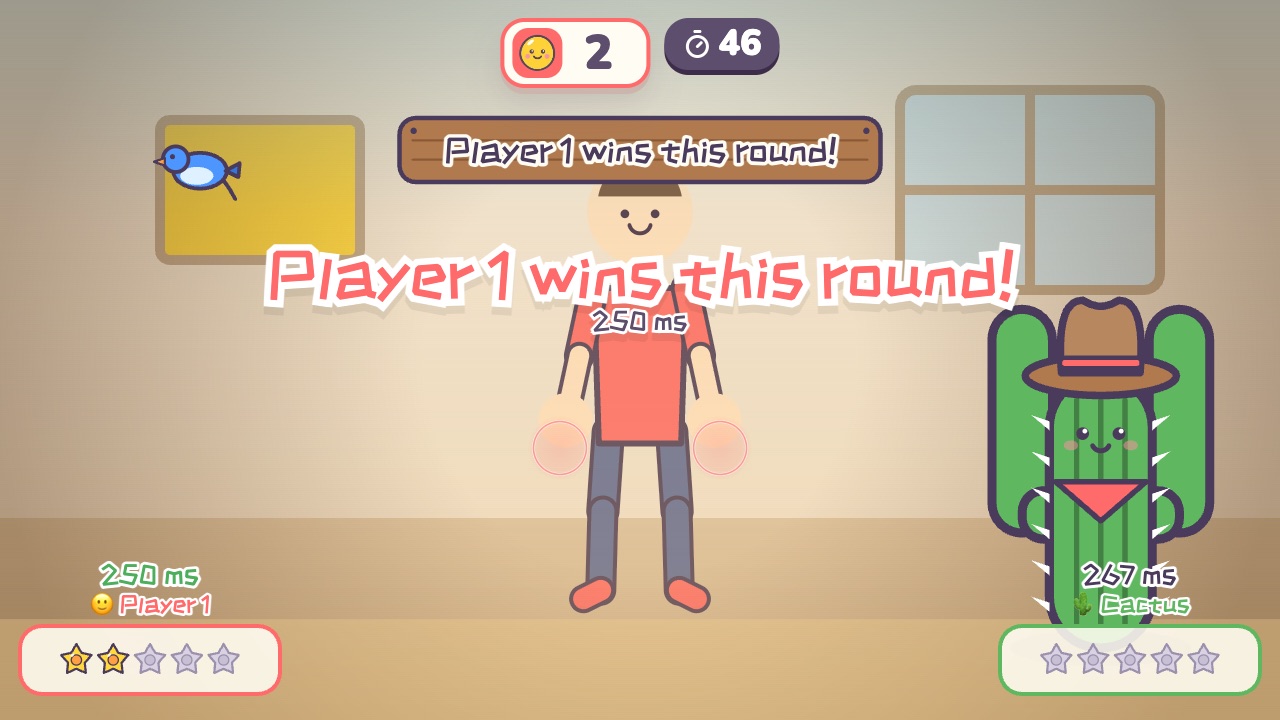 Quick DrawRaise your hand first when the signal comes, but move too soon and you loseAges 8–18 · Light activity · Versus / Calm
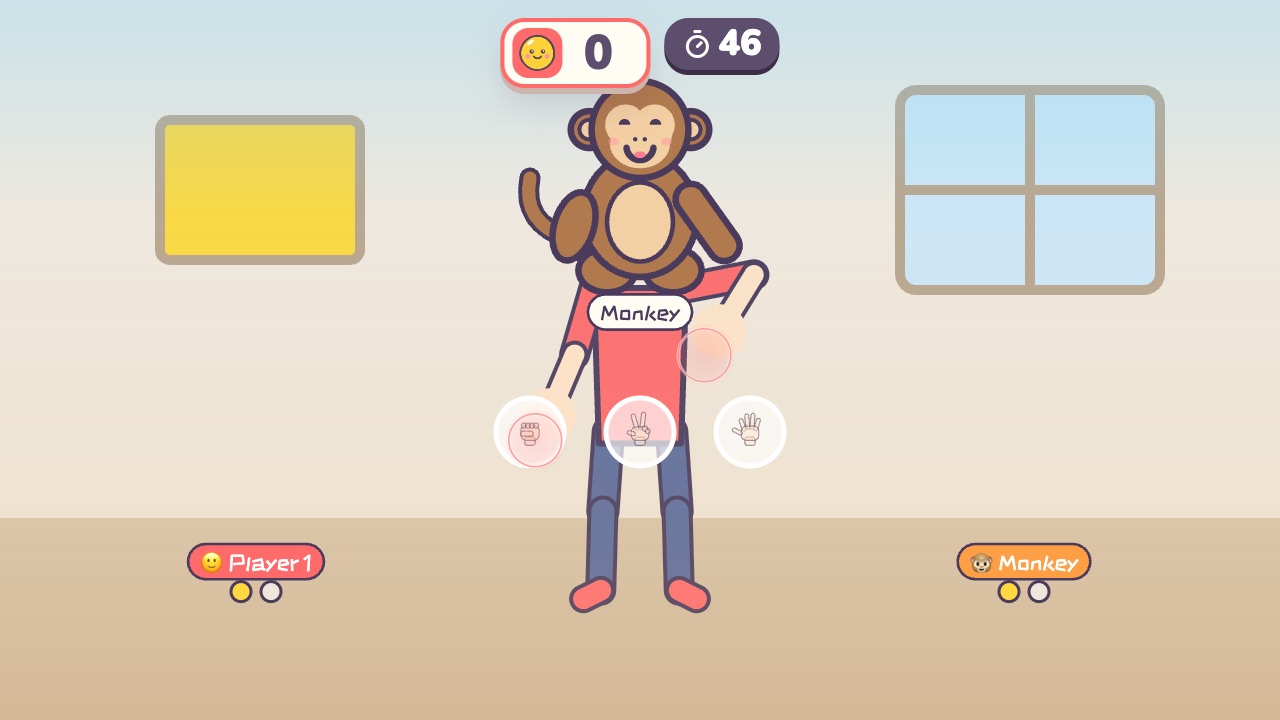 Rock Paper ScissorsPlay rock, paper, scissors with the little monkey. Win two out of threeAges 3–9 · Light activity · Hands / Calm / Thinking
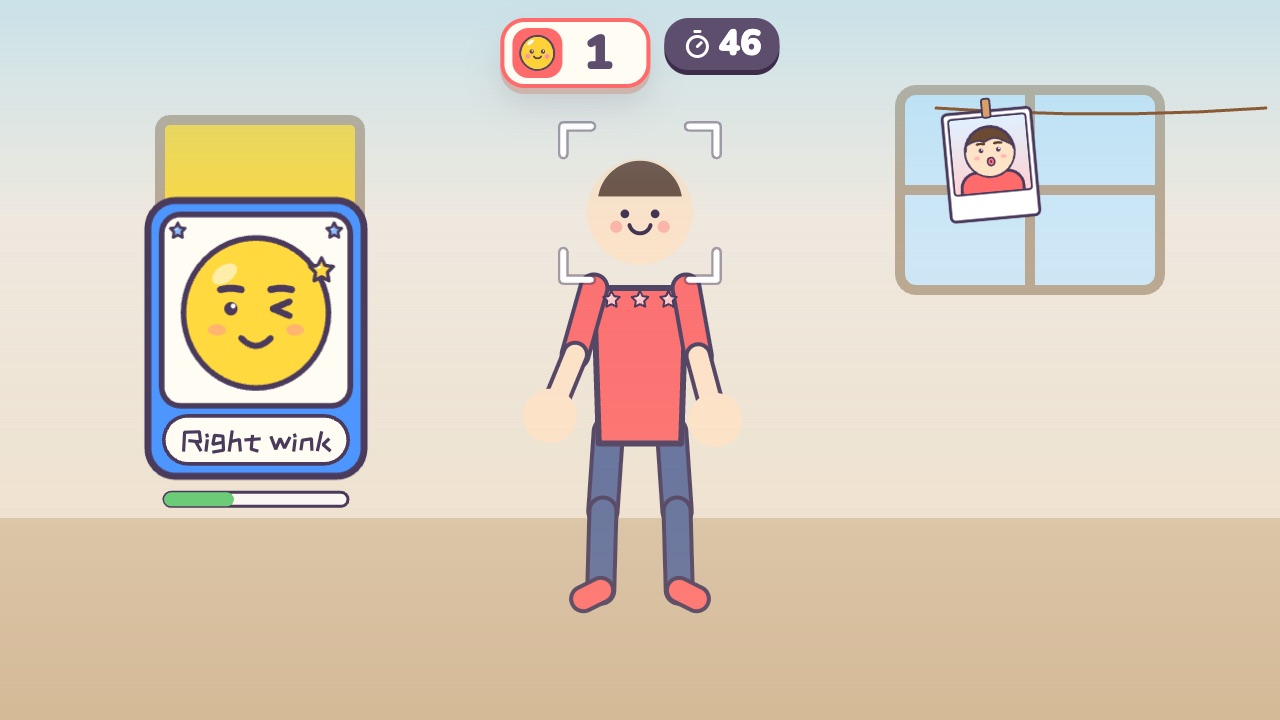 Funny FacesCopy the funny face on the card and snap a photoAges 3–10 · Light activity · Calm / Thinking
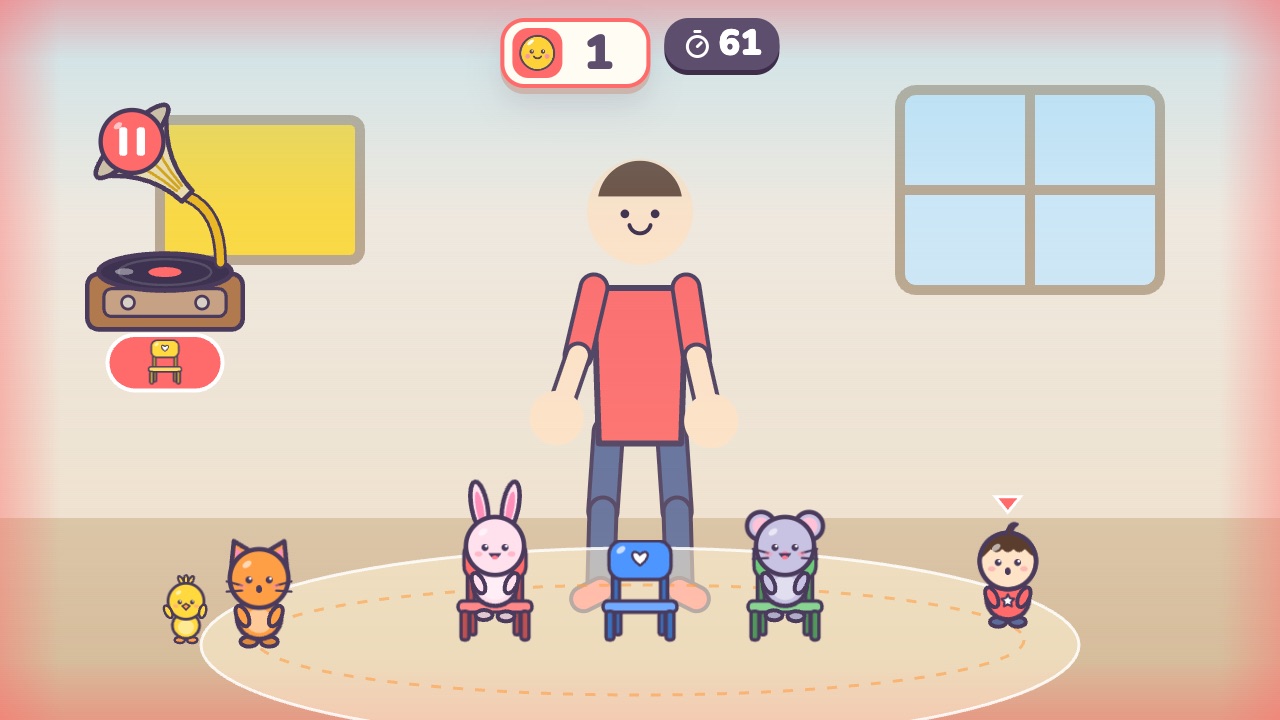 Musical ChairsMarch while the music plays, and squat down fast when it stopsAges 4–10 · Moderate activity · Whole body / Rhythm / Run & jump
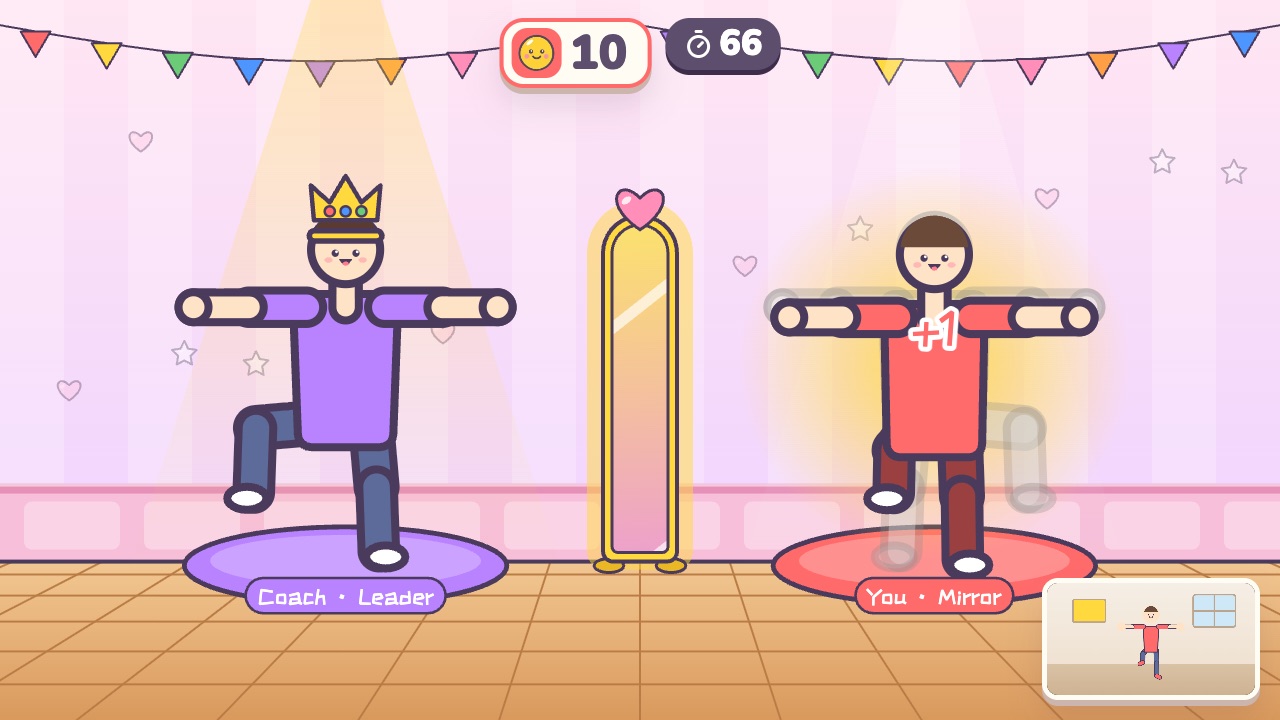 Mirror Dance-OffTake turns leading the dance while the other player mirrors youAges 10–18 · Moderate activity · Versus / Whole body
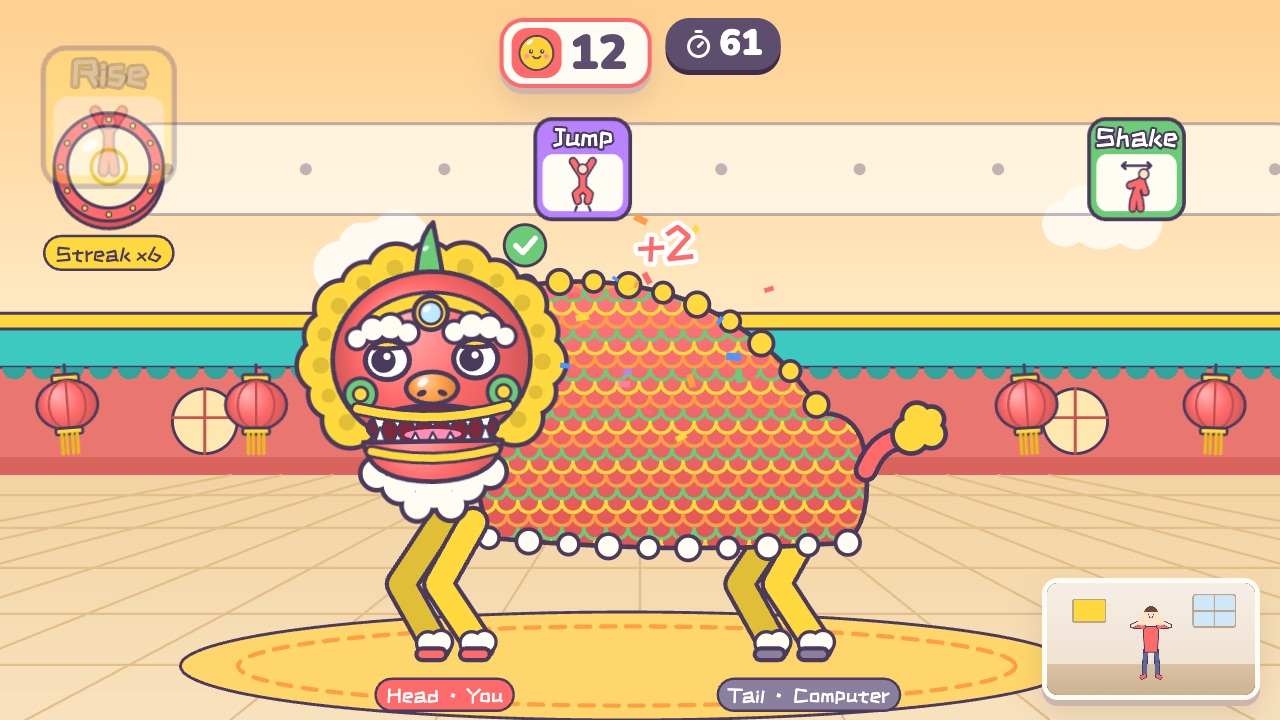 Lion DanceOne player is the lion's head and the other is its body. Dance to the drum togetherAges 10–18 · High activity · Team up / Rhythm / Whole body
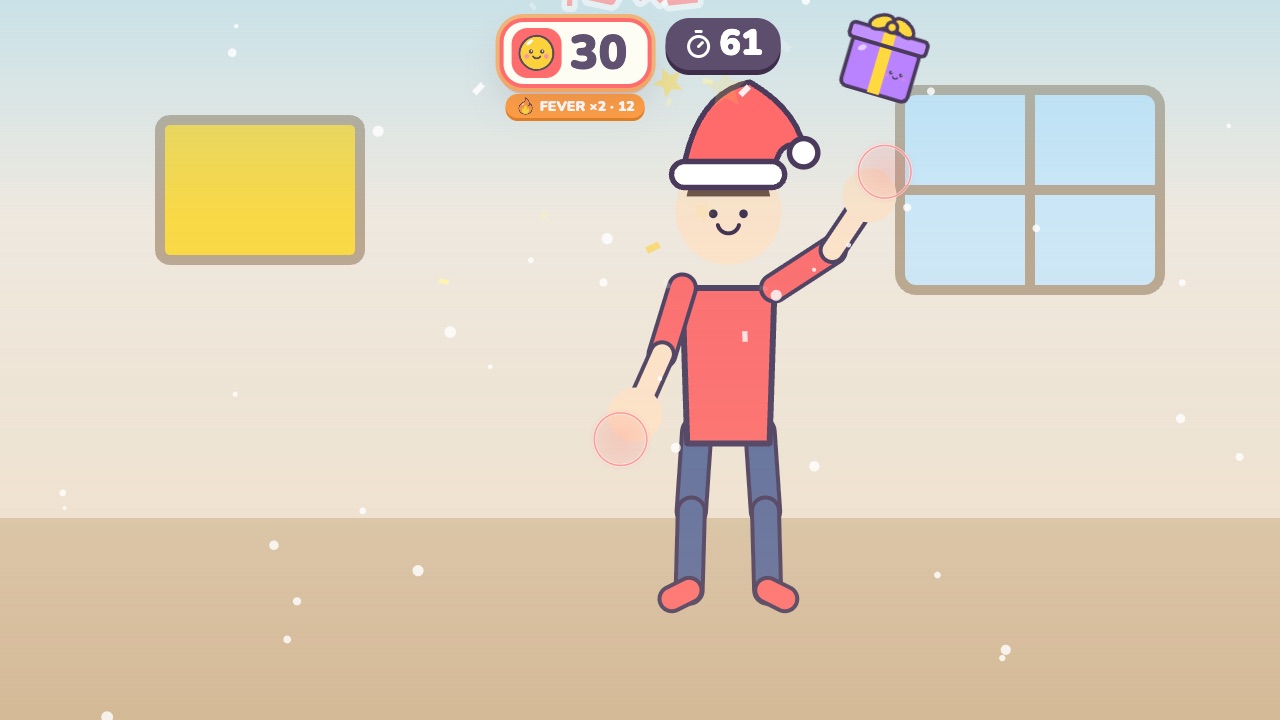 Gift CatchPut on a Santa hat and catch the falling giftsAges 3–7 · Moderate activity · Hands
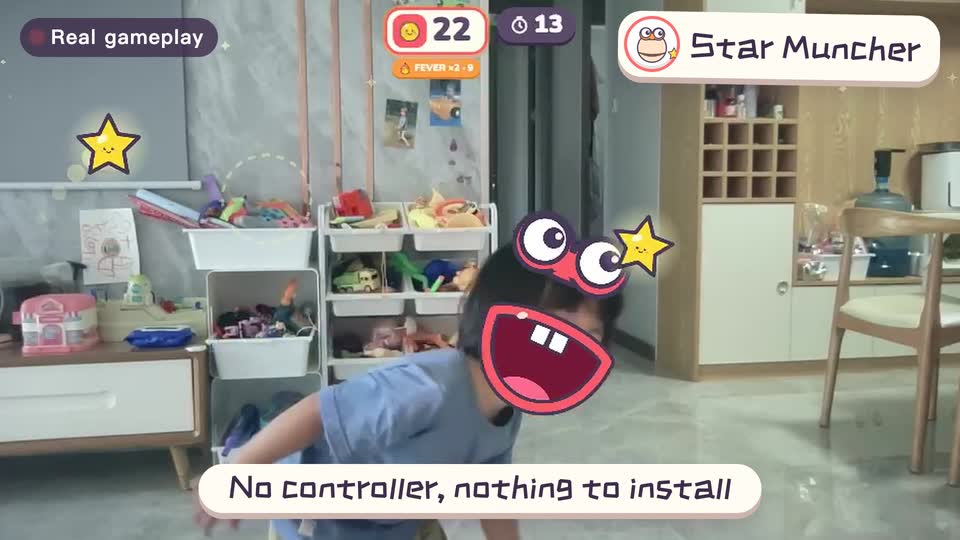
Real footage · 14 s
Kids stand in front of the computer and just move
100+ motion games for ages 3 to 18. Open the website and play: nothing to install, and the camera picture stays on this computer.
Keep reading
- Indoor recess games: a 20-minute rainy-day plan
- Brain breaks: 5-minute movement games for any grade
- Indoor PE class: one computer gets the whole class moving
- Indoor movement games for preschool: morning exercise and rainy days, ages 3 to 6
- Rainy-day obstacle course: 6 stations for a preschool classroom
- PE warm-up and cool-down games: the whole class follows the screen