 DongDong Park
After-school program activities: one computer runs an hour-long active club
Updated
After-school programs are tricky: the time is long (an hour or more), kids are tired after a full school day, and the adult in charge often isn’t a PE teacher. Motion games have simple rules, keep score and move to the next player by themselves, so the adult only has to keep order, and kids can play for an hour without getting bored.
Planning the hour
- Calm first, then loud. Right after school, start with thinking games to help kids settle in, then move on to the high-energy ones.
- A weekly contest. Pick one featured game a week, check the leaderboard on Friday and name a “star of the week”. Stars, badges and the sticker book keep kids coming back week after week.
- Team-up games. Team Ball Carry, Space Fighter and Magic Runes need two kids to work together, so mixed-age groups can play side by side.
- Parents can join in. With an account signed in, scores follow the account to other computers, and a friend challenge link lets parents play the same game at home and try to beat their kid’s score.
A 60-minute session
| Time | What happens | Games |
|---|---|---|
| 10 min | Settle in: thinking games, taking turns | Magic Runes, Spelling Catch, Math Catch |
| 20 min | Challenge: this week’s featured game, two rounds per kid | Laser Hallway, Goalkeeper |
| 20 min | Matches: a two-player knockout | Tug of War, 100-Meter Dash, Air Ping-Pong |
| 10 min | Team up and cool down | Team Ball Carry, Air Drums |
Games that work well
- Magic Runes: draw symbols to beat the monsters. A calm way to start.
- Laser Hallway: duck, jump and step aside. Whole-body reactions.
- Goalkeeper: save the shots while everyone watching gets loud.
- Tug of War: the classic for a knockout tournament.
- 100-Meter Dash: running on the spot, decided in seconds.
- Team Ball Carry: two kids work together, whatever their ages.
- Space Fighter: one player fires, the other holds the shield.
- Air Drums: drum along with the notes to wind down.
Common questions
Can someone who isn’t a PE teacher run it?
Yes. The voice and the pictures explain each game, and scores are recorded automatically, so the adult only sets the order and keeps things calm. Before the session, tap “Watch a demo first” and watch one round yourself: that’s all the training you need.
The group has mixed ages. How do I pick the difficulty?
The games page has three age groups, each with three difficulty levels, and every kid can play at their own level. In two-player mode, the two players can each pick their own as well.
How do I share results with parents?
Export the scores as a spreadsheet and send it, or after a round send a friend challenge link, so the kid can play the same level again at home with their parents.
The Free plan is enough to try it with a small group. For full rosters and unlimited rounds, see the Class plan on the pricing page.
You can play two rounds without signing in: pick a game →
Games mentioned here
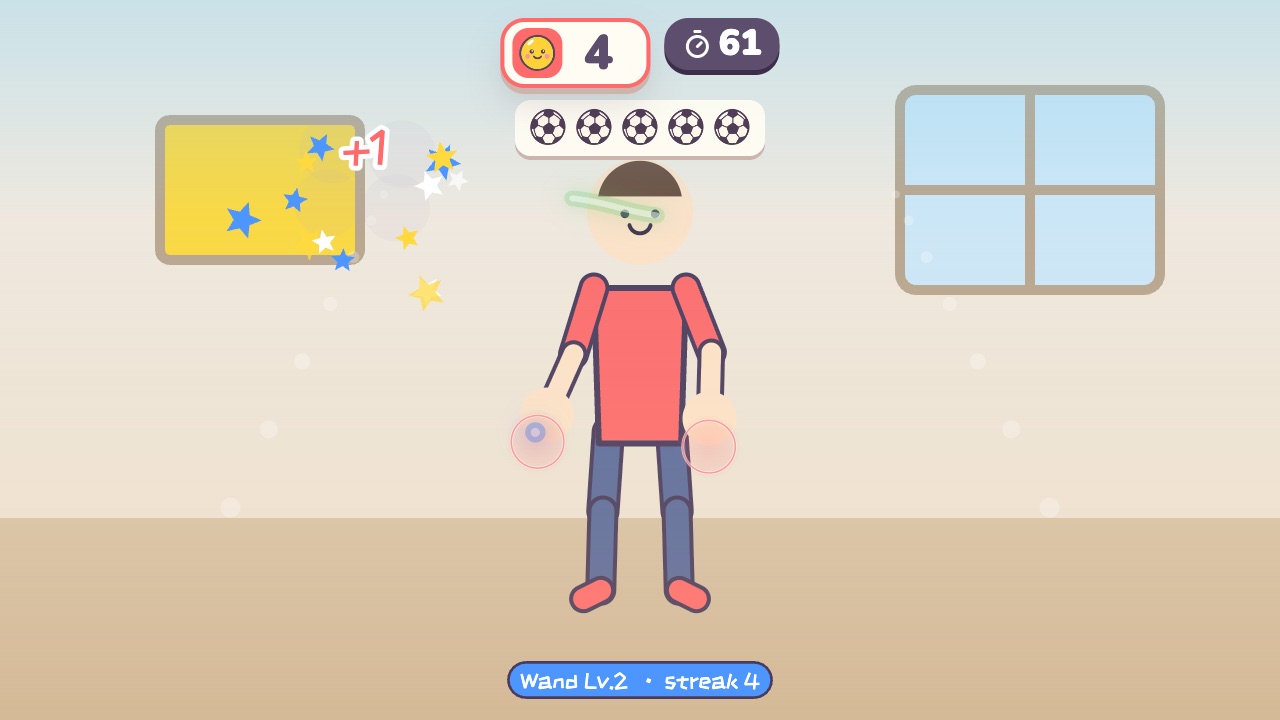 Magic RunesDraw the symbol above each monster in the air with your fingerAges 10–18 · Moderate activity · Hands / Thinking
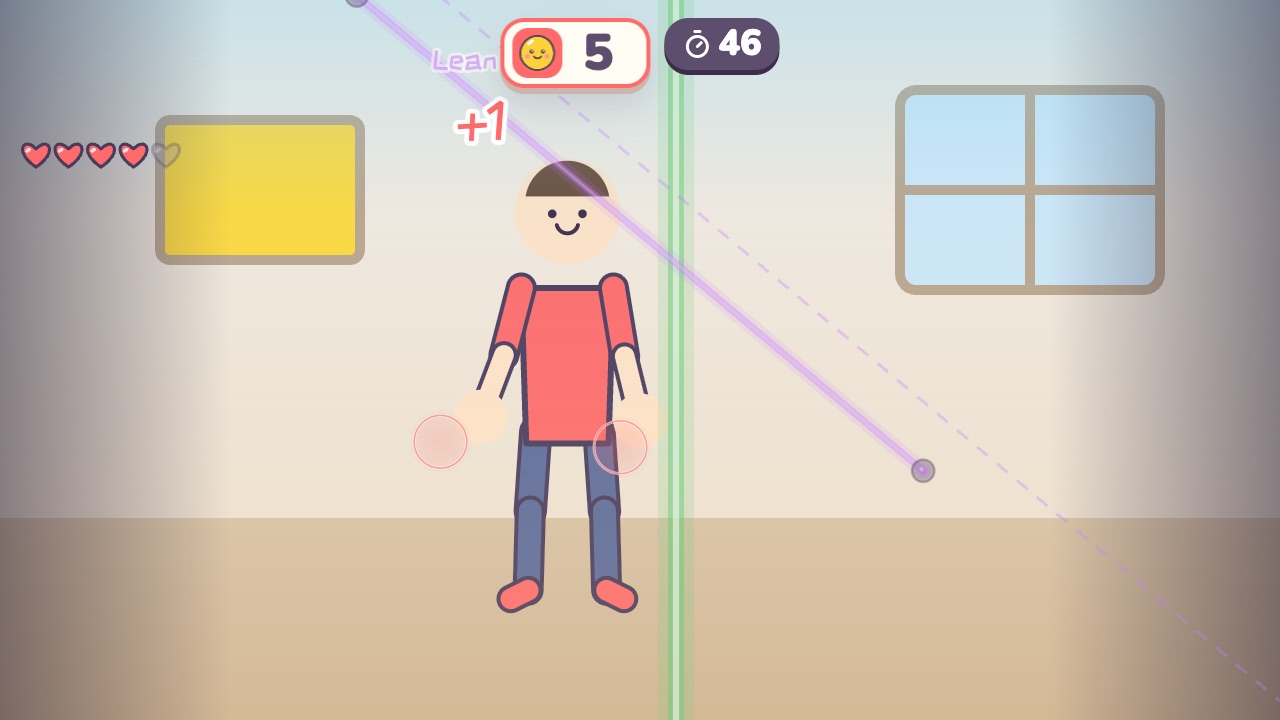 Laser HallwayLasers sweep in: duck under the high ones, jump the low ones, and step aside from the upright onesAges 9–18 · High activity · Whole body / Run & jump / Thinking
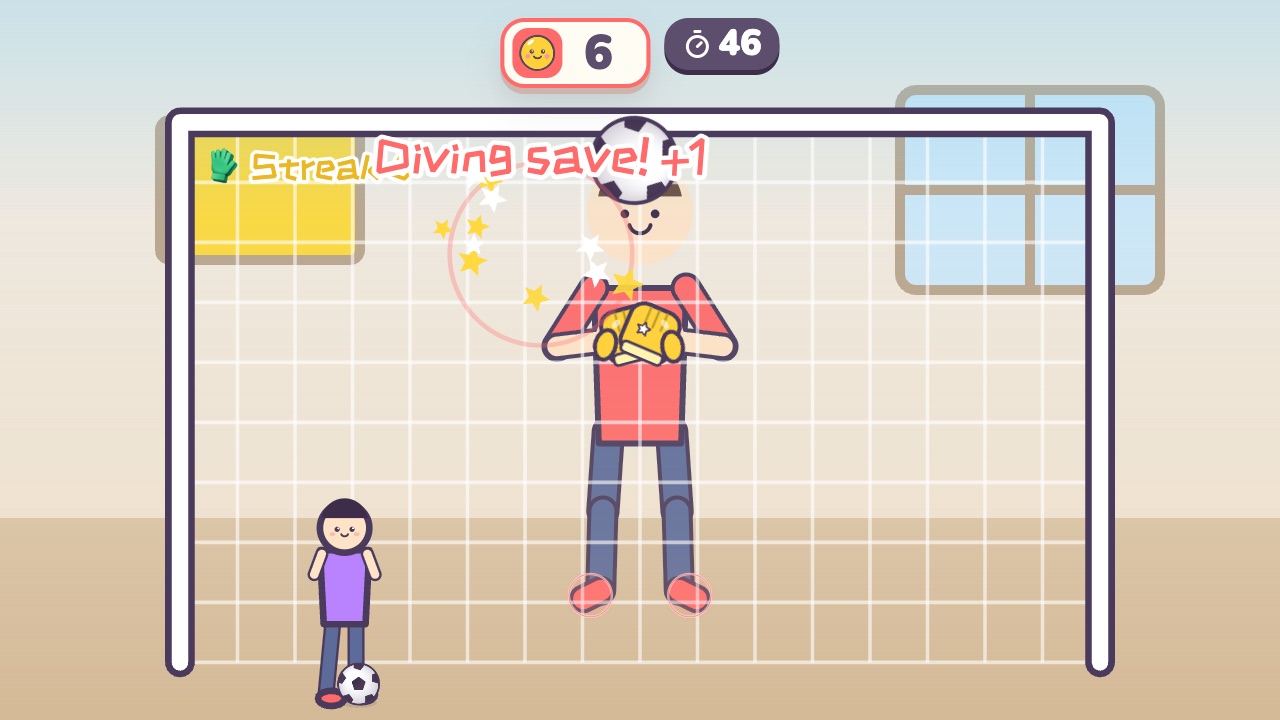 GoalkeeperUse your hands, feet and head to keep the shots out of the goalAges 9–16 · High activity · Whole body / Hands / Run & jump
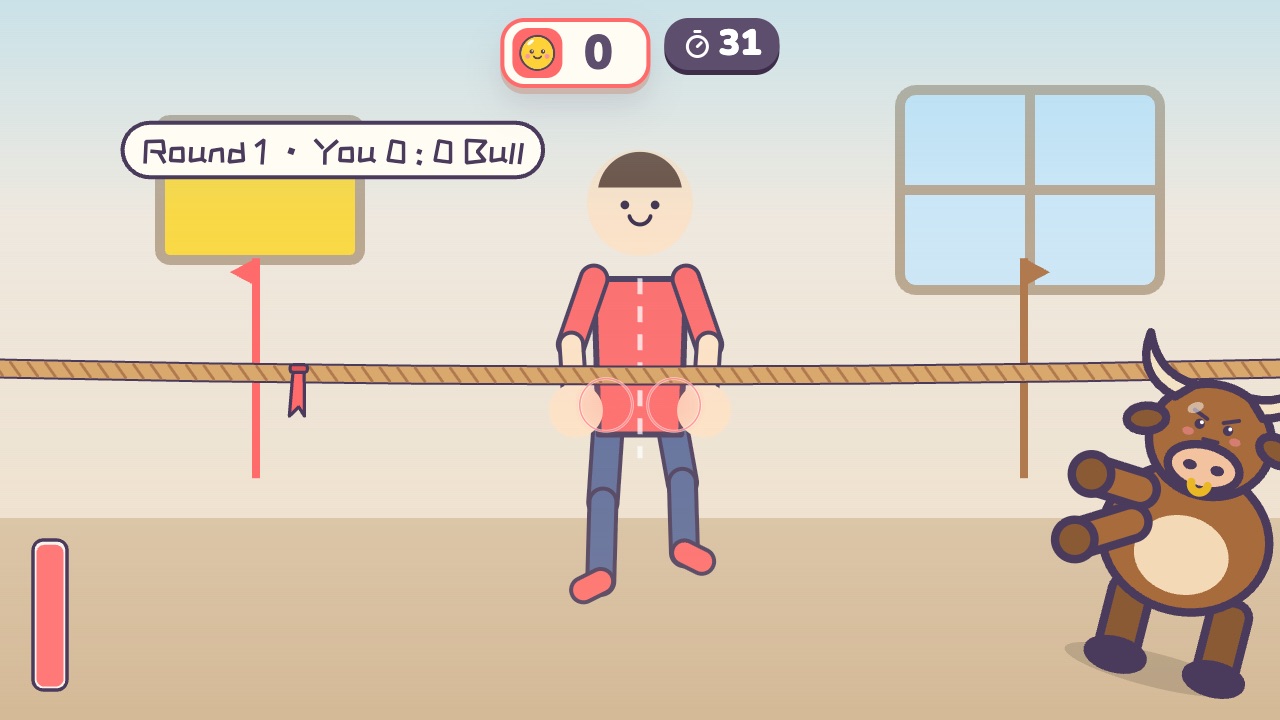 Tug of WarPull the rope back hard until the red flag crosses your lineAges 4–16 · High activity · Versus / Fitness / Hands
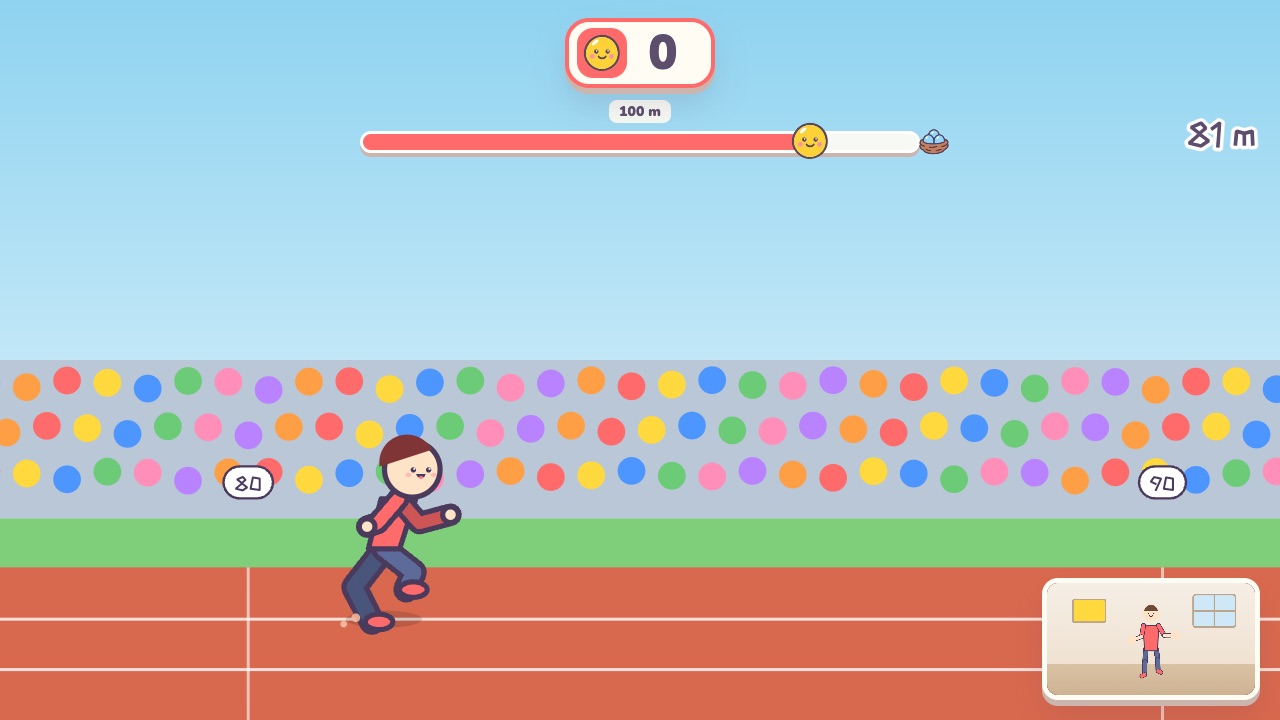 100-Meter DashOn your marks, get set, bang! Run on the spot as fast as you canAges 8–18 · High activity · Run & jump / Fitness / Versus
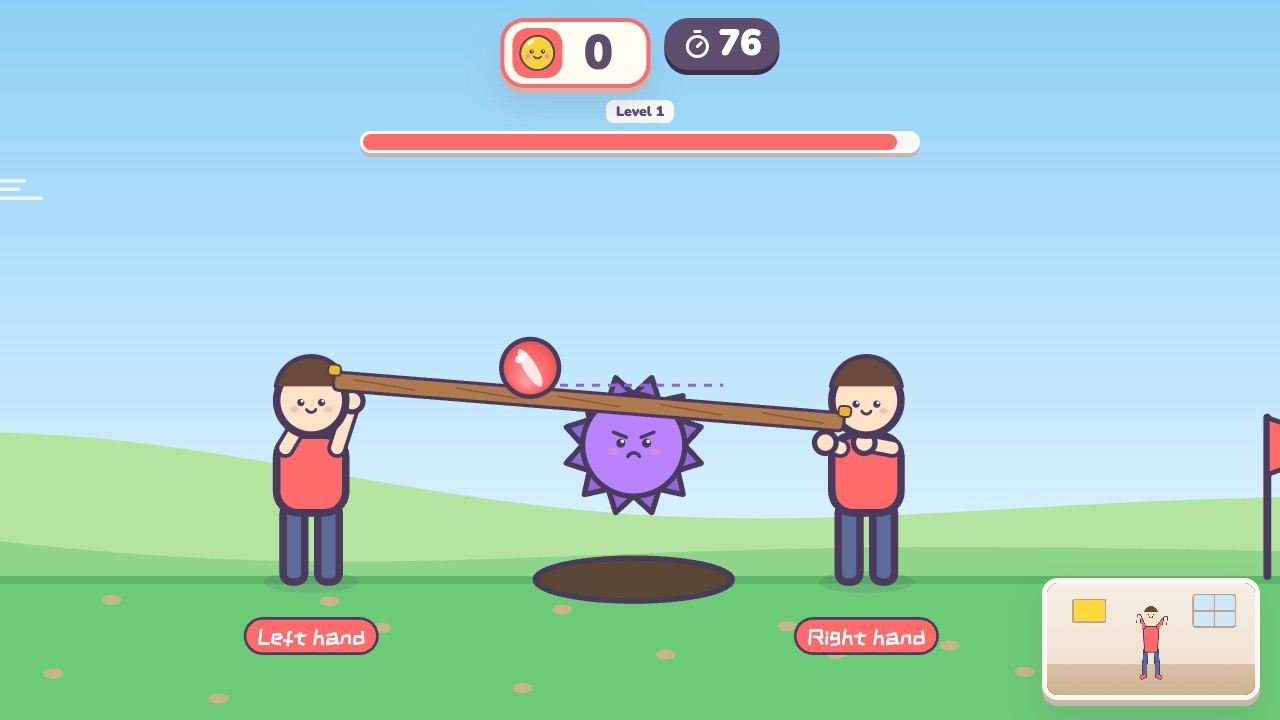 Team Ball CarryEach player holds one end of a board, and together you carry the ball to the finishAges 8–18 · Moderate activity · Team up / Hands
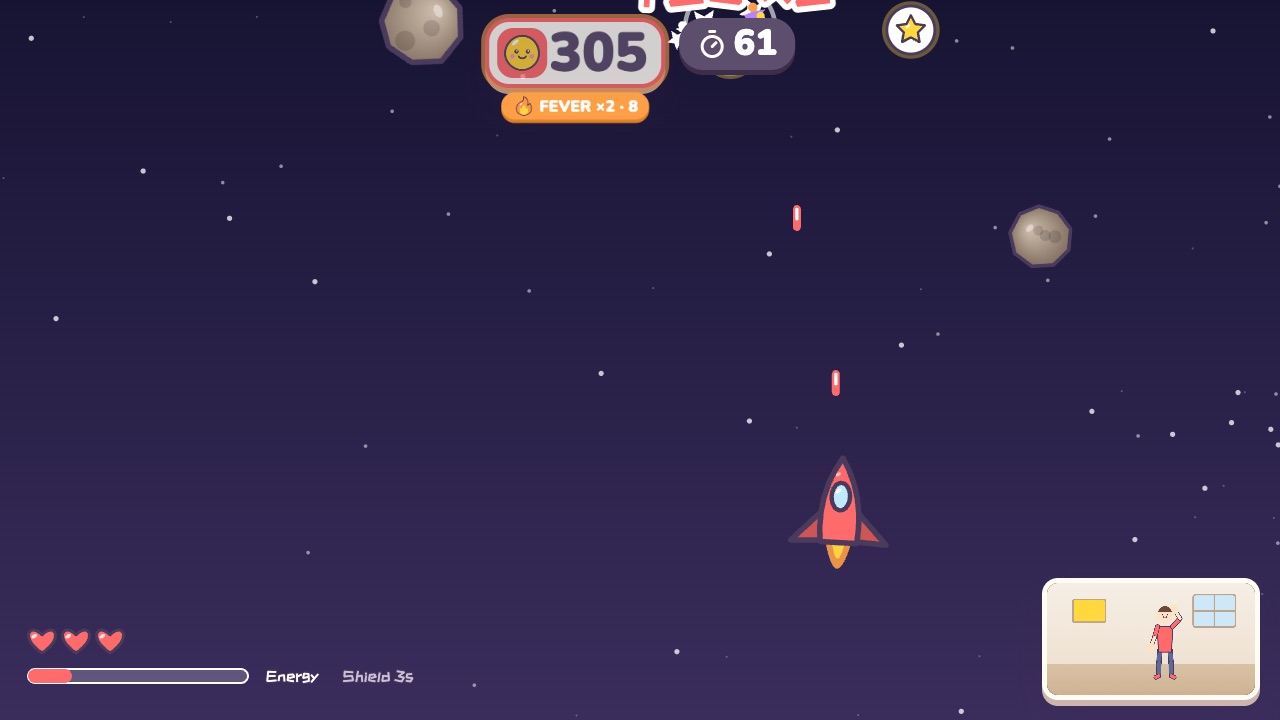 Space FighterMove left and right to fly. Raise your right hand to fire and your left hand for a shieldAges 10–18 · Moderate activity · Whole body / Hands
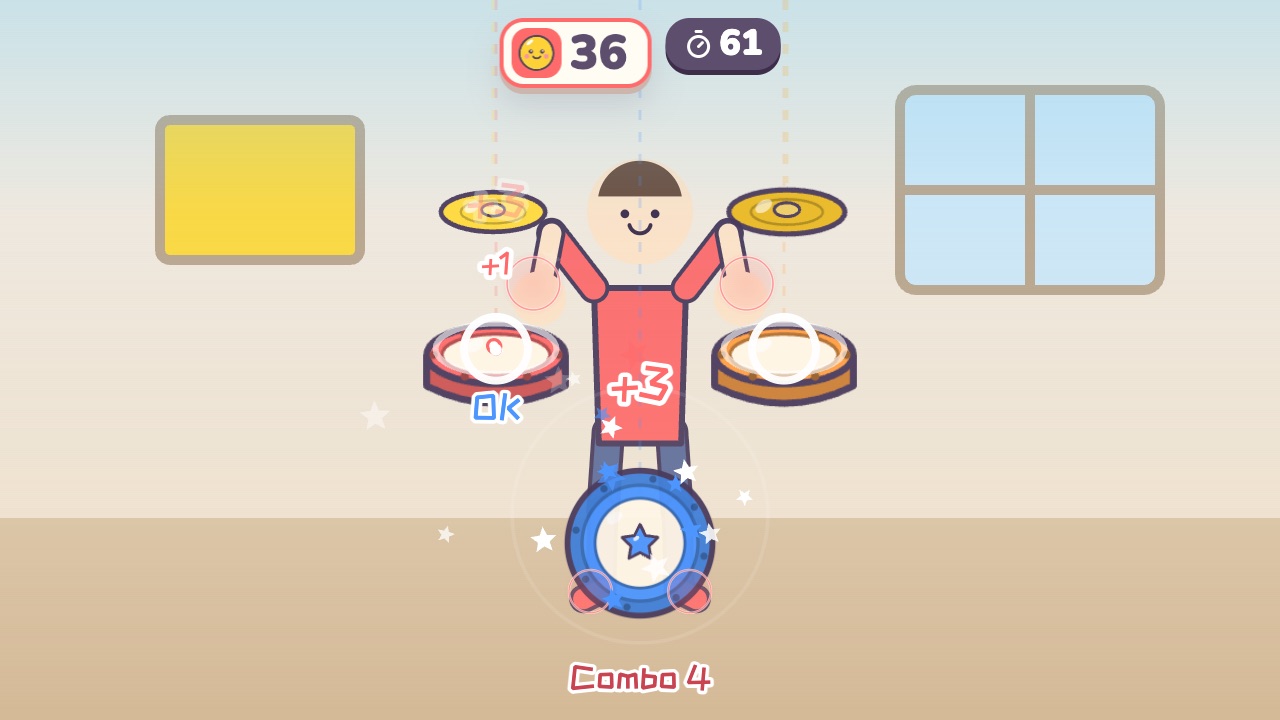 Air DrumsA drum kit floats around you. Hit the drums as the notes fallAges 6–18 · Moderate activity · Rhythm / Hands
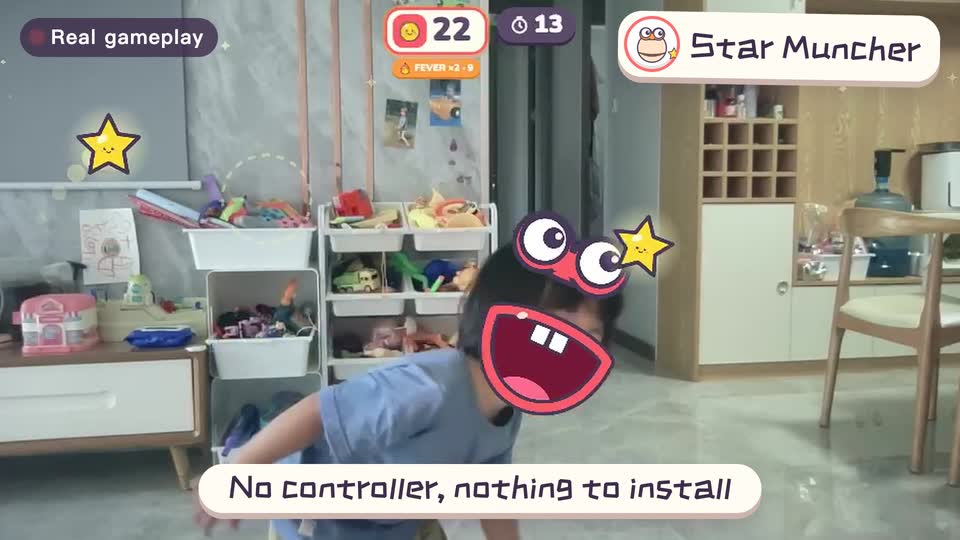
Real footage · 14 s
Kids stand in front of the computer and just move
100+ motion games for ages 3 to 18. Open the website and play: nothing to install, and the camera picture stays on this computer.
Keep reading
- Indoor recess games: a 20-minute rainy-day plan
- Brain breaks: 5-minute movement games for any grade
- Indoor PE class: one computer gets the whole class moving
- Indoor movement games for preschool: morning exercise and rainy days, ages 3 to 6
- Rainy-day obstacle course: 6 stations for a preschool classroom
- PE warm-up and cool-down games: the whole class follows the screen