 DongDong Park
Goalkeeper
Use your hands, feet and head to keep the shots out of the goal. A motion game played with a webcam, for ages 9–16.
Also searched as: soccer goalie game with a webcam, goalie reaction game for kids, save the shot soccer game · Updated
▶ Play GoalkeeperWatch a demo first
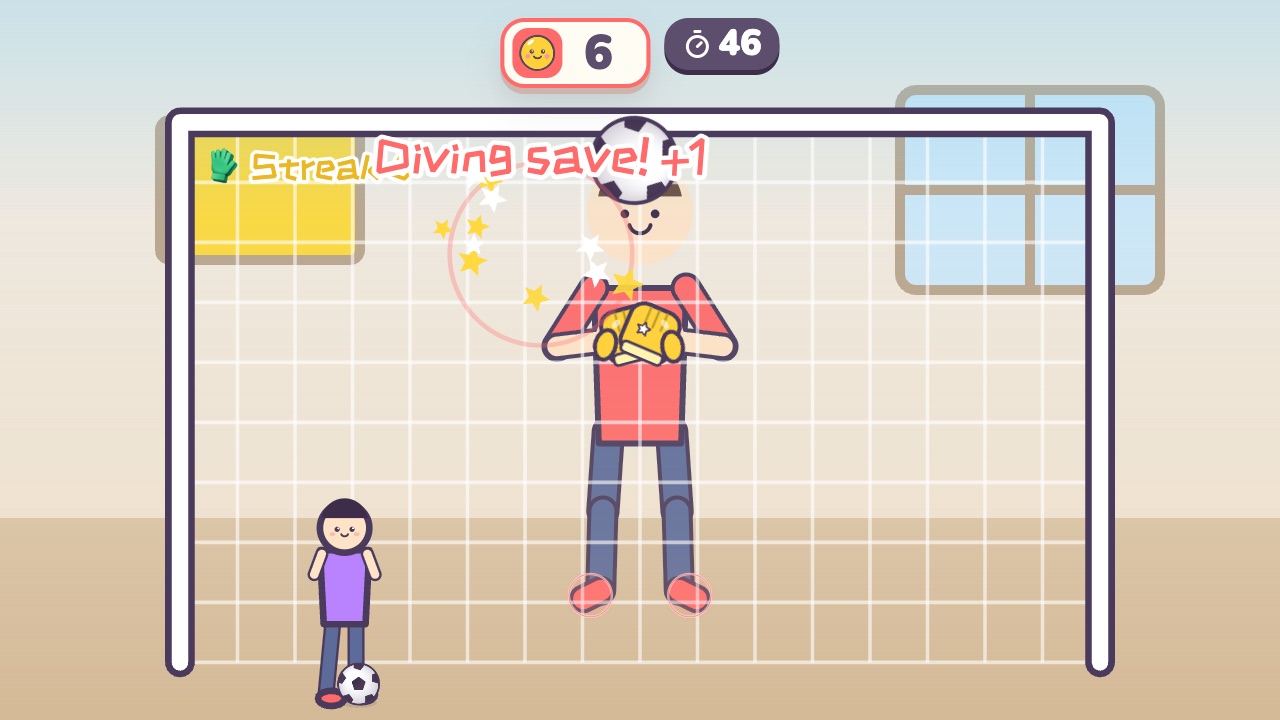
How to play
- The other team shoots from different angles
- Block the ball with your hands, feet or head
- Dive for shots in the corners, and jump for the high lobs
What it practices
- Whole-body reactions
- Judging saves
- Big movements
Game info
| Ages | 9–16 (Elementary, Teens) |
|---|---|
| Activity level | ⚡⚡⚡ High |
| Type | Whole body · Hands · Run & jump |
| Round length | 60 seconds (you can change it in the settings) |
| Players | 1 player (the computer helps) or 2 players as a team |
| You need | A webcam; Chrome or Edge |
| Stars | Level 1: 2 stars from 16 saves, 3 stars from 24 savesLevel 2: 2 stars from 20 saves, 3 stars from 30 savesLevel 3: 2 stars from 24 saves, 3 stars from 36 savesFinishing a round always earns 1 star. If you change the round length, the targets scale with it. |
How teachers and parents use it
Shots come in from different angles and the keeper blocks them with hands, feet or head, lunging for the corners and jumping for the lobs: a whole-body reaction game. It suits ages 9 to 16 in PE or an after-school program, in 60-second rounds; with two players, each guards half of the goal while classmates call the play-by-play. Clear the floor on both sides of the player, because kids really do lunge for the corner shots.
Before you play
- Put the camera at about chest height and stand 7 to 10 feet (2 to 3 m) away, far enough for the camera to see your feet.
- Clear some floor space and check that it isn’t slippery. A grown-up should stay close while little kids play.
- First time? Run the device check. Not sure how the game works? Choose “Watch a demo first” and a cartoon kid shows you.
▶ Play GoalkeeperWatch a demo first
Similar games
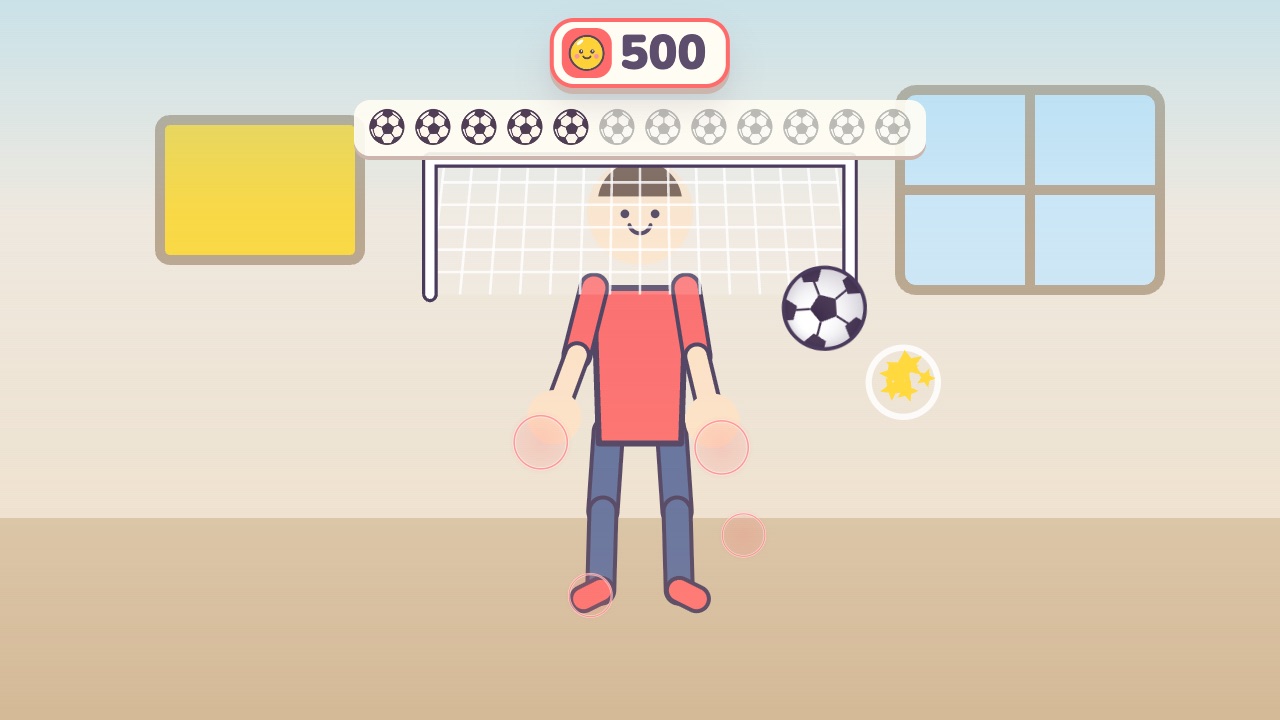 Soccer KickUse your feet, knees and head to send the ball into the goalAges 4–10 · High activity · Run & jump / Whole body
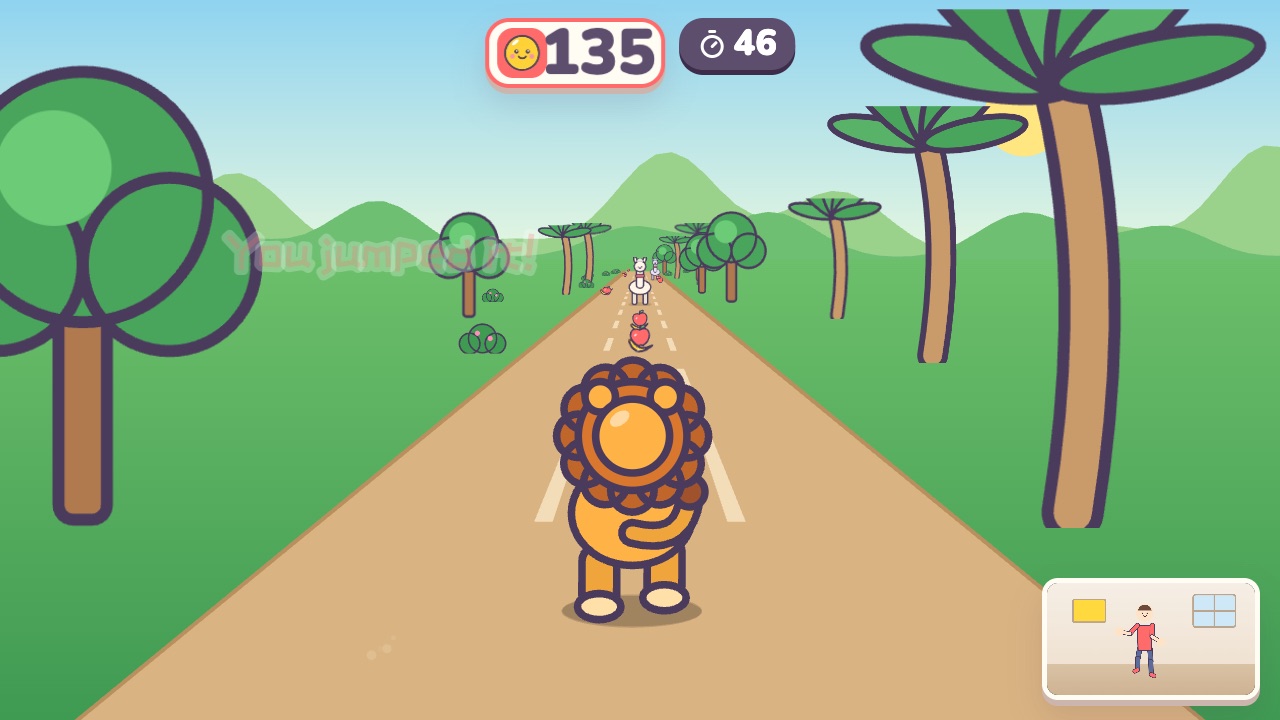 Forest RunRun on the spot, dodge left and right, and jump over the logsAges 4–10 · High activity · Run & jump / Whole body
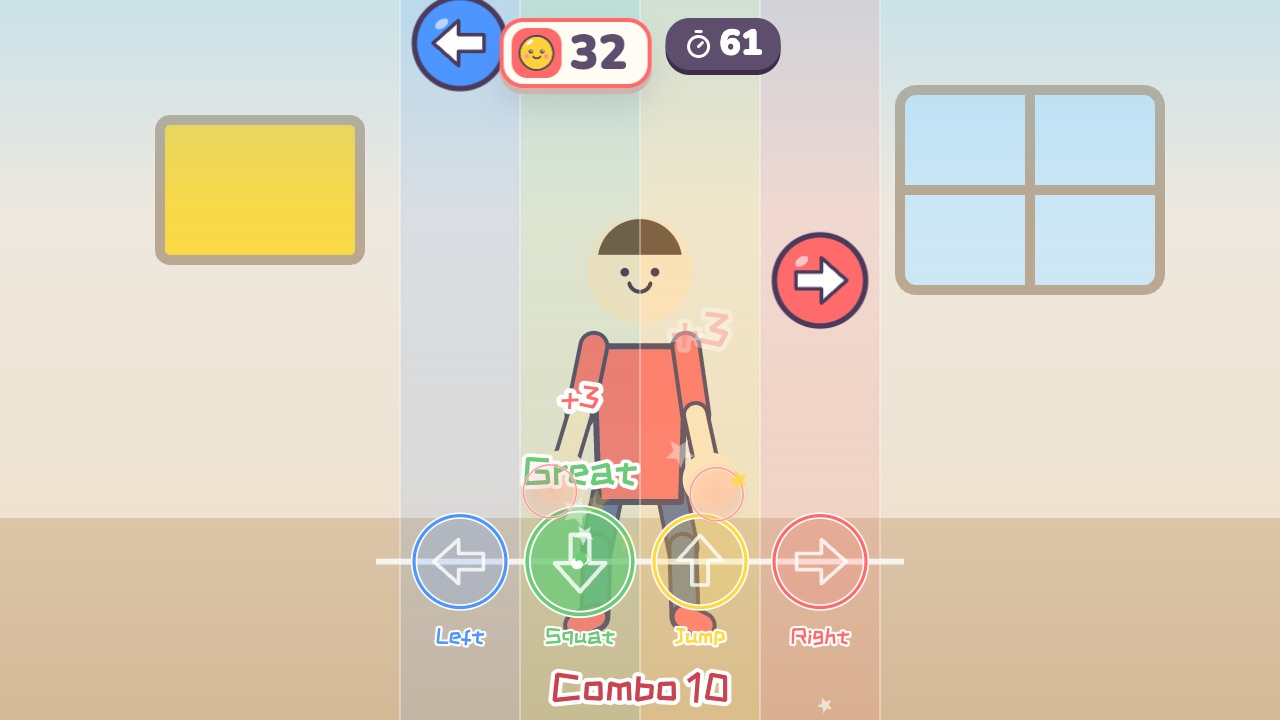 Rhythm StepsFollow the beat: step left, step right, jump and squatAges 6–16 · High activity · Rhythm / Whole body / Run & jump
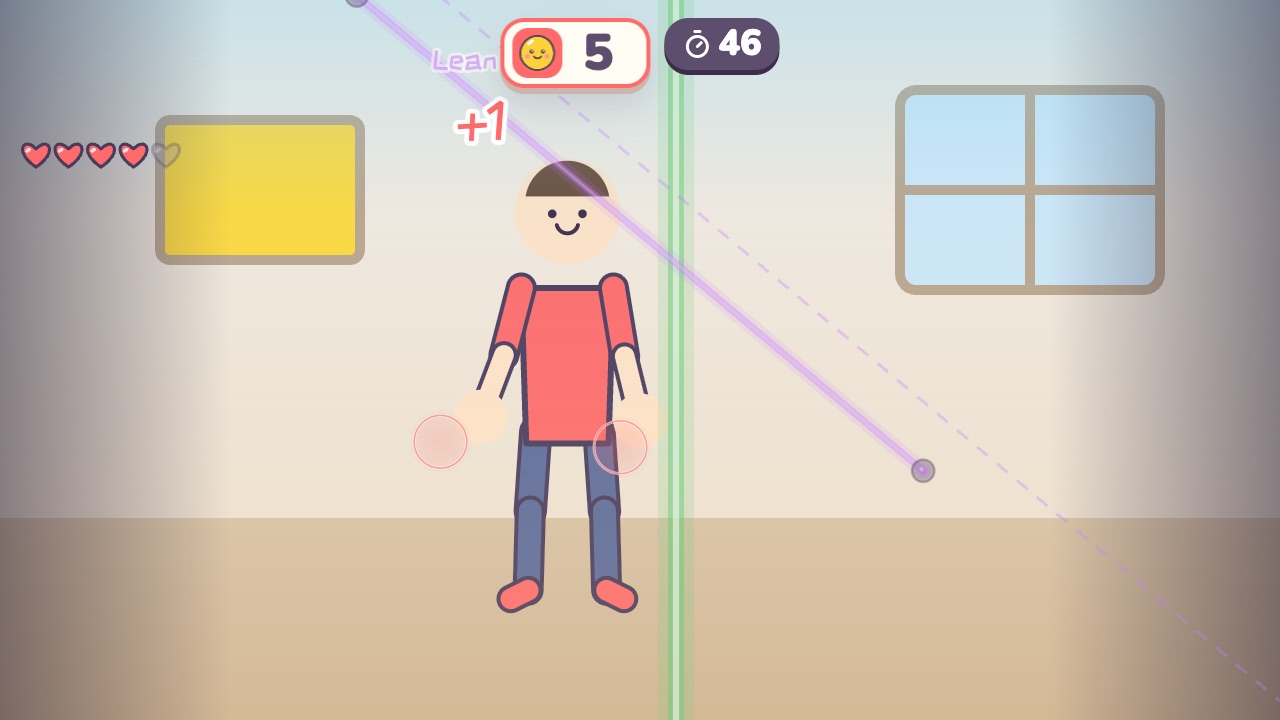 Laser HallwayLasers sweep in: duck under the high ones, jump the low ones, and step aside from the upright onesAges 9–18 · High activity · Whole body / Run & jump / Thinking
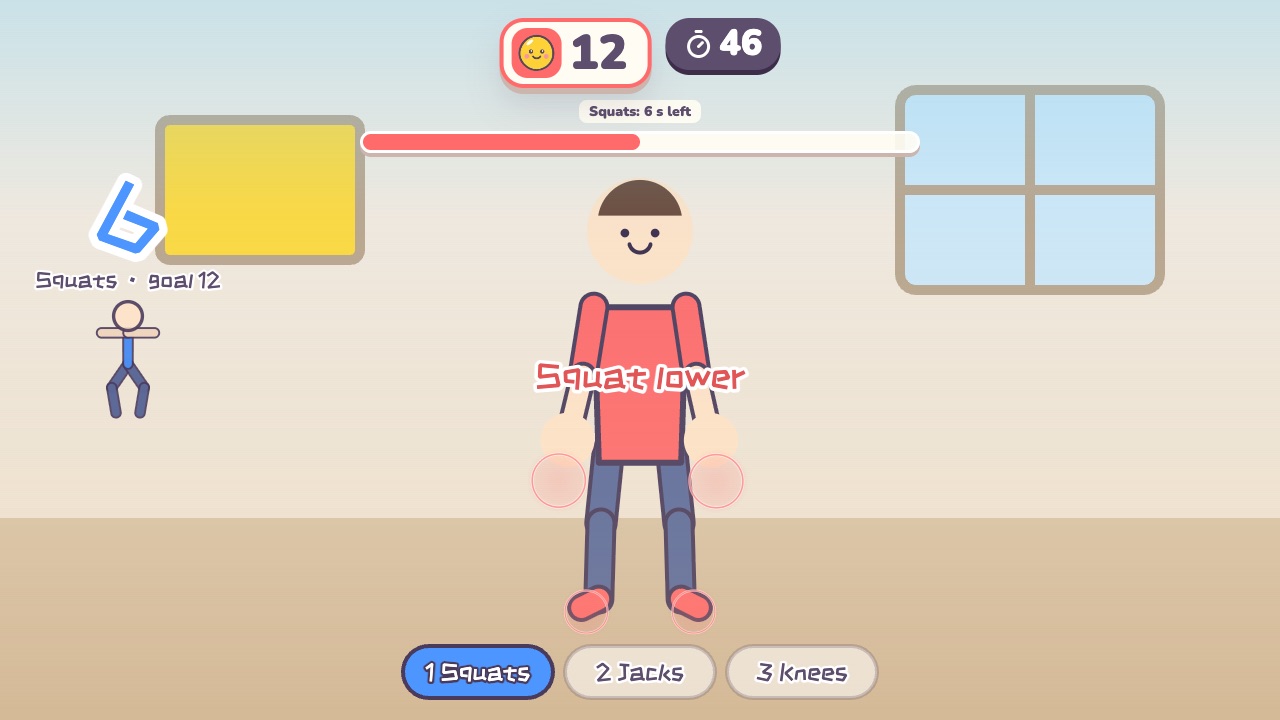 Fitness CircuitSquats, jumping jacks and high knees: three stations, counted for youAges 12–18 · High activity · Fitness / Run & jump / Whole body
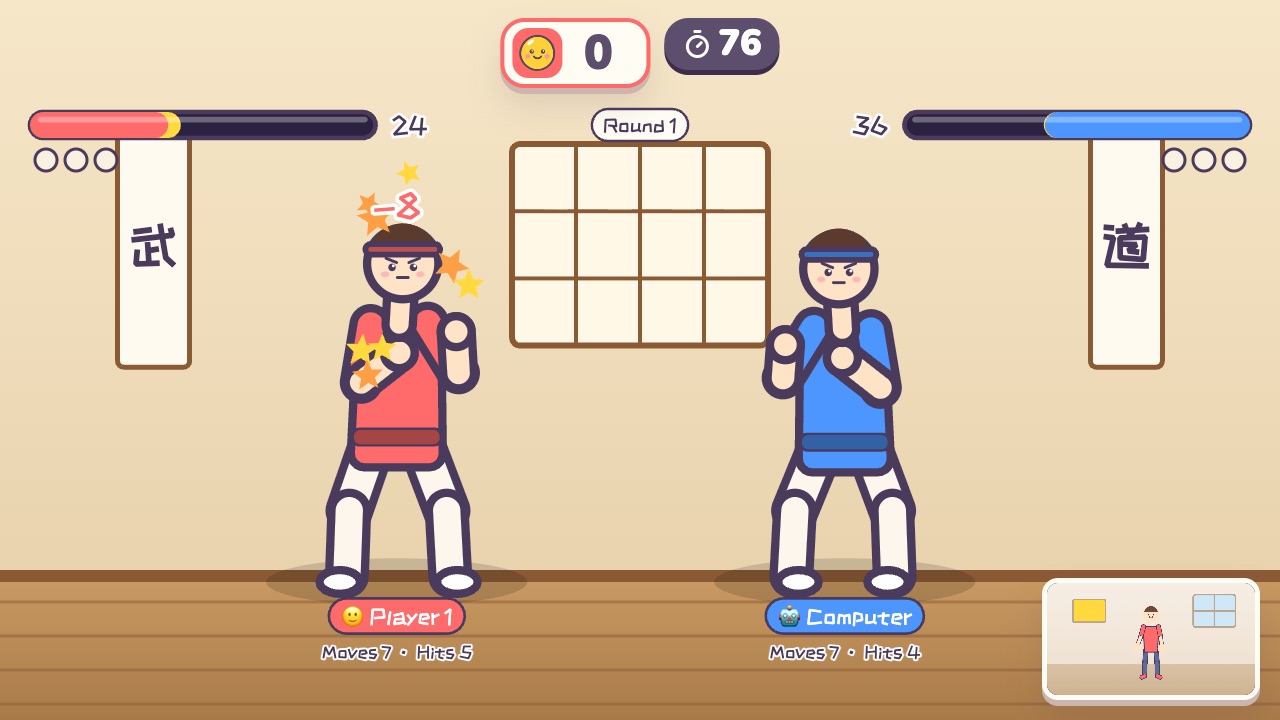 Kung Fu DuelPunch and kick to empty your opponent's health bar, and guard with both hands at your chestAges 12–18 · High activity · Versus / Whole body / Hands