 DongDong Park
First week of school: 15-minute icebreakers that also set routines
Updated
An icebreaker isn’t about how loud it gets. The goals are that every kid has been seen once in front of the class, has teamed up with at least one new person, and knows how this class works. Motion games help with all three: stepping up takes no skill (anyone can play Red Light, Green Light or Simon Says), partner games get two kids talking, and once every kid has a nickname, the class roster is ready by Friday.
Step 1: games anyone can play, so everyone is seen
Don’t compete on skill on day one. Red Light, Green Light (move like crazy on green, freeze on red), Simon Says (move only when Simon says so) and Rock Paper Scissors take about a minute a round. Two kids at the front are scored while the rest of the class does the same moves beside their desks, so nobody is just watching. Go around the room once a day, and every kid has been up on the big screen.
Step 2: team up with someone new
On days three and four, switch to games that need teamwork: Bridge Builders (a board drops into place only when both players do their moves at the same time), Three-Legged Race (lift your inside legs together; stay in step to go fast) and Team Ball Carry (each player holds one end of the board). Pair kids by drawing names or by seat, and on purpose keep apart kids who already know each other. Afterward, ask each pair to name one moment when their partner helped them.
Three things you get done along the way
- Build the class roster. On the games page, give each kid a nickname (kids can choose their own). Scores are saved under each nickname, so the leaderboard doubles as your class list, and you can keep using it for PE and breaks.
- Set routines. Which line to wait behind, which spot to stand on for a turn, which way to leave: fix them in week one, and kids will follow them later when they play on their own at break time.
- Get to know the class. Which kid holds back, which one always wants to go first, which two argue every time they pair up: you’ll see it in the first week.
For a new middle school class
Swap in games for older kids: Quick Draw (raise your hand first when the signal comes, but move too soon and you lose), Team Ball Carry, Mirror Dance-Off and Bridge Builders, with the difficulty set to Hard. PE teachers can use the 15 minutes as the warm-up at the start of class.
The Free plan has a few scored rounds a day and a short roster: enough to try day one. For unlimited rounds and a full class roster, see the Class plan on the pricing page.
Week one, 15 minutes a day (elementary)
| Day | What happens | Games |
|---|---|---|
| Monday: be seen | Games everyone knows; the whole class joins in; go around the room once | Red Light, Green Light and Simon Says |
| Tuesday: build the roster | Everyone picks a nickname and plays one round under it | Rock Paper Scissors and Red Light, Green Light |
| Wednesday: partners | Draw names for pairs and finish a game together | Bridge Builders and Team Ball Carry |
| Thursday: new partners | Team up with someone else and do it again | Three-Legged Race and Team Ball Carry |
| Friday: mini tournament | Look at the leaderboard, play a few head-to-head rounds, take a class photo | Quick Draw and Say Cheese |
Questions teachers ask
Does it work for first graders?
Yes. Stick to Red Light, Green Light, Simon Says and Rock Paper Scissors, and for teamwork use Saw the Log and Magic Brush (ages 3 and up). Bridge Builders, Three-Legged Race and Team Ball Carry are for ages 8 and up.
How do I build the class roster?
On the games page, give each kid a nickname. Before their turn, kids pick their own name, and the score is saved under it. Scores are kept on this computer (and in your account when you are signed in), so you can keep using the same roster for PE and breaks.
What if a kid won’t take a turn?
Don’t push in the first week. Let them be the “referee” who counts for classmates, or pair them with a friend in a partner game. Moving along beside their desk during the whole-class parts counts as joining in.
I’m a classroom teacher, not a PE teacher. Can I run this?
Yes. Choose “Watch a demo first” before each game and a cartoon kid shows the rules. Scoring and switching players are automatic, so all you manage is the line. The classroom guide covers the setup.
Games mentioned here
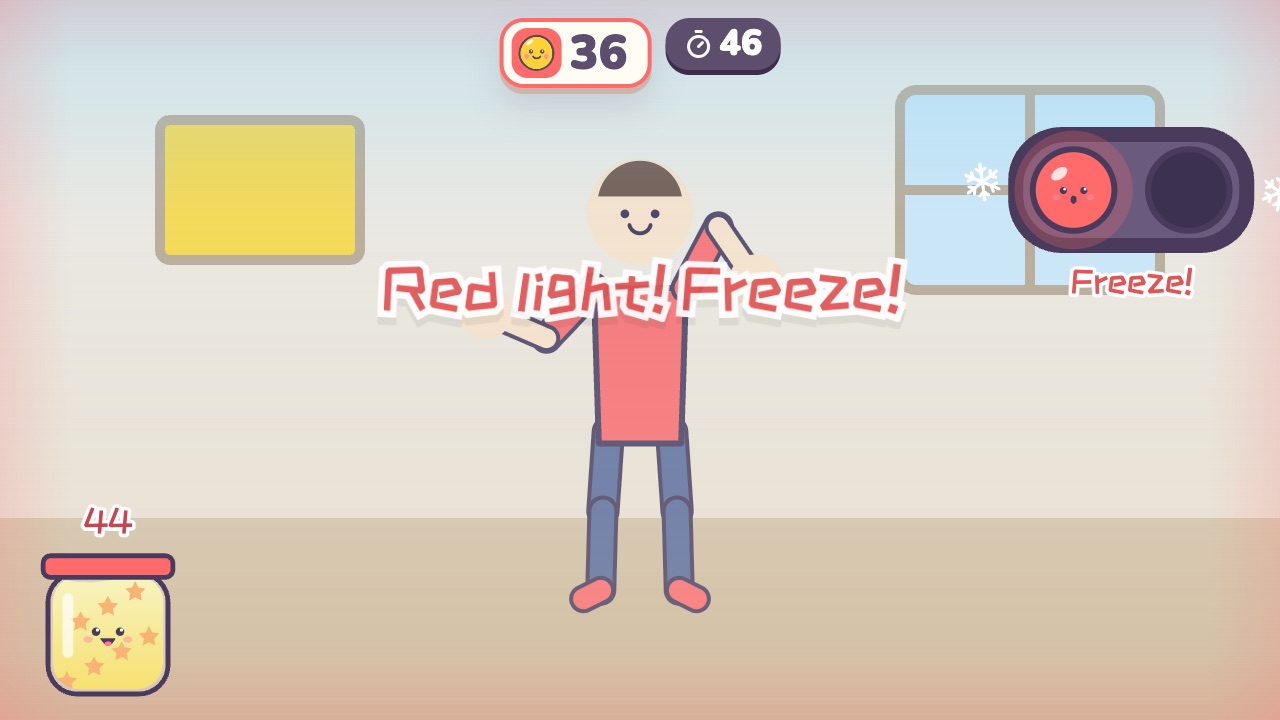 Red Light, Green LightMove like crazy on green light, and freeze the moment you hear red lightAges 3–10 · High activity · Whole body
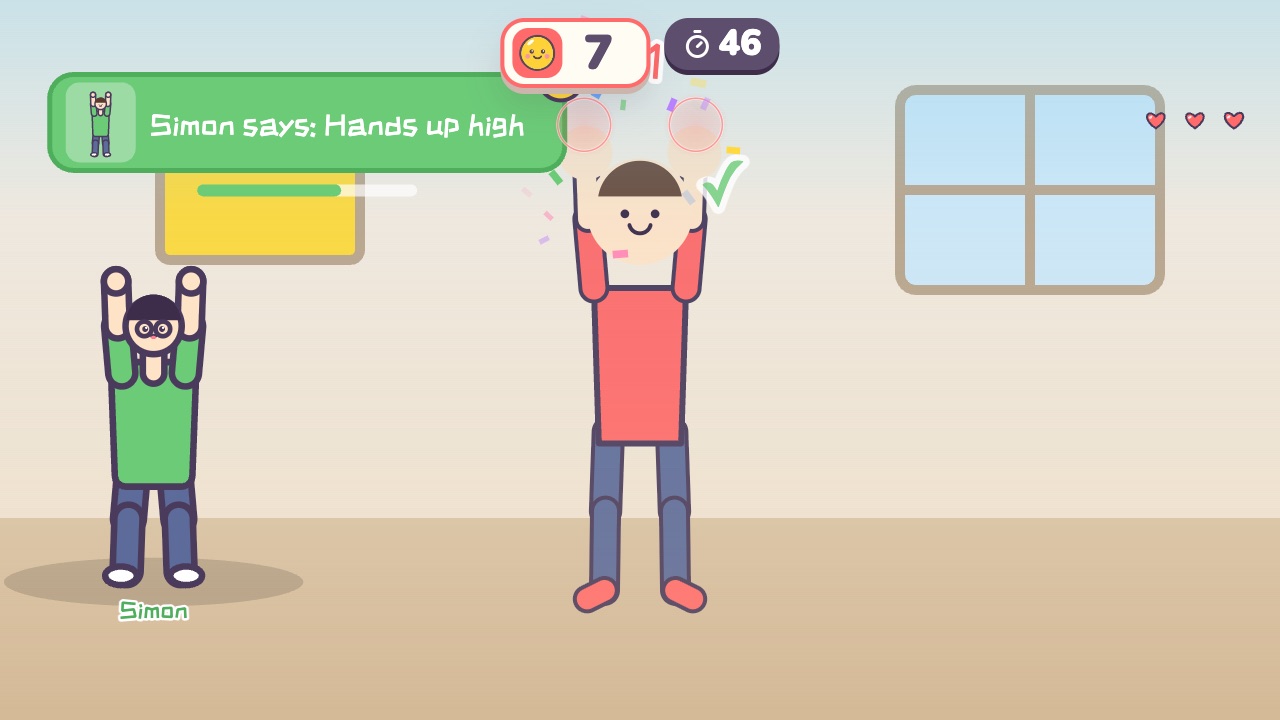 Simon SaysOnly move when Simon says soAges 4–10 · Moderate activity · Whole body / Thinking
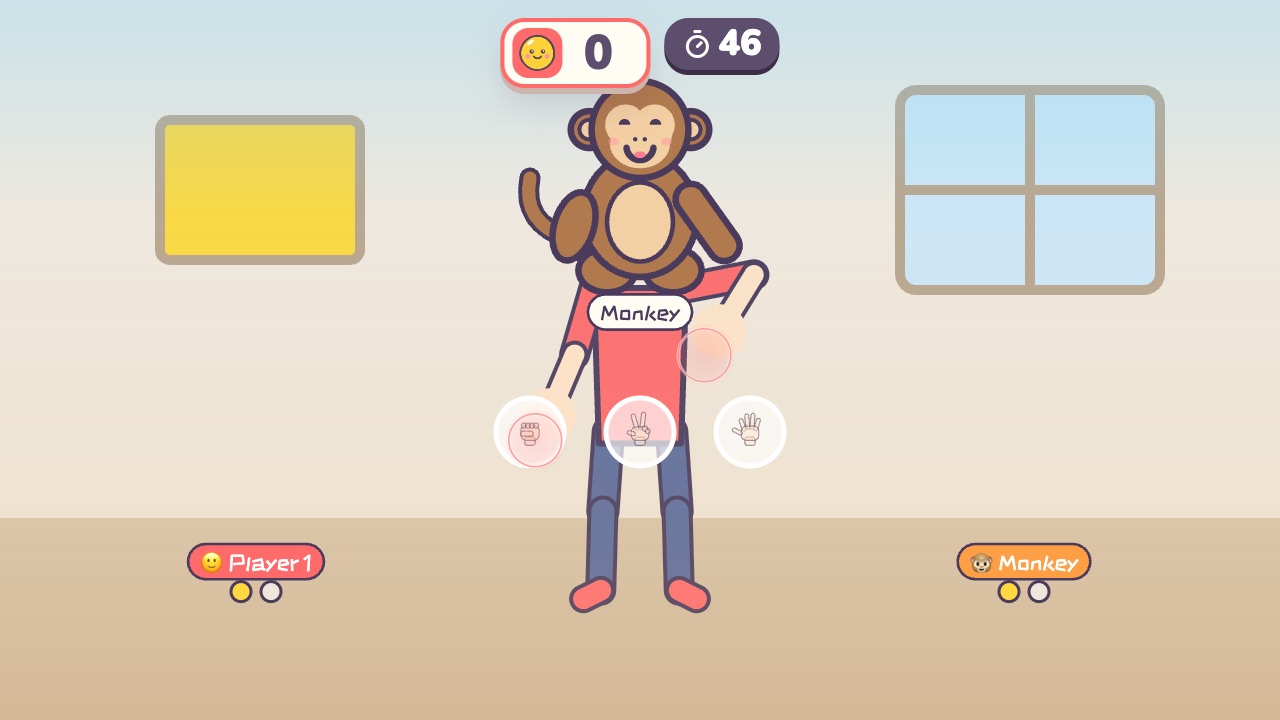 Rock Paper ScissorsPlay rock, paper, scissors with the little monkey. Win two out of threeAges 3–9 · Light activity · Hands / Calm / Thinking
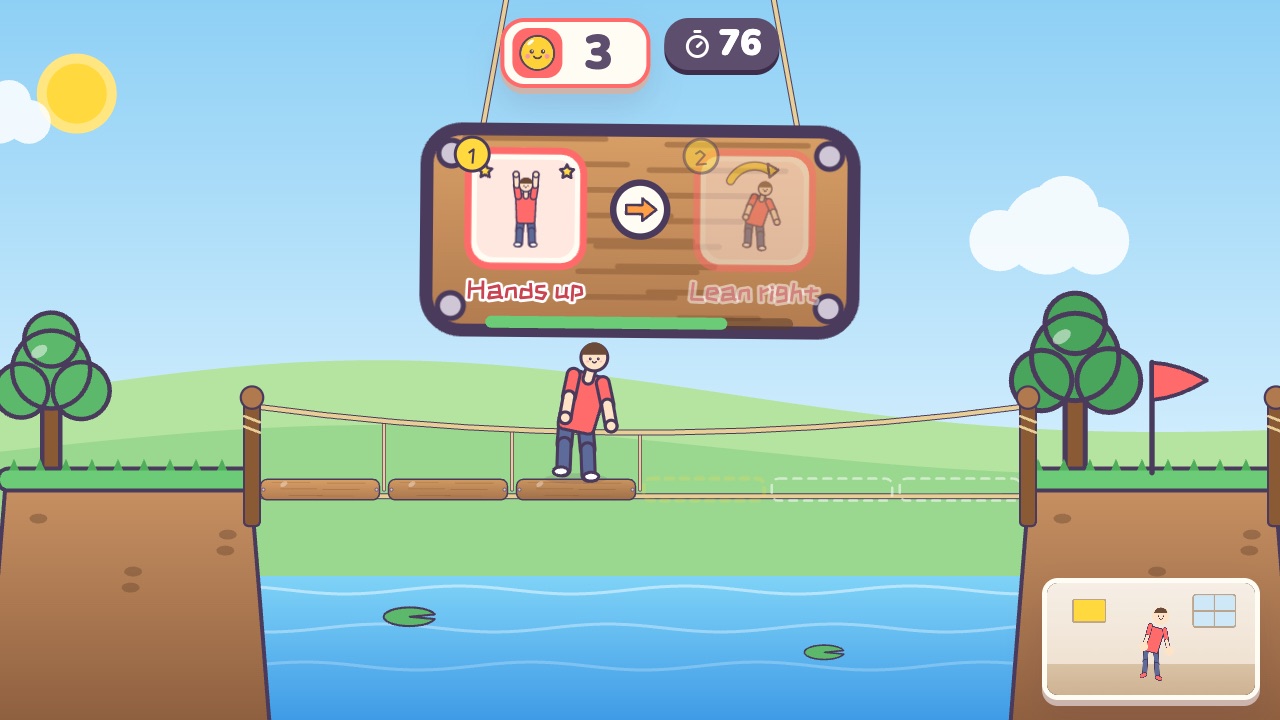 Bridge BuildersDo your moves together to lay each board of the bridgeAges 8–18 · Moderate activity · Team up / Whole body / Thinking
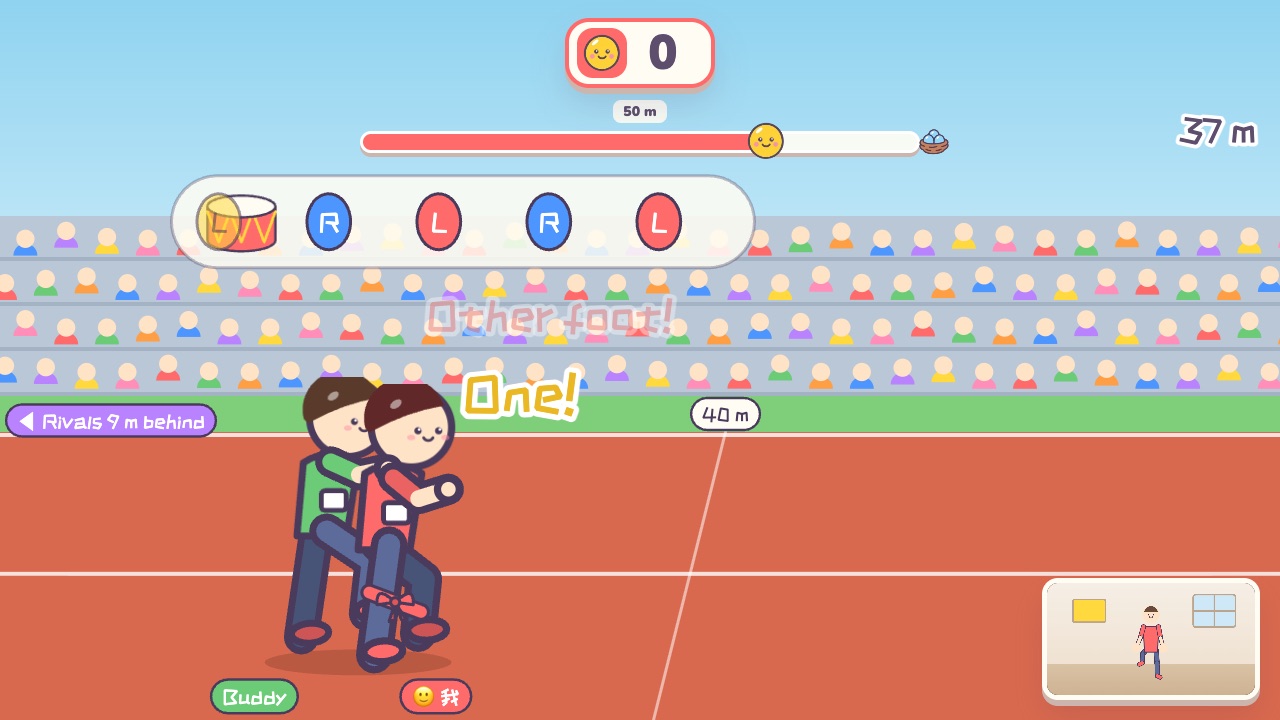 Three-Legged RaceStep in time with your partner to race aheadAges 8–18 · High activity · Team up / Run & jump / Fitness
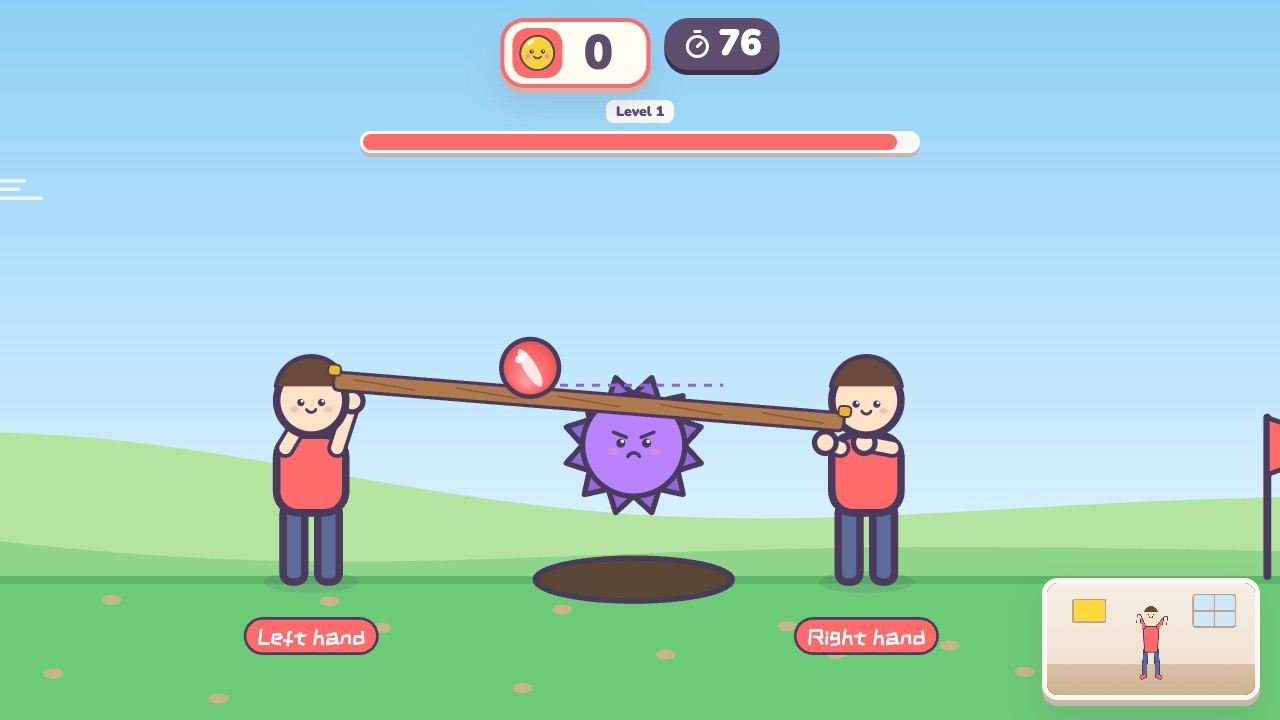 Team Ball CarryEach player holds one end of a board, and together you carry the ball to the finishAges 8–18 · Moderate activity · Team up / Hands
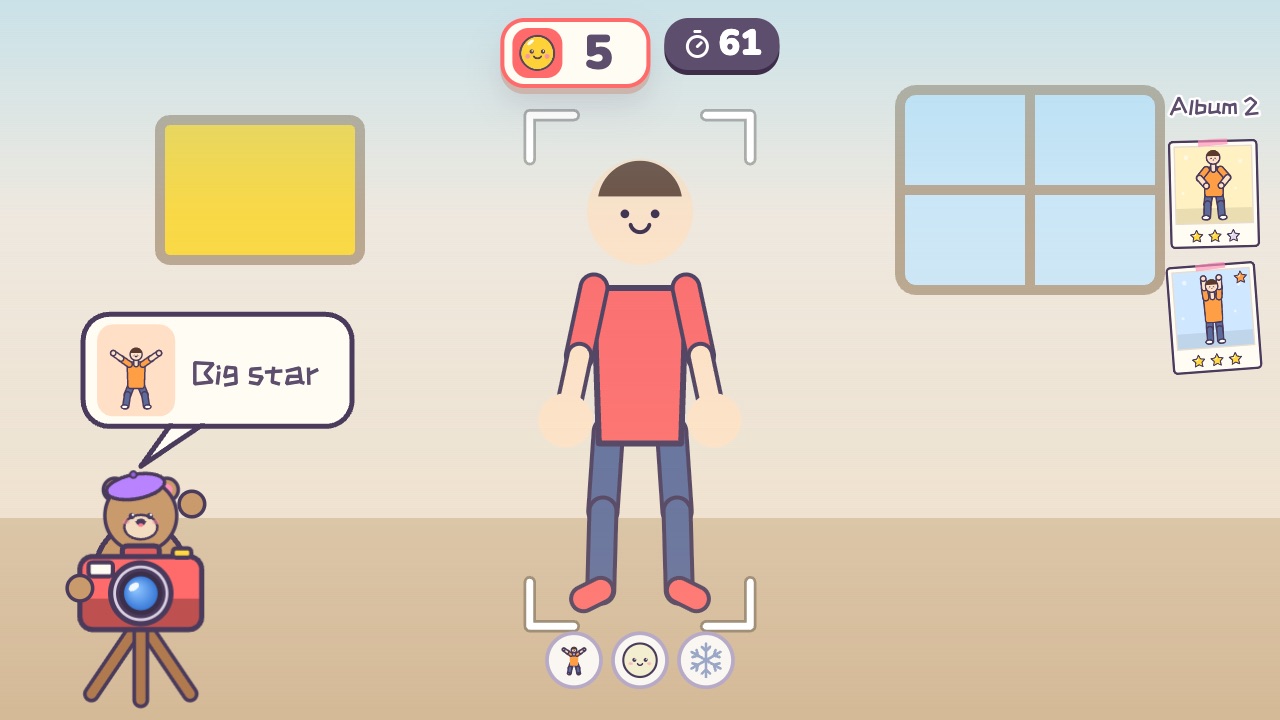 Say CheeseStrike a pose during the countdown, then smile and hold stillAges 3–9 · Light activity · Whole body / Calm
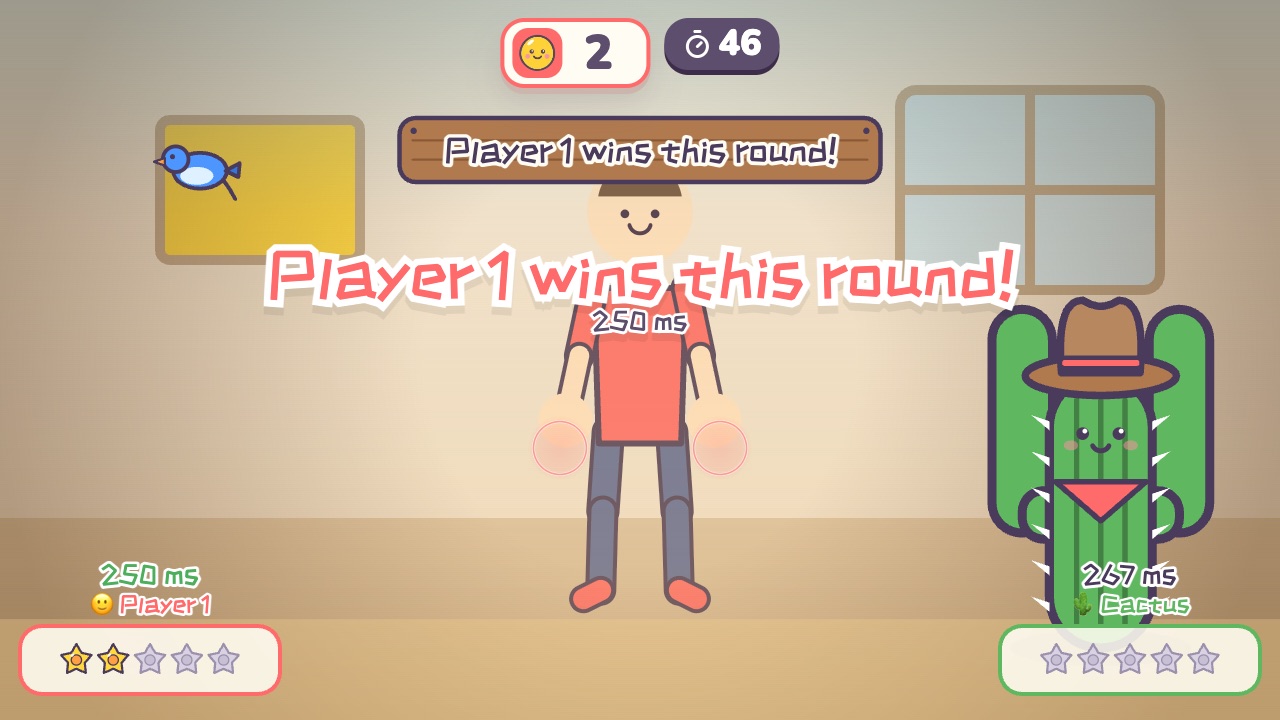 Quick DrawRaise your hand first when the signal comes, but move too soon and you loseAges 8–18 · Light activity · Versus / Calm
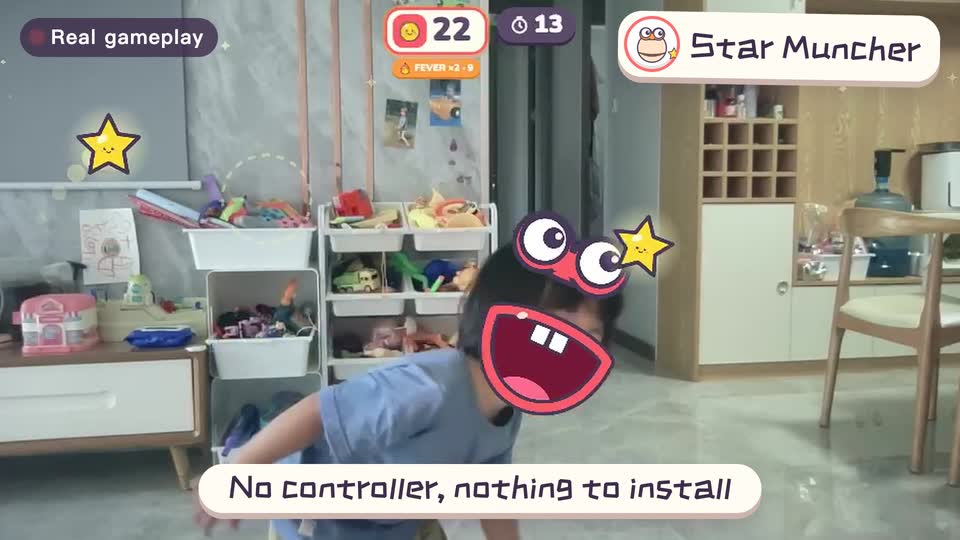
Real footage · 14 s
Kids stand in front of the computer and just move
100+ motion games for ages 3 to 18. Open the website and play: nothing to install, and the camera picture stays on this computer.
Keep reading
- Indoor recess games: a 20-minute rainy-day plan
- Brain breaks: 5-minute movement games for any grade
- Indoor PE class: one computer gets the whole class moving
- Indoor movement games for preschool: morning exercise and rainy days, ages 3 to 6
- Rainy-day obstacle course: 6 stations for a preschool classroom
- PE warm-up and cool-down games: the whole class follows the screen