 DongDong Park
Fencing
Lunge when you see an opening, and block when your opponent attacks. A motion game played with a webcam, for ages 10–18.
Also searched as: fencing game for kids, two-player fencing game, webcam fencing reaction game · Updated
▶ Play FencingWatch a demo first
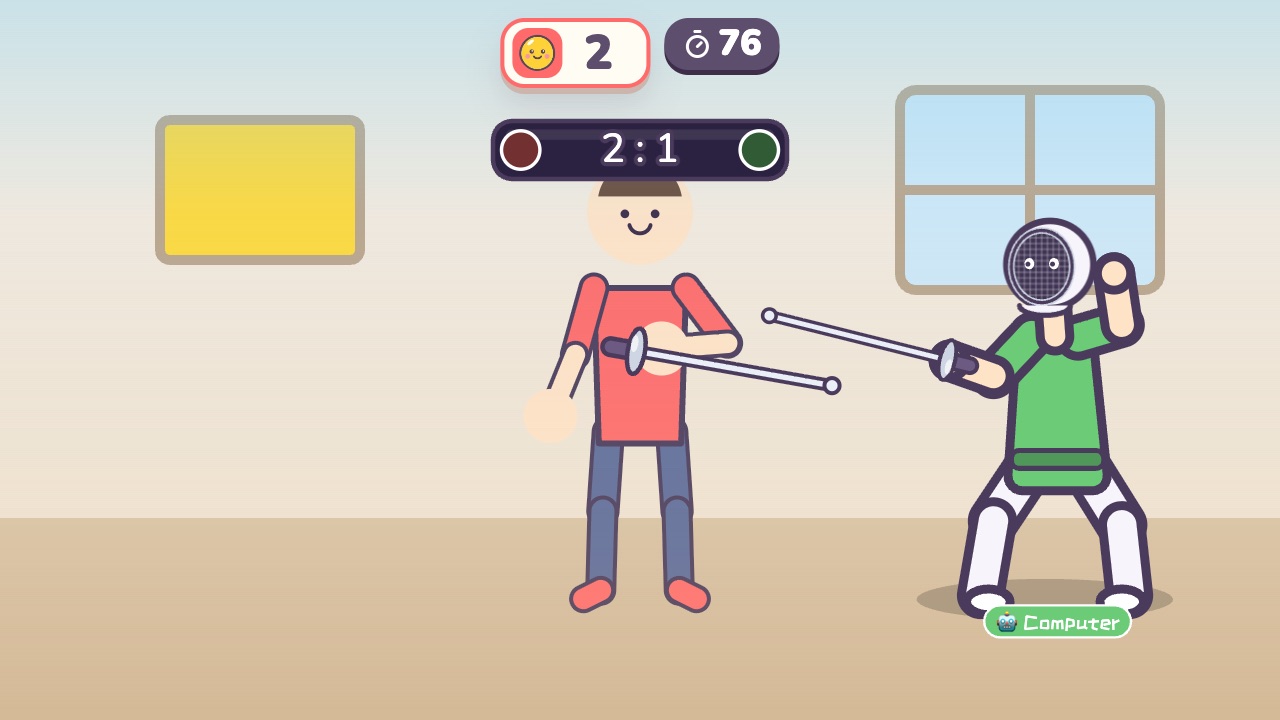
How to play
- Your opponent raises its sword before it attacks
- When you see that, lift your arm up to block
- When your opponent leaves an opening, thrust your sword hand forward fast
What it practices
- Reactions
- Timing
- Attack and defense
Game info
| Ages | 10–18 (Elementary, Teens) |
|---|---|
| Activity level | ⚡⚡ Moderate |
| Type | Versus · Hands |
| Round length | 90 seconds (you can change it in the settings) |
| Players | 1 player (against the computer) or 2 players head to head |
| You need | A webcam; Chrome or Edge |
| Stars | Level 1: 2 stars from 8 hits, 3 stars from 12 hitsLevel 2: 2 stars from 8 hits, 3 stars from 12 hitsLevel 3: 2 stars from 6 hits, 3 stars from 10 hitsFinishing a round always earns 1 star. If you change the round length, the targets scale with it. |
How teachers and parents use it
The opponent raises its sword before every attack, so kids learn to read the warning, block with a raised arm and lunge into the opening, which trains reactions and timing rather than strength. Two players fence each other across the middle of the screen, and a solo player faces a computer fencer; the first to five hits wins a bout, and new bouts start until the 90-second round is over. Best for ages 10 and up; leave enough space between the two players for a lunge.
Before you play
- Put the camera at about chest height and stand 7 to 10 feet (2 to 3 m) away.
- Clear some floor space and check that it isn’t slippery. A grown-up should stay close while little kids play.
- First time? Run the device check. Not sure how the game works? Choose “Watch a demo first” and a cartoon kid shows you.
▶ Play FencingWatch a demo first
Similar games
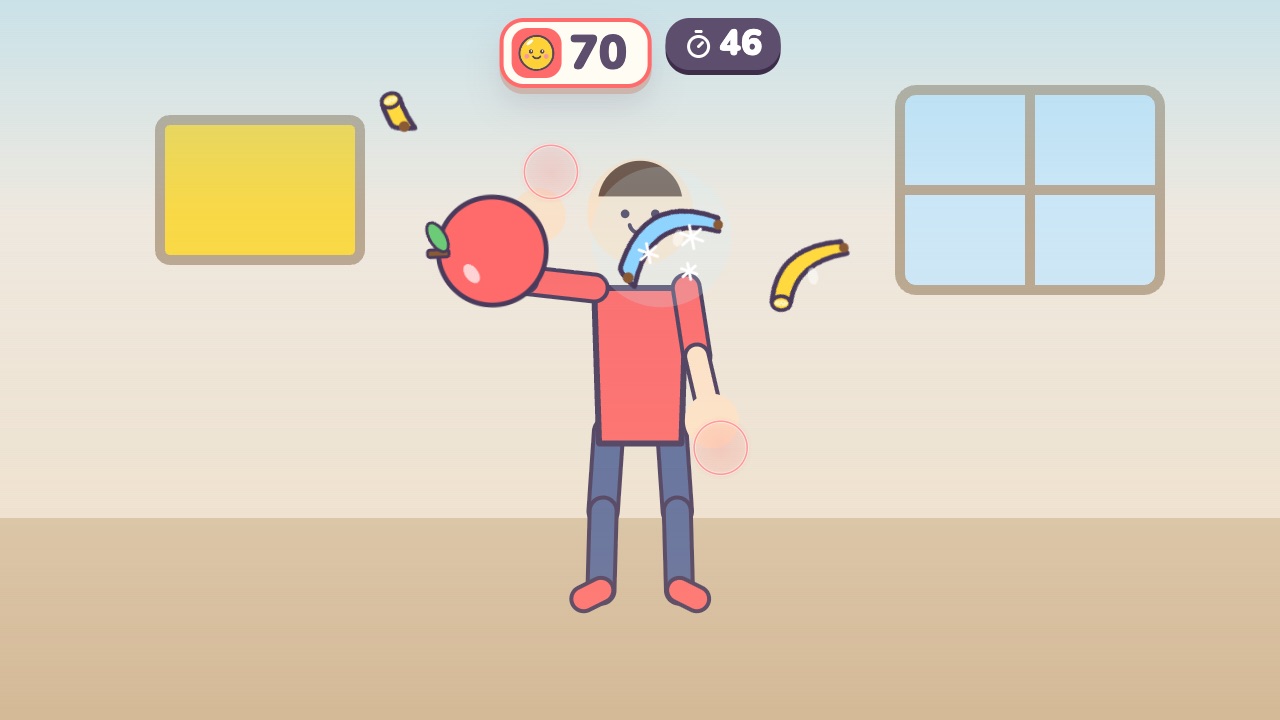 Fruit SlashSwing your hand to slice the flying fruit, and stay away from the bombsAges 6–14 · Moderate activity · Hands
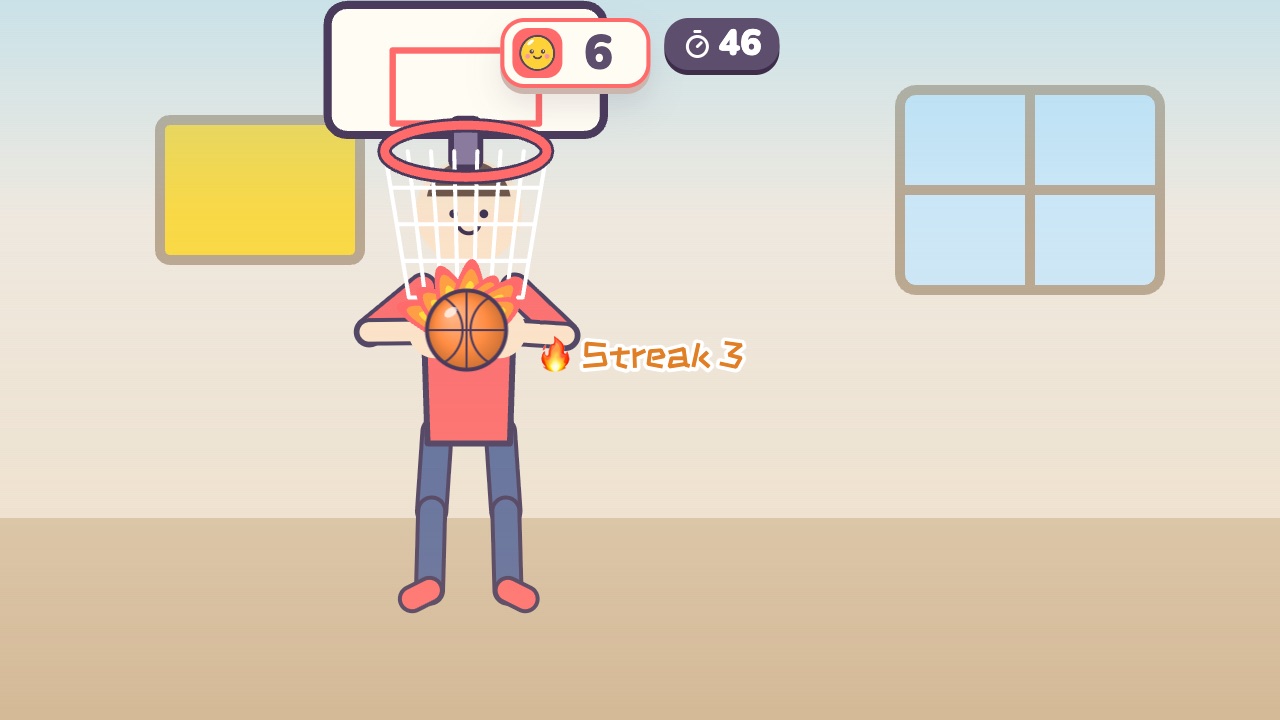 Hoop ShotsLift both hands over your head and shoot the ball into the hoopAges 5–16 · Moderate activity · Hands
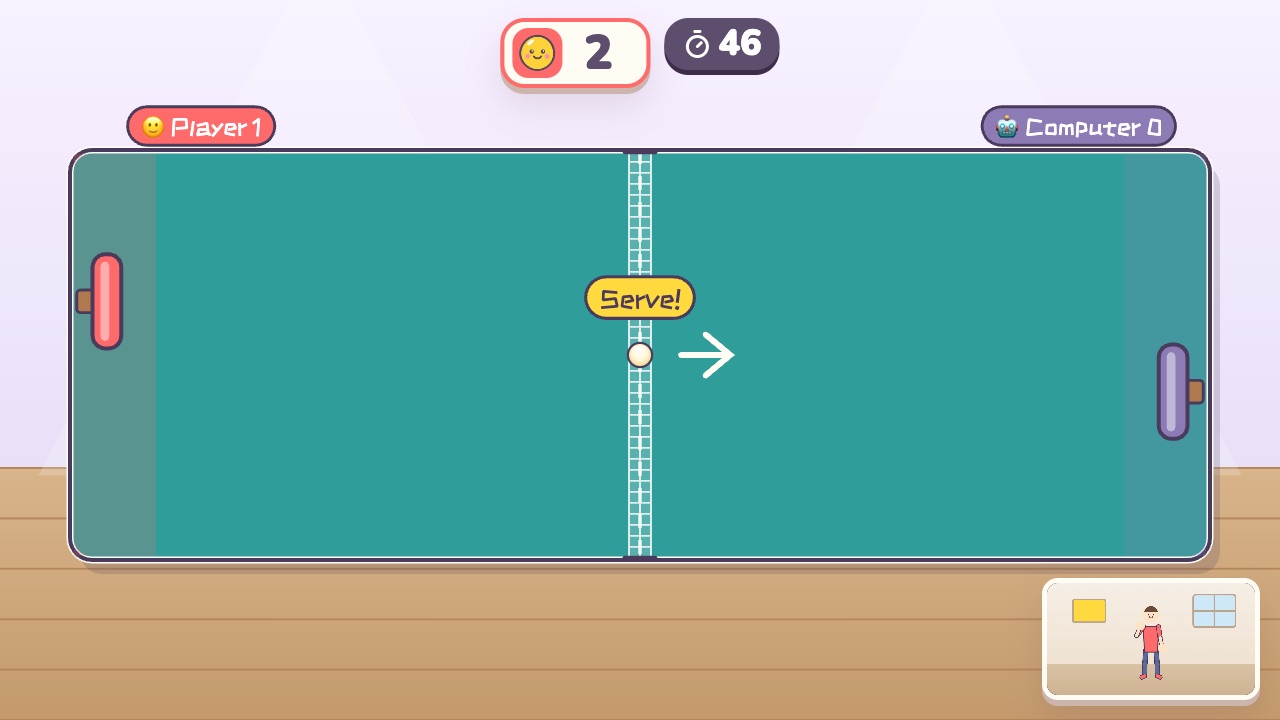 Air Ping-PongMove your hand up and down to move your paddle and hit the ball backAges 9–18 · Moderate activity · Versus / Hands
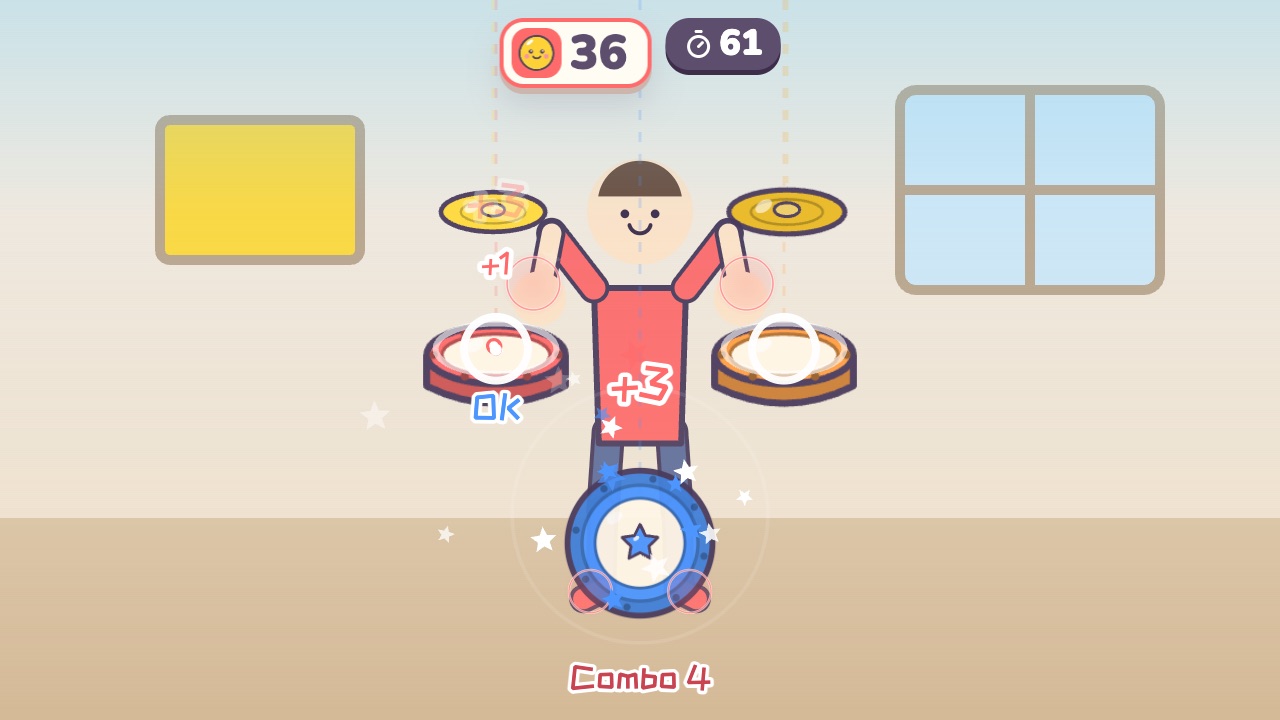 Air DrumsA drum kit floats around you. Hit the drums as the notes fallAges 6–18 · Moderate activity · Rhythm / Hands
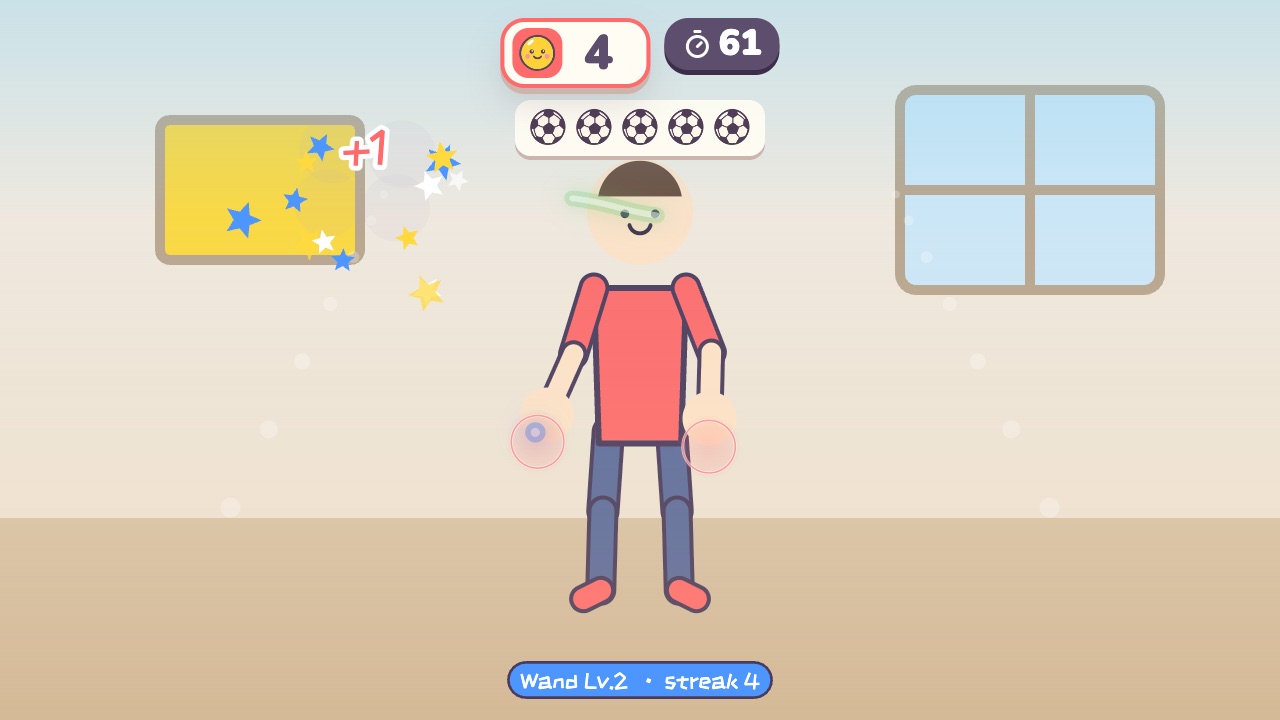 Magic RunesDraw the symbol above each monster in the air with your fingerAges 10–18 · Moderate activity · Hands / Thinking
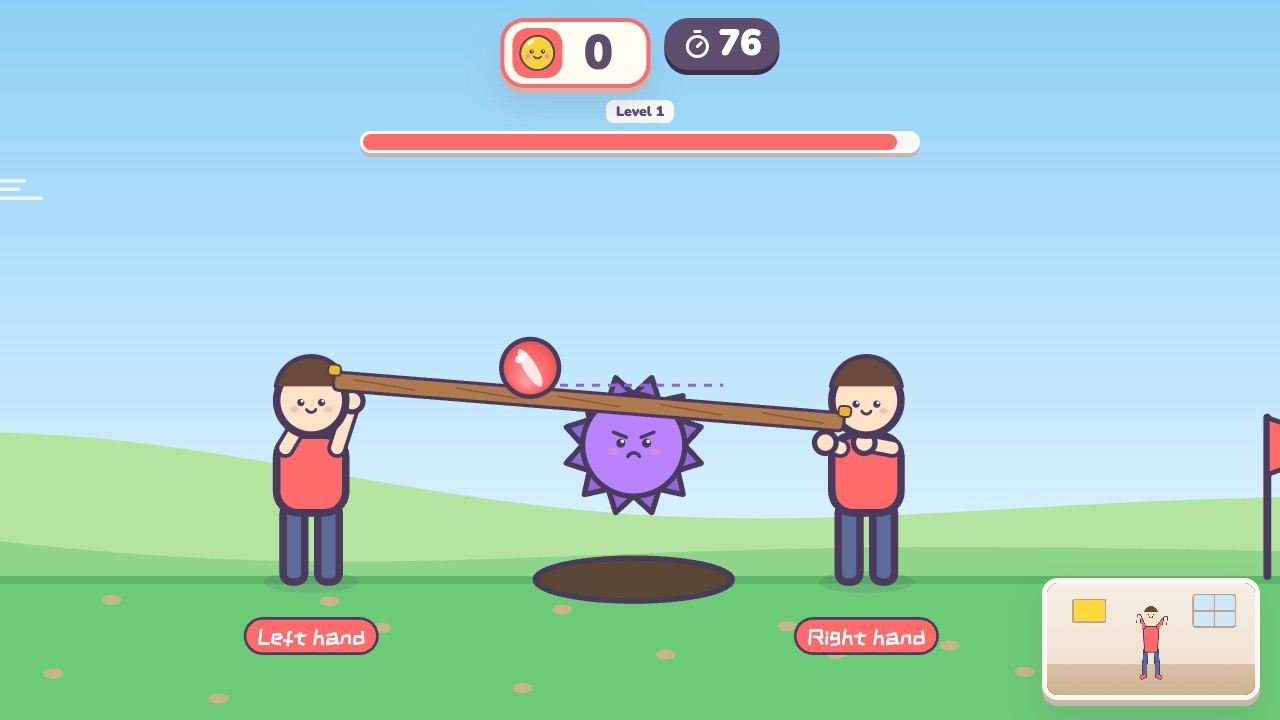 Team Ball CarryEach player holds one end of a board, and together you carry the ball to the finishAges 8–18 · Moderate activity · Team up / Hands