 DongDong Park
Surfing
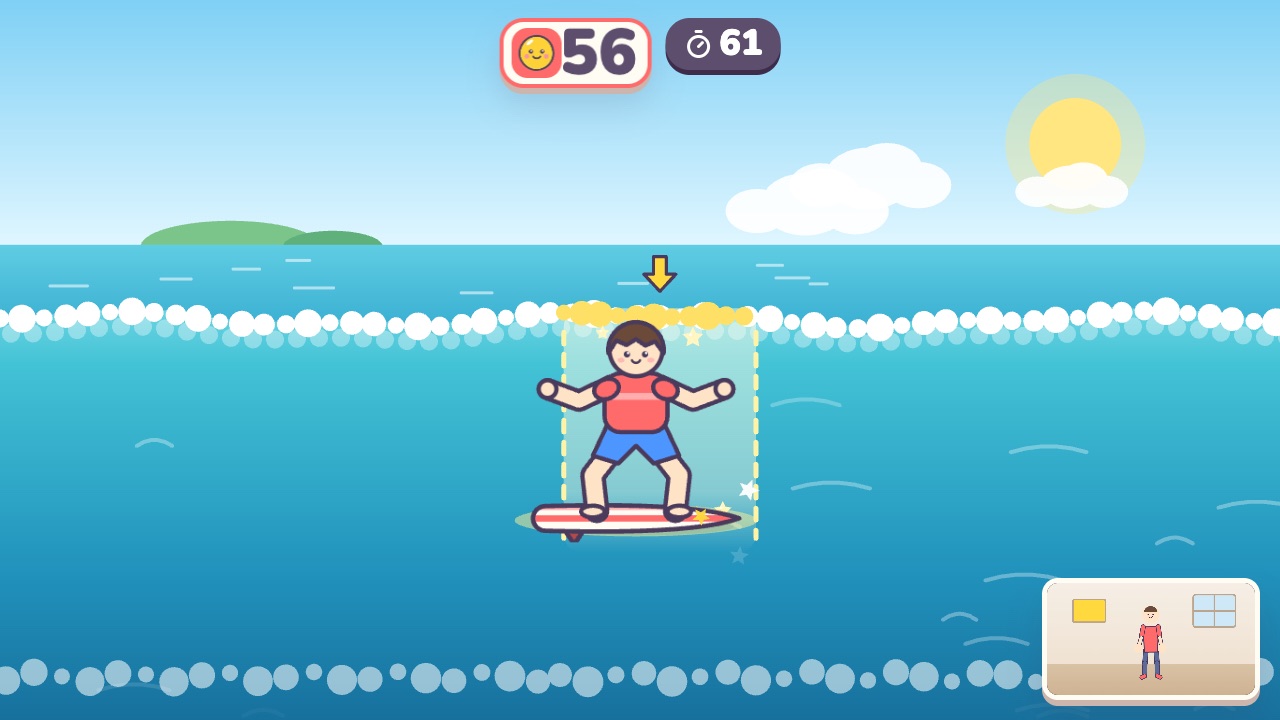
Lean to ride the wave, duck under big waves and jump at the top. A motion game played with a webcam, for ages 8–16.
Also searched as: surfing game with a webcam, balance game for kids and teens, virtual surfing for kids · Updated
▶ Play SurfingWatch a demo first
How to play
- Lean left and right to keep your surfboard on the wave
- When a big wave comes, crouch down low to ride through it
- Jump at the top of a wave to do a trick
What it practices
- Balance
- Body control
- Reactions
Game info
| Ages | 8–16 (Elementary, Teens) |
|---|---|
| Activity level | ⚡⚡ Moderate |
| Type | Whole body |
| Round length | 75 seconds (you can change it in the settings) |
| Players | 1 player, or 2 players side by side going for the higher score |
| You need | A webcam; Chrome or Edge |
| Stars | Level 1: 2 stars from 200 points, 3 stars from 280 pointsLevel 2: 2 stars from 230 points, 3 stars from 310 pointsLevel 3: 2 stars from 260 points, 3 stars from 340 pointsFinishing a round always earns 1 star. If you change the round length, the targets scale with it. |
How teachers and parents use it
Kids lean left and right to keep the surfboard on the golden part of the wave, crouch low to ride through a big wave, and jump at the top of a wave to do a trick, so it's a game about balance and quick reactions. It suits ages 8 to 16 in 75-second rounds, at indoor recess or as a summer-themed PE activity; with two players the screen splits and both get exactly the same waves. Keep the feet planted and lean from the waist, with enough room around the player to squat and jump.
Before you play
- Put the camera at about chest height and stand 7 to 10 feet (2 to 3 m) away.
- Clear some floor space and check that it isn’t slippery. A grown-up should stay close while little kids play.
- First time? Run the device check. Not sure how the game works? Choose “Watch a demo first” and a cartoon kid shows you.
▶ Play SurfingWatch a demo first
Similar games
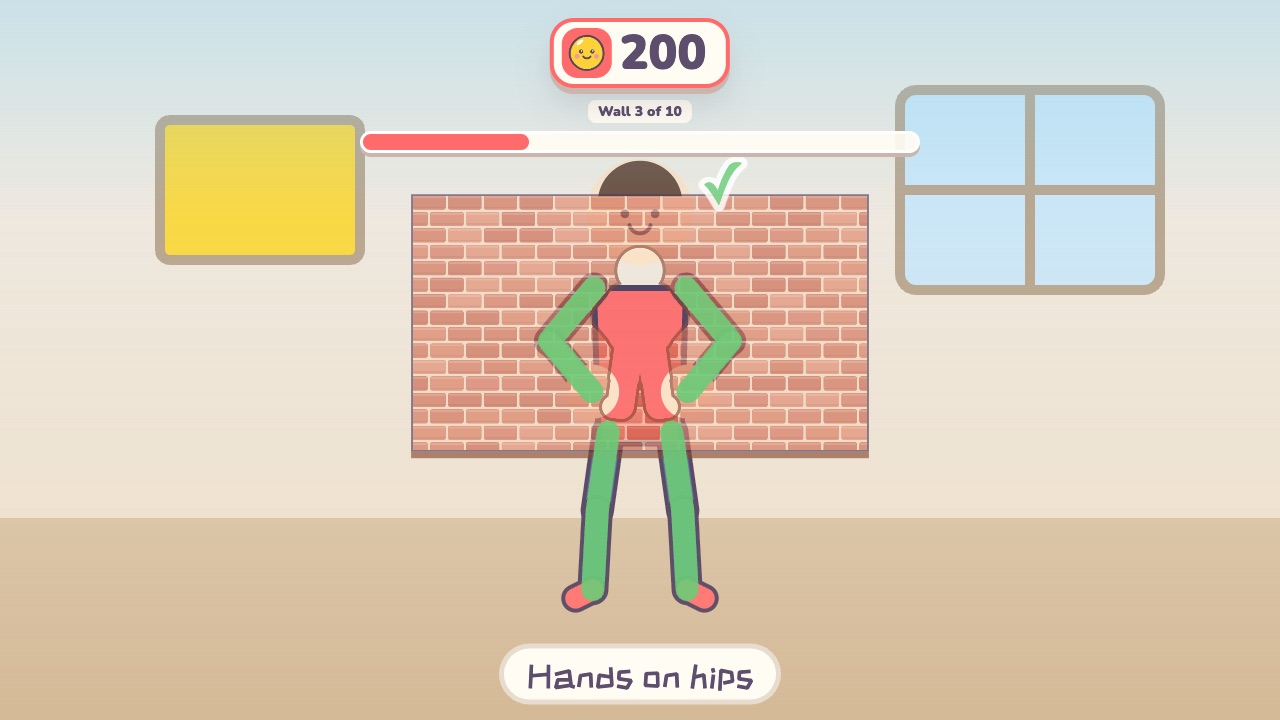 Shape WallMake the same shape as the hole in the wallAges 4–12 · Moderate activity · Whole body / Thinking
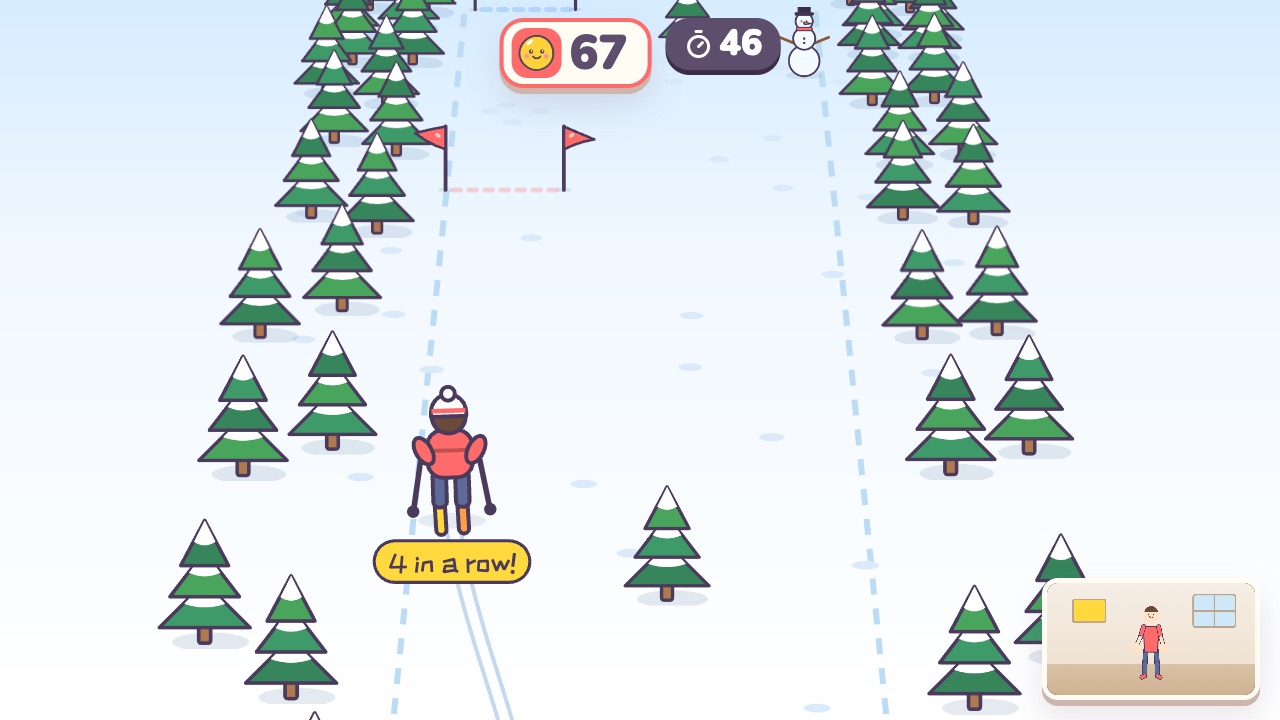 Slalom SkiLean left and right to ski through the flag gatesAges 5–10 · Moderate activity · Whole body
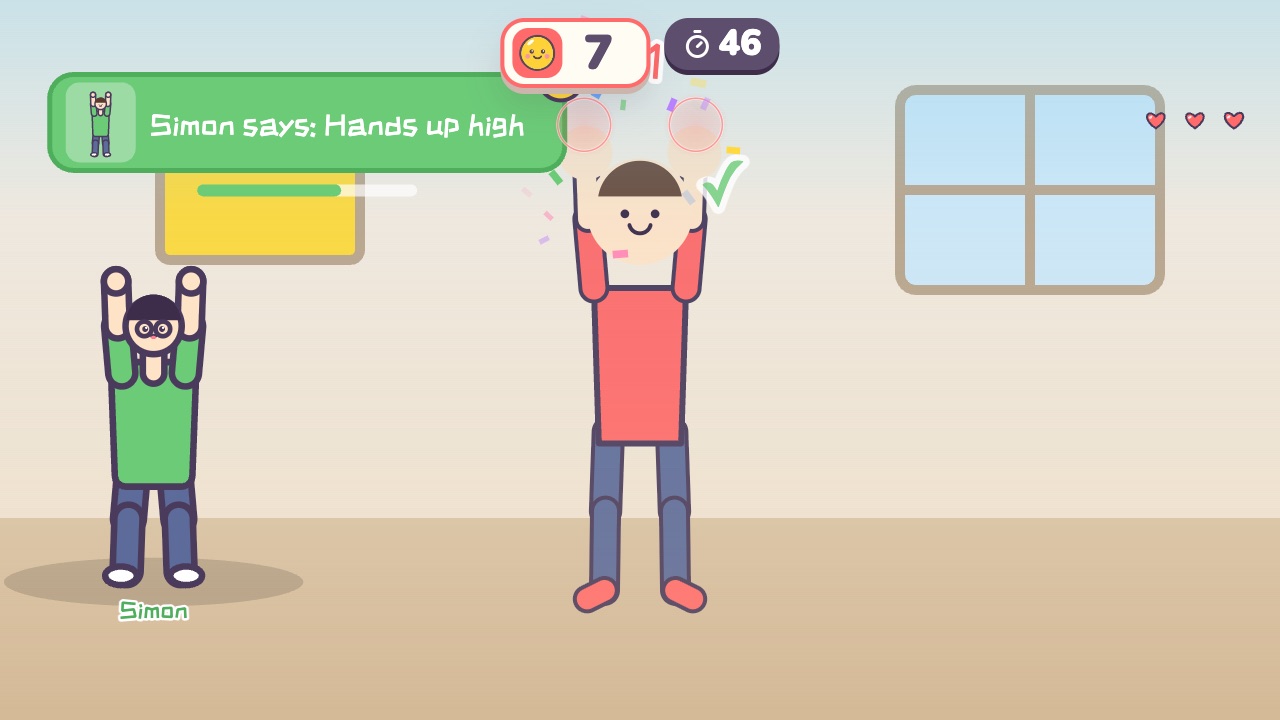 Simon SaysOnly move when Simon says soAges 4–10 · Moderate activity · Whole body / Thinking
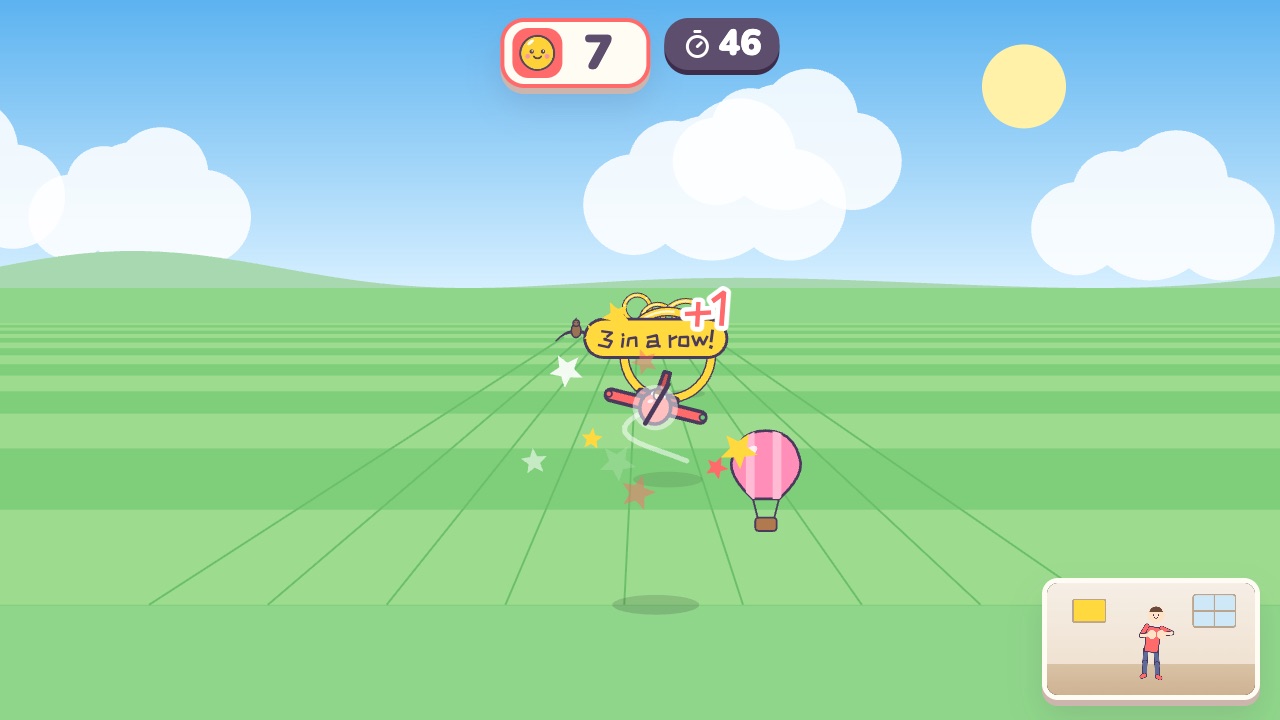 Sky PilotSpread your arms like wings, lean to turn, and fly through the golden ringsAges 5–14 · Moderate activity · Whole body
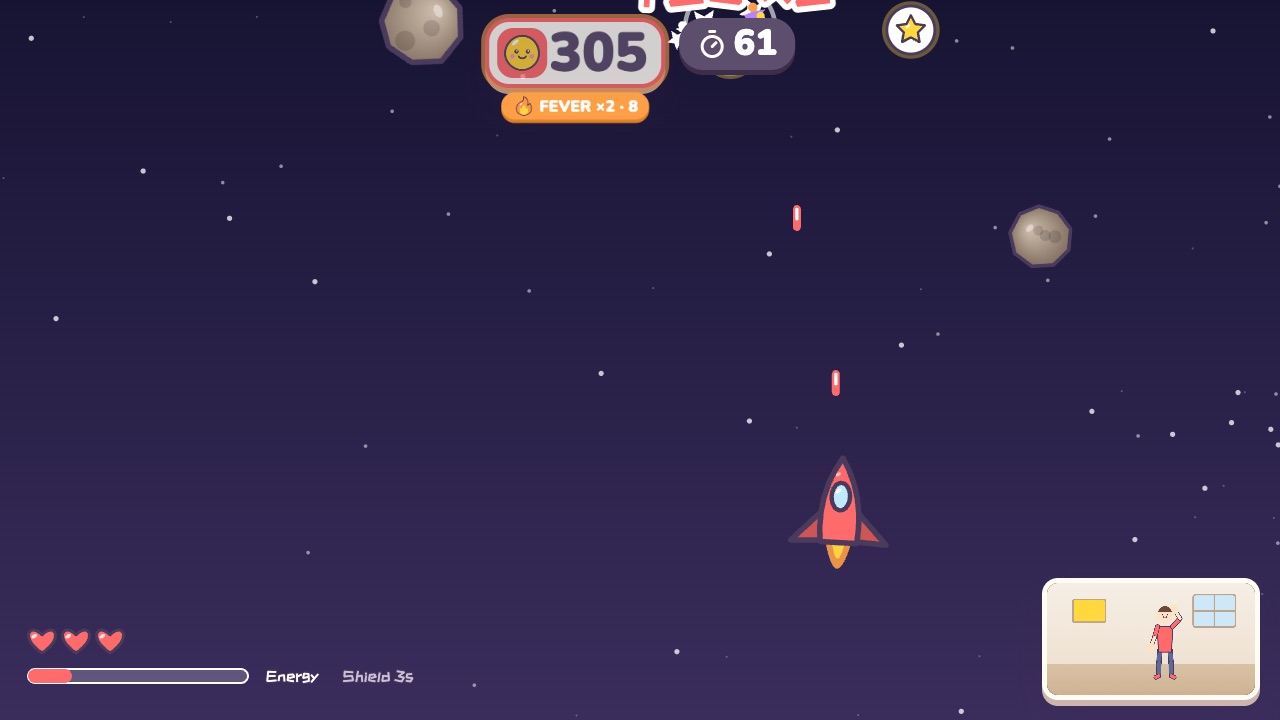 Space FighterMove left and right to fly. Raise your right hand to fire and your left hand for a shieldAges 10–18 · Moderate activity · Whole body / Hands
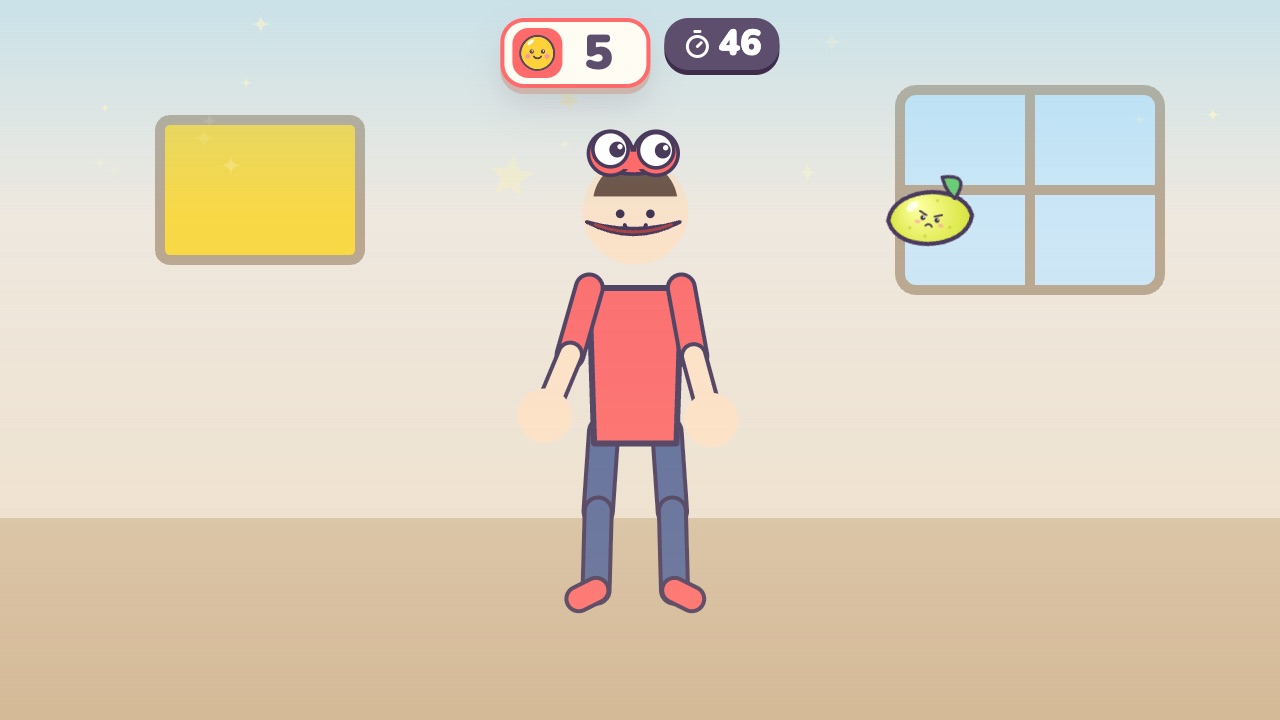 Star MuncherLine your head up with the flying stars and open wide to eat themAges 3–9 · Moderate activity · Whole body