 DongDong Park
Human Clock
Your straight arm is the minute hand, and your bent arm is the hour hand. A motion game played with a webcam, for ages 6–11.
Also searched as: telling time game for kids, human clock game with your arms, clock hands movement game · Updated
▶ Play Human ClockWatch a demo first
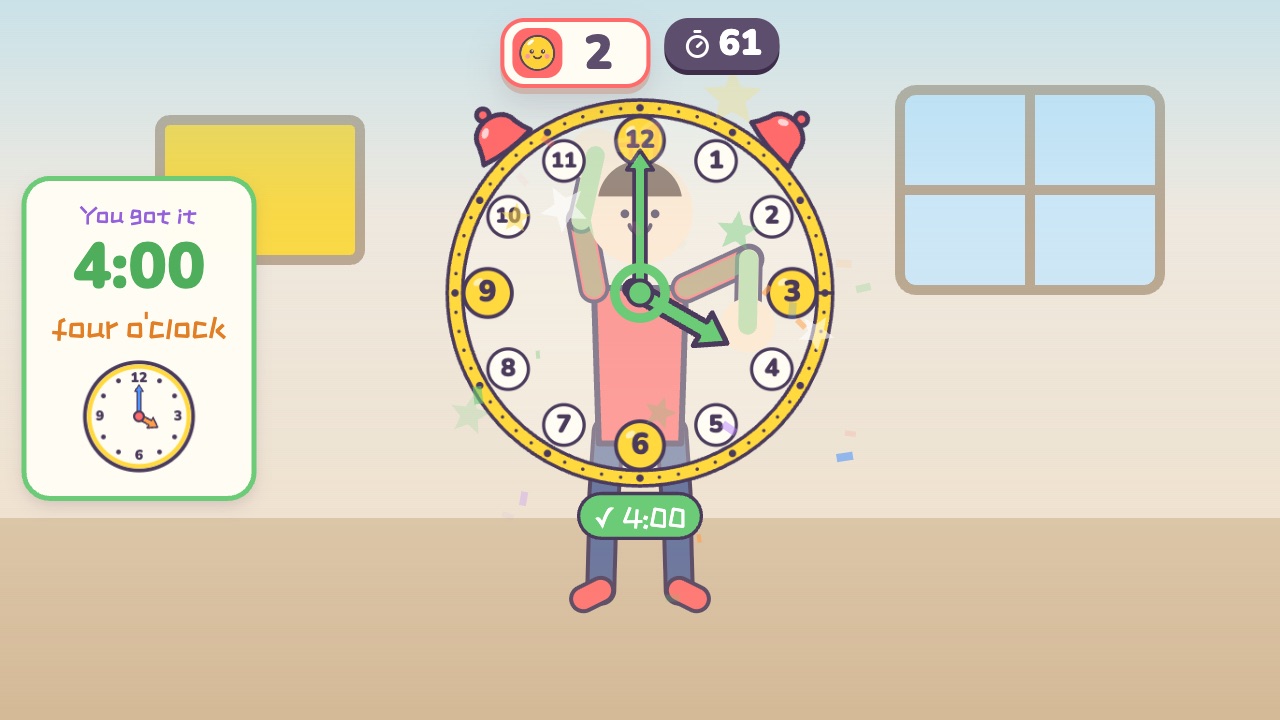
How to play
- You are a clock
- Your straight arm is the long minute hand, and your bent arm is the short hour hand
- Show the time on the screen with your arms, then hold still for a moment
What it practices
- Telling time
- Directions
- Body control
Game info
| Ages | 6–11 (Elementary) |
|---|---|
| Activity level | ⚡ Light |
| Type | Thinking · Calm |
| Round length | 75 seconds (you can change it in the settings) |
| Players | 1 player, or 2 players side by side going for the higher score |
| You need | A webcam; Chrome or Edge |
| Stars | Level 1: 2 stars from 8 points, 3 stars from 11 pointsLevel 2: 2 stars from 8 points, 3 stars from 11 pointsLevel 3: 2 stars from 7 points, 3 stars from 10 pointsFinishing a round always earns 1 star. If you change the round length, the targets scale with it. |
How teachers and parents use it
Kids become the clock: a straight arm is the minute hand, a bent arm is the hour hand, and they hold the time shown on the screen until the bell rings. Easy uses o'clock times, Medium adds half past, and Hard asks for quarter past and quarter to with a bent hour arm, so it fits telling-time lessons for ages 6 to 11; a round lasts 75 seconds. Remind kids that the screen works like a mirror, so 3 o'clock is on the right side of the screen.
Before you play
- Put the camera at about chest height and stand 7 to 10 feet (2 to 3 m) away.
- Clear some floor space and check that it isn’t slippery. A grown-up should stay close while little kids play.
- First time? Run the device check. Not sure how the game works? Choose “Watch a demo first” and a cartoon kid shows you.
▶ Play Human ClockWatch a demo first
Similar games
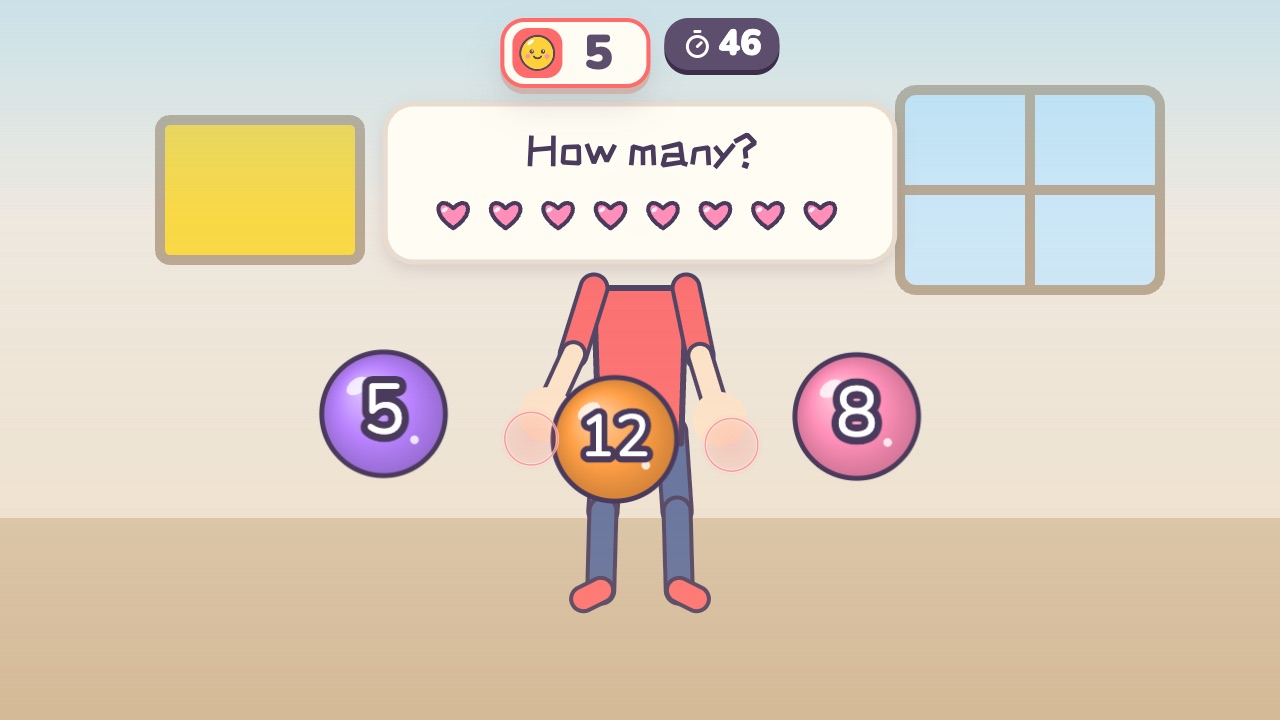 Math CatchThink it through and catch the right answerAges 5–9 · Light activity · Hands / Thinking / Calm
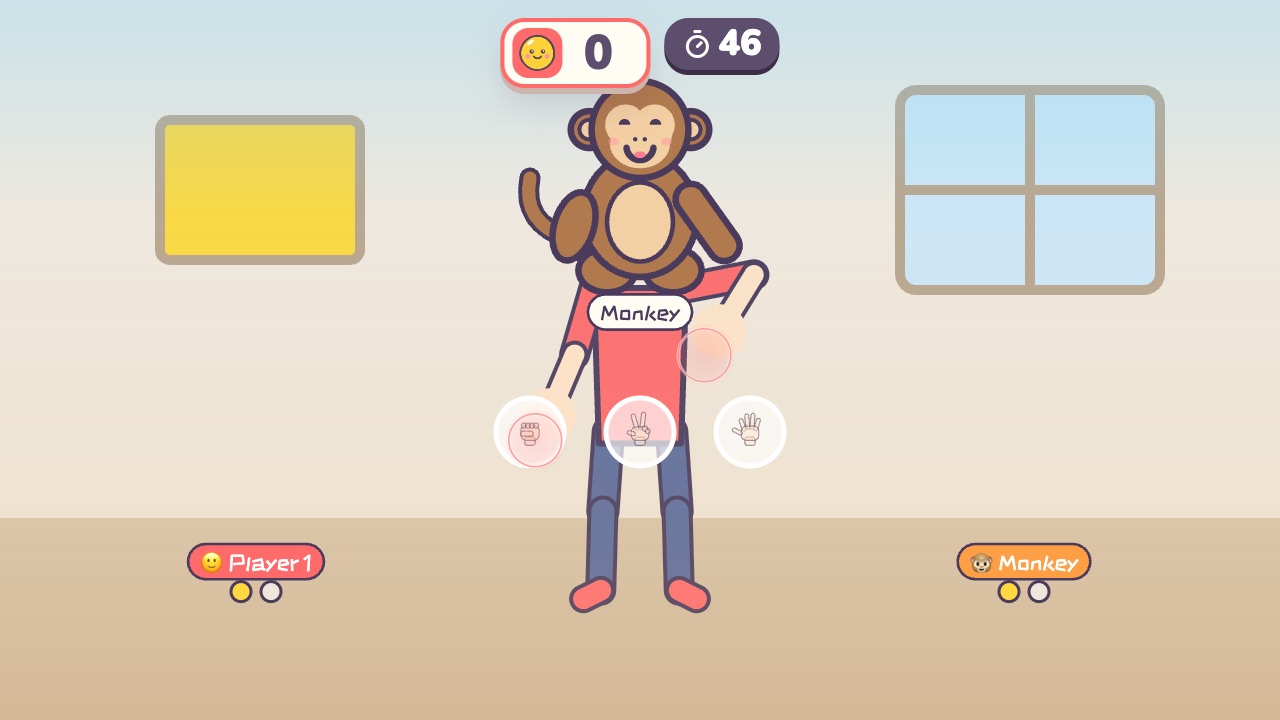 Rock Paper ScissorsPlay rock, paper, scissors with the little monkey. Win two out of threeAges 3–9 · Light activity · Hands / Calm / Thinking
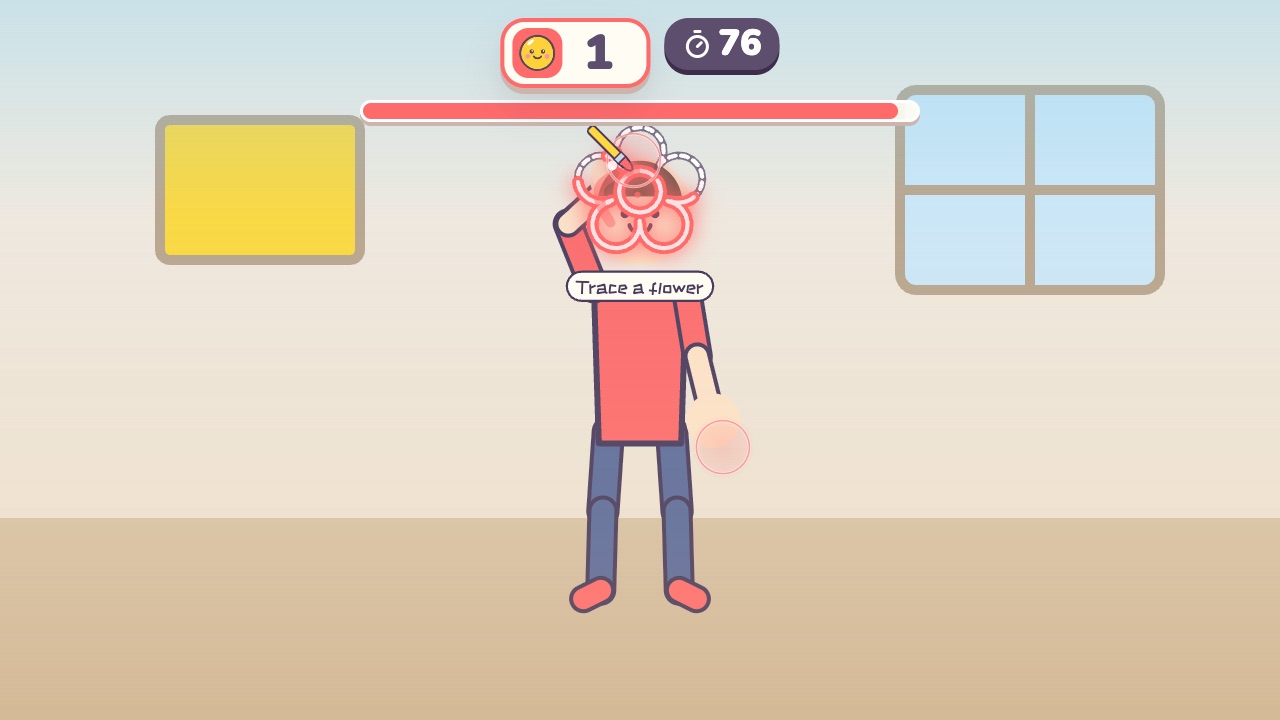 Magic BrushTrace the dotted lines with your hand, and the picture fills with colorAges 3–8 · Light activity · Hands / Calm / Thinking
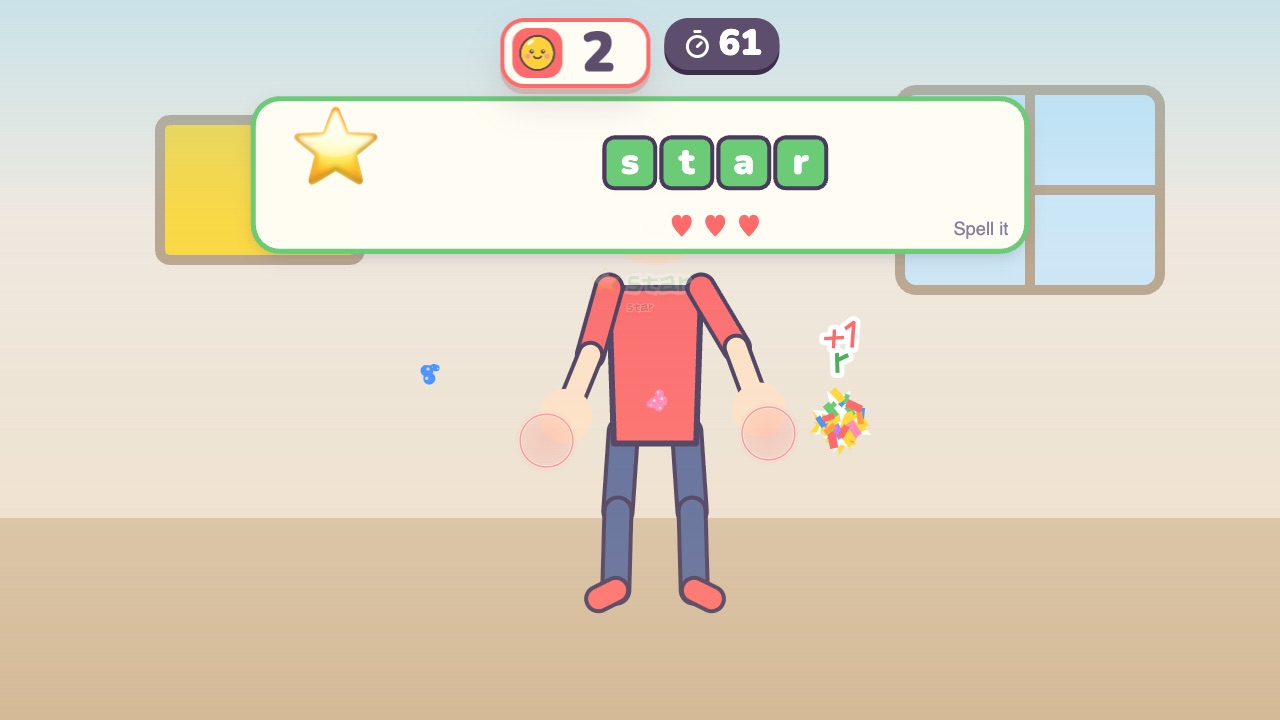 Spelling CatchCatch the letters in the right order to spell the word in the pictureAges 6–12 · Light activity · Hands / Thinking / Calm
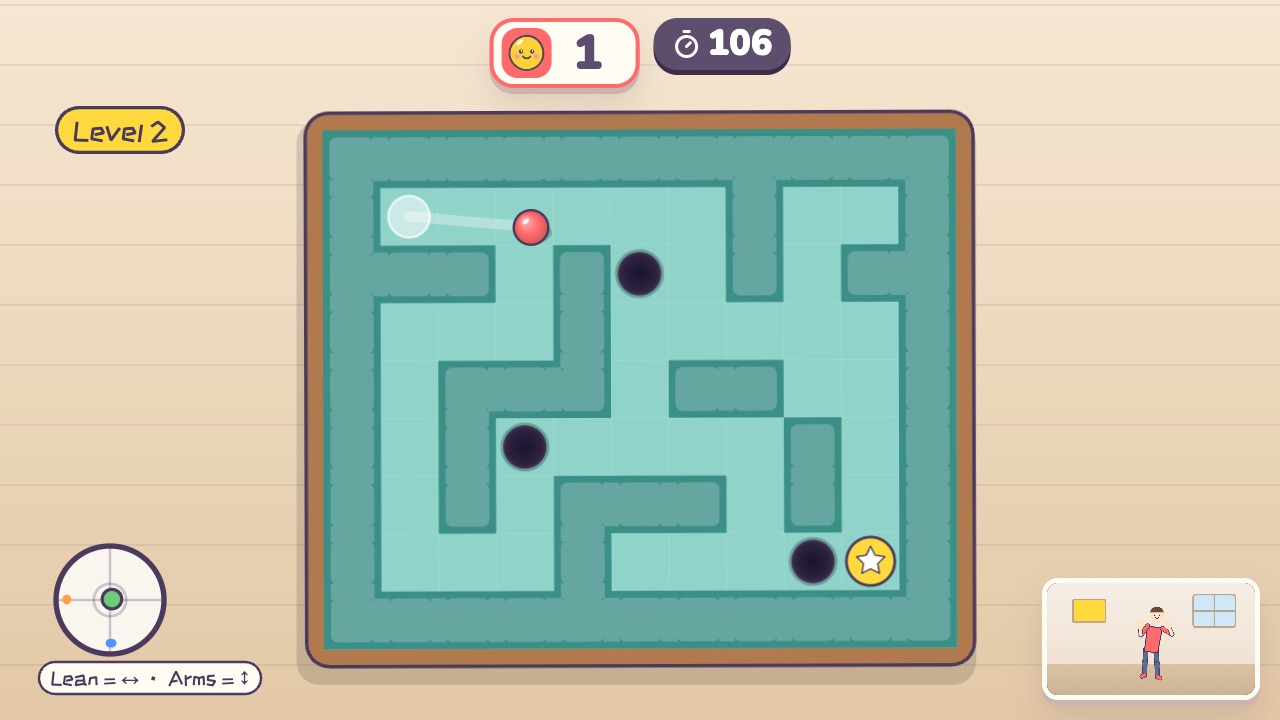 Tilt MazeLean your body to tilt the maze and roll the ball to the finishAges 9–18 · Light activity · Whole body / Thinking / Calm
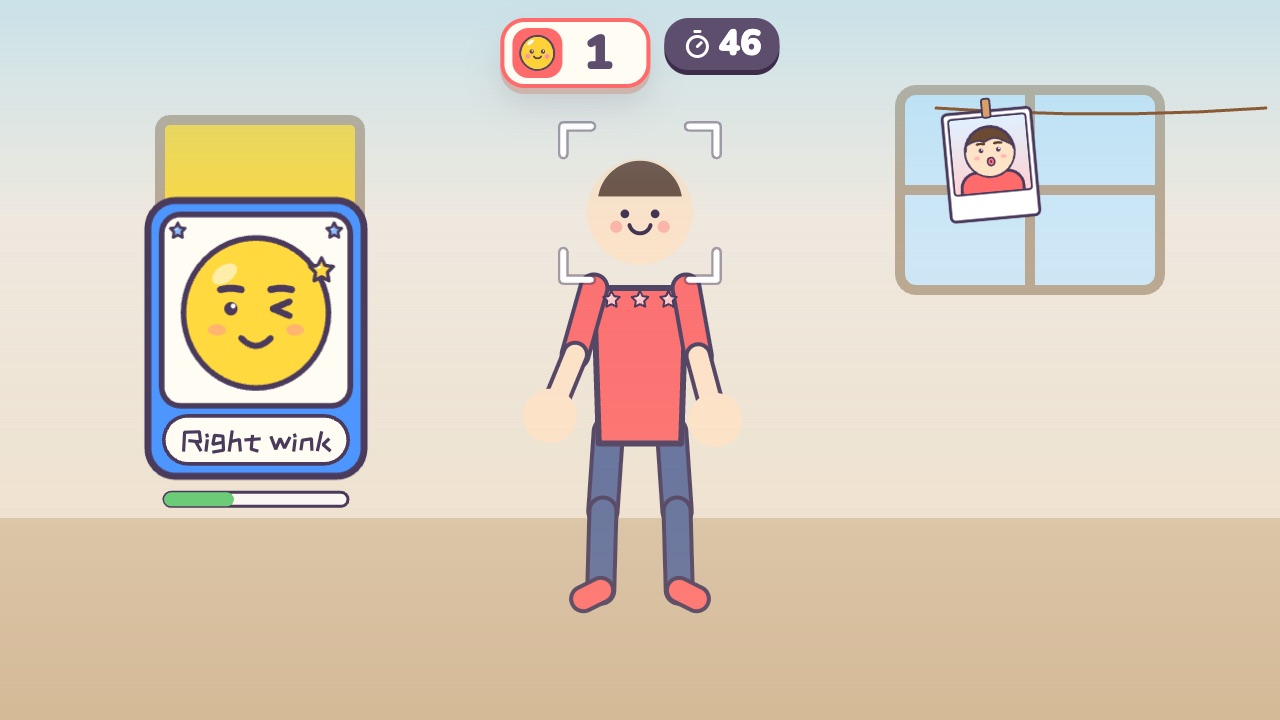 Funny FacesCopy the funny face on the card and snap a photoAges 3–10 · Light activity · Calm / Thinking