 DongDong Park
Robot Says
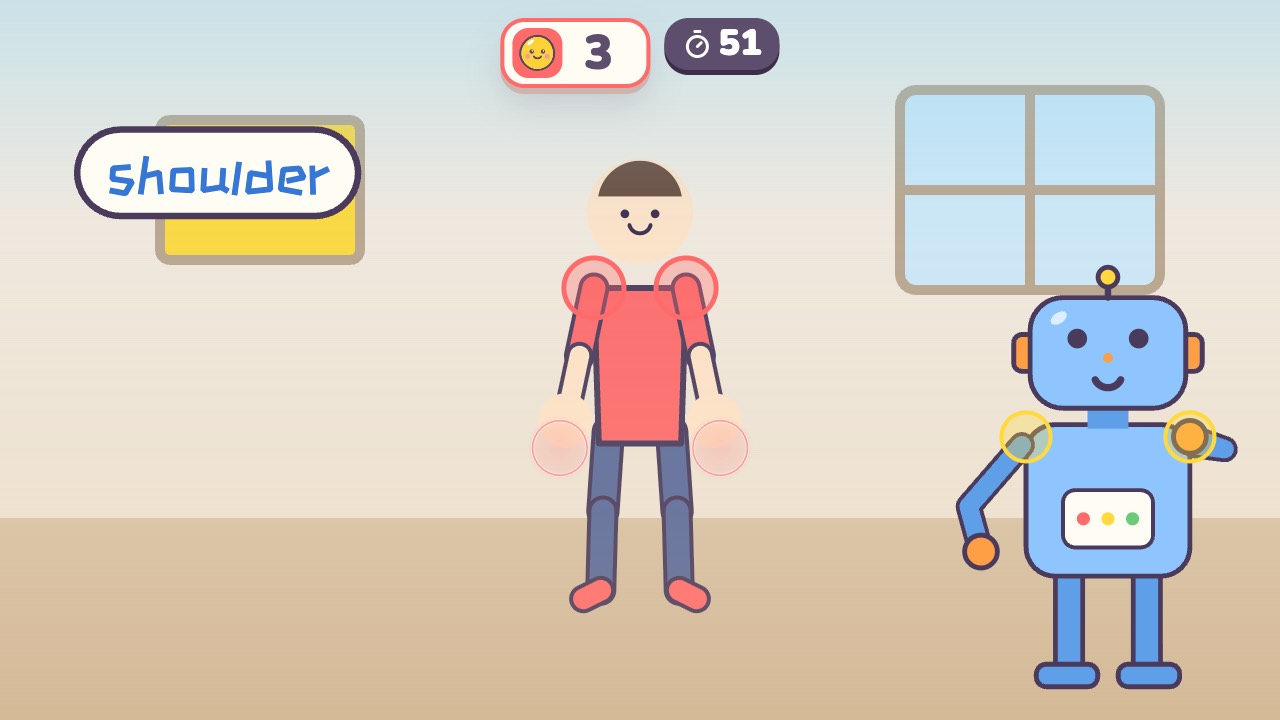
Touch the body part the robot names. A motion game played with a webcam, for ages 3–7. It is in beta, so the gameplay and sound may still change.
Also searched as: body parts game for kids, preschool body awareness activity, listen and touch game · Updated
▶ Play Robot SaysWatch a demo first
How to play
- Listen to what the robot wants you to touch
- Touch that part of your own body
- Get it right and the robot tells you its name
What it practices
- Body parts
- Following directions
- Left and right
Game info
| Ages | 3–7 (Preschool, Elementary) |
|---|---|
| Activity level | ⚡⚡ Moderate |
| Type | Thinking · Whole body |
| Round length | 60 seconds (you can change it in the settings) |
| Players | 1 player, or 2 players side by side going for the higher score |
| You need | A webcam; Chrome or Edge |
| Stars | Level 1: 2 stars from 8 answers, 3 stars from 11 answersLevel 2: 2 stars from 8 answers, 3 stars from 10 answersLevel 3: 2 stars from 7 answers, 3 stars from 9 answersFinishing a round always earns 1 star. If you change the round length, the targets scale with it. |
How teachers and parents use it
The robot names a body part and kids touch it on themselves, then hear its name. They begin with head, shoulders, tummy, knees and feet, move on to ears, eyes, nose and elbows, and older kids answer questions like what you hear with or try crossing over with left hand on right ear. It suits ages 3 to 7 in 60-second rounds, for health lessons or a quick break, and two kids can play together.
Before you play
- Put the camera at about chest height and stand 7 to 10 feet (2 to 3 m) away.
- Clear some floor space and check that it isn’t slippery. A grown-up should stay close while little kids play.
- First time? Run the device check. Not sure how the game works? Choose “Watch a demo first” and a cartoon kid shows you.
▶ Play Robot SaysWatch a demo first
Similar games
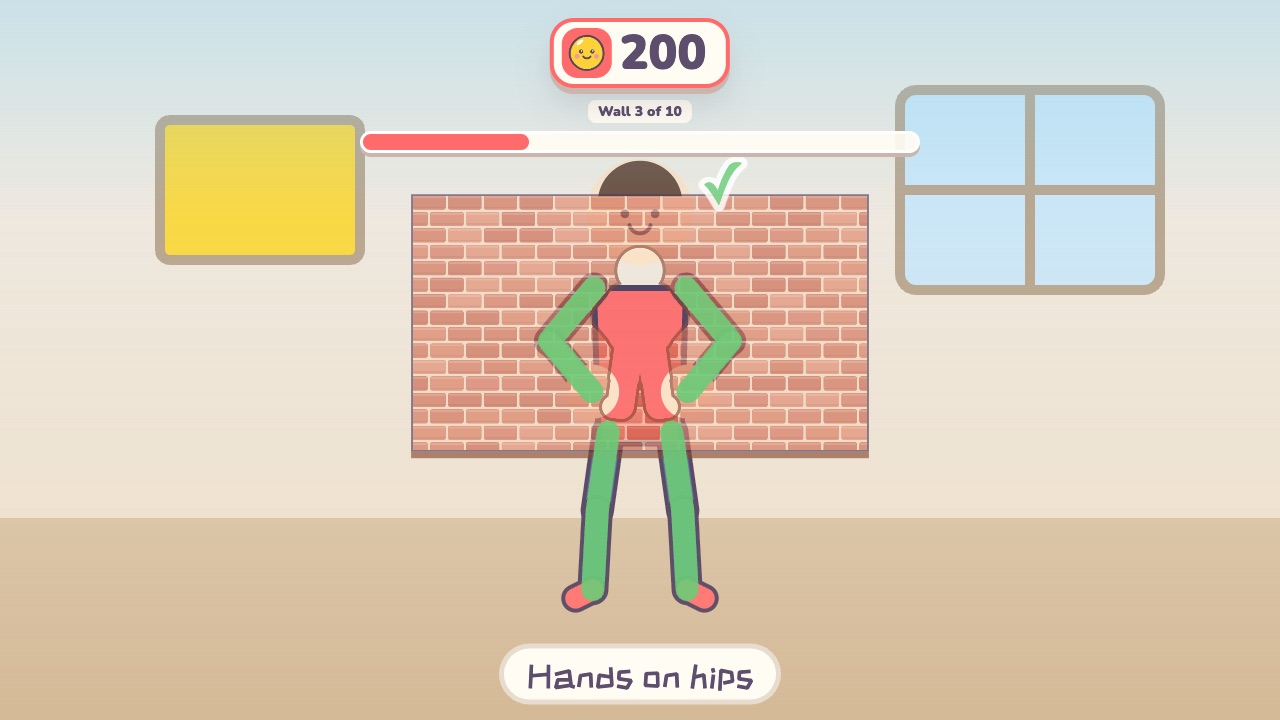 Shape WallMake the same shape as the hole in the wallAges 4–12 · Moderate activity · Whole body / Thinking
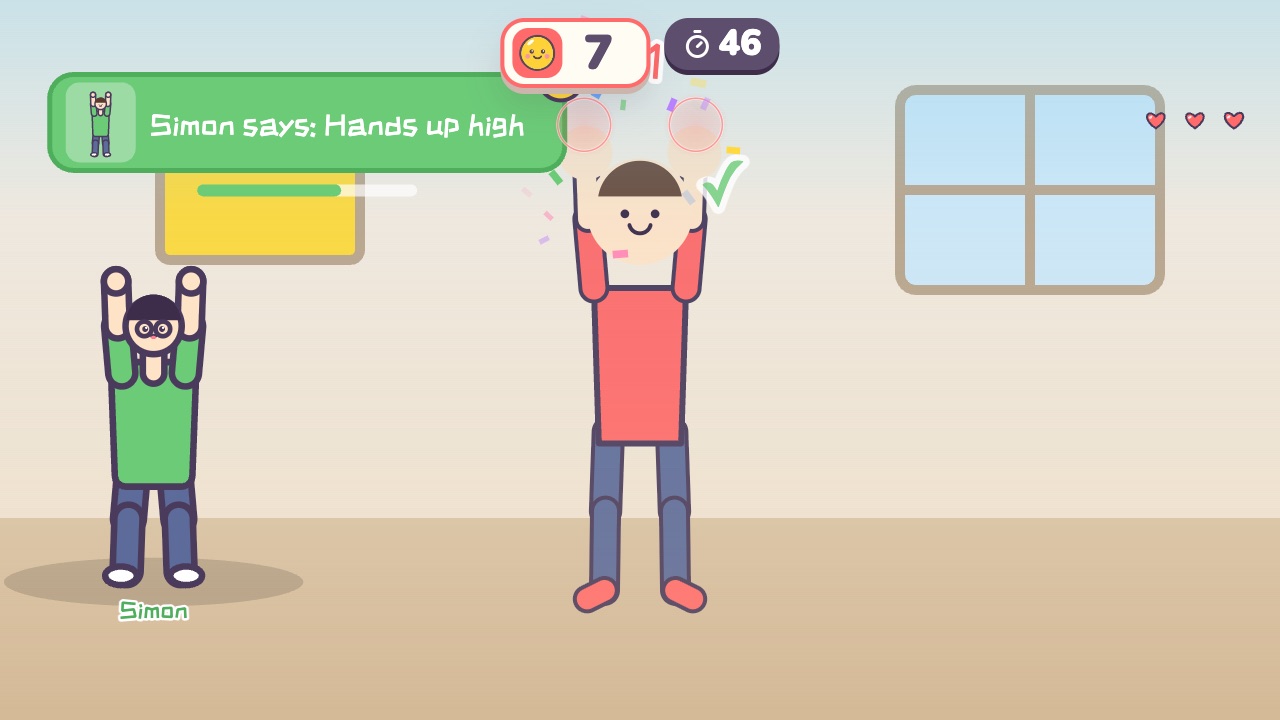 Simon SaysOnly move when Simon says soAges 4–10 · Moderate activity · Whole body / Thinking
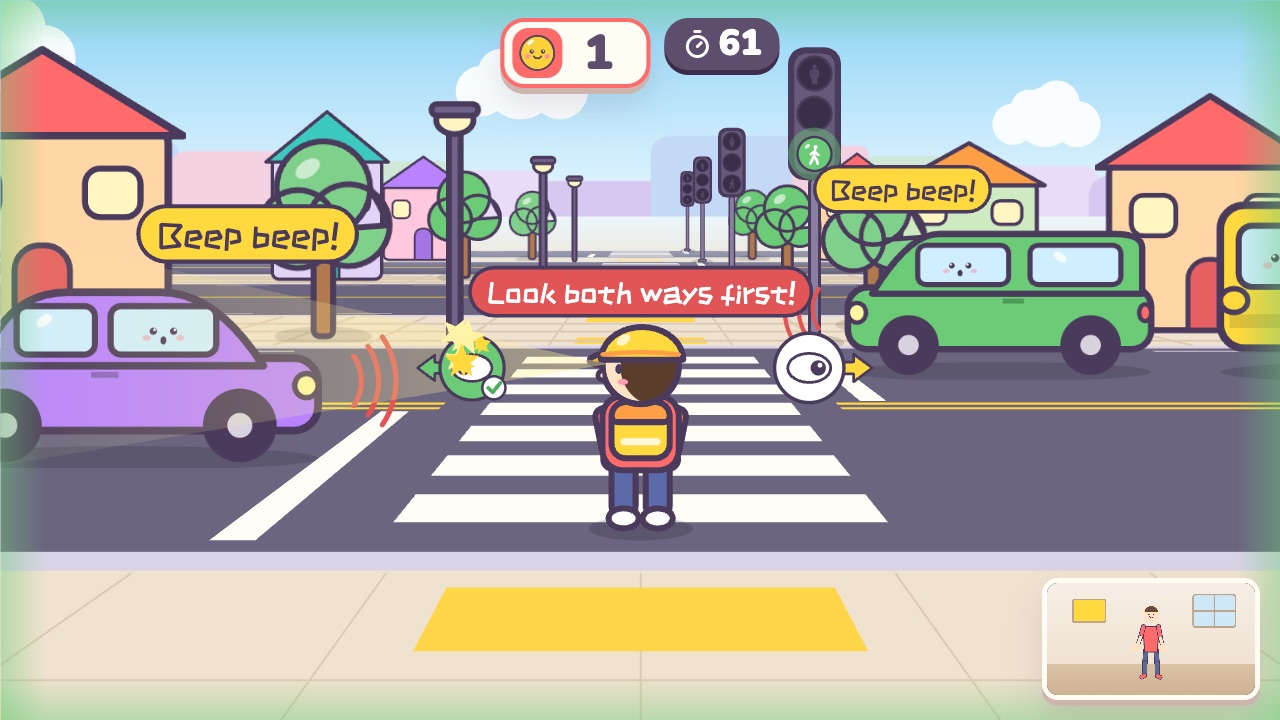 Cross the StreetLook left and right before you cross, and stop right away on redAges 3–8 · Moderate activity · Whole body / Thinking
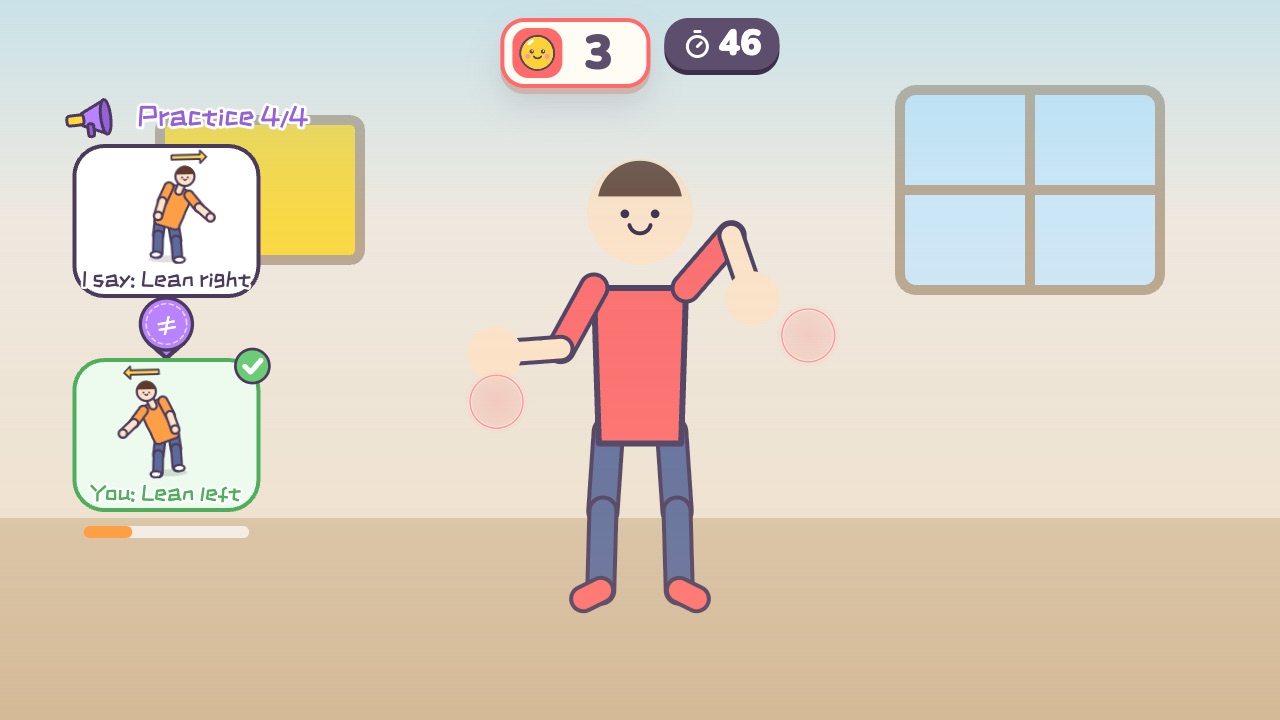 Do the OppositeI say arms up, you squat down. Only the opposite move countsAges 4–10 · Moderate activity · Whole body / Thinking
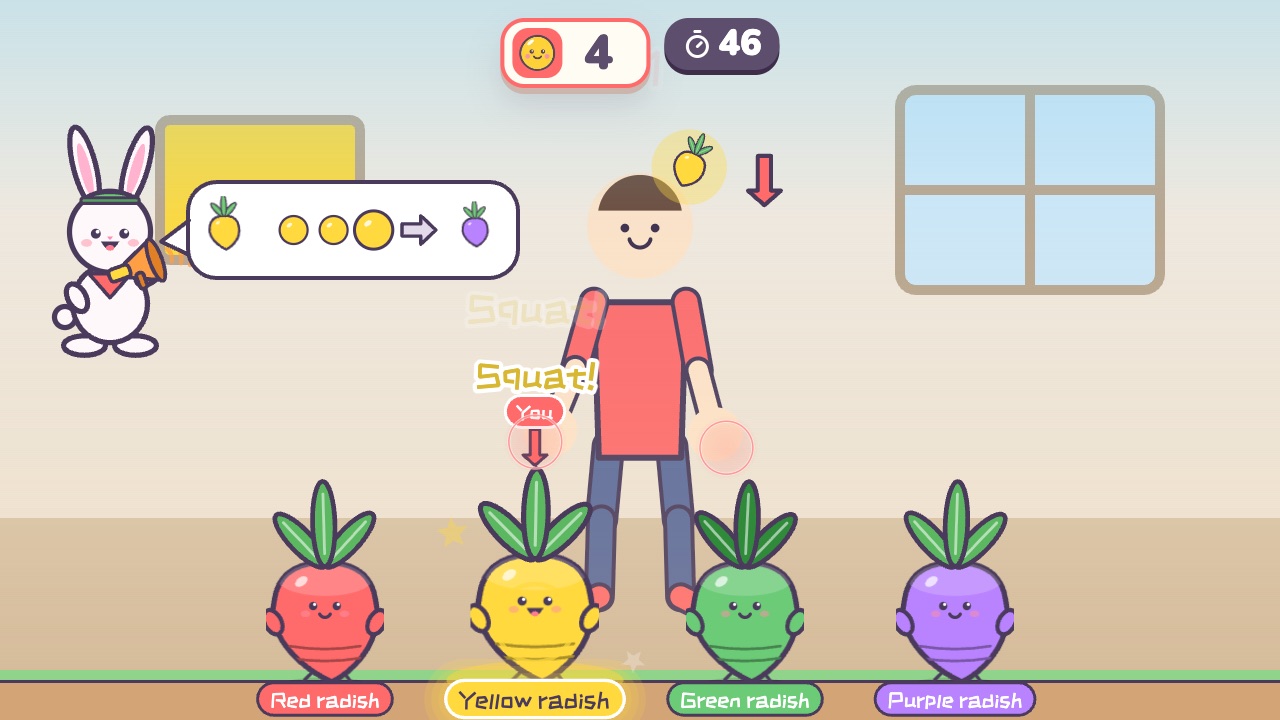 Radish SquatSquat when your color is called, and stay still when it is notAges 3–10 · Moderate activity · Whole body / Run & jump / Thinking
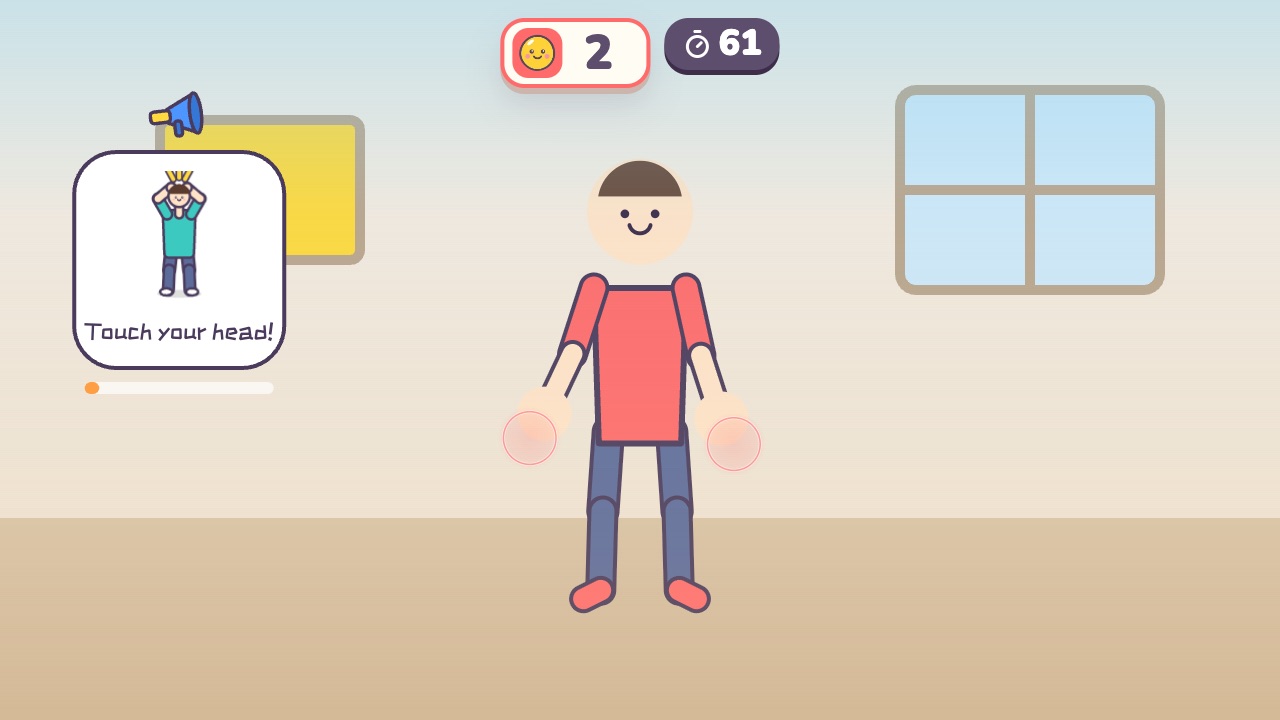 Listen and MoveListen to the English command and do the moveAges 4–12 · Moderate activity · Thinking / Whole body