 DongDong Park
Air Guitar
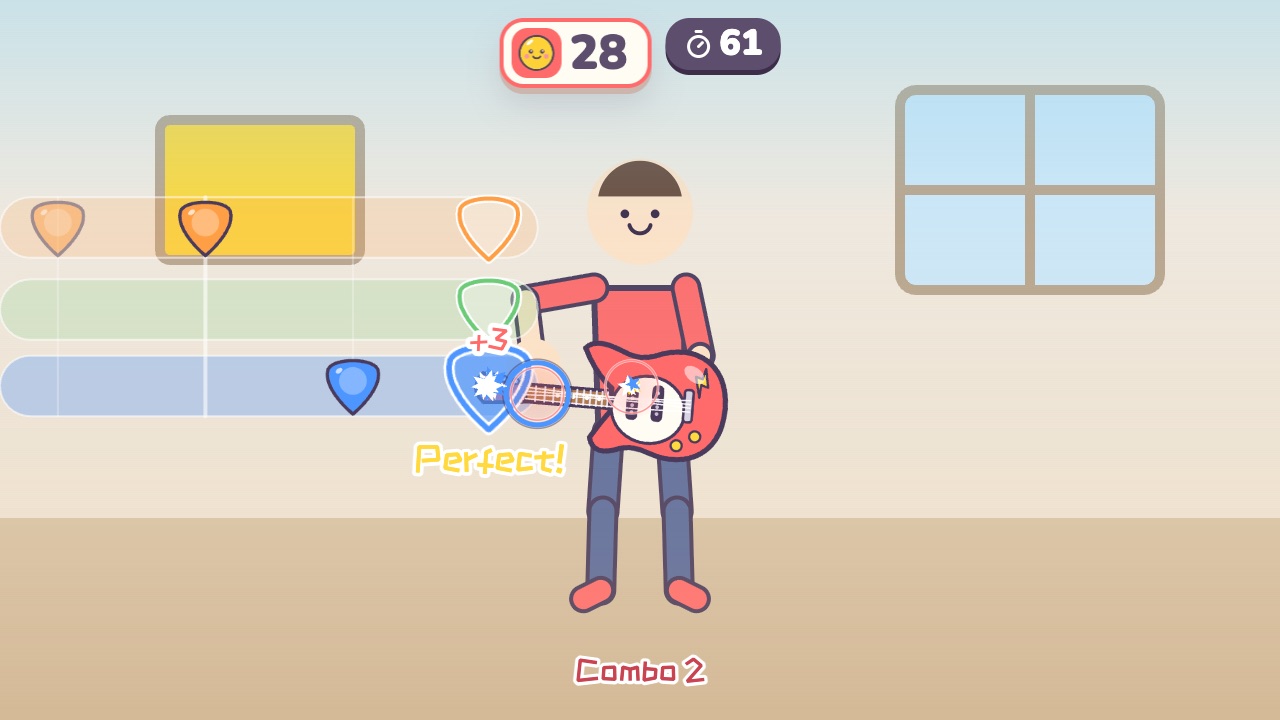
Hold a fret with one hand, strum with the other, and play along with the notes. A motion game played with a webcam, for ages 8–16.
Also searched as: air guitar game for kids, webcam guitar rhythm game, air guitar game for music class · Updated
▶ Play Air GuitarWatch a demo first
How to play
- Hold one hand out to the side on the guitar neck. High, middle and low are three different frets
- Strum up and down in front of your waist with the other hand
- When a note reaches the line, be on the right fret and strum once
What it practices
- Rhythm
- Two-hand coordination
- Musical sense
Game info
| Ages | 8–16 (Elementary, Teens) |
|---|---|
| Activity level | ⚡⚡ Moderate |
| Type | Rhythm · Hands |
| Round length | 75 seconds (you can change it in the settings) |
| Players | 1 player (the computer helps) or 2 players as a team |
| You need | A webcam; Chrome or Edge |
| Stars | Level 1: 2 stars from 110 points, 3 stars from 170 pointsLevel 2: 2 stars from 150 points, 3 stars from 235 pointsLevel 3: 2 stars from 220 points, 3 stars from 320 pointsFinishing a round always earns 1 star. If you change the round length, the targets scale with it. |
How teachers and parents use it
One hand picks one of three frets on the neck while the other strums at the waist, so the two hands do different jobs, which is great practice for two-hand coordination and rhythm, and flames light up the stage as the combo grows. It suits a music lesson or a class party for ages 8 to 16, with 75-second rounds. Two players form a band, one on lead and one on bass.
Before you play
- Put the camera at about chest height and stand 7 to 10 feet (2 to 3 m) away.
- Clear some floor space and check that it isn’t slippery. A grown-up should stay close while little kids play.
- First time? Run the device check. Not sure how the game works? Choose “Watch a demo first” and a cartoon kid shows you.
▶ Play Air GuitarWatch a demo first
Similar games
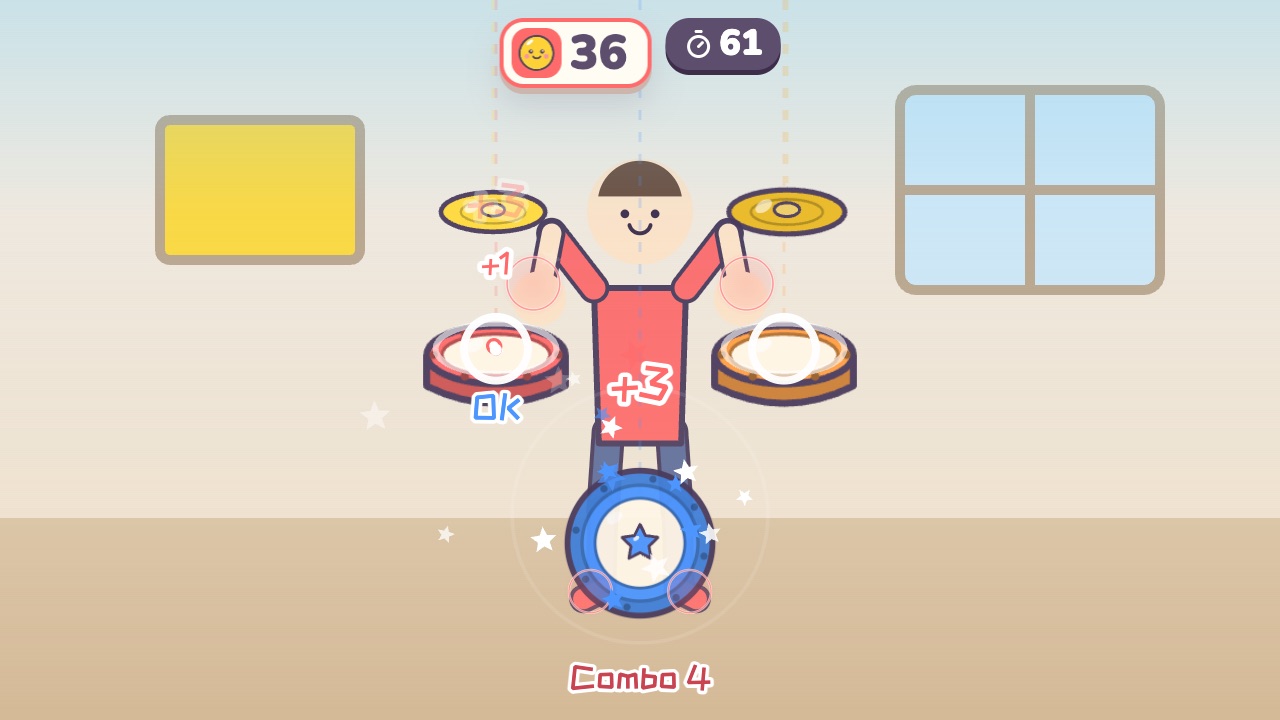 Air DrumsA drum kit floats around you. Hit the drums as the notes fallAges 6–18 · Moderate activity · Rhythm / Hands
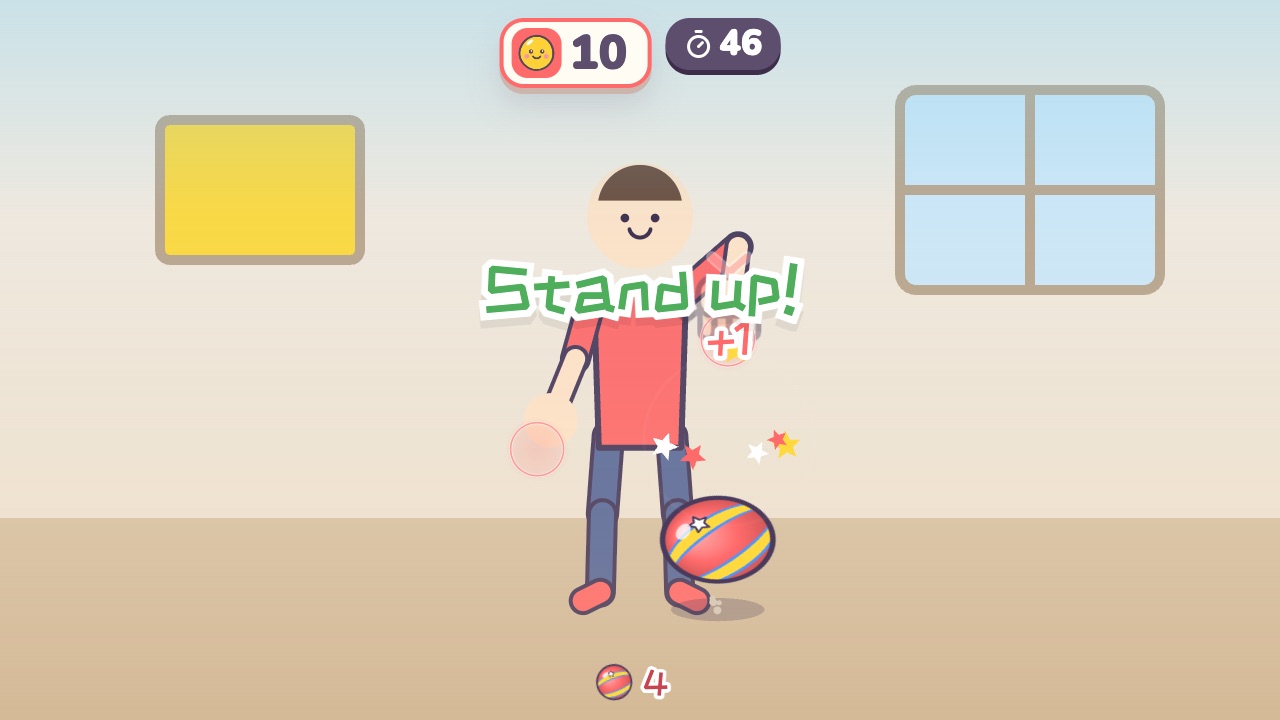 Bounce the BallPush the ball down each time it bounces up, and listen for the callsAges 5–12 · Moderate activity · Hands / Rhythm
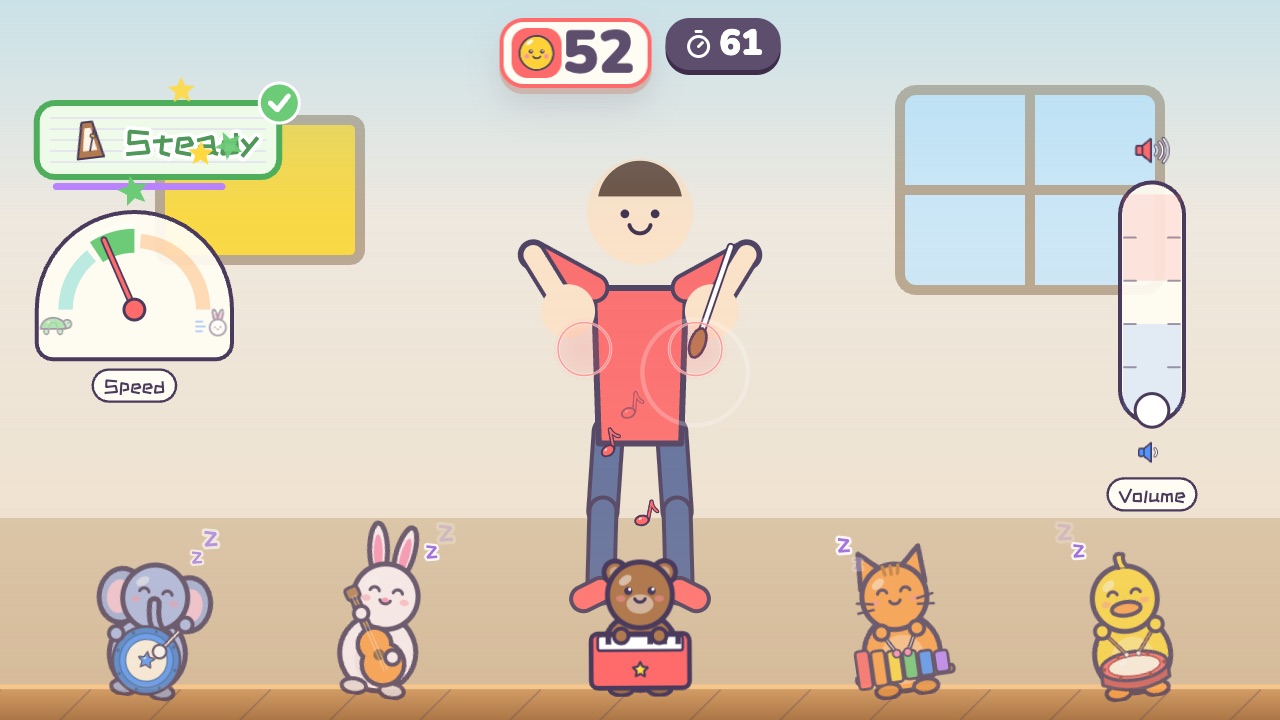 Little ConductorWave fast and the band plays fast. Hold your hands high and it plays loudAges 6–12 · Moderate activity · Rhythm / Hands
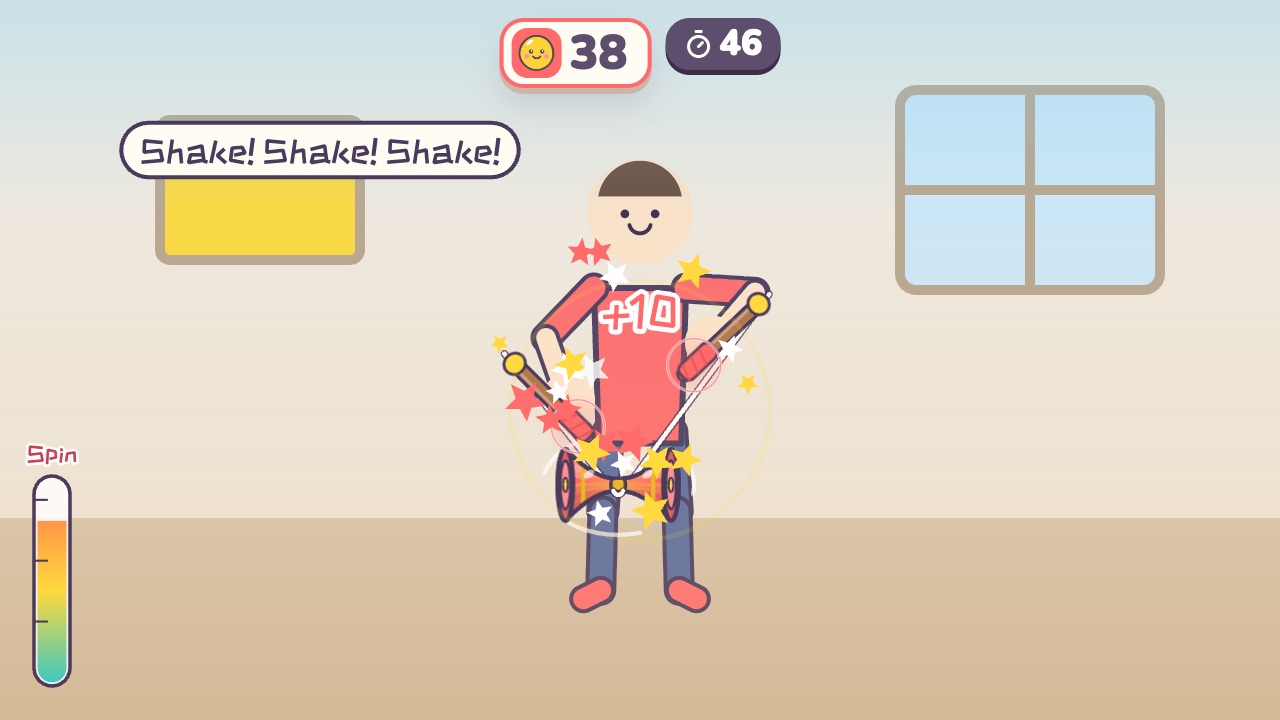 Chinese Yo-YoMove your hands up and down to spin it, then toss it up and catch itAges 8–16 · Moderate activity · Hands / Rhythm
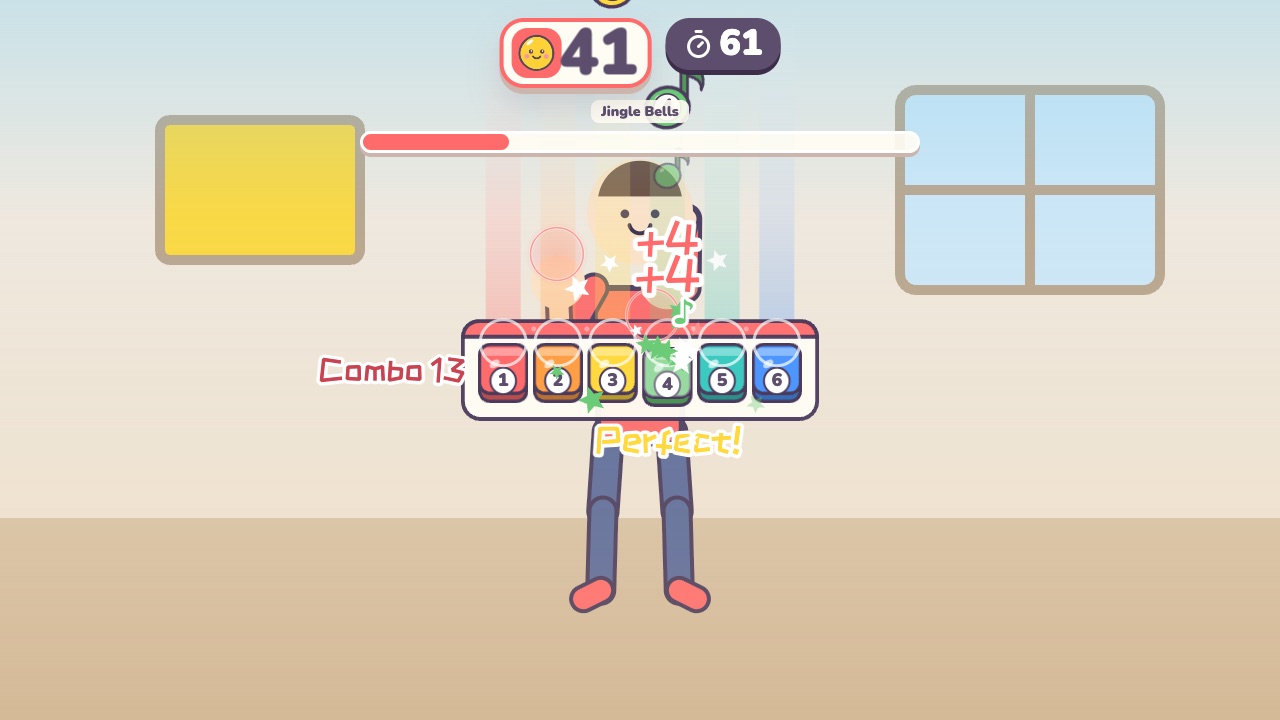 Air PianoPress the keys when the notes land on themAges 6–14 · Light activity · Rhythm / Hands
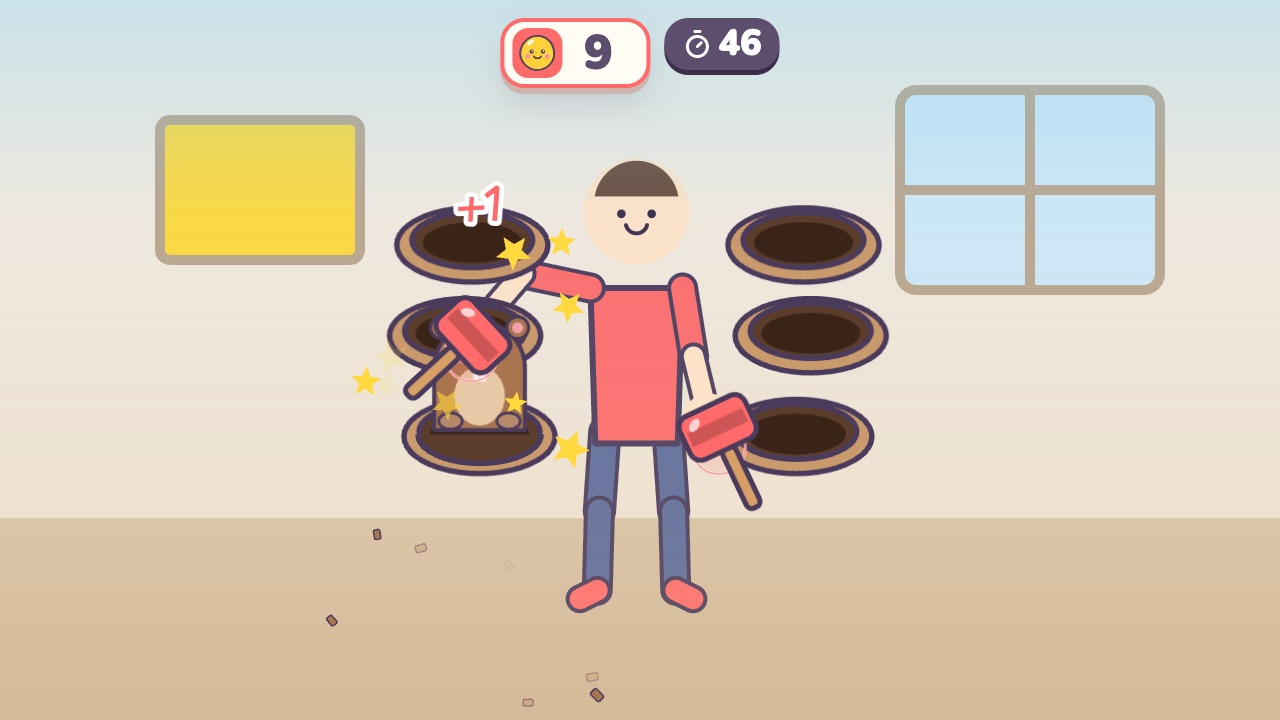 Mole BopBop the moles that pop up beside you, but not the ones in hard hatsAges 3–9 · Moderate activity · Hands